Safe AI Homework Helper for Kids
Use AI for hints, not answer copying. A practical 2026 parent guide to safe AI homework help, privacy checks, and active practice.

Start with the Matching Practice
Use this guide with a direct iBloom worksheet or lesson so children can move from reading the explanation into real practice.
Introduction
Parents do not need another promise that AI will make homework disappear. They need a routine that keeps children thinking, protects family privacy, and turns a tool into a learning step instead of an answer shortcut. That is the real job of a safe AI homework helper for kids.
This post follows the same practical format as the stronger iBloom blog articles: a clear explanation up front, a quick checklist, compact action sections, and internal links to useful practice pages. For broader context, read AI Tools for Kids in 2026: Parent Safety Guide and Free AI Homework Helper for Kids: Effective Learning Strategies.
What a Safe AI Homework Helper Should Do
A safe AI homework helper should coach the process. It should ask what the question means, point the child toward a clue, and give a smaller next step when the child is stuck. It should not replace reading, writing, or problem solving.
Good uses include:
- asking for one hint instead of the full answer
- generating one similar practice question
- simplifying directions for younger learners
- checking whether the child can explain the answer
- turning a finished answer into a short oral review
Bad uses include:
- completing the assignment without the child thinking
- collecting unnecessary personal information
- encouraging private emotional dependence
- hiding the work from parents or teachers
- producing polished final writing with no explanation path
The Parent Safety Checklist
Use this checklist before a child uses AI for homework:
| Check | What to look for |
|---|---|
| Privacy | No full name, school name, address, phone number, photos, or family details in prompts. |
| Supervision | A parent, guardian, or teacher can review the session. |
| Learning value | The tool gives hints, examples, and questions, not just final answers. |
| Age fit | The experience matches the child’s reading level and attention span. |
| Verification | The child is asked to explain or verify the answer after using the tool. |
| Boundaries | The tool is used for short sessions, not constant chatting. |
For privacy and family guidance, the NAESP family guide to safe AI use for kids is a useful reference. The Brookings parent guidance on resilient learners in an AI world adds a useful reminder: children still need effort, reflection, and real practice.
Good AI Help vs. Bad AI Help
Good AI help sounds like a teacher sitting beside the child. It asks a question, gives one clue, waits, and then asks the child to explain the answer in plain language.
Bad AI help sounds like an answer sheet. It writes the paragraph, solves the worksheet, or gives the final response with no reasoning. That may make homework faster, but it weakens reading stamina, math fluency, and writing confidence over time.
A simple rule works well at home: if the child cannot solve a similar problem after the AI session, the AI did too much.
Homework Rules by Age Band
For ages 4 to 6, keep AI mostly adult-facing. The child should still be reading aloud, drawing, counting, and answering questions directly.
For ages 7 to 9, allow AI only as a hint helper. The child can ask for a simpler explanation or one similar example, but not for completed answers.
For ages 10 to 12, teach prompt responsibility. Children can ask for feedback, compare explanations, and request practice questions, but they should still own the final answer.
For middle school and beyond, the focus shifts to AI literacy: what the system can do, what it cannot know, how bias can appear, and why source checking matters.
A Simple 20-Minute AI Homework Routine
A short routine is easier to keep than a perfect routine. Try this sequence:
- Five minutes of independent work.
- Five minutes of AI help for one hint or one example.
- Five minutes of explanation out loud.
- Five minutes of offline practice or review.
That pattern keeps the child active. It also prevents AI from becoming the whole assignment.
How iBloom Fits Into Safer AI Learning
iBloom is strongest when it comes after the hint, not instead of the work. Once a child gets a clue or explanation, iBloom can provide the practice layer that turns the idea into a skill.
For reading and comprehension, use Identify and Analyze Key Details or Use Context Clues to Determine Word Meaning. For younger learners, Pictures Help Us Read is a cleaner practice step after a short AI explanation.
For related word practice, connect this guide with Crossword Puzzles for Vocabulary Practice and Spelling Bee Practice Schedule for Kids.
What Parents Should Ask Schools
Parents can ask four direct questions:
- Which AI tools are allowed?
- What counts as help versus cheating?
- How are student privacy and data use handled?
- How do teachers want families to verify AI-assisted work?
Clear answers matter more than broad policy statements. Families need a routine that can actually be used at home.
Frequently Asked Questions
Is an AI homework helper safe for kids?
It can be safe when it is adult-supervised, age-appropriate, privacy-aware, and used for hints rather than full answers.
Should kids use AI to write essays?
Kids can use AI to brainstorm, organize ideas, and get revision questions, but the final writing should be their own.
What is the best prompt for homework help?
Use prompts that block answer copying, such as “Give me one hint, not the answer” or “Ask me a question that helps me solve this.”
How can parents tell if AI helped learning?
Ask the child to explain the answer, solve a similar problem, or point to evidence. If they can do that without the tool, the AI supported learning.
What should schools include in AI homework rules?
Schools should explain allowed tools, privacy expectations, citation rules, age limits, teacher review, and examples of acceptable help.
Conclusion
A safe AI homework helper for kids is not the fastest answer generator. It is the tool that keeps the child thinking, keeps the parent informed, and moves the family back into real practice quickly.
The best result is simple: AI gives a hint, iBloom gives practice, and the child gives the reasoning.
Practice This Skill Next
After reading this guide, children can practise the same skill on iBloom. Start with Identify and Analyze Key Details or Pictures Help Us Read, then ask the child to explain one answer before moving on.
Worksheet And Lesson Previews
Identify and analyze key details Lesson for Fourth Grade Preview
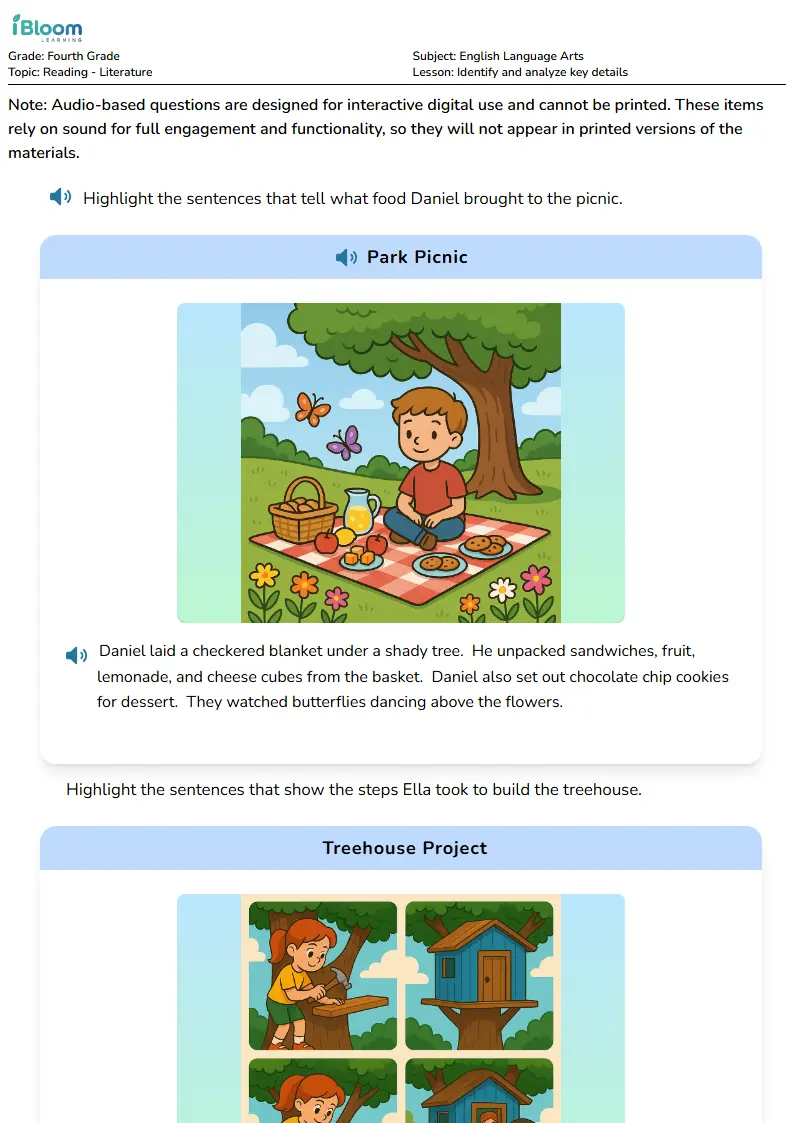
Use this preview to see the kind of practice children will open before you start the routine.
Pictures Help Us Read Worksheets for Class 1 Preview
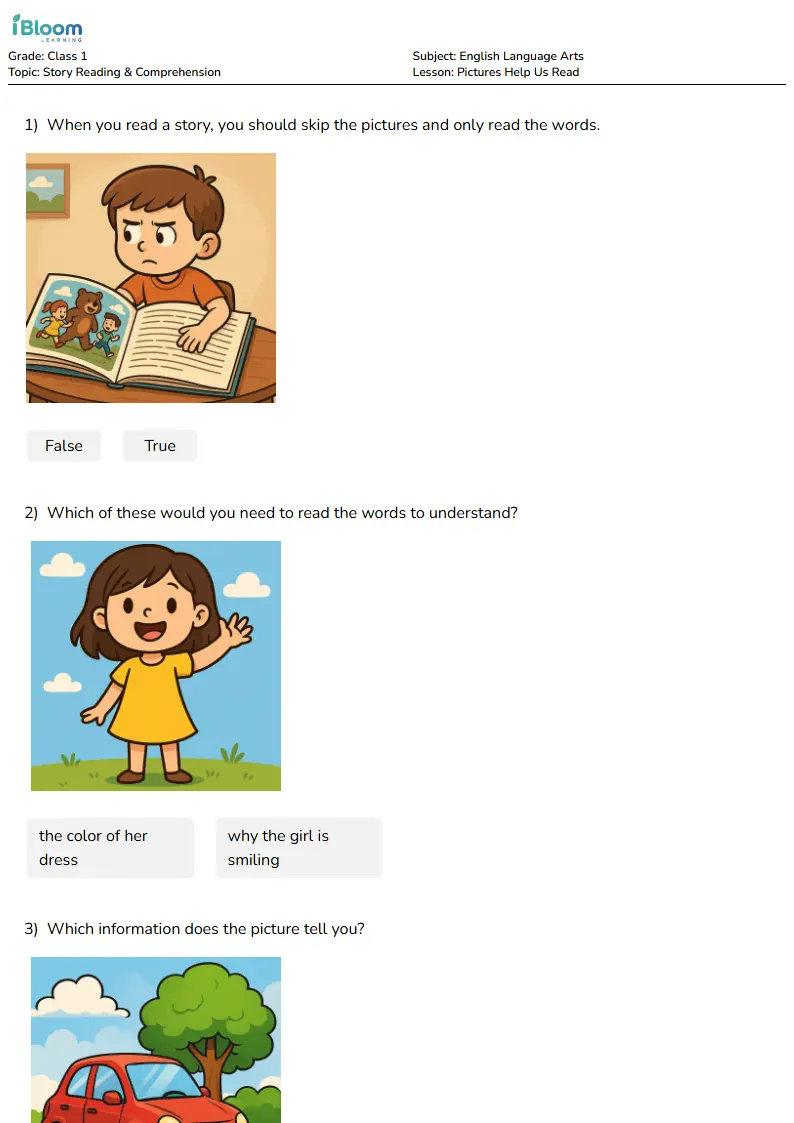
Use this preview to see the kind of practice children will open before you start the routine.