Safe AI Tools for Families and Kids Education
Practical rules for parents and teachers using AI tools with children: privacy, supervision, checking answers, and real learning follow-up.

AI tools are now part of how many families search, study, plan lessons, practise spelling, and explain homework. The safest approach is not to ban every tool or let children use them alone. Parents and teachers need a clear routine: choose age-appropriate tools, protect private information, keep adults involved, check answers, and move every AI hint back into real reading, writing, math, discussion, or worksheet practice.
This guide is for Indian parents, teachers, tutors, and school leaders who want practical rules for AI tools for families, kids education, homework help, and classroom learning in 2026. It connects naturally with iBloom's existing guides on AI literacy for kids, safe AI homework help, and free AI homework helper strategies.
Start with the Matching Practice
Use this guide with a direct iBloom worksheet or lesson so children can move from reading the explanation into real practice.
Table of Contents
- Key Takeaways
- What Makes an AI Tool Safe for Kids
- Family Rules Before a Child Uses AI
- How Teachers Can Use AI Without Replacing Thinking
- Age-by-Age AI Use
- AI Tool Checklist for Parents
- Learning Activities That Work Well With AI
- What Children Should Never Share
- How to Check AI Answers
- Frequently Asked Questions
Worksheet And Lesson Previews
Pictures Help Us Read Worksheets for Class 1 Preview
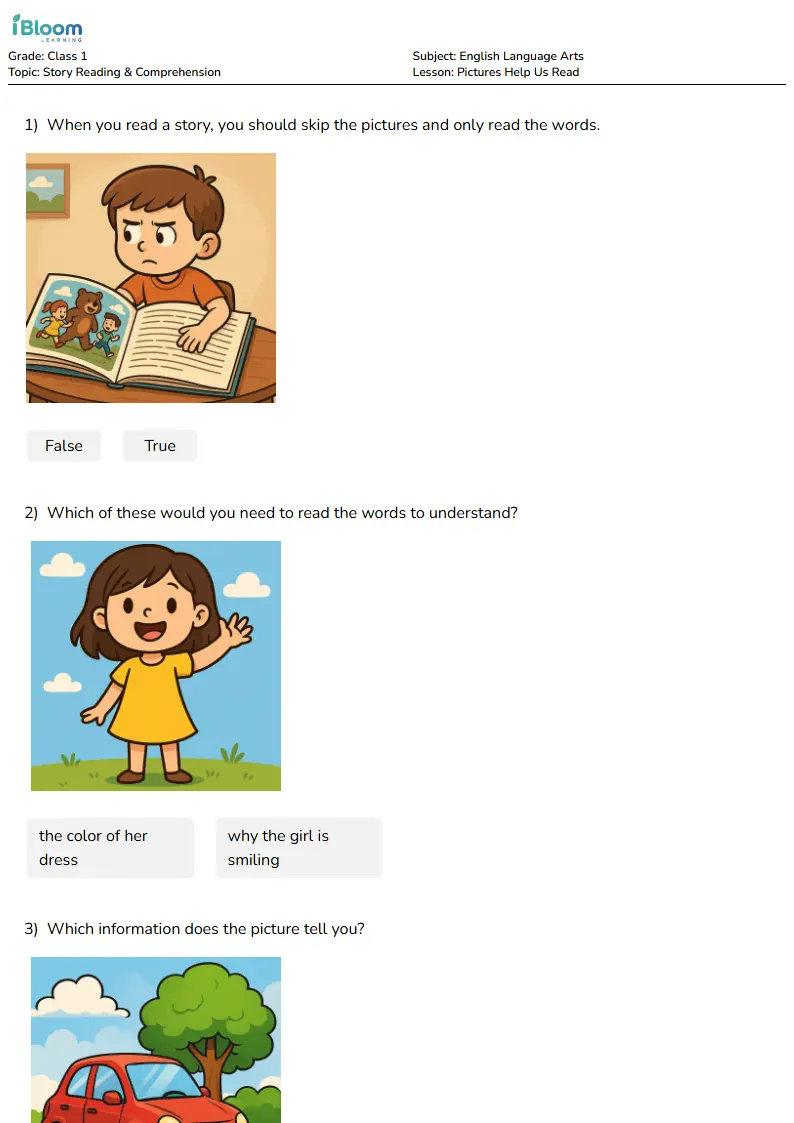
Use this preview to see the kind of practice children will open before you start the routine.
Finding Proof in the Text Lesson for Class 1 Preview
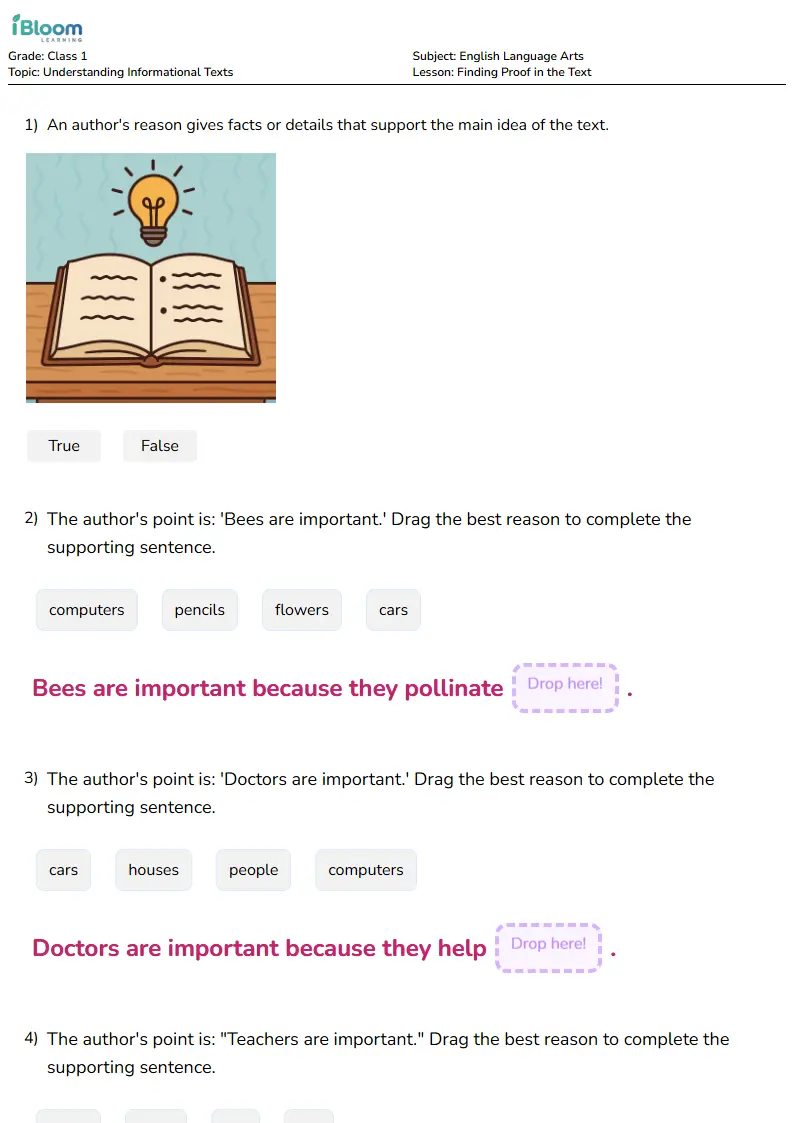
Use this preview to see the kind of practice children will open before you start the routine.
Reading Fluency Practice Lesson for Class 1 Preview
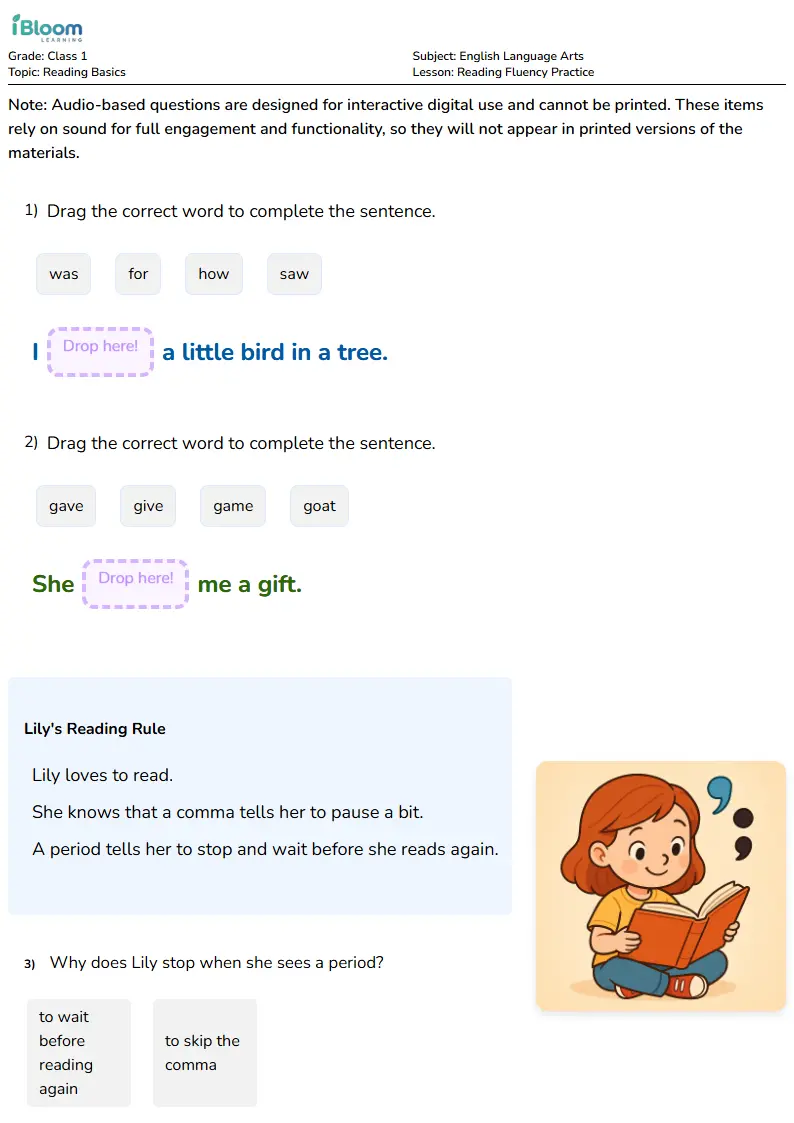
Use this preview to see the kind of practice children will open before you start the routine.
Key Takeaways
- AI tools should support thinking, not replace a child's answer.
- Children need adult supervision, privacy rules, and a habit of checking every AI response.
- Safe AI learning works best when it leads back to reading, writing, math, worksheets, discussion, or teacher feedback.
- Parents and teachers should avoid tools that encourage private emotional dependence, unsafe data sharing, or answer-copying.
- A simple rule works well: ask for a hint, check the answer, explain it yourself.
What Makes an AI Tool Safe for Kids
A safer AI tool for children has a clear learning purpose. It helps a child practise vocabulary, ask for a hint, create a similar math problem, organize a study plan, or check whether an explanation is clear. It should not pressure a child to share private information, replace a teacher, act like a secret friend, or complete schoolwork without understanding.
UNICEF's policy guidance on AI for children is useful because it places children’s rights and well-being at the center of AI design. For families, the practical takeaway is simple: a child-centered AI tool should respect safety, privacy, fairness, and the child’s ability to learn. Common Sense Education also offers an AI literacy toolkit for families, which is helpful for schools that want parents and teachers to talk about AI together.
On iBloom, AI help should lead back to real practice. If an AI tool gives a child a reading hint, the next step can be effective reading practice strategies. If it creates a spelling list, the child can practise with spelling bee words by grade level. If it explains a new word, the child should still read, underline clues, and answer in their own words.
Family Rules Before a Child Uses AI
Every family should agree on rules before a child opens an AI tool:
- Use AI in a shared space, not secretly.
- Ask for hints, examples, quizzes, or explanations, not finished homework.
- Do not share full name, address, school name, phone number, photos, location, passwords, or family details.
- Check every answer with a book, worksheet, teacher, parent, or trusted source.
- Stop using the tool if it asks personal questions or gives uncomfortable advice.
- Follow school rules about AI use.
The FTC's parent guidance on protecting a child's privacy online is a useful reminder that parents should know what information an online service collects and how it uses that information. For schools and edtech teams, the FTC's privacy and security guidance gives a broader view of privacy promises and data responsibilities.
How Teachers Can Use AI Without Replacing Thinking
Teachers can use AI as a planning helper while keeping student thinking at the center. For example, a teacher might ask AI for five vocabulary sentences, then choose the best three and adapt them for the class. A teacher might create a short passage, then ask students to find the main idea, underline evidence, and explain their answer.
In a classroom, AI should not be the final authority. The teacher remains the guide. Students should hear phrases like:
- "Show the sentence that proves your answer."
- "Use your own words."
- "Check the AI explanation with the passage."
- "Now solve a similar problem without AI."
- "Tell a partner how you know."
This fits well with iBloom practice pages such as Pictures Help Us Read, Finding Proof in the Text, and Reading Fluency Practice.
Age-by-Age AI Use
Ages 4 to 6
At this age, AI should be adult-facing. A parent or teacher can use it to make a simple rhyme, picture prompt, or story question. The child should still speak, draw, sort, listen, count, and answer. For young learners in Delhi, Mumbai, Bengaluru, Chennai, Hyderabad, Pune, Kolkata, Ahmedabad, Jaipur, Lucknow, Kochi, and Coimbatore, local examples such as lunch boxes, school buses, crayons, markets, gardens, and storybooks make the practice easier to understand.
Ages 7 to 9
Children can begin using AI with adult supervision. The safest prompt is "Give me one hint, not the answer." After the hint, the child should complete the activity in their own words. If a child is working on English, use English worksheets for kindergarten for easier practice or reading comprehension strategies for the next level.
Ages 10 to 12
Older elementary learners can compare explanations, create quiz questions, and check a draft paragraph. They should also learn that AI may sound confident even when it is wrong. Ask them to use three checks: Does it answer the question? Can I find proof? Can I explain it without reading the AI response?
AI Tool Checklist for Parents
Before a child uses any AI tool, ask:
| Question | Parent Check |
|---|---|
| Is the tool age-appropriate? | Read the age guidance and school rules. |
| What data does it collect? | Check privacy settings and avoid private prompts. |
| Can the child use it with an adult nearby? | Keep AI use visible. |
| Does it encourage learning or answer-copying? | Prefer hints, quizzes, and explanations. |
| Can the answer be checked? | Use books, teachers, worksheets, and trusted sources. |
Learning Activities That Work Well With AI
AI works best when the activity has a human finish. Try these routines:
- Ask AI for three vocabulary practice sentences, then ask the child to circle the clue word.
- Ask AI for one similar subtraction problem, then solve it on paper.
- Ask AI to quiz spelling words, then practise offline.
- Ask AI for a story starter, then let the child write the ending.
- Ask AI to explain a word, then verify it in a passage.
For reading, connect the routine to Finding Proof in the Text. For spelling, connect it to Spelling Bee Practice Schedule for Kids. For no-screen balance, use no-screen learning activities for kids.
How to Check AI Answers
Use the Check-Explain-Practise routine:
- Check the answer with a trusted source, worksheet, teacher, or parent.
- Explain the answer in your own words.
- Practise one similar question without AI.
For reading, a child can check with Reading Rockets comprehension guidance. For classroom evidence routines, teachers can also use the IES reading comprehension practice guide. Indian schools can align AI-supported activities with classroom expectations using the CBSE Academic portal.
Frequently Asked Questions
Are AI tools safe for children?
Some AI tools can be useful with adult supervision, privacy rules, and clear learning goals. Children should not use AI tools secretly or share private information.
Should AI do homework for kids?
No. AI can give a hint, explain a word, create a similar question, or quiz the child. The child should still do the thinking and final answer.
What is the best AI rule for families?
Use AI in a shared space, ask for hints instead of answers, protect private information, and check every response.
How can teachers use AI responsibly?
Teachers can use AI for planning, examples, quiz prompts, and differentiated practice. Students should still explain, read, solve, write, and discuss.
What should a child do after using AI?
The child should complete one human learning action: write a sentence, solve a similar problem, read a passage, explain the answer, or practise on an iBloom worksheet.
Practice This Skill Next
After reading this guide, children can practise the same skill on iBloom. Start with Pictures Help Us Read or Finding Proof in the Text, then ask the child to explain one answer before moving on.