


About this worksheet
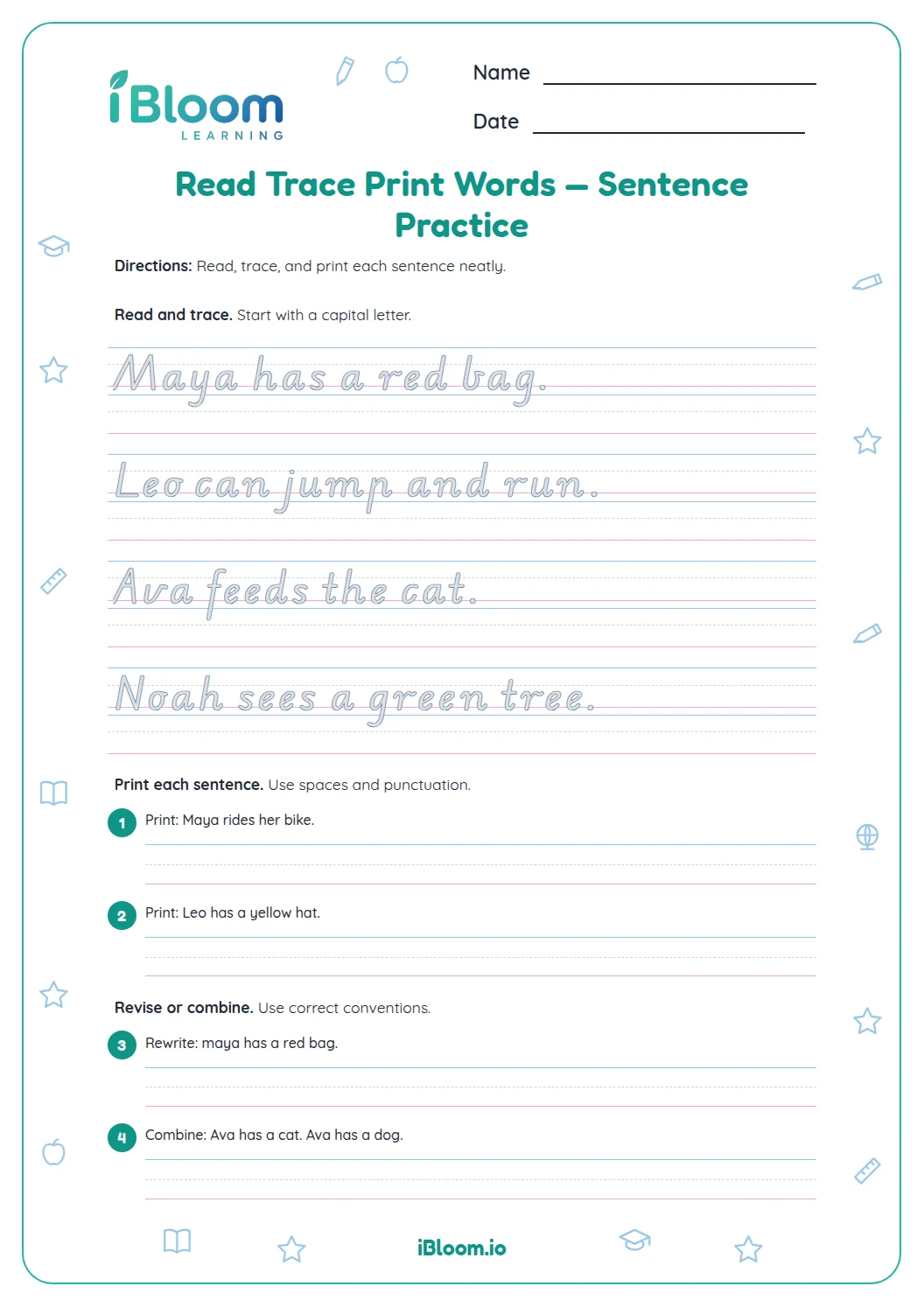
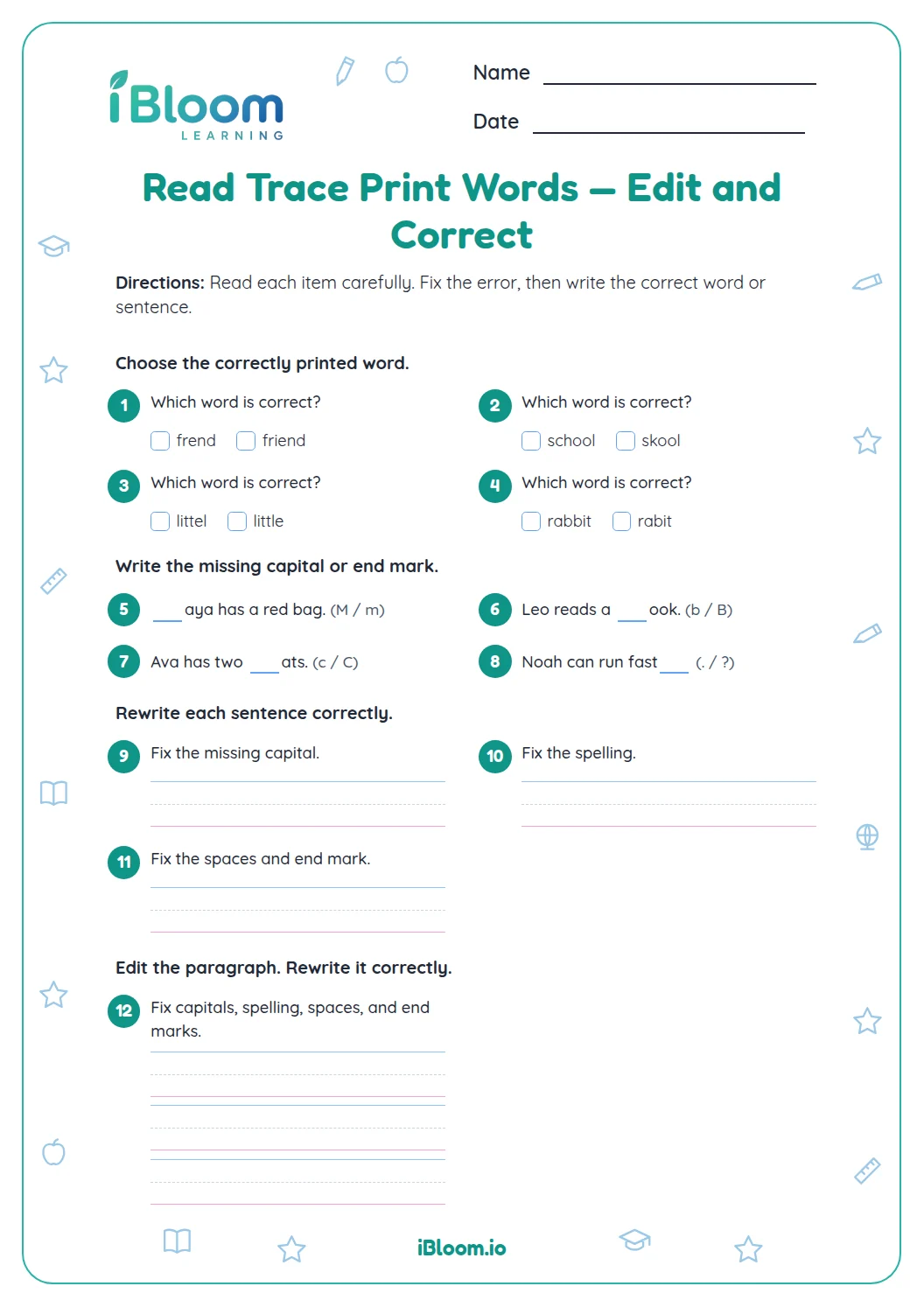
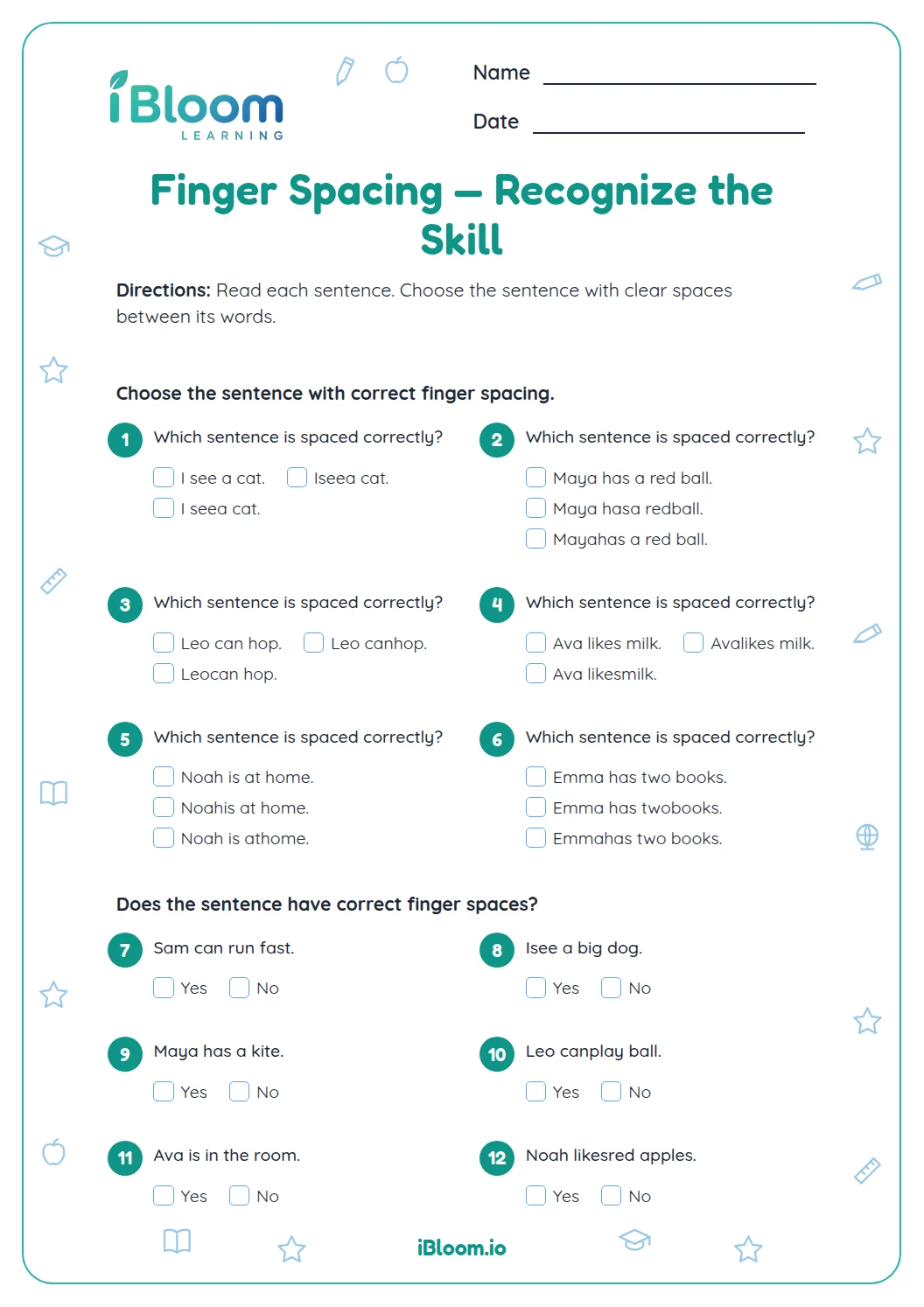
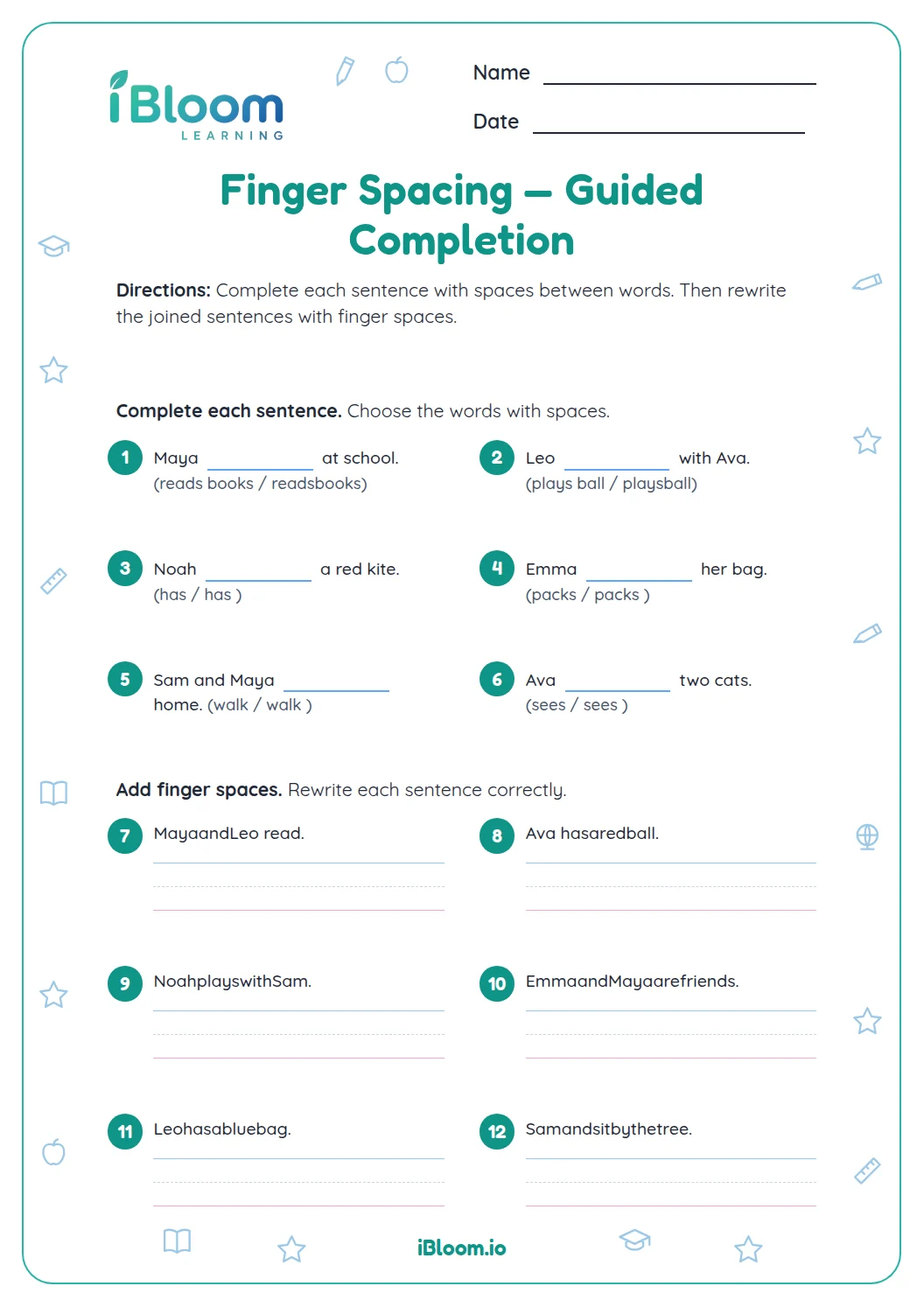
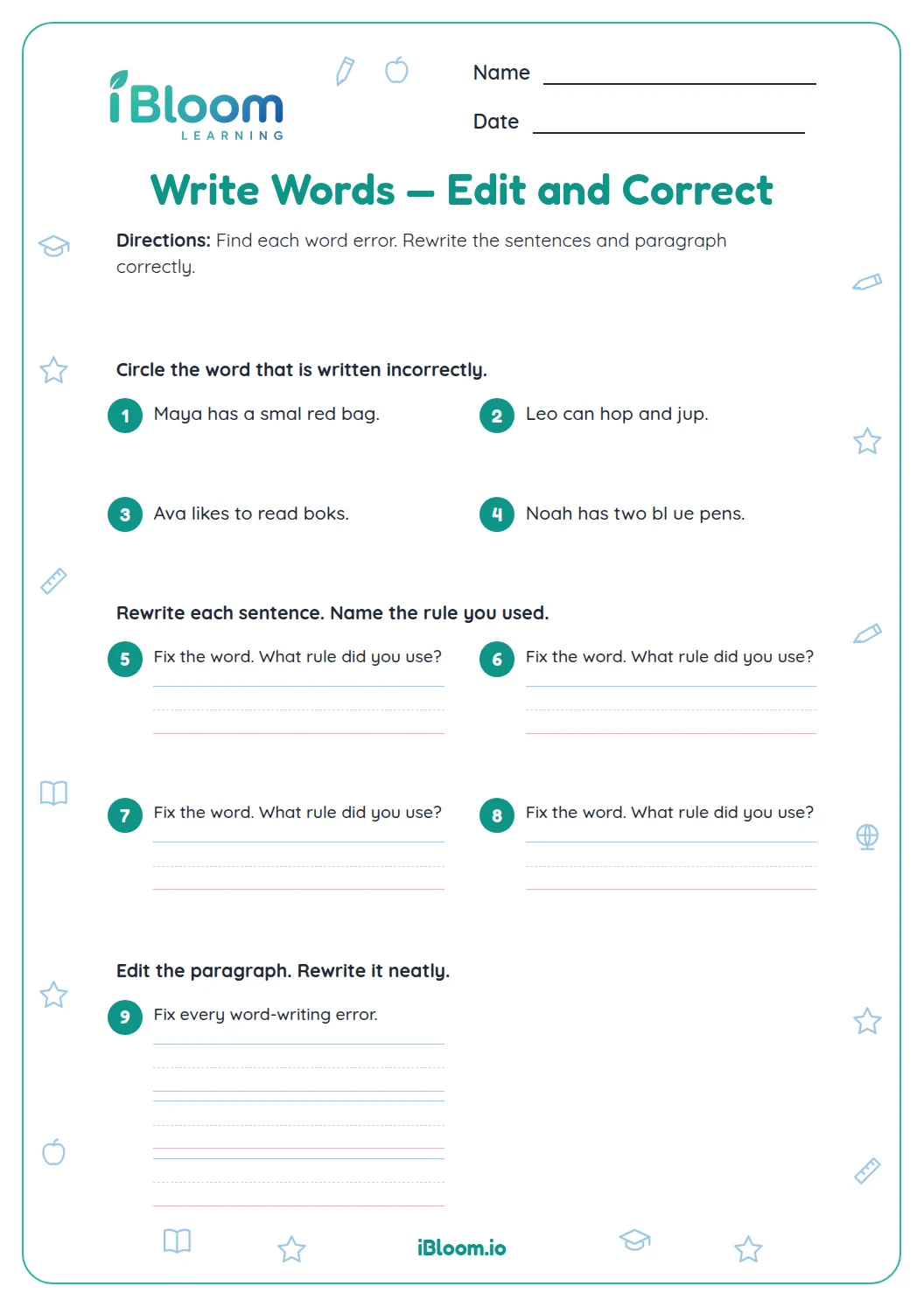
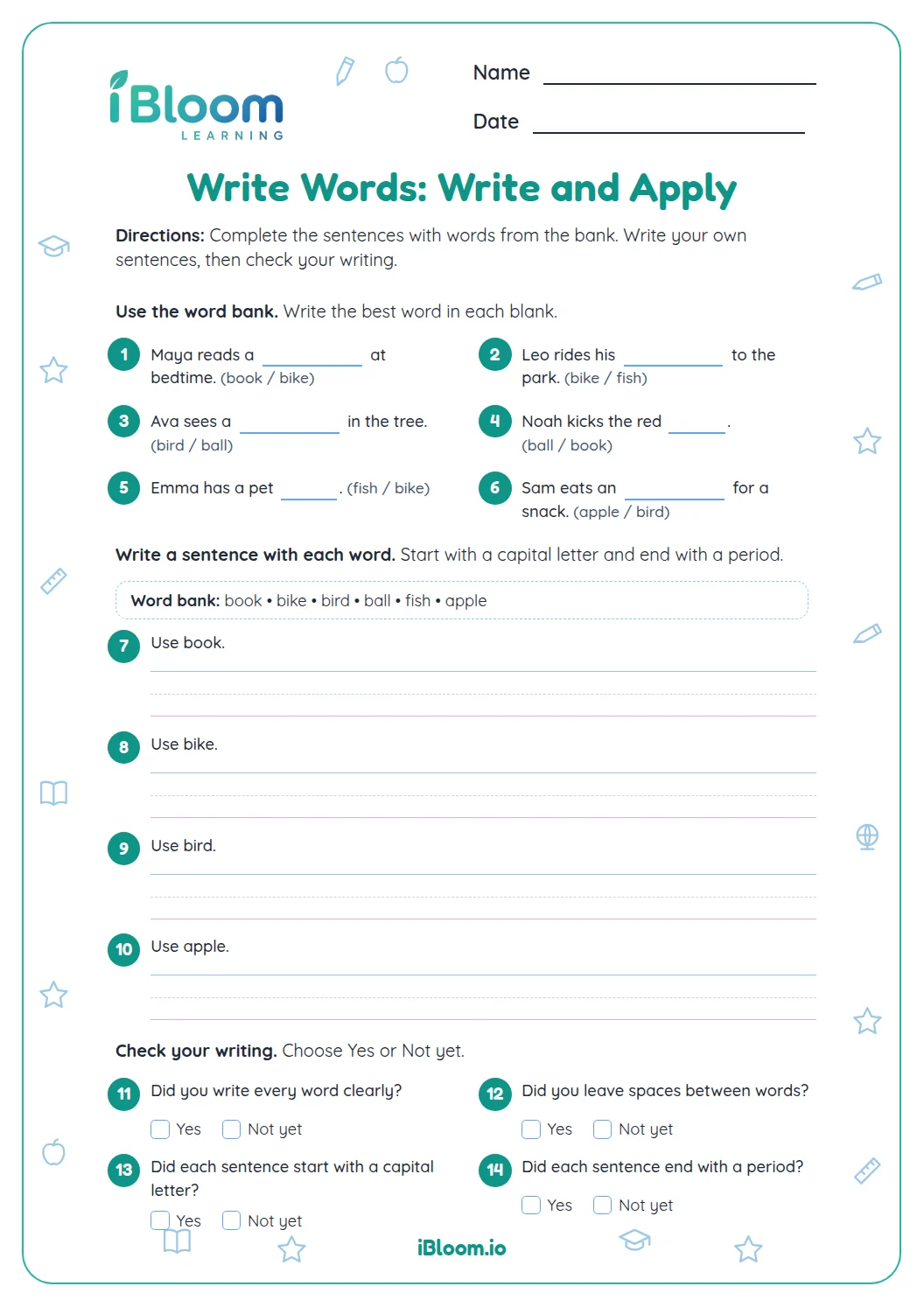
This Grade 1 editing worksheet helps children print words clearly and correct simple sentences. Students distinguish clear word forms, add spaces to run-together words, fix capitals and end punctuation, and edit a short paragraph. The separate answer key gives model corrections; handwriting can vary as long as each word is readable and the sentence is correctly edited.
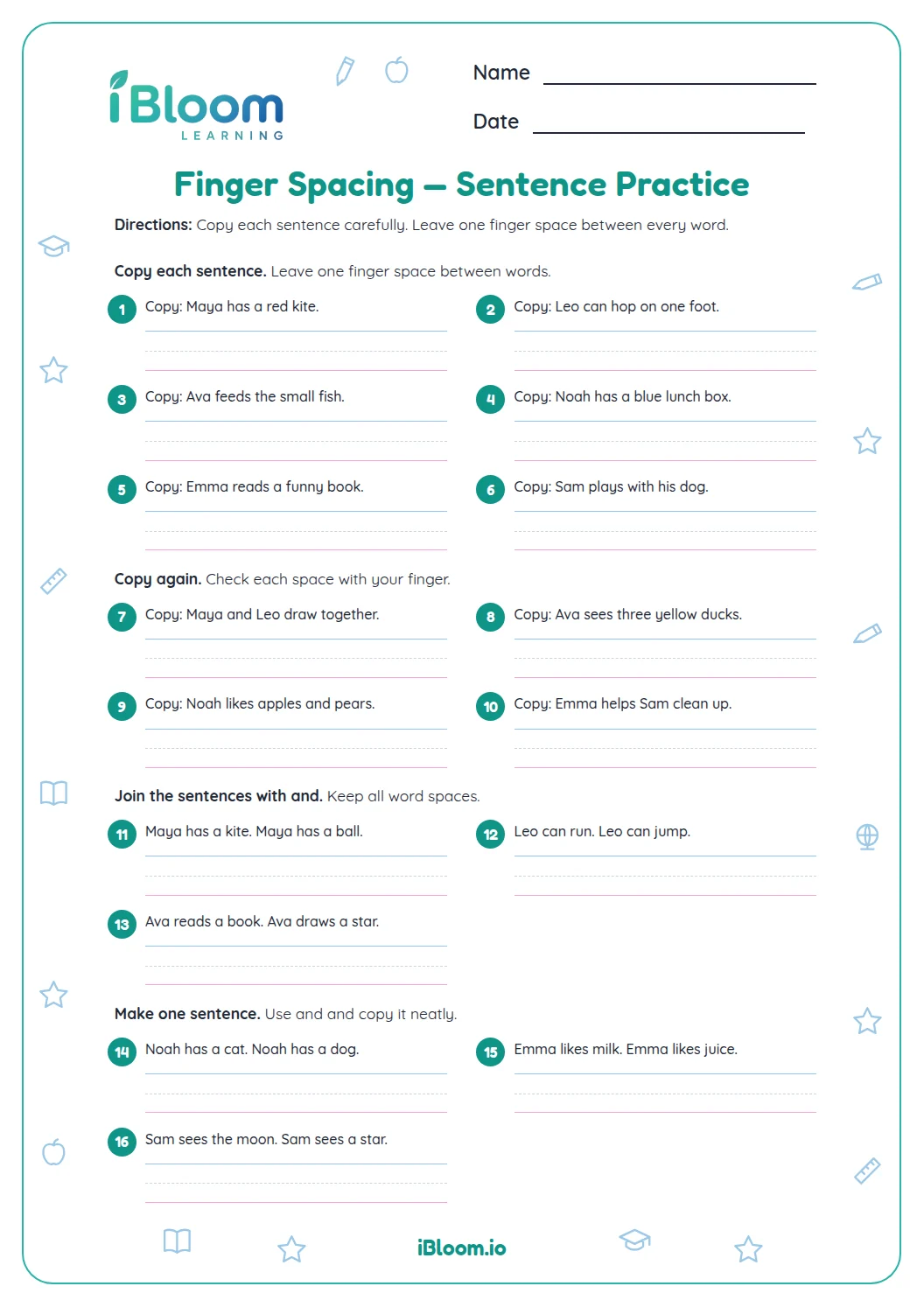
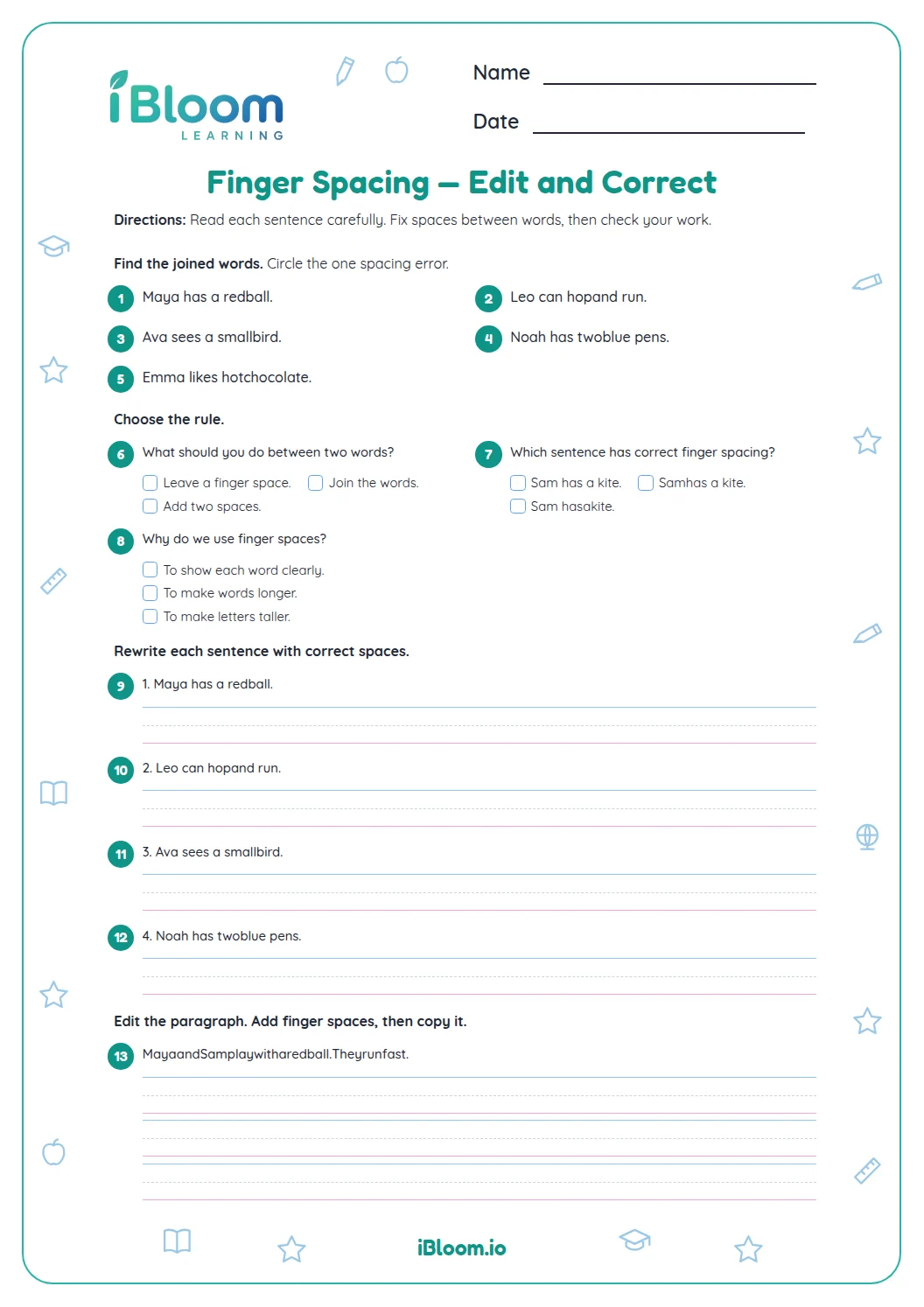
Aligned to L.1.2.b
What makes a printed word clear?
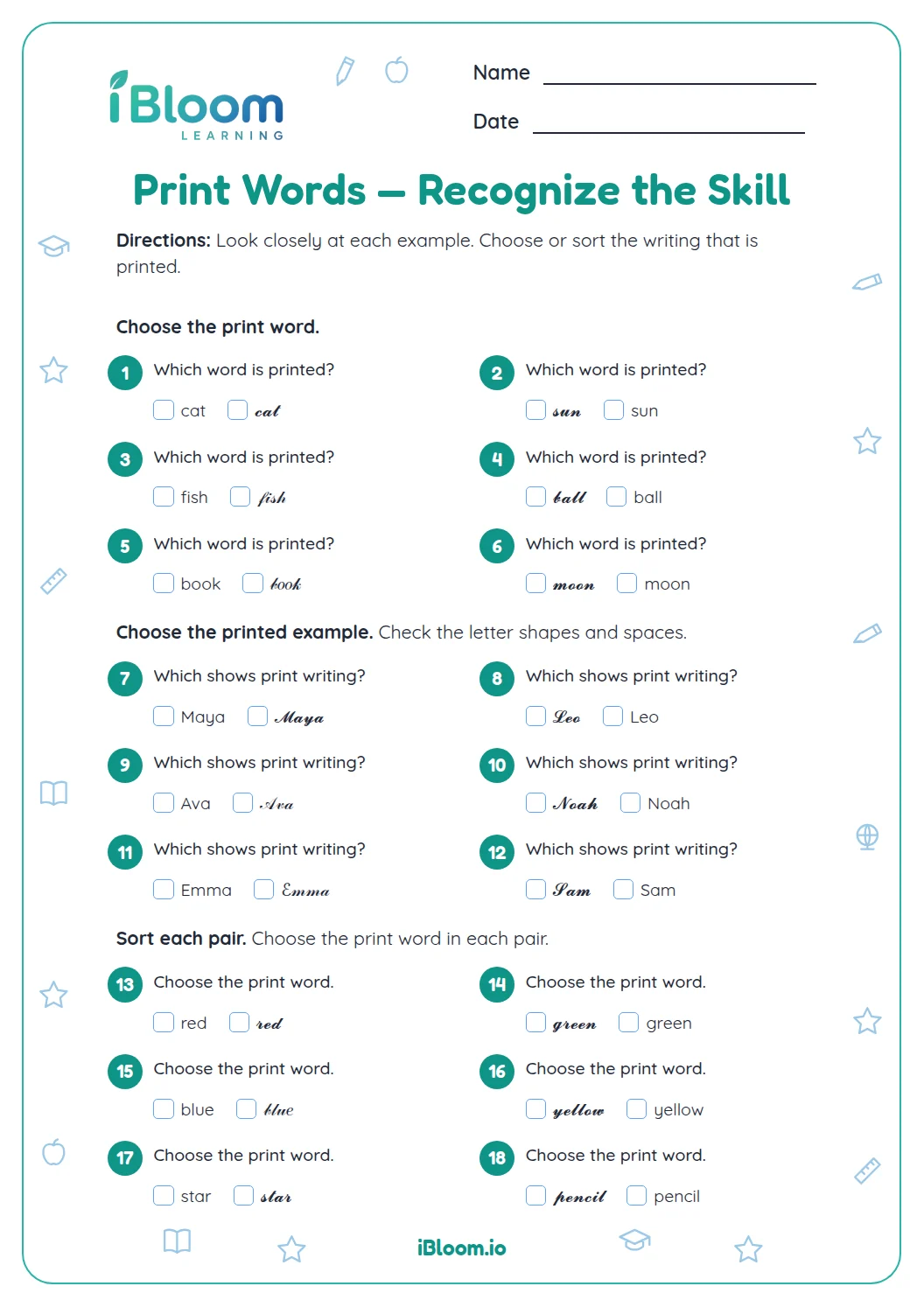
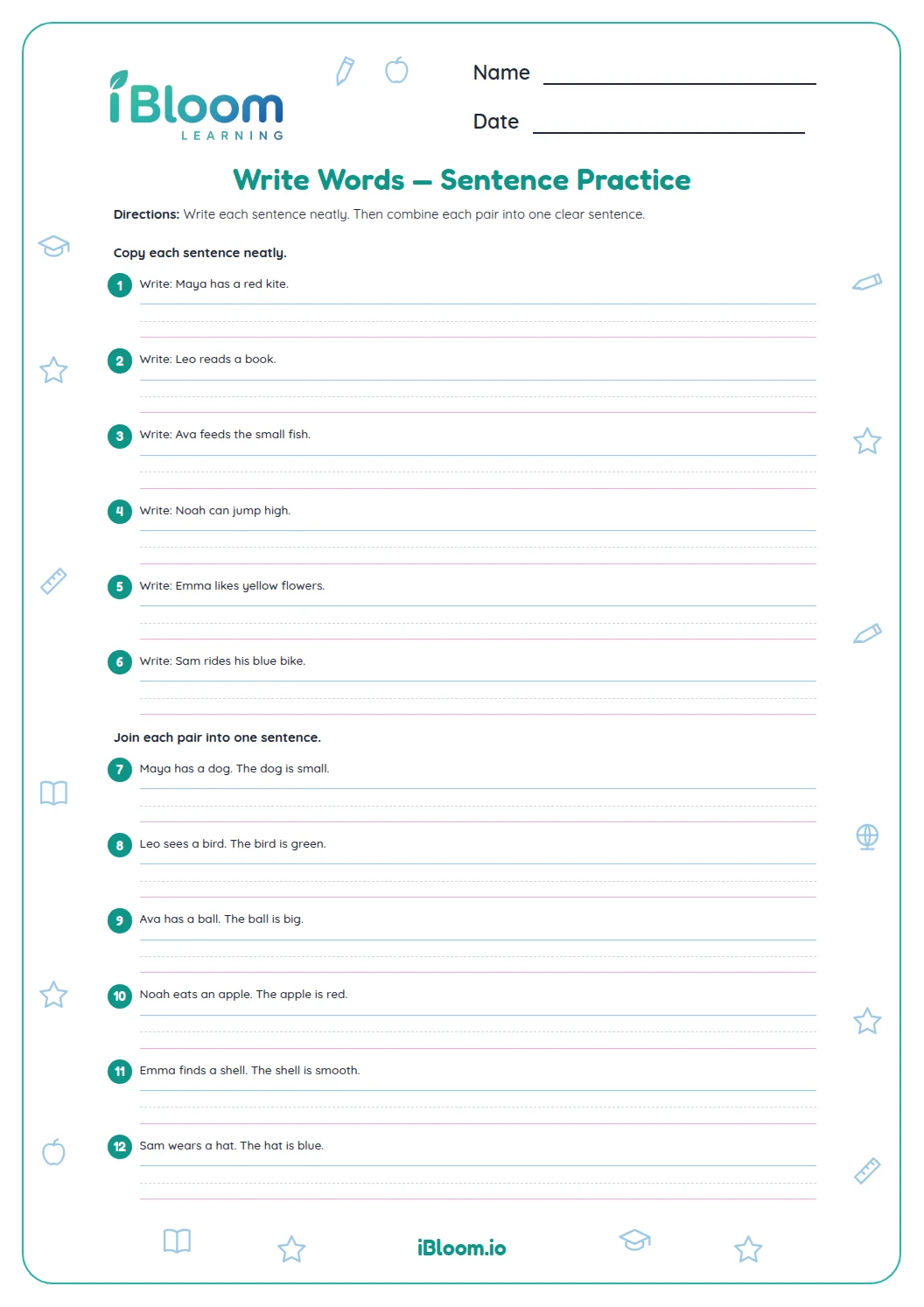
The first items ask students to recognize words with clear letter forms and spacing. In the rewrite items, leave a space between each word so the sentence is easy to read.
How do students edit a sentence?
Begin a sentence with a capital letter. Use a period for a statement or a question mark for a question. The worksheet moves from individual sentences to a short paragraph so students can apply the same editing habits in connected writing.
How can I check the paragraph edit?
Question 16 can be corrected as “We see a frog. It can jump.” Check for a capital at the beginning of each sentence, spaces between words, and a suitable end mark.
How to use this worksheet
- 1Read the whole sentence before making a correction.
- 2Separate each word with a clear space.
- 3Capitalize the first word in each sentence.
- 4Use a period or question mark to finish the sentence.
- 5Check the short paragraph one sentence at a time with the answer key.
Common mistakes and quick fixes
The mistake
Leaving a sentence beginning lowercase.
The fix
Check the first letter of each sentence and capitalize it.
The mistake
Joining words together while rewriting.
The fix
Leave a clear space between each printed word.
The mistake
Ending a question with a period.
The fix
Read the sentence to decide whether it asks something; use a question mark for a question.
Common Core alignment
Use end punctuation to finish statements and questions.
On this sheet: Students correct statements and questions with sentence-ending punctuation.
Show the official wordingHide the official wording
Use end punctuation for sentences.
What to practice next
Make more practice
Further reading
Questions parents and teachers ask
What editing skills does this worksheet practice?
Children practice printing clear words, adding spaces, capitalizing sentence beginnings, choosing end marks, and correcting a short paragraph. The final items provide extra sentence editing, and the answer key gives model corrections. Use the printed examples and answer key to review the same skill after completing the page.
How should a statement end?
A statement usually ends with a period. Begin it with a capital letter and leave a clear space between each word. For example, “i like my red hat” becomes “I like my red hat.” Use the printed examples and answer key to review the same skill after completing the page.
How should a question end?
A question ends with a question mark. Start it with a capital letter and keep the spaces between words clear. The worksheet includes a question for students to rewrite with its ending mark. Use the printed examples and answer key to review the same skill after completing the page.
Does every handwriting answer have to look exactly like the key?
No. The key shows one correct version of each edited sentence. Handwriting can differ; check that the words are readable, spaces separate them, the sentence begins with a capital, and the end mark fits. Use the printed examples and answer key to review the same skill after completing the page.
What is in the paragraph task?
Students rewrite a short paragraph and then correct another two-sentence passage. Each sentence should start with a capital and end with suitable punctuation, with a visible space between every word. Use the printed examples and answer key to review the same skill after completing the page.