

About this worksheet
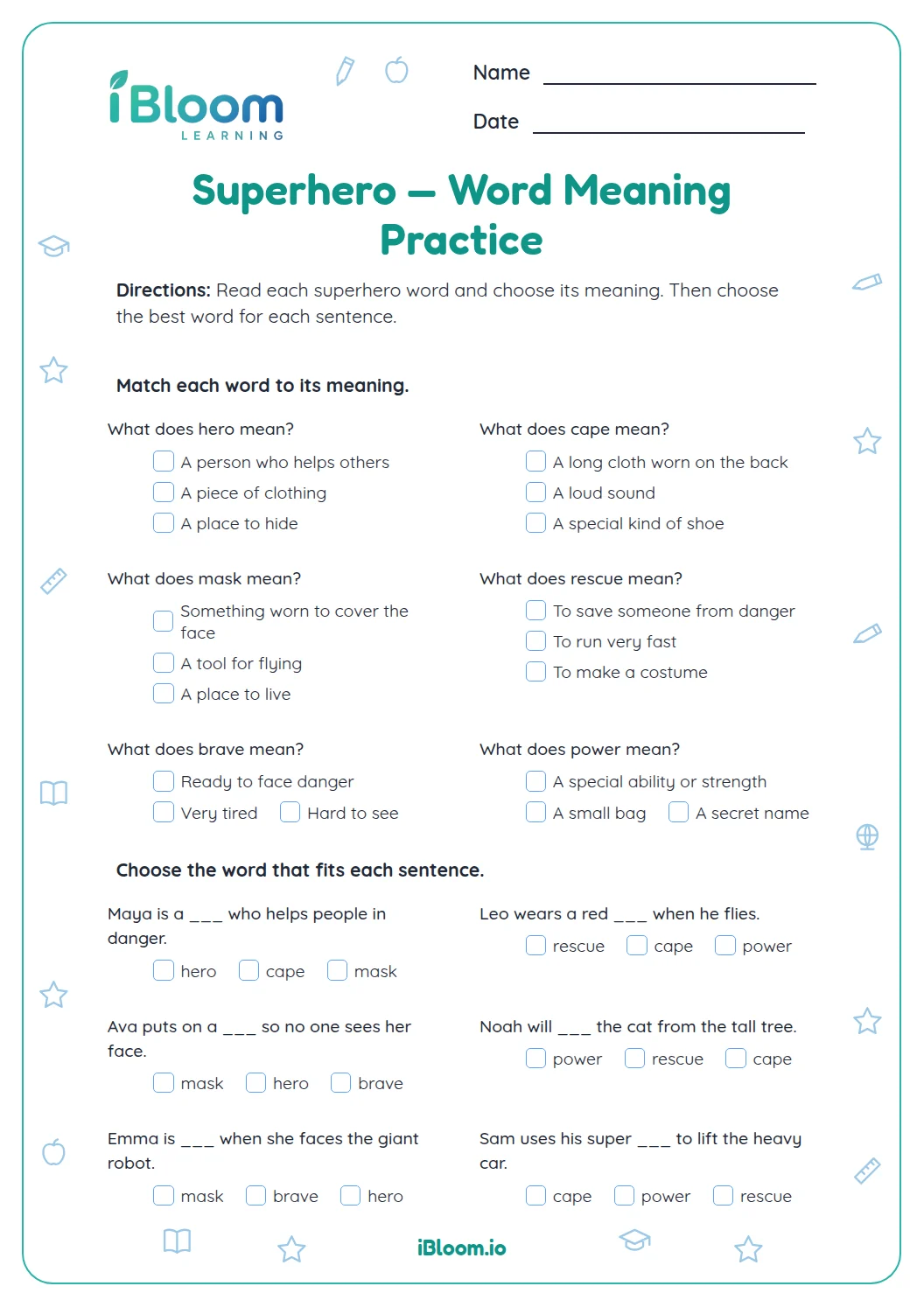
What does this Grade 1 printable include?
Aligned to L.1.4.a
What skill does this page practice?
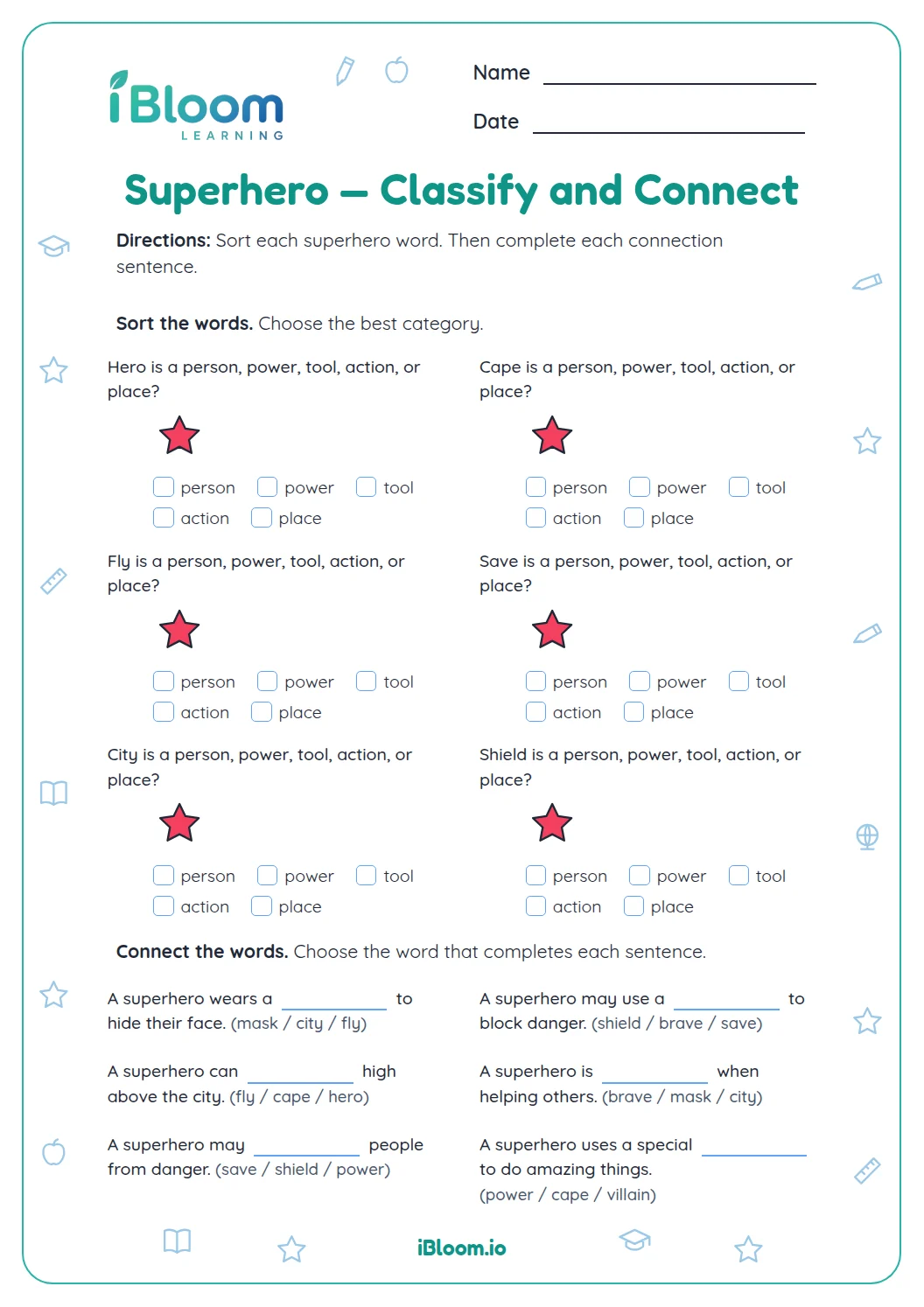
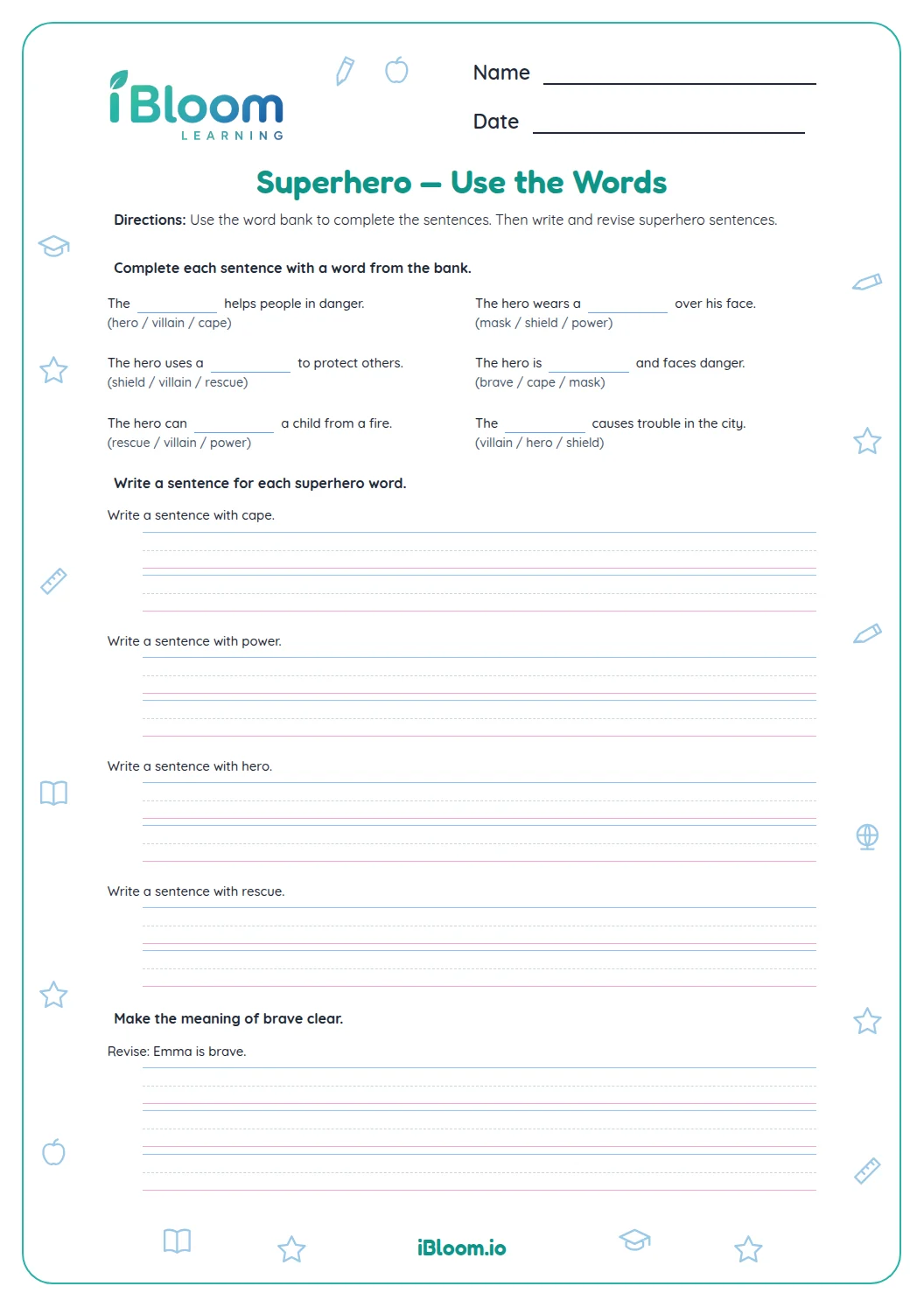
Use details in a sentence to infer what a word means, then review the same superhero vocabulary in two word searches.
Try the worked example with a pencil, then use the same check on the practice items.
- 1The hero wore a strong cape that would not tear.
- 2Strong means not easy to break.
- 3The clue “would not tear” tells what strong means here.
How is the practice organized?
Parts A and C ask children to choose meanings from sentence clues. Part B has two grids to find and mark the listed superhero words.
How can families check the work?
Use the key after completing a part. Ask the learner to point to the clue, equation, or spelling decision that supports one answer.
How to use this worksheet
- 1Read the complete sentence aloud.
- 2Look for a detail that hints at the bold or unfamiliar word.
- 3Choose the meaning that fits that detail.
- 4For each search, look for every listed word in the grid.
- 5Check answers with the separate key.
Common mistakes and quick fixes
The mistake
Choosing a meaning from memory without rereading.
The fix
Point to the sentence detail that supports the choice.
The mistake
Picking a word that fits the topic but not the sentence.
The fix
Read the sentence with the choice in place and check its sense.
The mistake
Skipping a word in a search list.
The fix
Mark each target word only after finding all of its letters.
Common Core alignment
This worksheet practices the following Common Core skill.
Use a sentence clue to choose the meaning of a word.
On this sheet: The questions directly ask learners to apply this skill.
Show the official wordingHide the official wording
Use sentence-level context as a clue to the meaning of a word or phrase.
What to practice next
Make more practice
Further reading
Questions parents and teachers ask
How can a child use a sentence clue?
Read the whole sentence and connect the target word to a detail. In “The hero wore a strong cape that would not tear,” the phrase “would not tear” helps show that strong means not easy to break. For instance, “would not tear” is the clue that strong means not easy to break.
What words appear in the word searches?
The first grid includes cape, mask, hero, star, help, brave, rescue, and badge. The second includes save, fly, help, run, kind, and look. Find each listed word in the grid and mark it once. Search horizontally, vertically, or diagonally, and check every letter in each word.
How many activities are on the page?
There are 16 items: 14 sentence-based vocabulary questions and two word searches. The multiple-choice questions ask children to use context; the grids provide a second way to notice the superhero words. The fourteen sentence items are multiple choice; both searches are separate activities.
Should an adult read the questions aloud?
An adult can read a sentence aloud if that helps the child focus on the clue. Invite the child to explain which words in the sentence helped them choose, then check the response with the answer key. Reading aloud keeps attention on the clue instead of decoding every sentence alone.
Does the answer key show the word-search answers?
Yes. The key identifies the target words for both grids. The child can compare the completed searches with the list and revisit any word that was missed. Use the word list beside each grid to confirm all targets have been found.