


About this worksheet
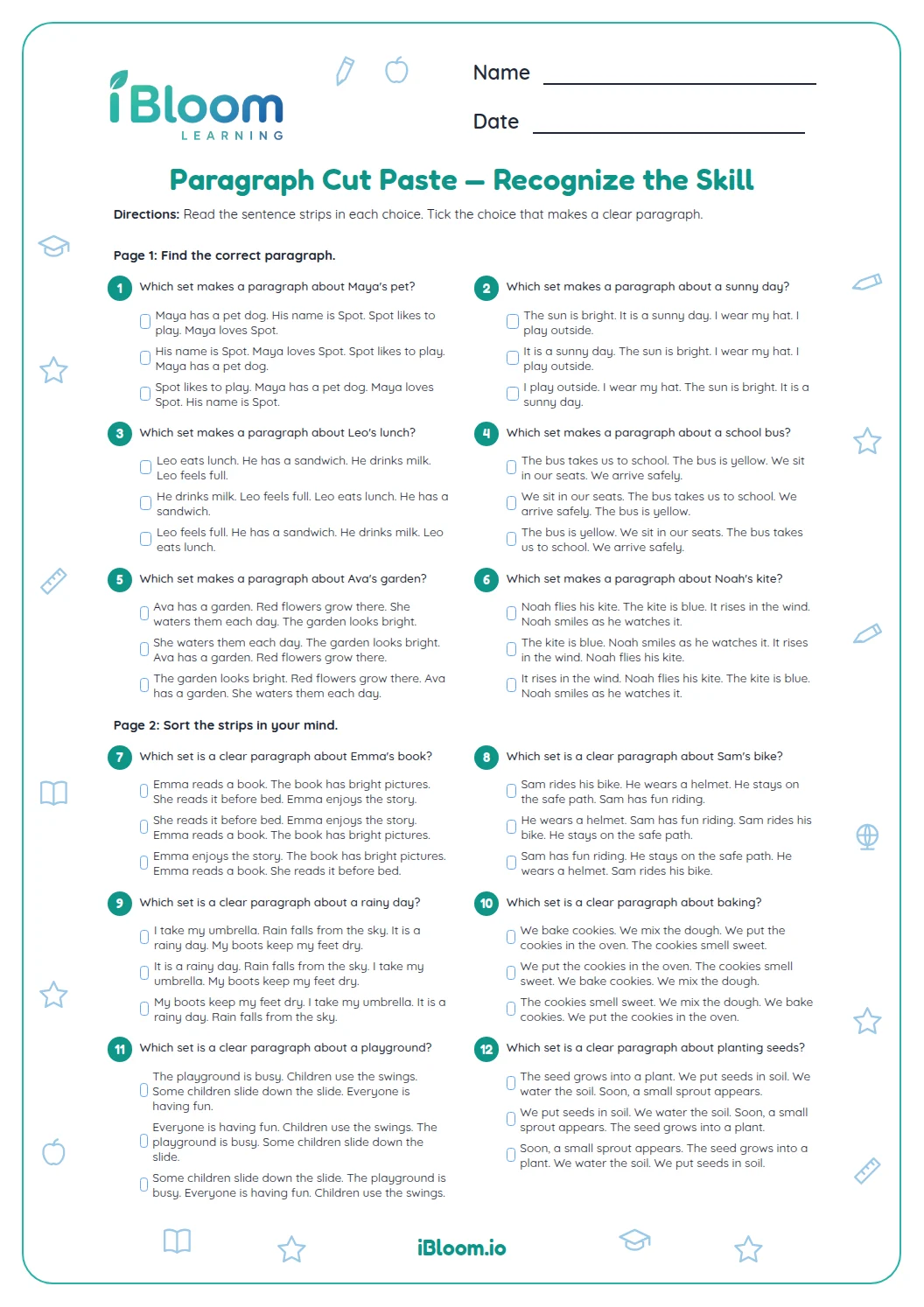
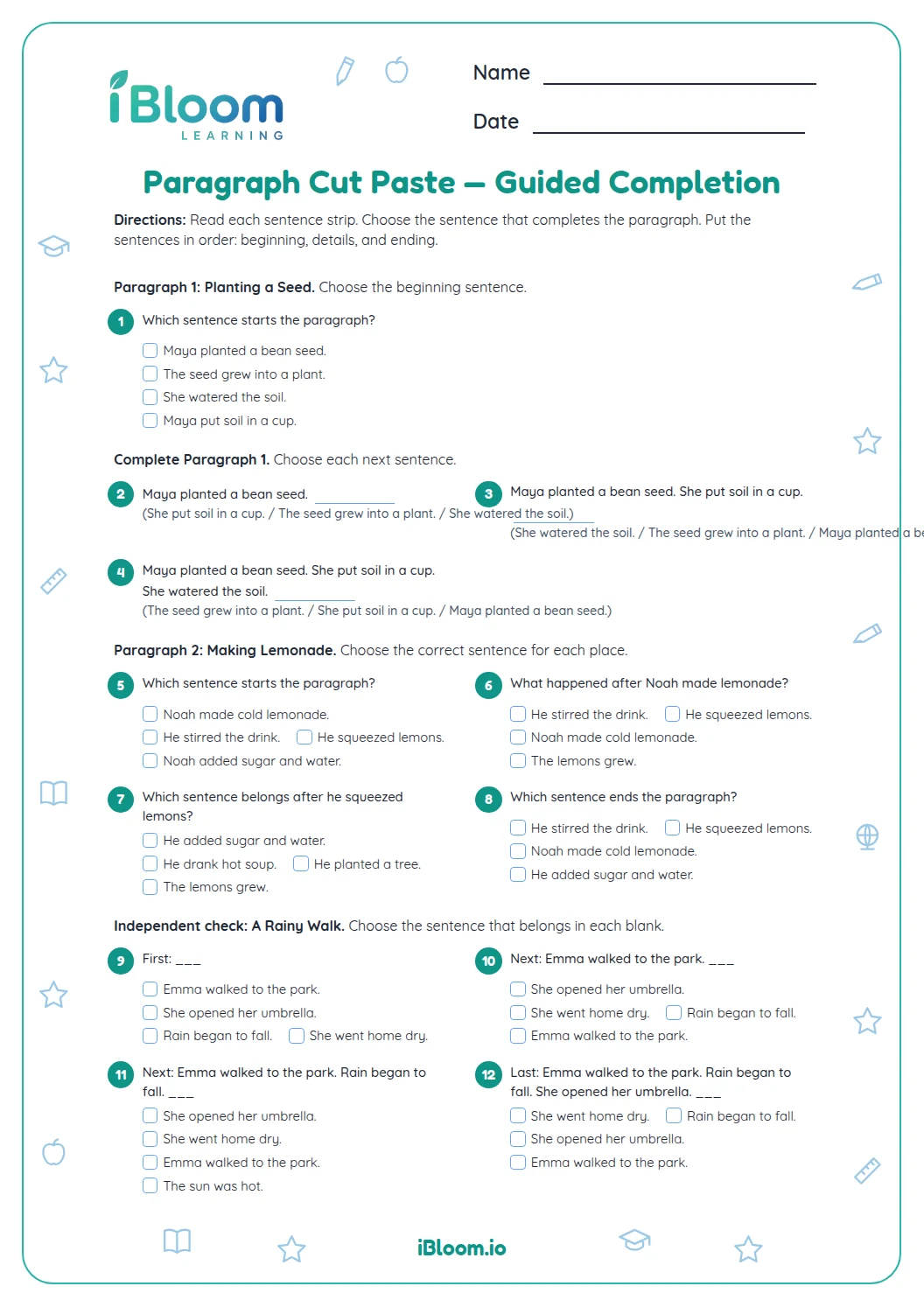
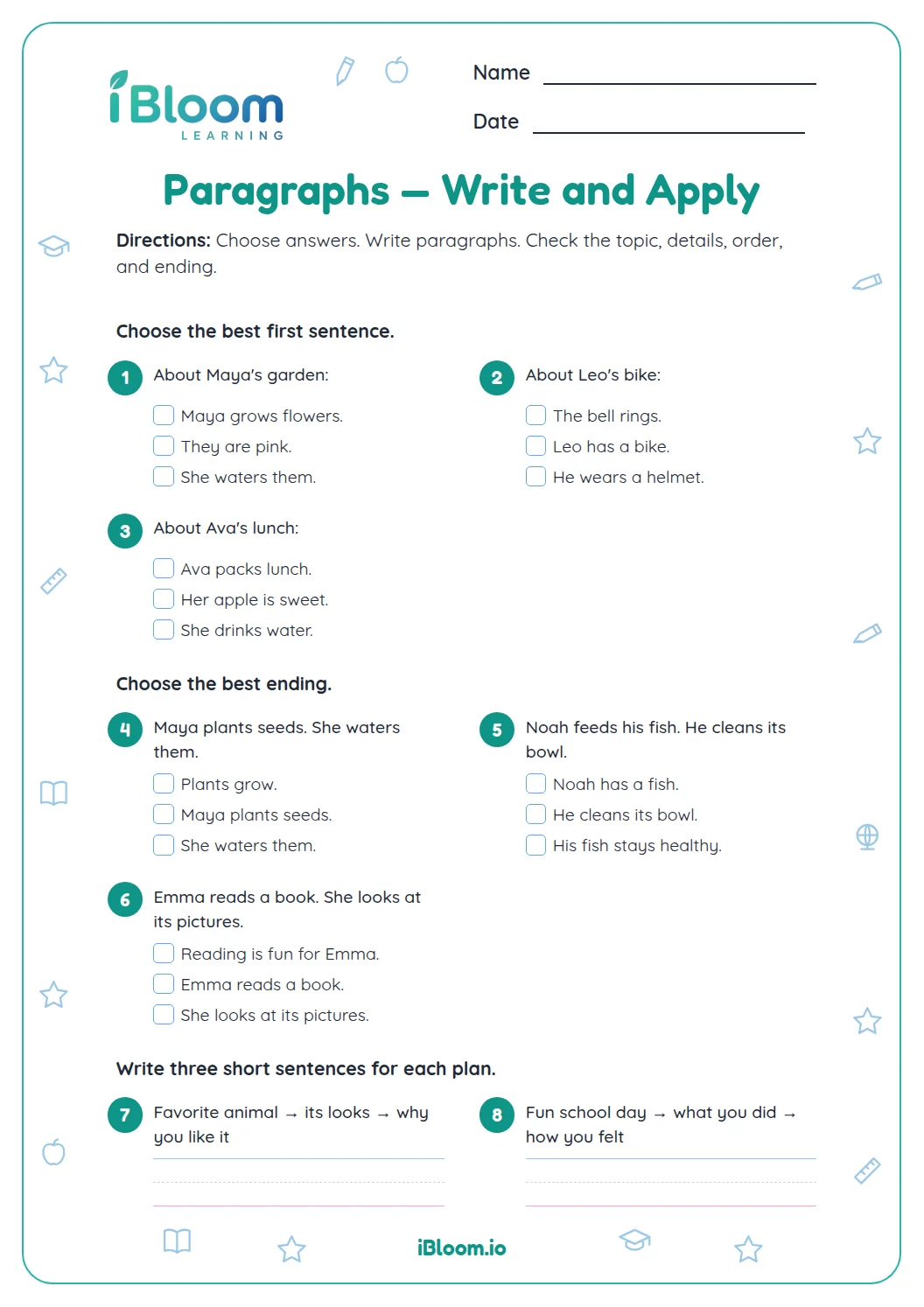
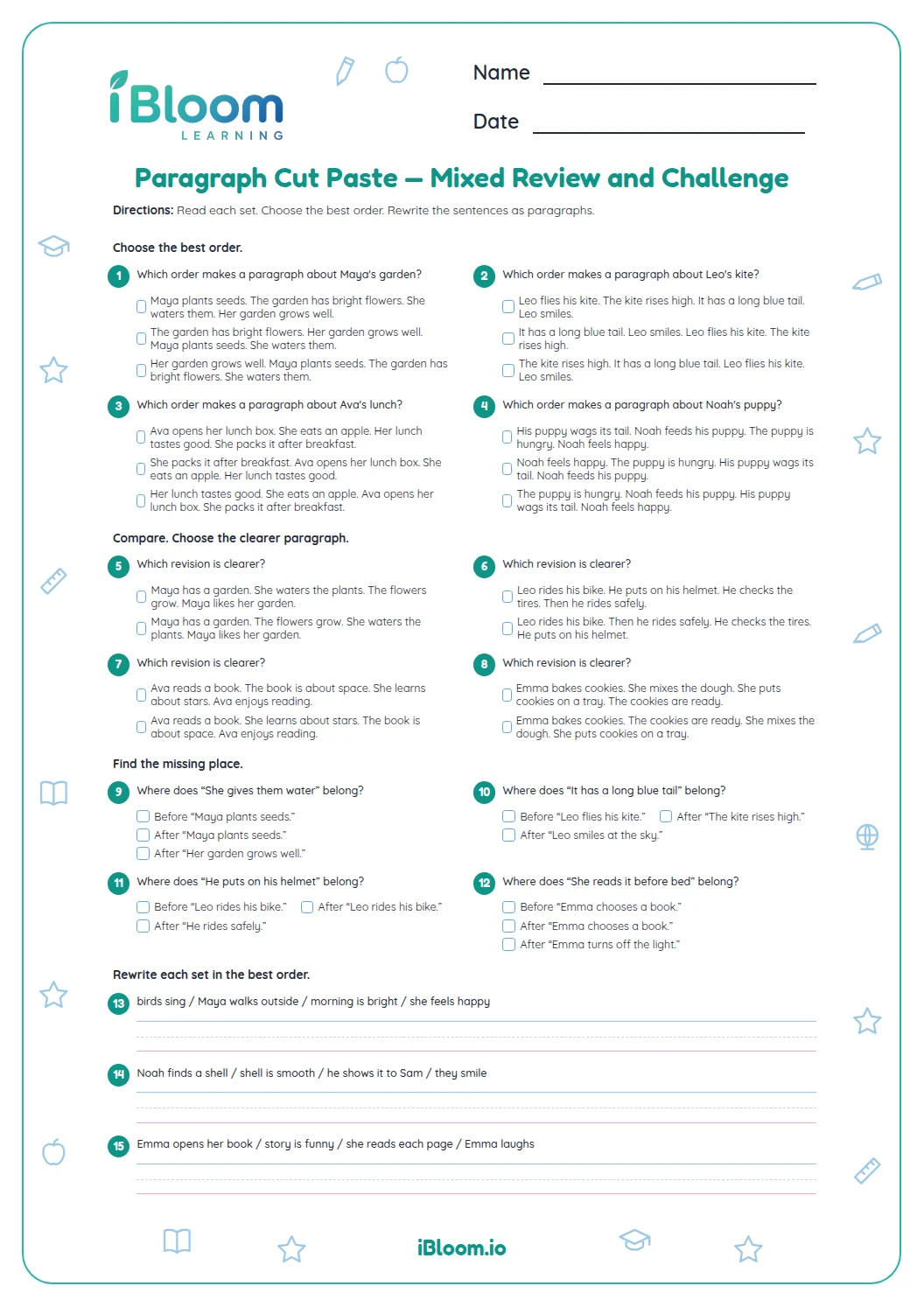
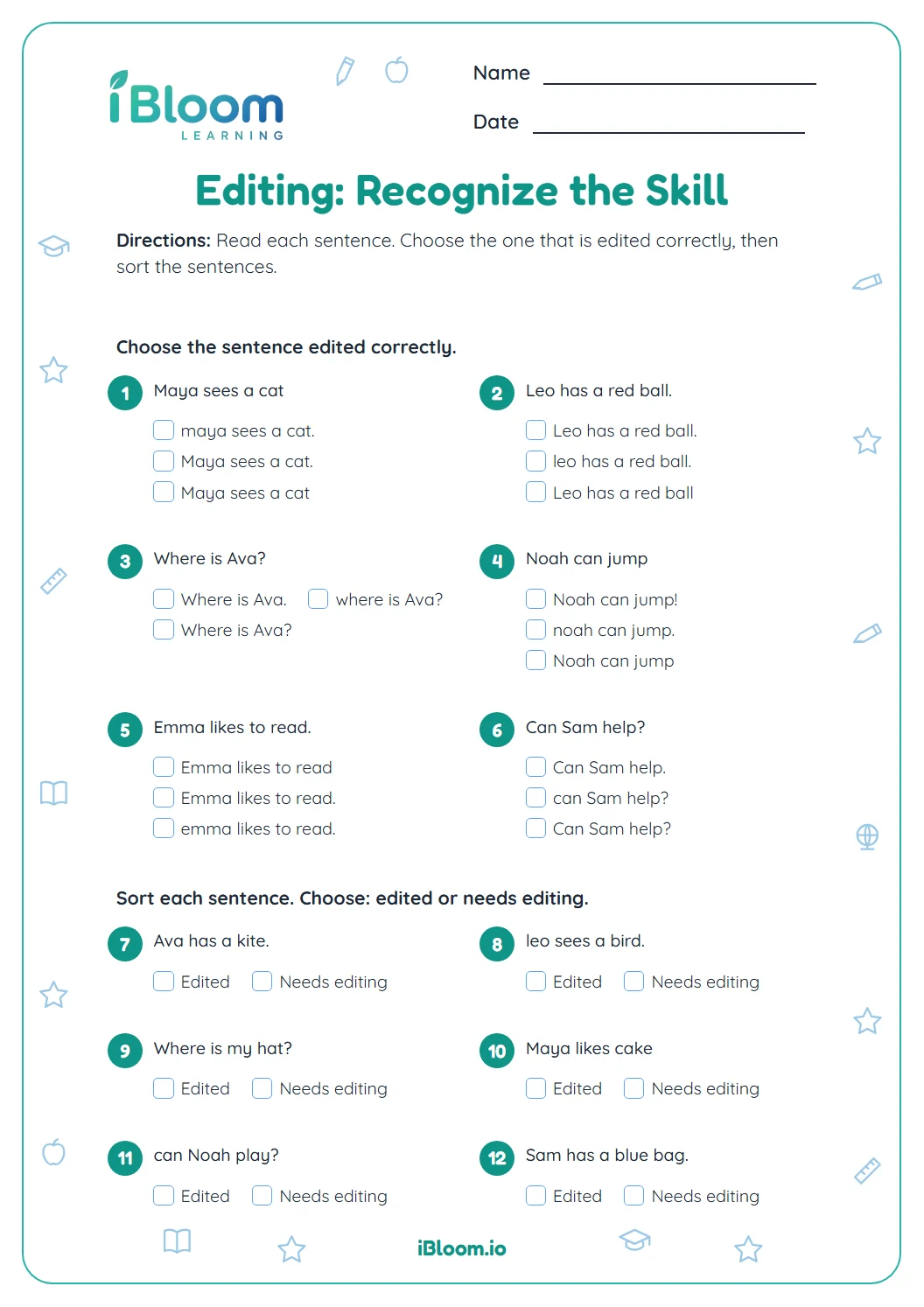
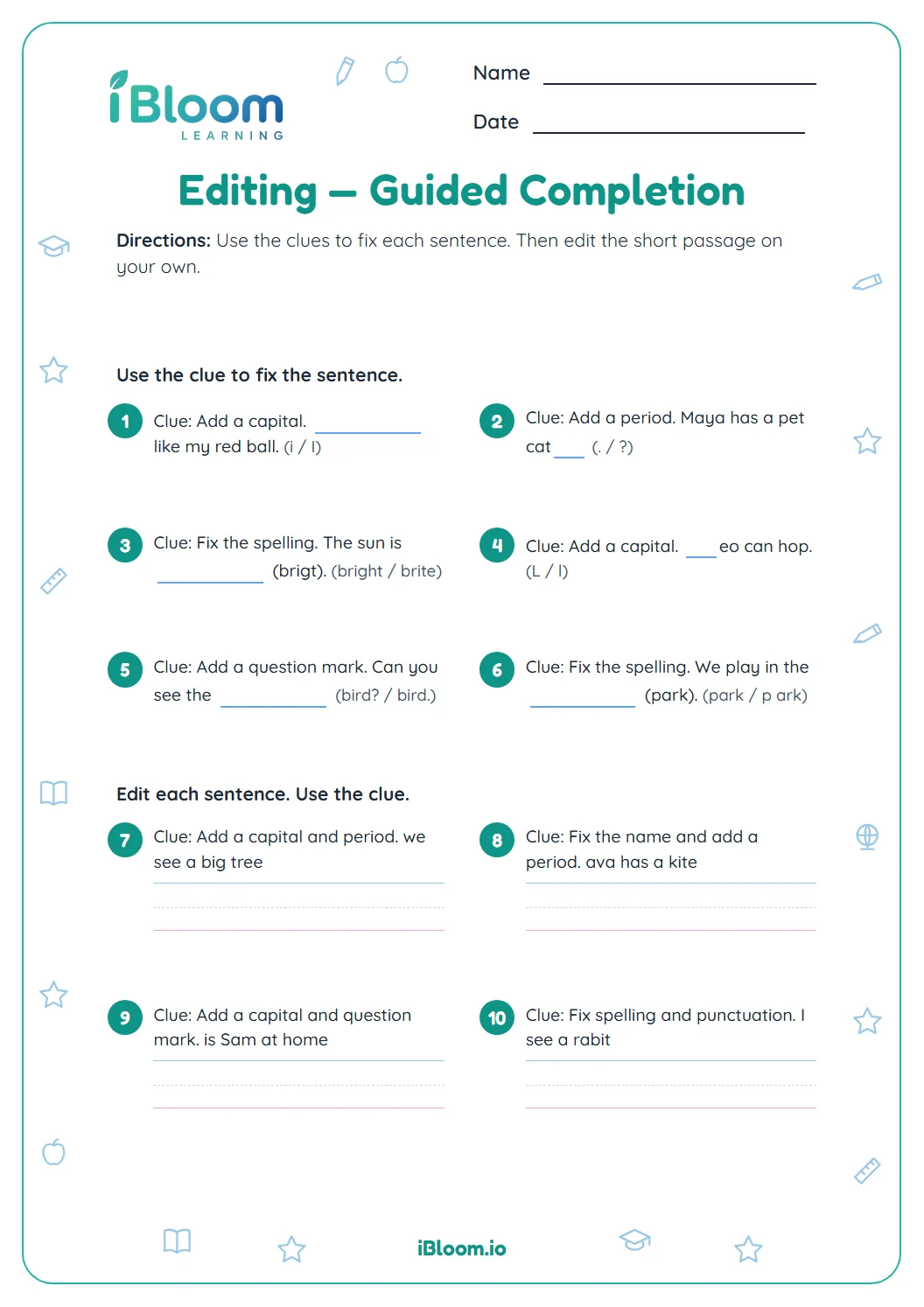
This Grade 1 worksheet practices building a paragraph by arranging related ideas and editing simple sentences. Students answer 14 questions about topic sentences, event order, capitalization and ending punctuation, then complete two short sentence tasks. It supports CCSS W.1.5 and L.1.2. Because the template does not provide movable cut-and-paste pieces, activities use choices, written ordering and rewriting while keeping the same paragraph skills. An answer key provides corrections and sample responses.
Aligned to W.1.5 and L.1.2
How do you put paragraph ideas in order?
Start with a sentence that tells what the paragraph is mostly about. Put details in an order the reader can follow, such as the steps in planting or getting ready. Read the sentences together to see whether they make sense.
- 1First: I put a seed in the soil.
- 2Next: I watered it each day.
- 3Later: A small stem appeared.
What should you check when editing?
Begin each sentence with a capital letter and end it with a mark that fits. Names also begin with capital letters. Read the sentence aloud after editing to check that it sounds complete.
How can sentences work together as a paragraph?
A paragraph stays on one topic. Each sentence adds a related detail or event. When you cut and arrange sentences, look for a clear beginning, a sensible order and an ending that completes the idea.
How to use this worksheet
- 1Read all the sentences before arranging them.
- 2Find the sentence that names the topic or first step.
- 3Put events or details in a sensible order.
- 4Check capitals, names and ending marks.
- 5Read the paragraph aloud and revise confusing parts.
Common mistakes and quick fixes
The mistake
Putting an ending event before its cause
The fix
Ask what must happen first for the next event to make sense.
The mistake
Leaving a sentence lowercase
The fix
Check the first letter of every sentence and capitalize names.
The mistake
Including a sentence that changes the topic
The fix
Keep details that explain the same main idea; remove unrelated ones.
Common Core alignment
These standards describe the skills practiced in the questions below.
Organize and strengthen writing by revising sentence order and clarity.
On this sheet: Students improve sentence order and clarity while building a short paragraph.
Show the official wordingHide the official wording
With guidance and support from adults, focus on a topic, respond to questions and suggestions from peers, and add details to strengthen writing as needed.
Use capitalization and ending punctuation when rewriting sentences.
On this sheet: Editing questions practice sentence capitals and end marks.
Show the official wordingHide the official wording
Demonstrate command of the conventions of standard English capitalization, punctuation, and spelling when writing.
What to practice next
Make more practice
Further reading
Questions parents and teachers ask
What does this paragraph worksheet practice?
The worksheet asks students to choose sentences that fit a topic, arrange events in a sensible order, and correct capitals and punctuation. It ends with two short sentence tasks that bring related ideas together. The key includes corrected sentences, event orders and sample completions.
Does the page include cut-and-paste pieces?
The original cut-and-paste format is rebuilt as printable selection, correction and ordering questions. Students still practice deciding which sentences belong together and arranging them in a clear sequence, using answer lines. This keeps the focus on the same planning and editing decisions.
How many questions are on the worksheet?
There are 14 questions in two parts: six choices and eight short corrections, ordering tasks or sentence completions. The key includes corrected sentences, event orders and sample responses. Children can compare their sequence and edits with the examples.
How can I explain a topic sentence?
A topic sentence tells what the paragraph is mostly about. The other sentences should add related details or events. Ask whether each sentence belongs with the same idea, then read the paragraph to see whether its order makes sense. The first sentence often names the topic or first step.
What should a child check when editing?
Check that each sentence begins with a capital letter and ends with the right punctuation. Capitalize names too. Then read the paragraph aloud to check that the sentences are complete and stay on one topic. A partner can listen for a confusing jump between ideas.