
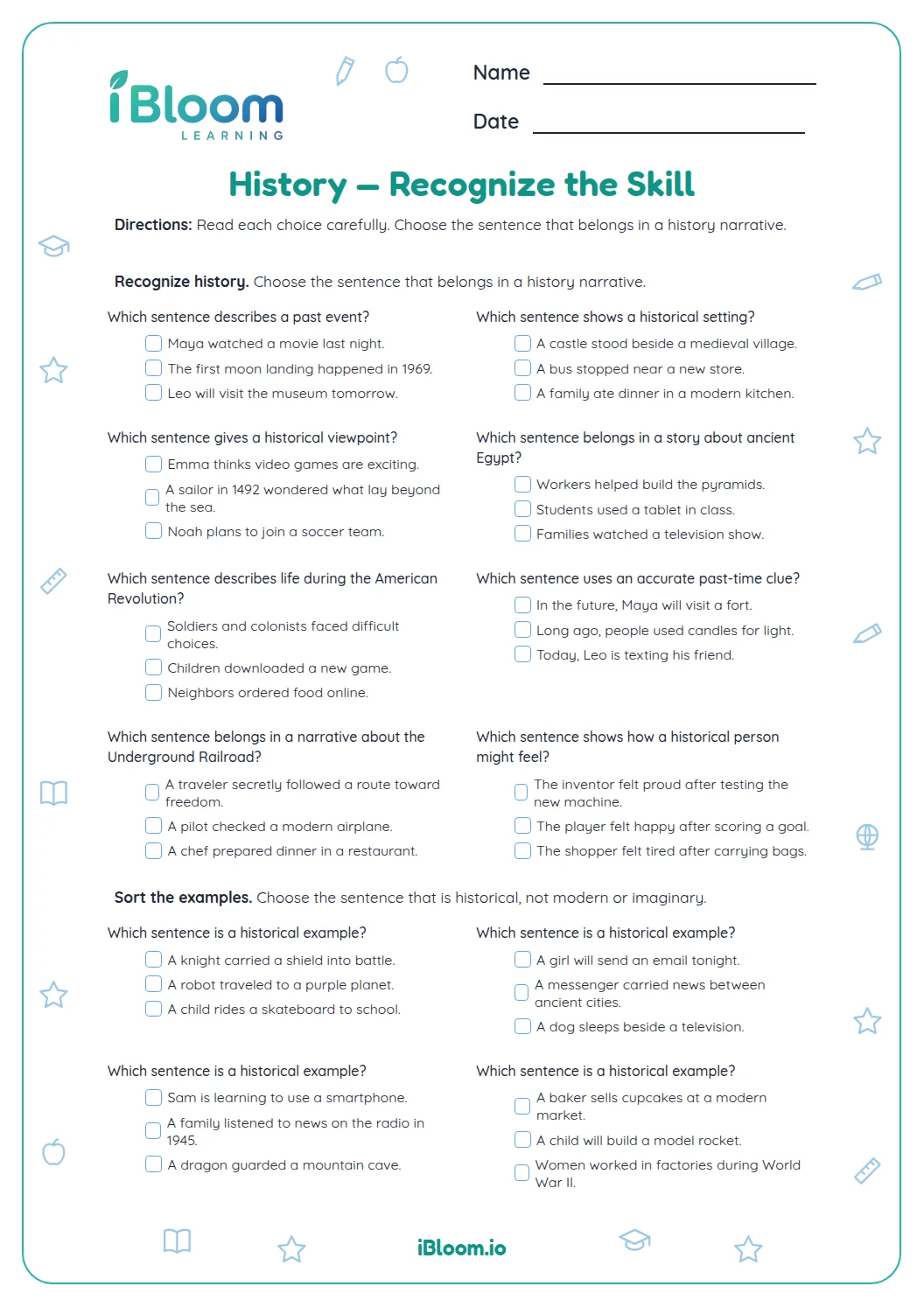
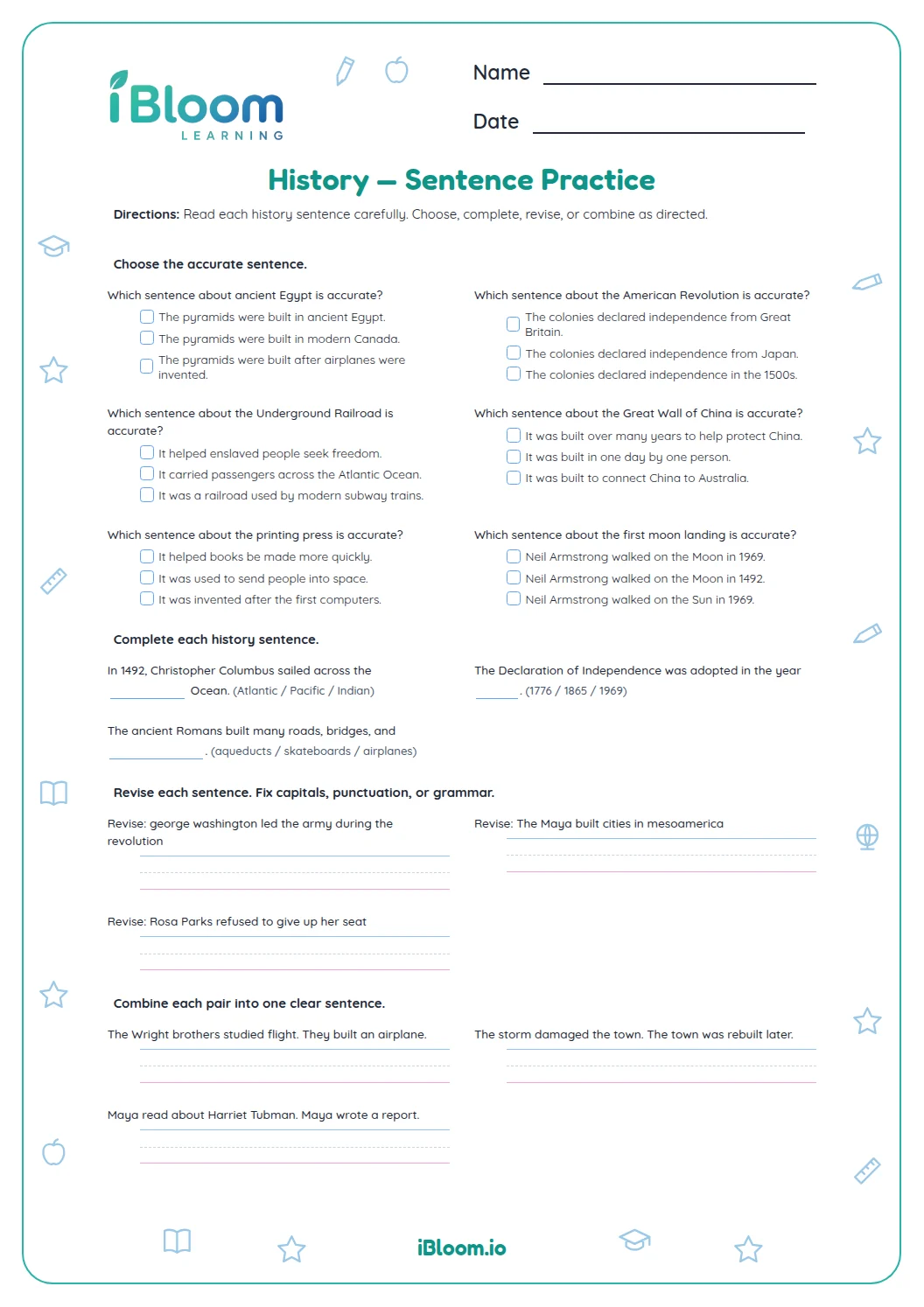
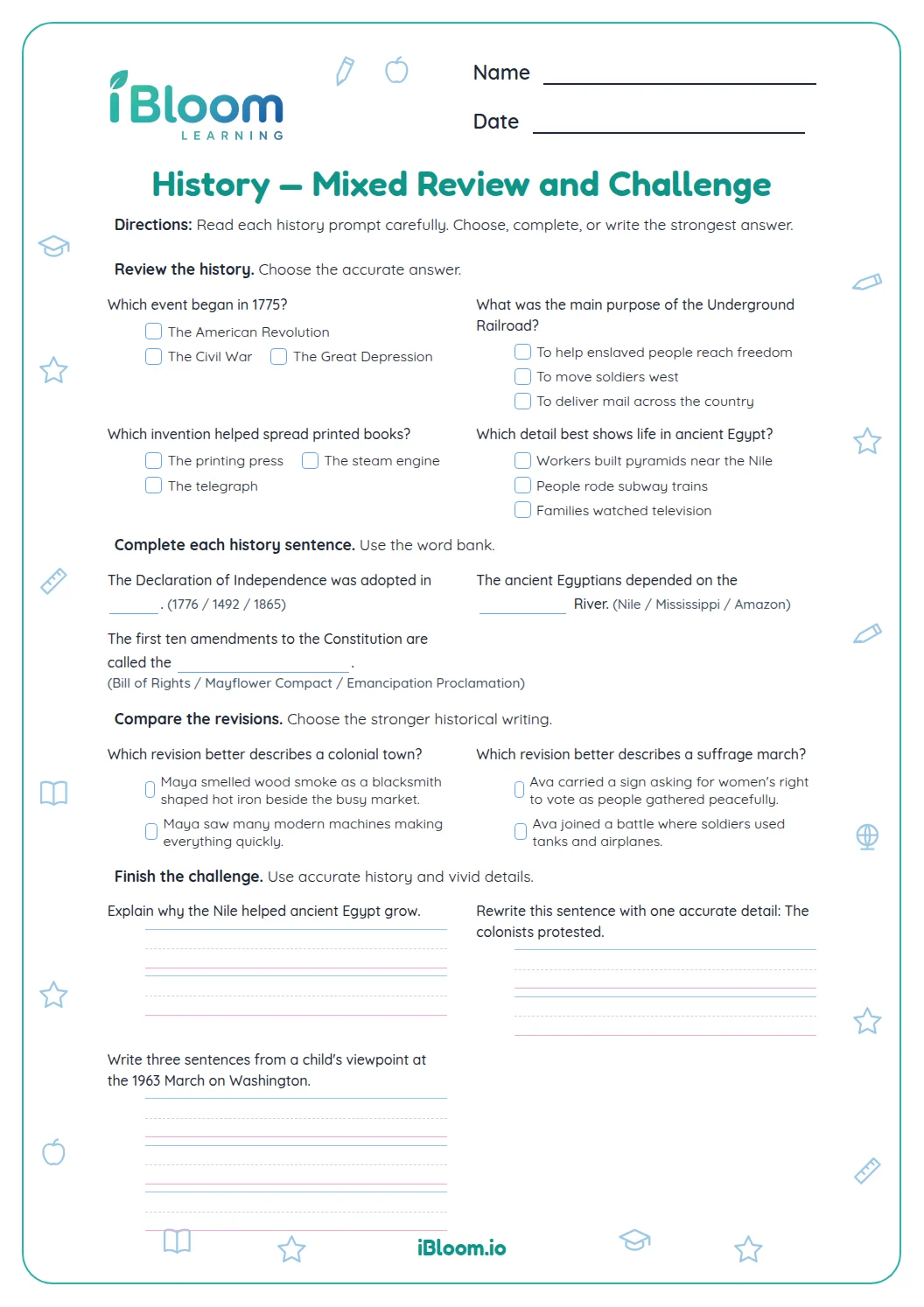

About this worksheet
This Grade 5 history editing worksheet asks students to replace an inaccurate detail with an accurate one. Fourteen short items cover U.S. history and ancient Rome, including dates, leaders, events, and places. The questions fit two worksheet pages, followed by a two-page answer key. Students practice careful reading and factual correction in sentence context.
What does this history worksheet ask students to do?
Each sentence contains a historical detail to correct. Students identify the inaccurate date, person, event, or place and write the accurate detail in the blank.
The examples include U.S. presidents, the Declaration of Independence, the Civil War, the Mayflower, the Colosseum, and the pyramids at Giza.
How can a student correct a history sentence?
Read the whole statement and identify the detail that conflicts with the historical fact. Replace that detail, then reread the sentence to check the corrected idea.
Question 1 gives 1775 as the adoption year. The correct year is 1776.
- 1The Declaration of Independence was adopted in 1775.
- 2The adoption year should be 1776.
- 3Write 1776 in the blank.
Why rewrite the whole sentence?
Rewriting the sentence keeps the corrected fact in context and gives students practice expressing it clearly. Compare the new sentence with the key, paying attention to the changed name, date, or place.
How to use this worksheet
- 1Read the complete sentence before choosing a correction.
- 2Identify the historical detail that needs changing.
- 3Recall or verify the correct date, person, event, or place.
- 4Write the corrected detail in the blank.
- 5Reread the sentence with your answer in place.
- 6Compare the correction with the answer key.
History editing checks
The mistake
Changing a correct detail while fixing an incorrect one.
The fix
Check each name, date, and event against the sentence before rewriting.
The mistake
Replacing the wrong part of the sentence.
The fix
Identify whether the error is a date, person, event, or place before writing.
The mistake
Mixing up a date associated with two different events.
The fix
Name the event first, then check the date that belongs to that event.
What to practice next
Make more practice
Questions parents and teachers ask
What does edit and correct mean on this page?
Students read a sentence containing an inaccurate historical fact, identify the detail that is wrong, and write the correction in a blank. The 14 items cover U.S. history and ancient Rome. The two-page answer key gives the intended correction for each question.
Does the worksheet include a key?
Yes. The two-page answer key lists corrected sentences for all 14 questions. Students can compare their revised date, name, or historical detail with the key, then reread the full sentence to check that the fact makes sense in context.
Why are the sentences about history?
The history setting gives students factual details to check as they practice careful sentence editing. Questions mention events, people, and places such as the Declaration of Independence, George Washington, the Civil War, the Mayflower, Colosseum, and pyramids at Giza.
How can a student check a historical correction?
Have the student identify the exact detail that seems inaccurate, then verify the event, date, person, or place before writing. For example, the Declaration of Independence was adopted in 1776. The answer key gives the intended correction for comparison.
Can a student make a different correction?
The worksheet targets one inaccurate fact in each sentence, so the key shows the intended correction. A student may write a different form of the answer if the historical detail is accurate. Check that the corrected date, name, or place fits the sentence.