



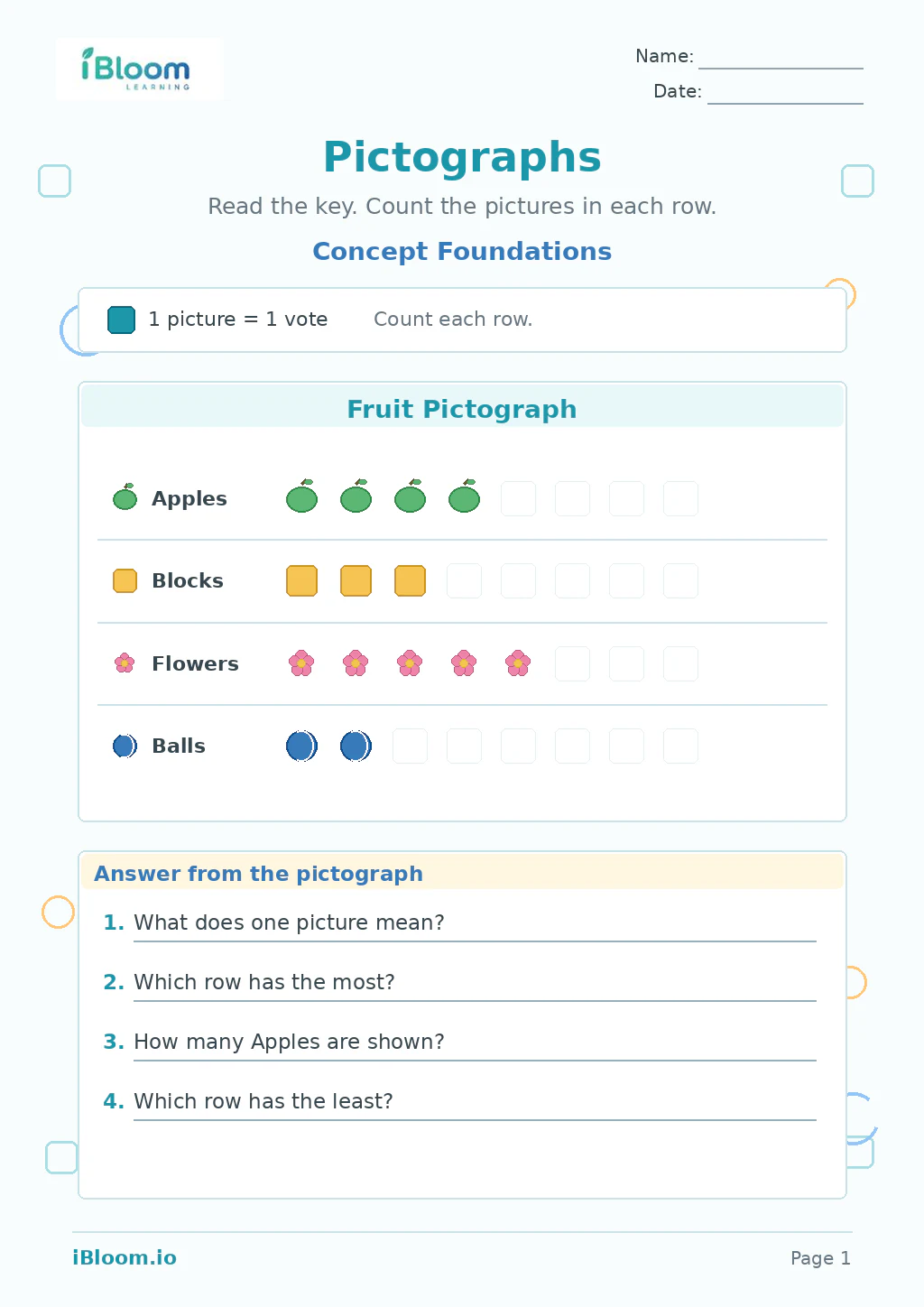
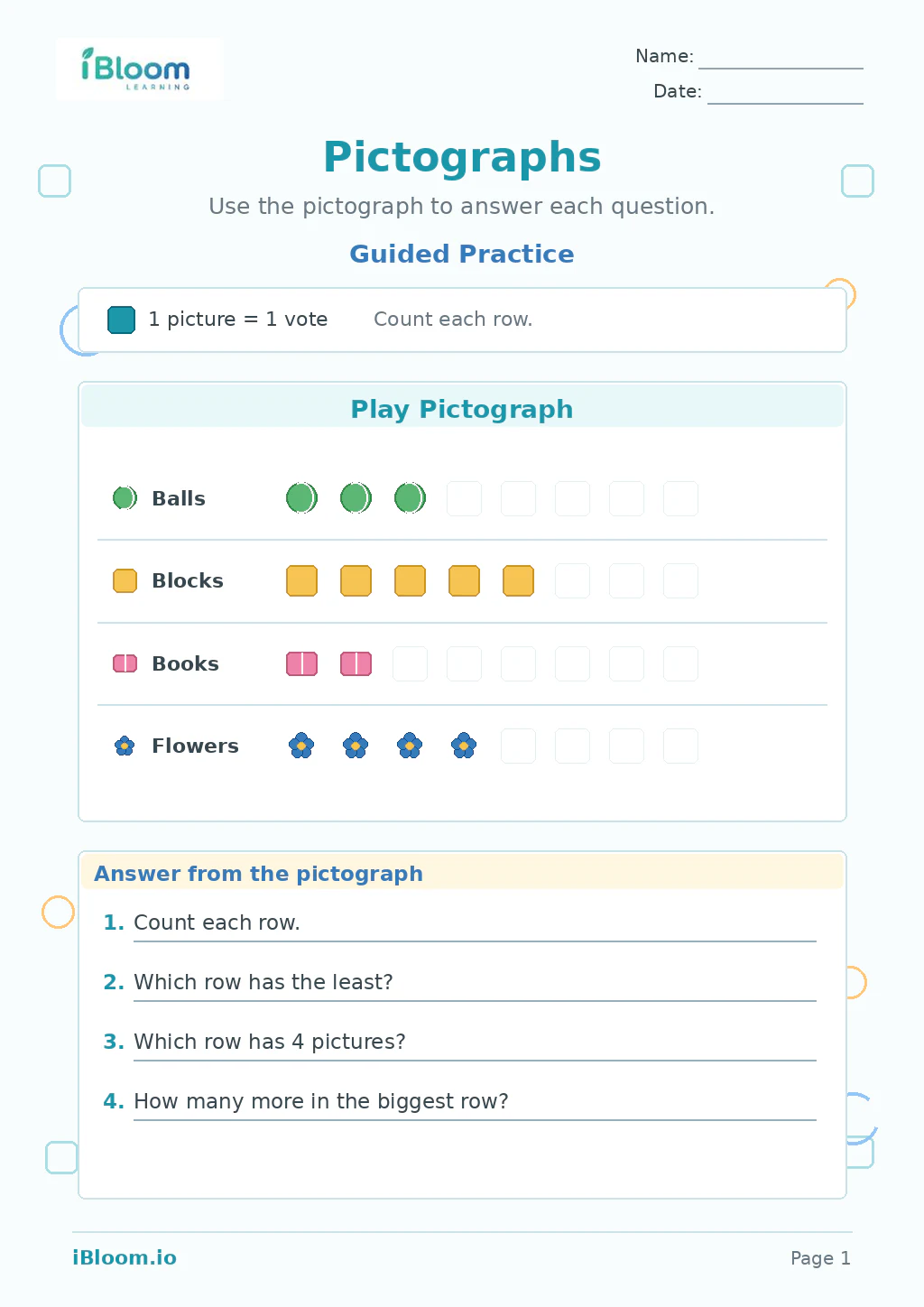
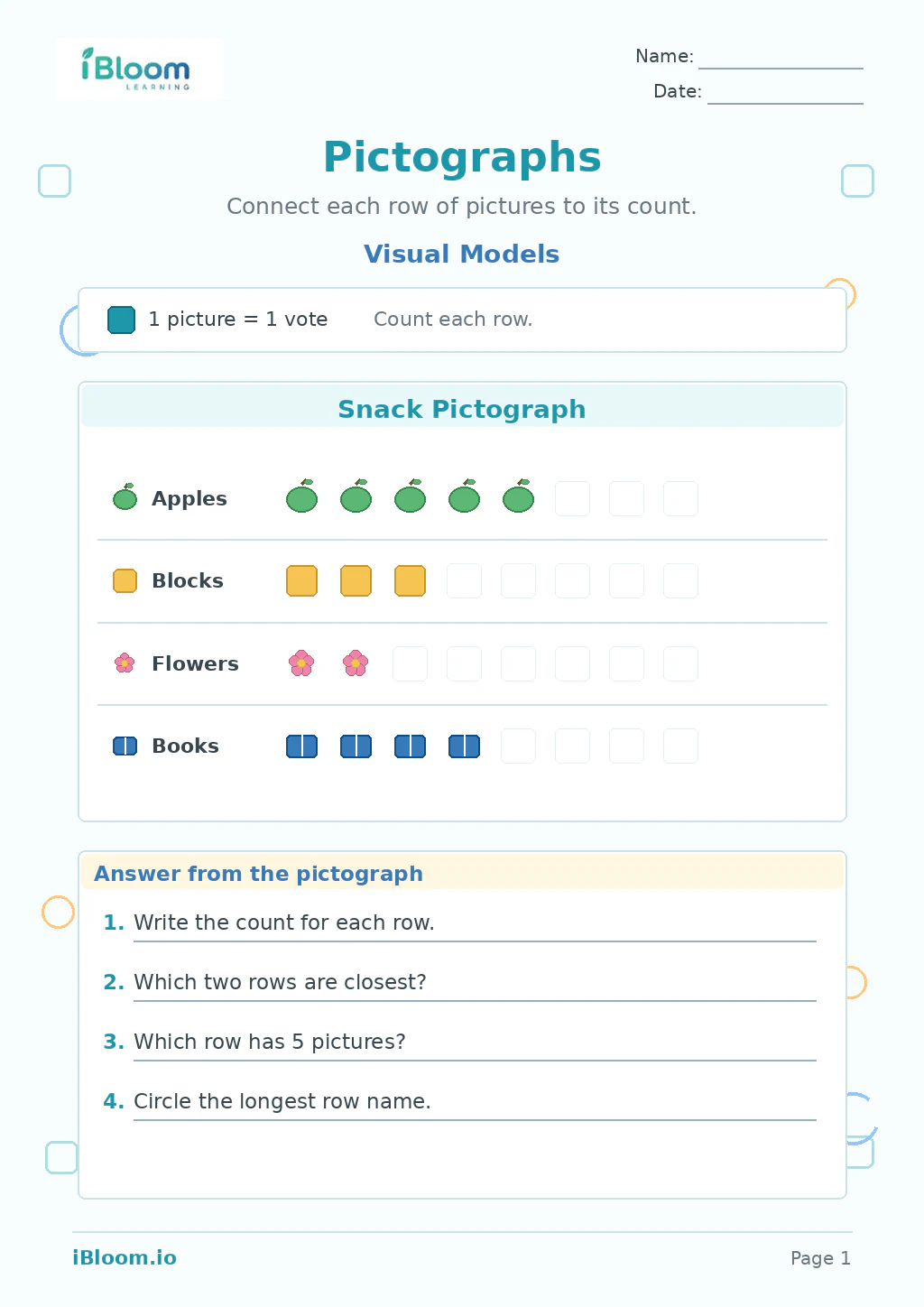
About this worksheet
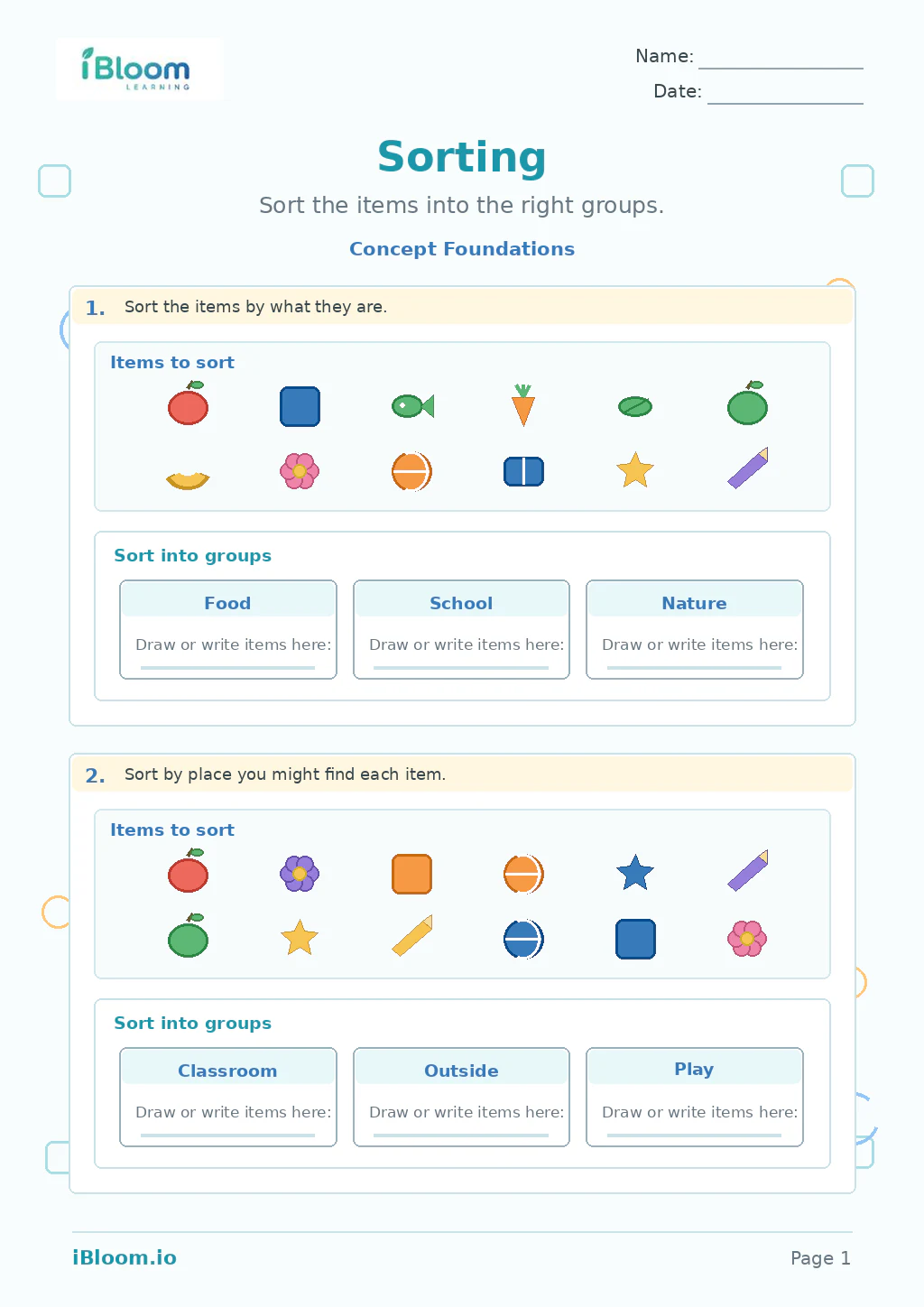
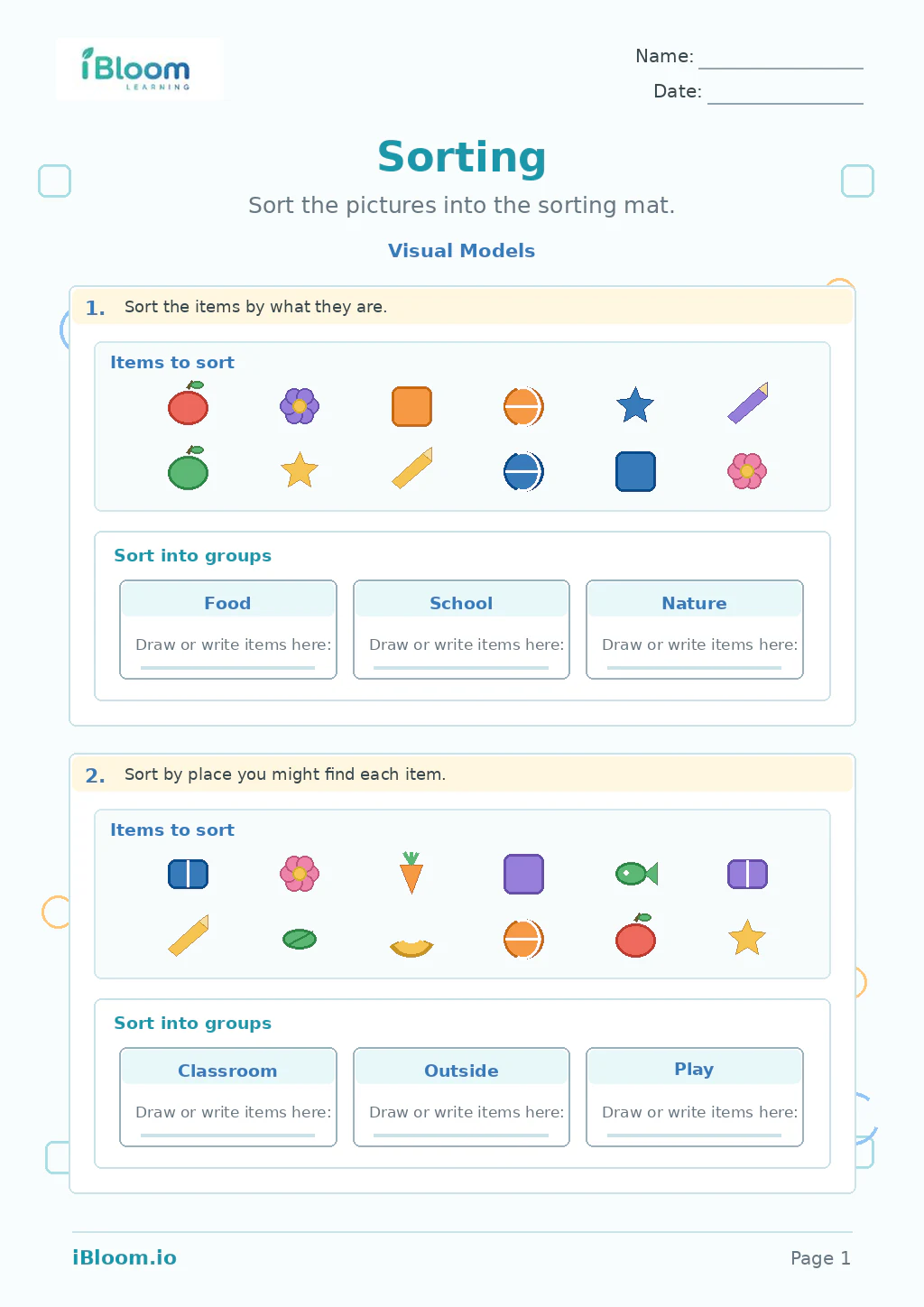
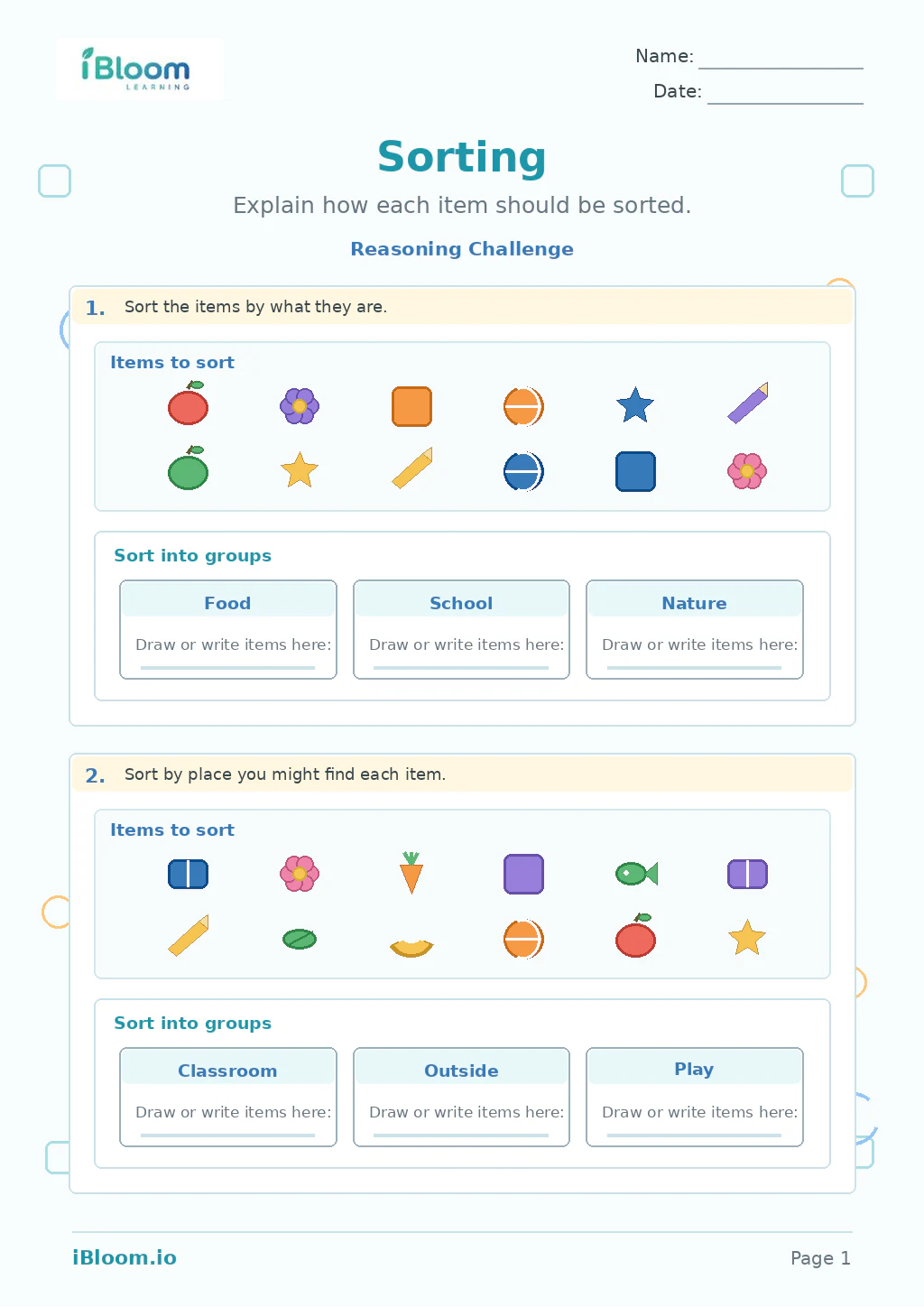
This Grade 1 worksheet builds sorting and data skills with familiar picture clues. Children choose items that belong in a group, find an item that does not fit, count pictured objects, and read a class pet bar graph. It includes 16 questions and an answer key.
Aligned to 1.MD.C.4
How do children decide what belongs?
Look at the picture examples and name the feature they share. Apples and bananas are fruit; books and crayons are school supplies. Then check each option against that same feature.
- 1Group clues: apple and banana
- 2Both are fruit.
- 3Check each choice for another fruit.
- 4Answer: pear
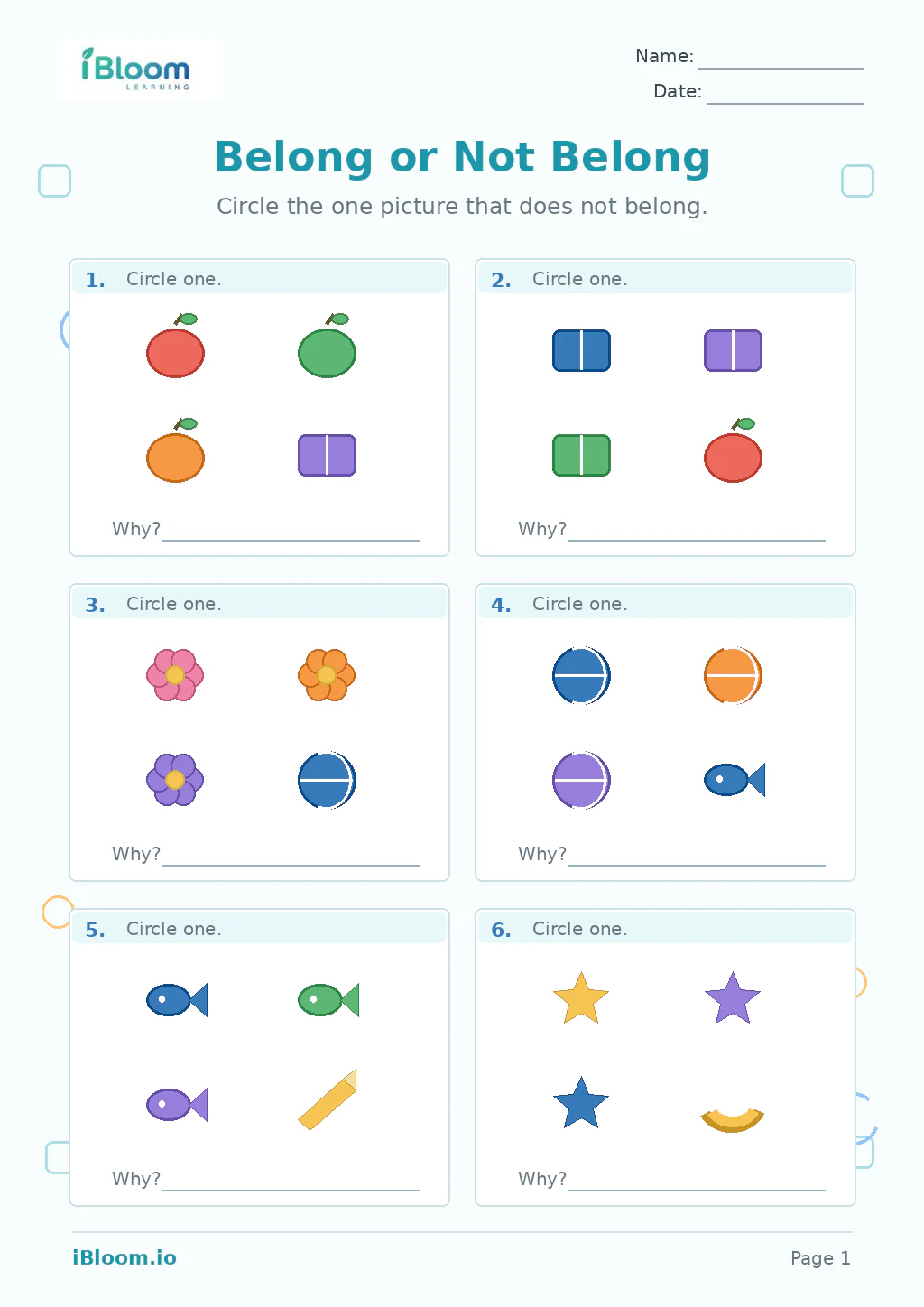
How does an “does not belong” question work?
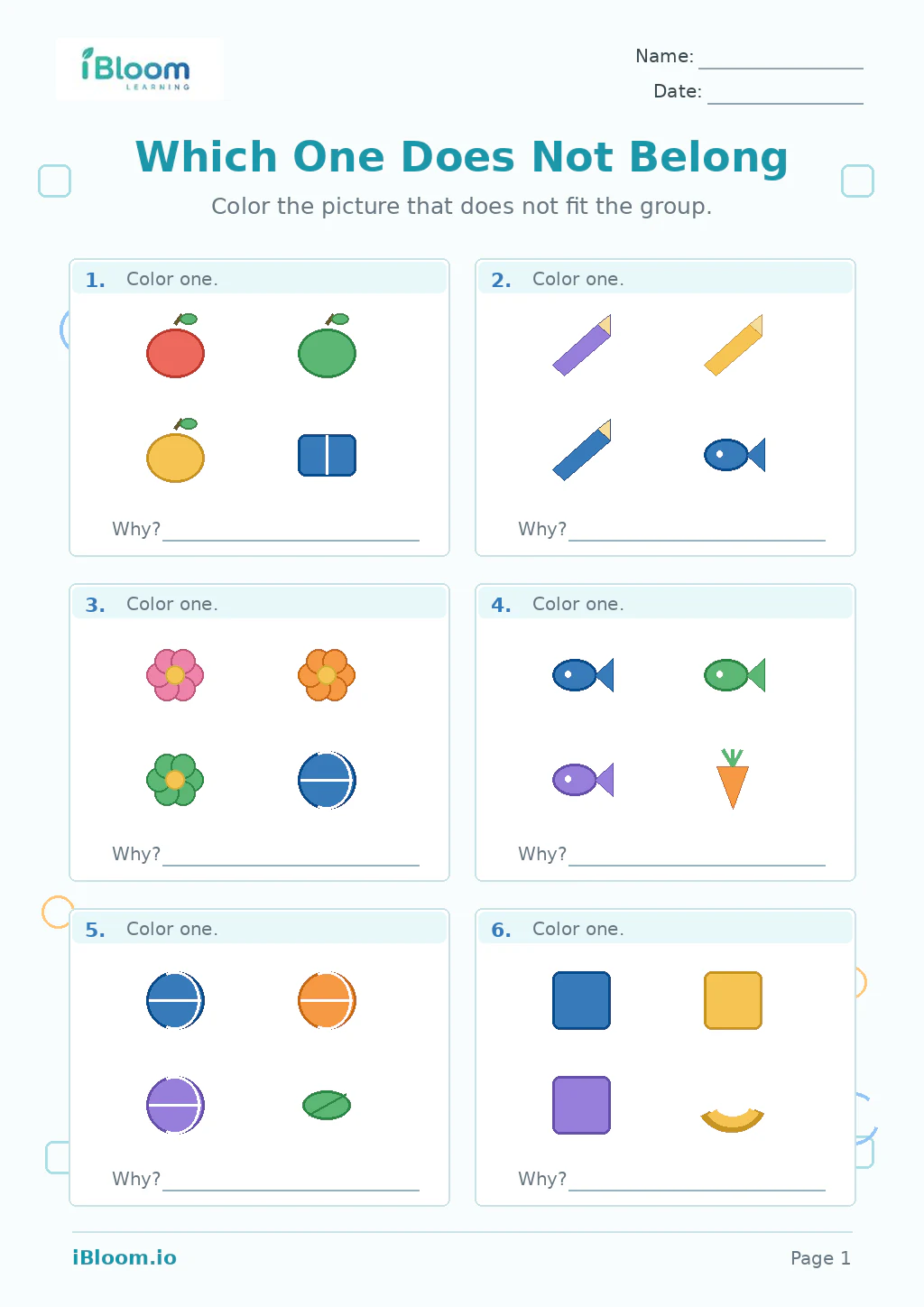
For these items, find the shared category among the examples. Choose the option that is outside that category. Children can say the category aloud before they select an answer.
- Questions 1–8: choose another item in the group
- Questions 9–12: choose an item outside the group
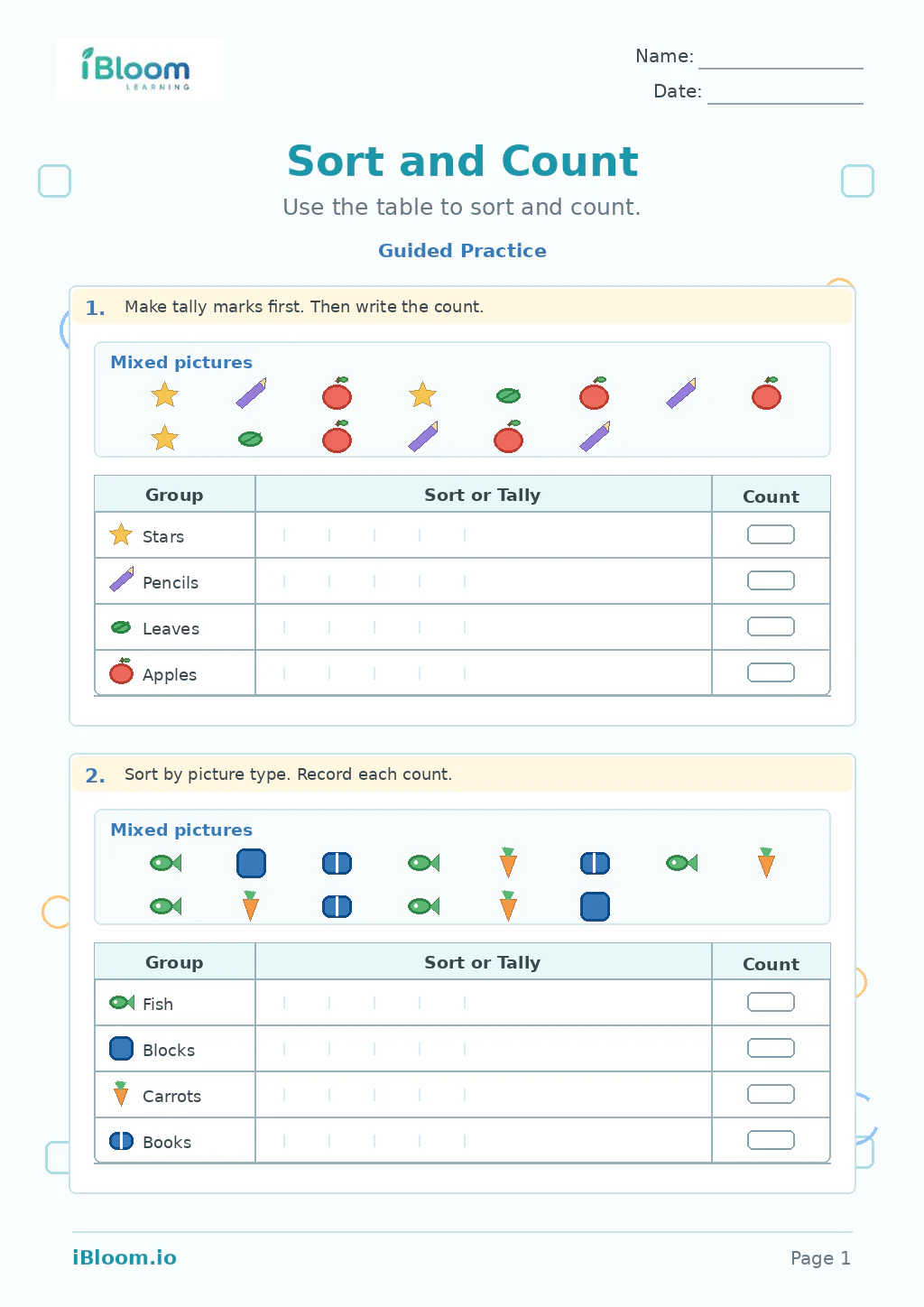
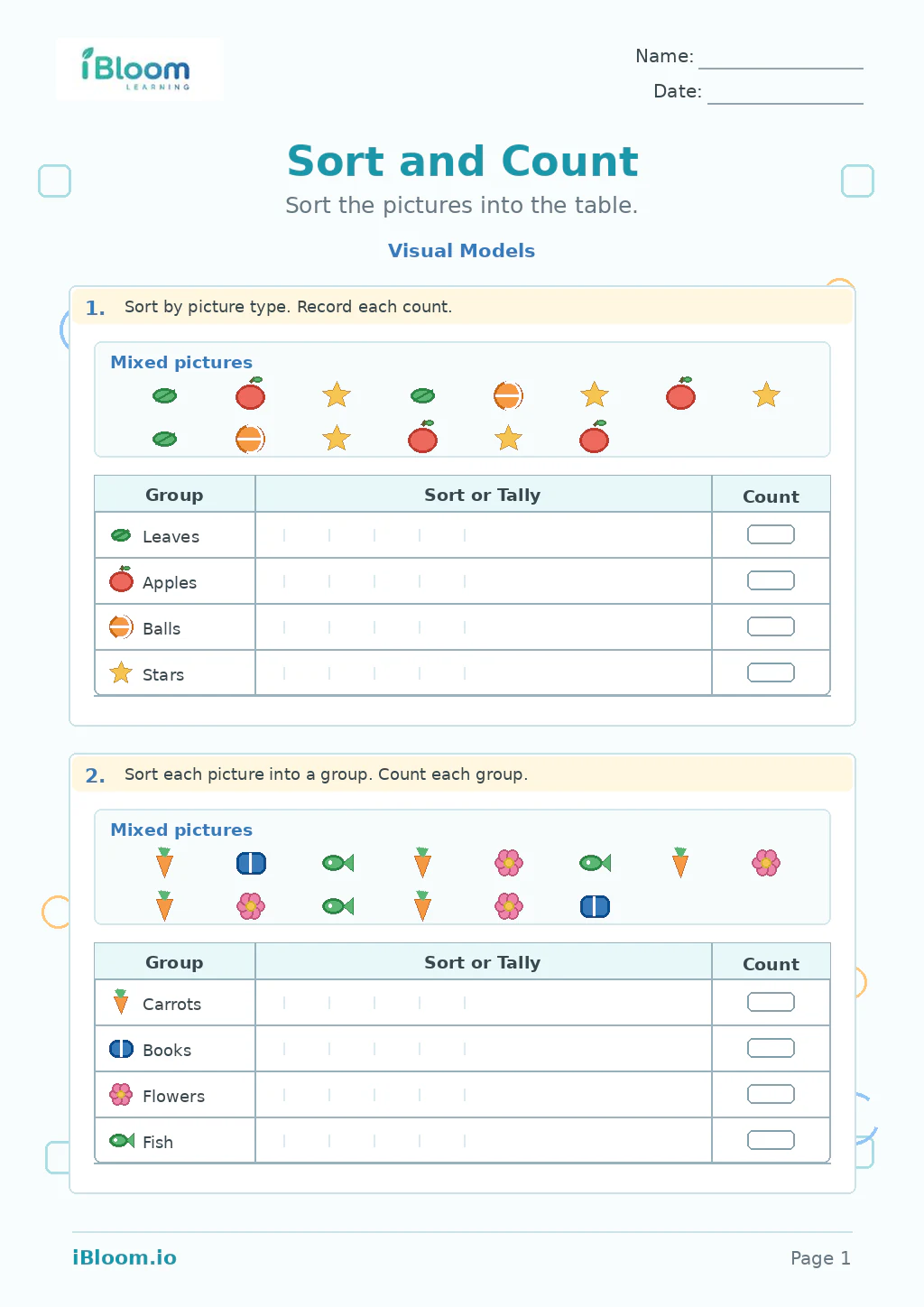
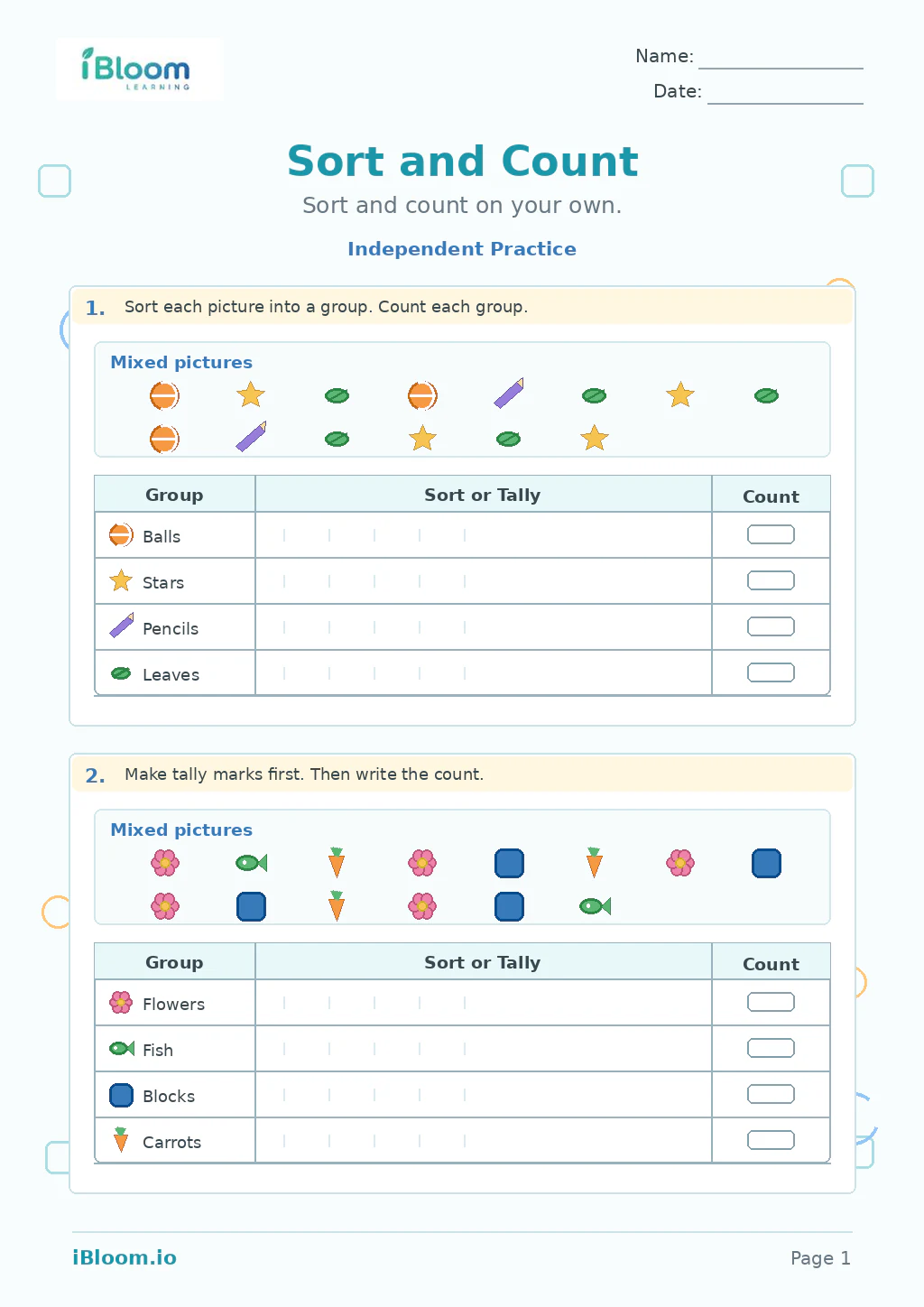
- Questions 13–16: count pictured objects in a group
How can children count after sorting?
Sorting creates categories that can be counted. For example, the picture group has four books and two crayons, so there are six school supplies altogether. Encourage children to point to each picture once.
How to use this worksheet
- 1Name the category shown by the picture clues.
- 2Say the category out loud before looking at the choices.
- 3Check every option against the group rule.
- 4For “does not belong,” find the shared feature first.
- 5Count pictured items one at a time in the final questions.
Common mistakes and quick fixes
The mistake
Choosing an item that is familiar but does not share the group feature.
The fix
Name the category from the clues first, then test each choice against it.
The mistake
Changing the sorting rule halfway through a question.
The fix
Keep one rule for the whole group, such as “things used at school.”
The mistake
Counting one picture twice or skipping one.
The fix
Touch each picture once as you count it.
Common Core alignment
The page links category sorting with counting category totals.
Organize objects into categories and answer questions about category counts.
On this sheet: Children classify familiar objects, count pictured categories, and interpret a bar graph by identifying the category with the fewest responses.
Show the official wordingHide the official wording
Organize, represent, and interpret data with up to three categories; ask and answer questions about the total number of data points, how many in each category, and how many more or less are in one category than in another.
What to practice next
Make more practice
Further reading
Questions parents and teachers ask
What is sorting in math?
Sorting means putting objects into groups based on a feature they share, such as being fruit or school supplies. This worksheet shows picture clues and asks children to choose another item in the group or find an item that does not fit.
How many questions are on the page?
There are 16 questions: eight picture choices for grouping, four for finding an item outside a category, three picture group questions, and one class pet bar graph question. The key lists each choice, picture count, and graph answer.
Why are there pictures instead of sorting boxes?
The old sheet used open boxes where children sorted objects by category. This replacement keeps the sorting skill through picture clues and choices, then adds a countable picture group and a class pet bar graph question for data practice.
Can children explain their sorting rule aloud?
Yes. Asking a child to name the group rule before choosing makes the reasoning visible. For example, apple and banana point to a fruit group, so the child can look for another fruit and explain why it belongs with the first two pictures.
What does the answer key show?
The key identifies matching and nonmatching picture choices, gives counts for pictured groups, and answers a question about the class pet bar graph. Children can explain the category rule or point to the smallest bar to support the final answer.