

About this worksheet
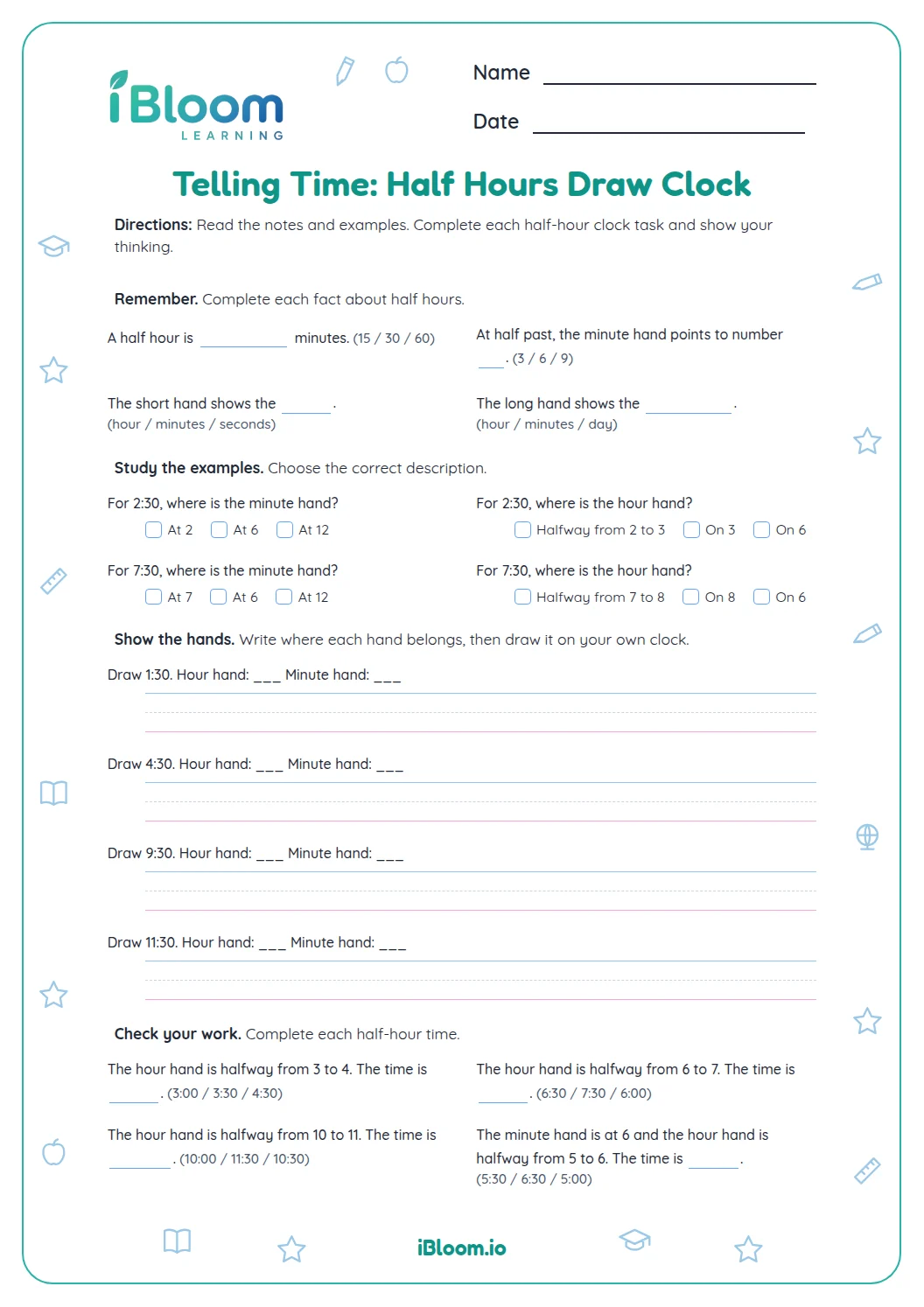
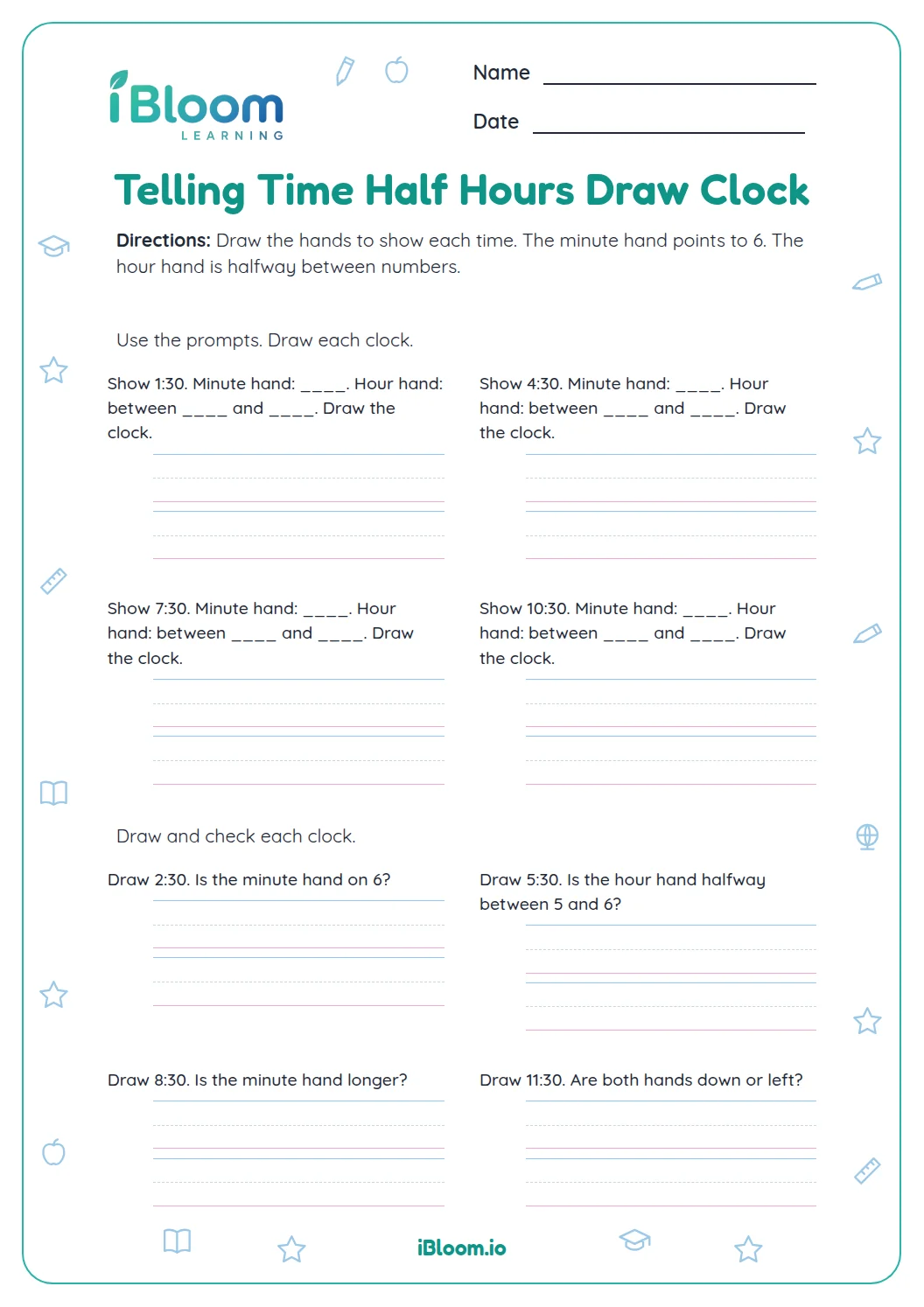
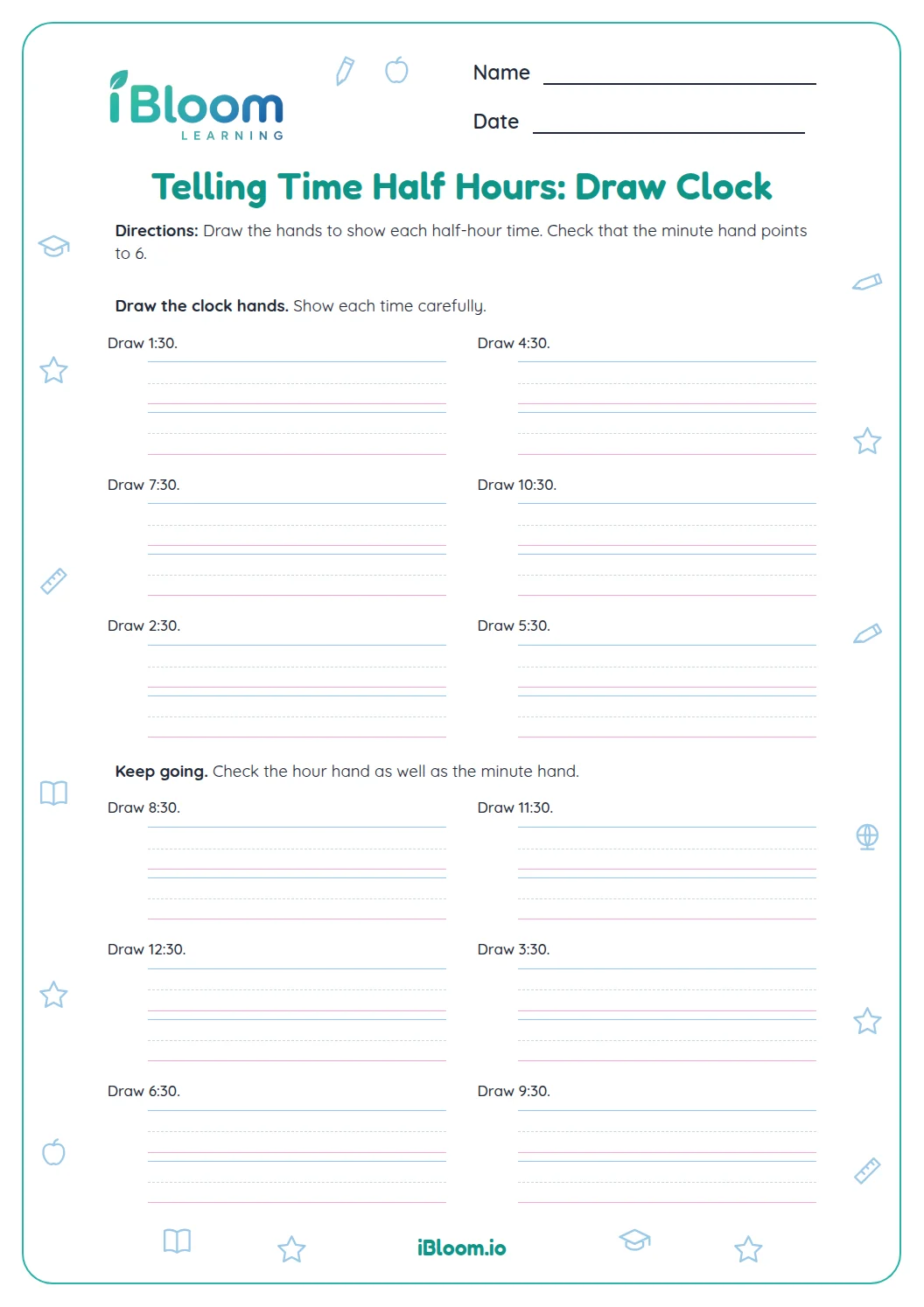
This Grade 2 printable gives children practice reading analog clocks that show half-hour times. In Part A they read clock faces, in Part B they choose the matching digital time, and in Part C they record the time. It practices CCSS 2.MD.C.7, which includes telling and writing time from analog and digital clocks. The 16 questions have a separate answer key.
Aligned to 2.MD.C.7
What does this clock worksheet practice?
The 16 questions focus on reading half-hour times from analog clocks. Parts A and C ask learners to record a time; Part B provides three digital choices for each clock.
Where should learners look on a half-hour clock?
At :30, the minute hand points to 6. The hour hand sits between two hour numbers, so read the number it has passed. For example, a hand halfway between 4 and 5 shows 4:30.
How can families check the answers?
Compare each recorded time with the key. If an answer is off by an hour, check which number the short hand has passed; if the minutes are wrong, look again at the long hand.
How to read the clocks
- 1Find the long minute hand and check that it points to 6.
- 2Look at the short hour hand between two numbers.
- 3Name the hour it has passed.
- 4Write that hour with :30, or choose the matching digital time.
- 5Compare your responses with the separate answer key.
Half-hour clock checks
The mistake
Reading the next hour when the short hand is between numbers.
The fix
Use the hour number the short hand has already passed.
The mistake
Writing :00 because the short hand is near an hour number.
The fix
Check the long hand; at a half hour it points to 6, so write :30.
The mistake
Switching the hour and minute hands.
The fix
The long hand shows minutes; the shorter hand shows the hour.
Common Core alignment
Read analog clocks and record half-hour times.
On this sheet: Every clock item asks children to read or record a half-hour time.
Show the official wordingHide the official wording
Tell and write time from analog and digital clocks to the nearest five minutes, using a.m. and p.m.
What to practice next
Make more practice
Further reading
Questions parents and teachers ask
How do children read a half-hour clock?
Look for the minute hand first: when it points to 6, the time is half past the hour. Then read the hour hand, which sits between two numbers. The clock drawings on this sheet let children practice that position across several different hours.
What is the answer to 3:30 on the clock?
The time is 3:30. The minute hand points to 6, and the hour hand lies between 3 and 4. This worksheet shows half-hour clocks for children to read, with the key listing each time. Invite the learner to identify the hour the short hand has passed.
How many questions are on the worksheet?
There are 16 clock questions in three parts: six open-response readings, five multiple-choice readings, and five more open-response readings. The sheet has a separate answer key. Learners can complete one part at a time and check their work afterward.
Can I use the sheet if my child is still learning the hour hand?
Yes. Begin by finding the long hand and confirming it points to 6. Then ask which hour number the short hand has passed. These two checks apply to every half-hour clock on the sheet and can help a learner explain a response before looking at the key.
Is the answer key included?
Yes. A separate key lists the time shown by each clock, including the clocks in the multiple-choice part. For an open-response item, compare the written hour and minutes with the key; for a choice item, check that the selected time matches the face.