
About this worksheet
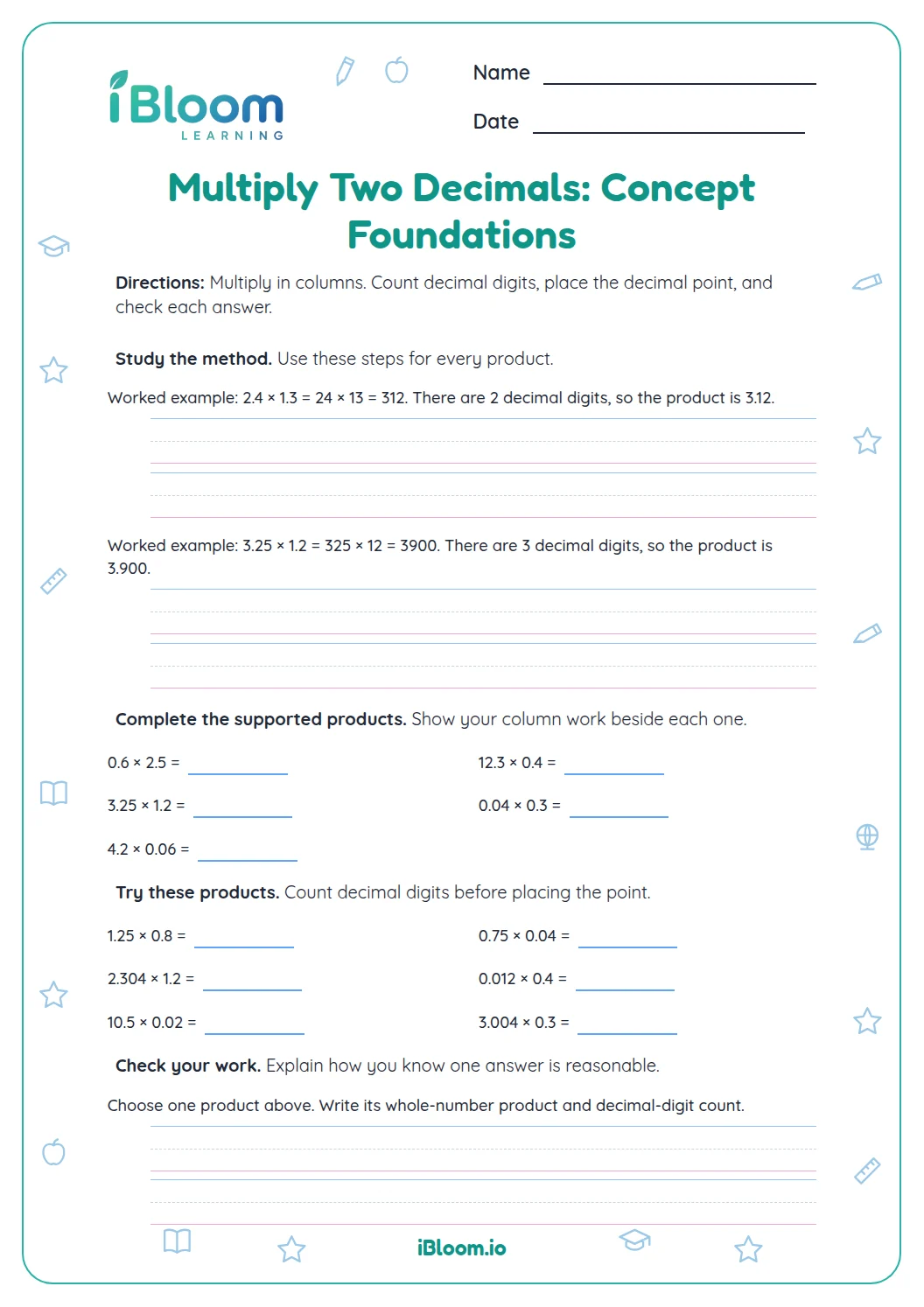
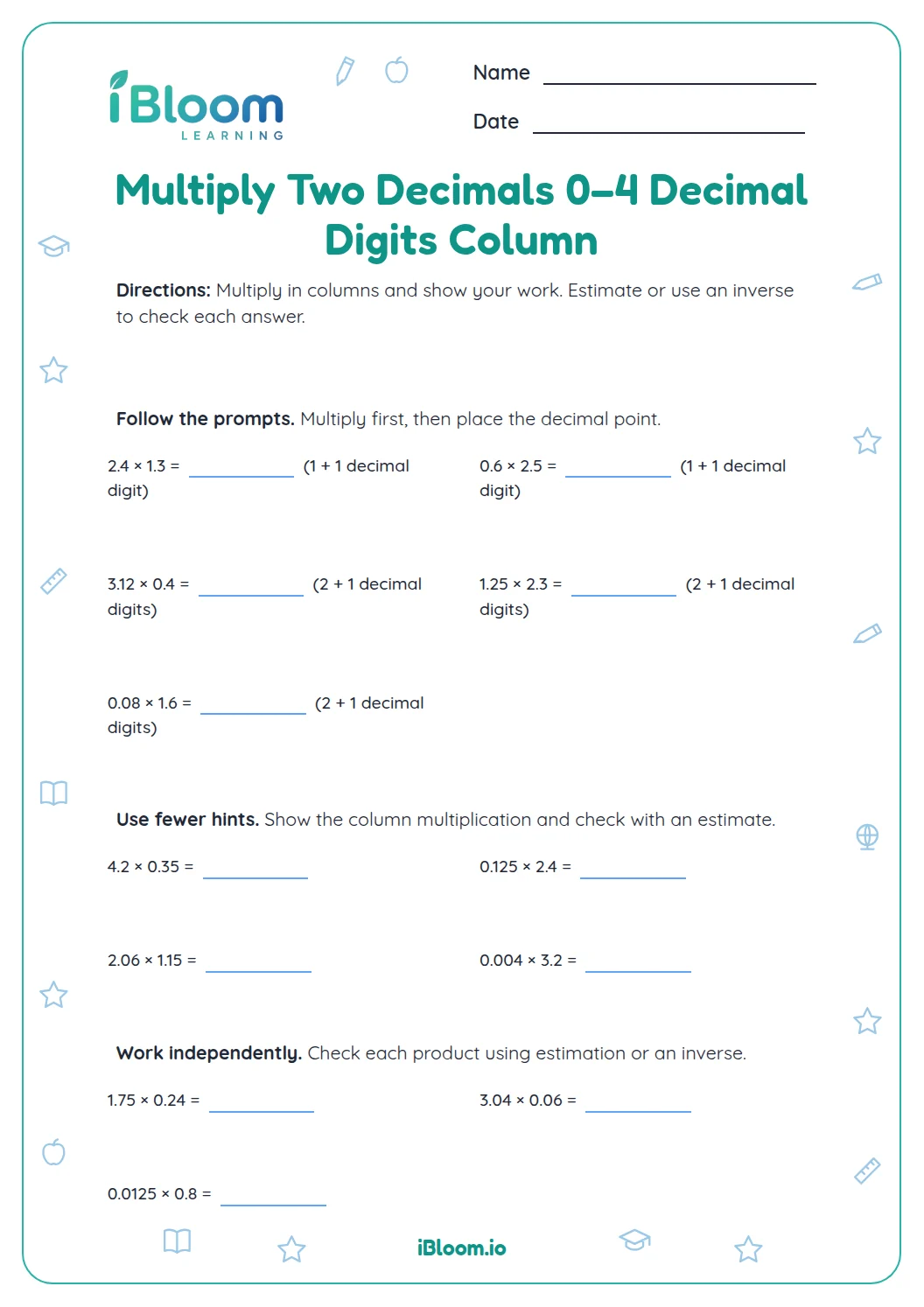
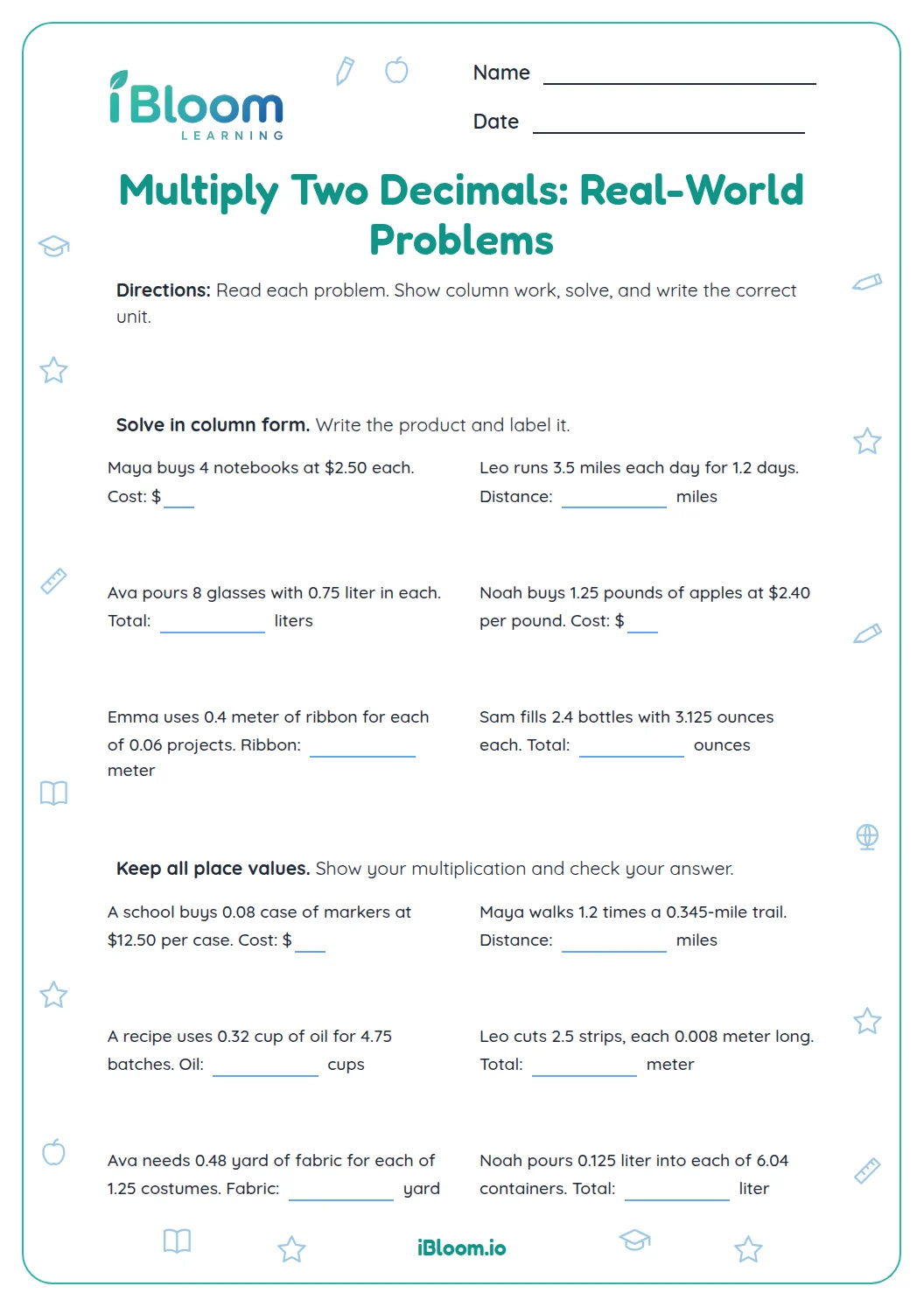
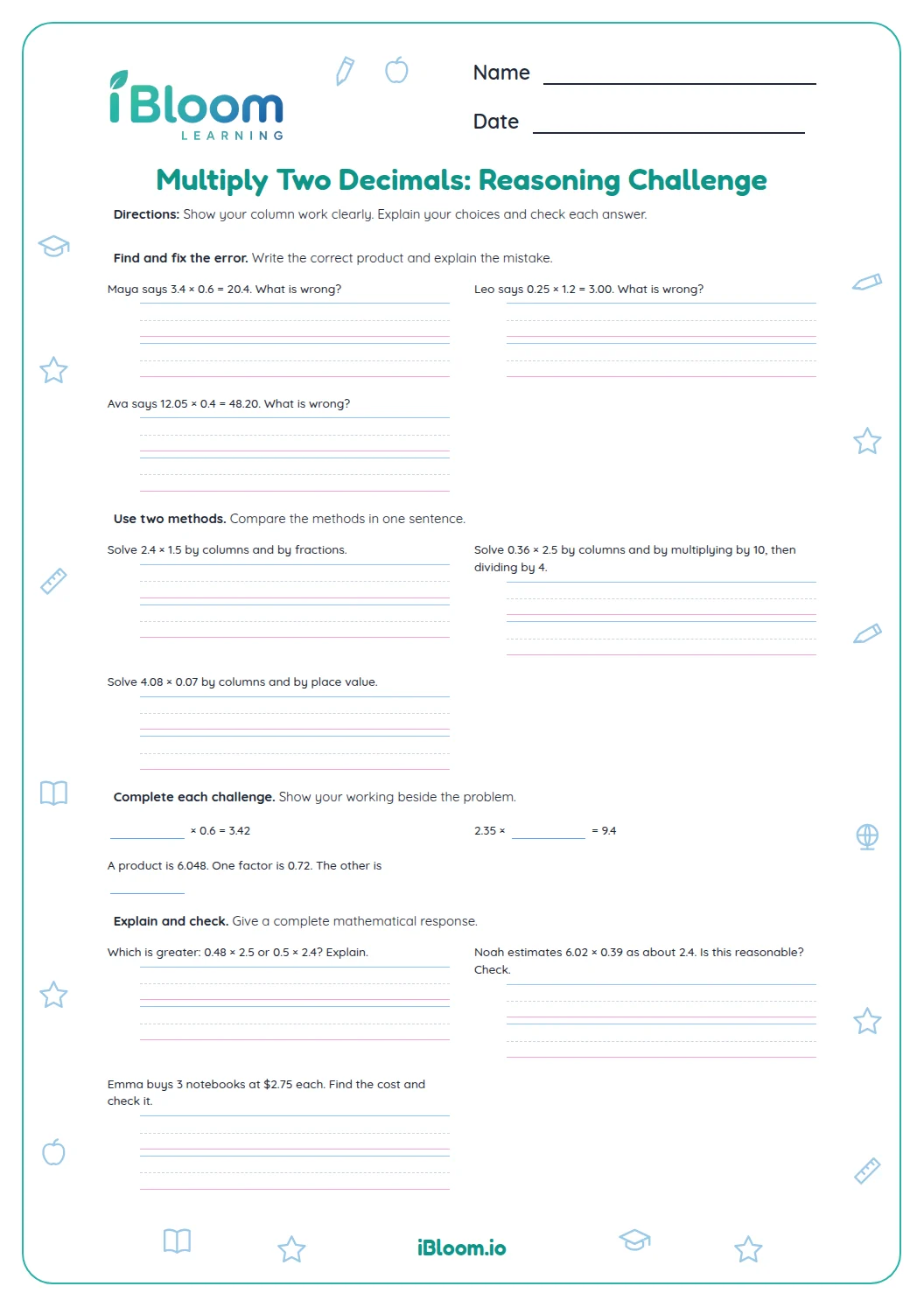
This Grade 6 printable gives students fourteen products of two decimals, including factors with tenths through thousandths. The first three questions pair products with hundredths grids; the remaining questions build from estimation to column work. Students count the decimal places in both factors and estimate to check the result. A separate answer key is included.
Aligned to 6.NS.B.3
How do you place the decimal in a product?
Multiply the digits as whole numbers, then count the decimal places in both factors. In 0.4 × 0.3, 4 × 3 = 12 and there are two places total, so the product is 0.12.
Questions 1–3 include shaded hundredths grids to connect the factors with a rectangular area model. Later items move to estimates and written computation.
- 10.4 × 0.3
- 24 × 3 = 12
- 3Two decimal places total
- 40.12
How can an estimate catch a misplaced decimal?
Round each factor to a nearby friendly number before you multiply. For 2.4 × 0.15, estimate 2.4 × 0.1 = 0.24. The exact product, 0.36, is close in size. An answer of 36 would be far too large.
Check the number of decimal places in both factors before writing the final product. A trailing zero may be removed, but a zero that holds a place cannot.
What is included in the practice?
Part A starts with three products shown alongside rectangular area models. Part B asks students to estimate and multiply; Part C provides space for column work; Part D ends with two independent products. Each item asks for one product, and the key uses simplified decimals when a trailing zero is not needed.
- Part A: 3 products with area grids
- Part B: 5 products to estimate and multiply
- Part C: 4 products with column work
- Part D: 2 independent products
- Factors use tenths, hundredths and thousandths
- Separate answer key
How to use this worksheet
- 1Estimate the product before multiplying.
- 2Multiply the digits as if they were whole numbers.
- 3Count all decimal places in both factors.
- 4Place the decimal and remove only an unnecessary final zero.
- 5Compare the result with your estimate and check the key.
Common mix-ups and fixes
The mistake
Placing the decimal using only one factor.
The fix
Count the decimal places in both factors, then add the counts.
The mistake
Writing 0.0056 as 0.056.
The fix
Use a leading zero after the decimal to hold the hundredths place.
The mistake
Assuming multiplication always makes a number larger.
The fix
When both factors are less than 1, the product can be smaller than either factor.
Common Core alignment
This page practices the Grade 6 decimal computation standard.
Multiply multi-digit decimals with a standard algorithm and check product size.
On this sheet: Every question multiplies two decimal factors; students use column work and models to check.
Show the official wordingHide the official wording
Fluently add, subtract, multiply, and divide multi-digit decimals using the standard algorithm for each operation.
What to practice next
Make more practice
Further reading
Questions parents and teachers ask
How many problems are on this worksheet?
There are fourteen decimal multiplication problems. Three include area grids, five ask for estimates, four provide column work, and two are independent products. A separate key lists all answers so students can check their work after finishing the worksheet and review any mistakes.
How do the area grids help?
The first three questions show shaded rectangular areas on hundredths grids. For example, 0.4 by 0.3 covers 12 of 100 small squares, or 0.12. The grid connects tenths factors to a hundredths product and offers a visual size check.
How do students place the decimal point?
Multiply the digits as whole numbers, then count the decimal places in both factors. The product has that many places before any final zero is removed. Estimating first helps check whether the result is a sensible size and catches a decimal placed too far left or right.
Why estimate before multiplying?
A quick estimate gives a useful size check. For 2.4 × 0.15, using 0.1 for the second factor gives an estimate near 0.24. The exact result, 0.36, is in the same general range, so a much larger result would need another look.
Is an answer key included?
Yes. The answer key is printed separately and includes all fourteen products. Students can use it after completing the work, then revisit any item where the answer seems far from the estimate. It uses simplified decimals when a trailing zero is not needed.