


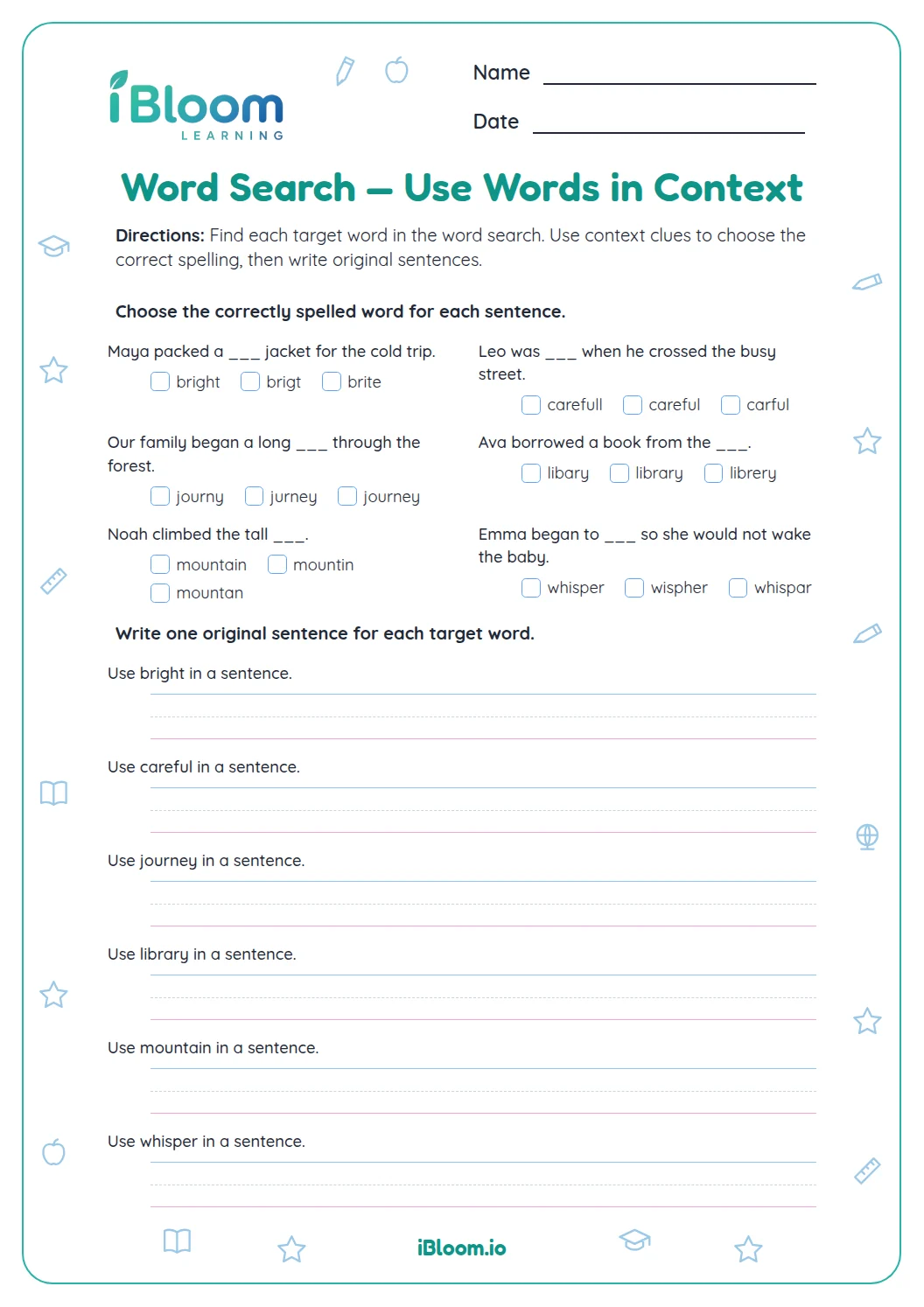
About this worksheet
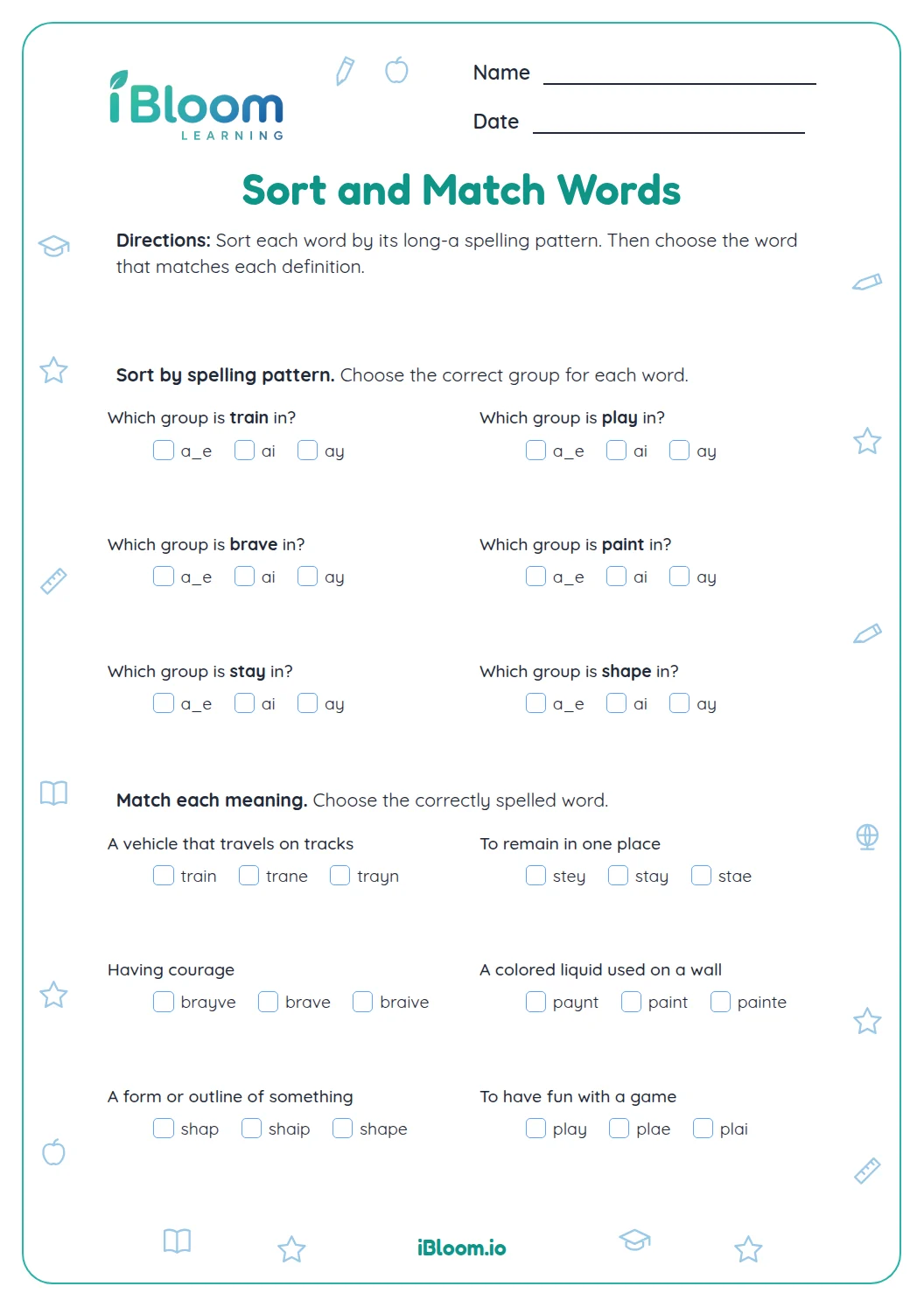
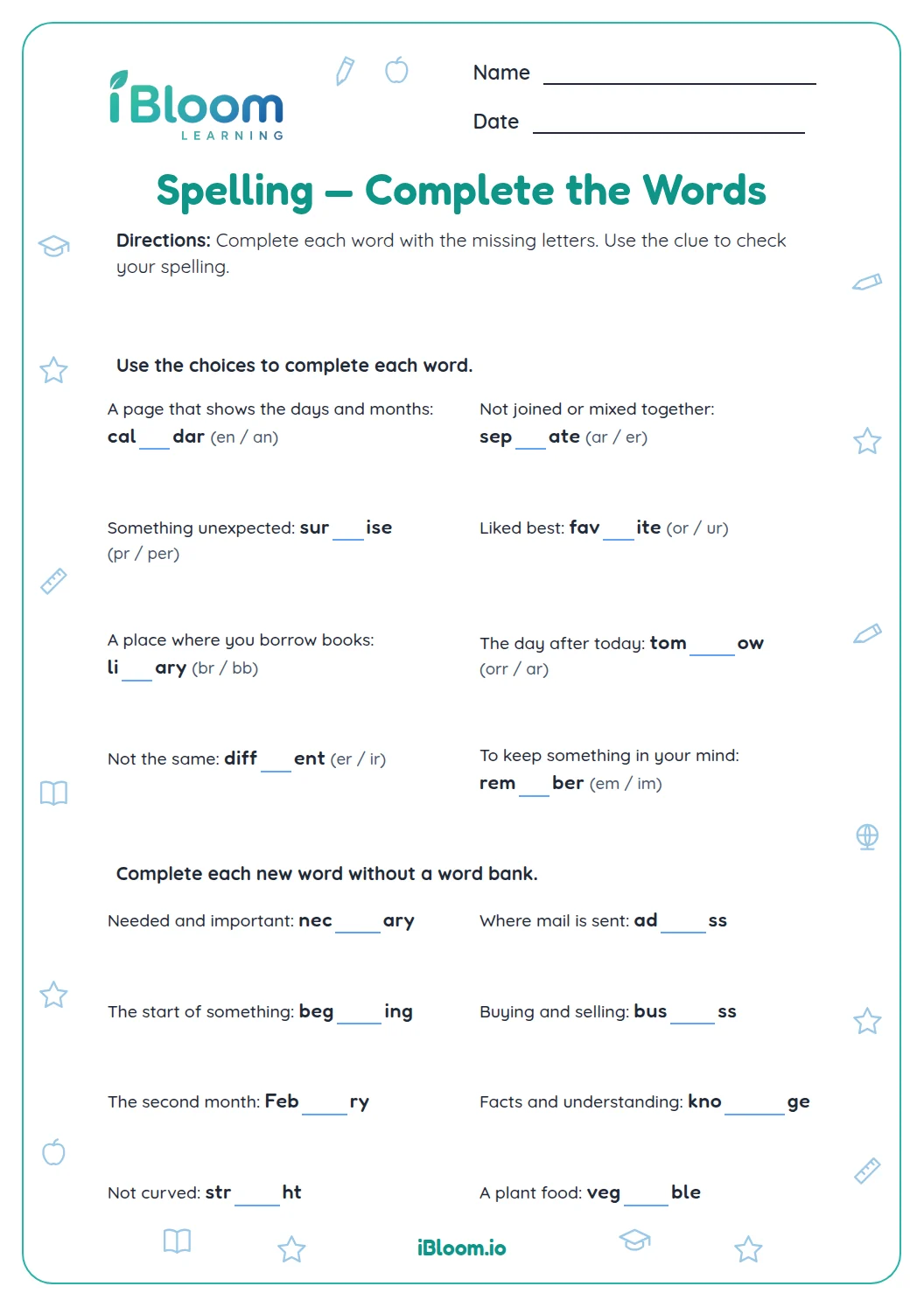
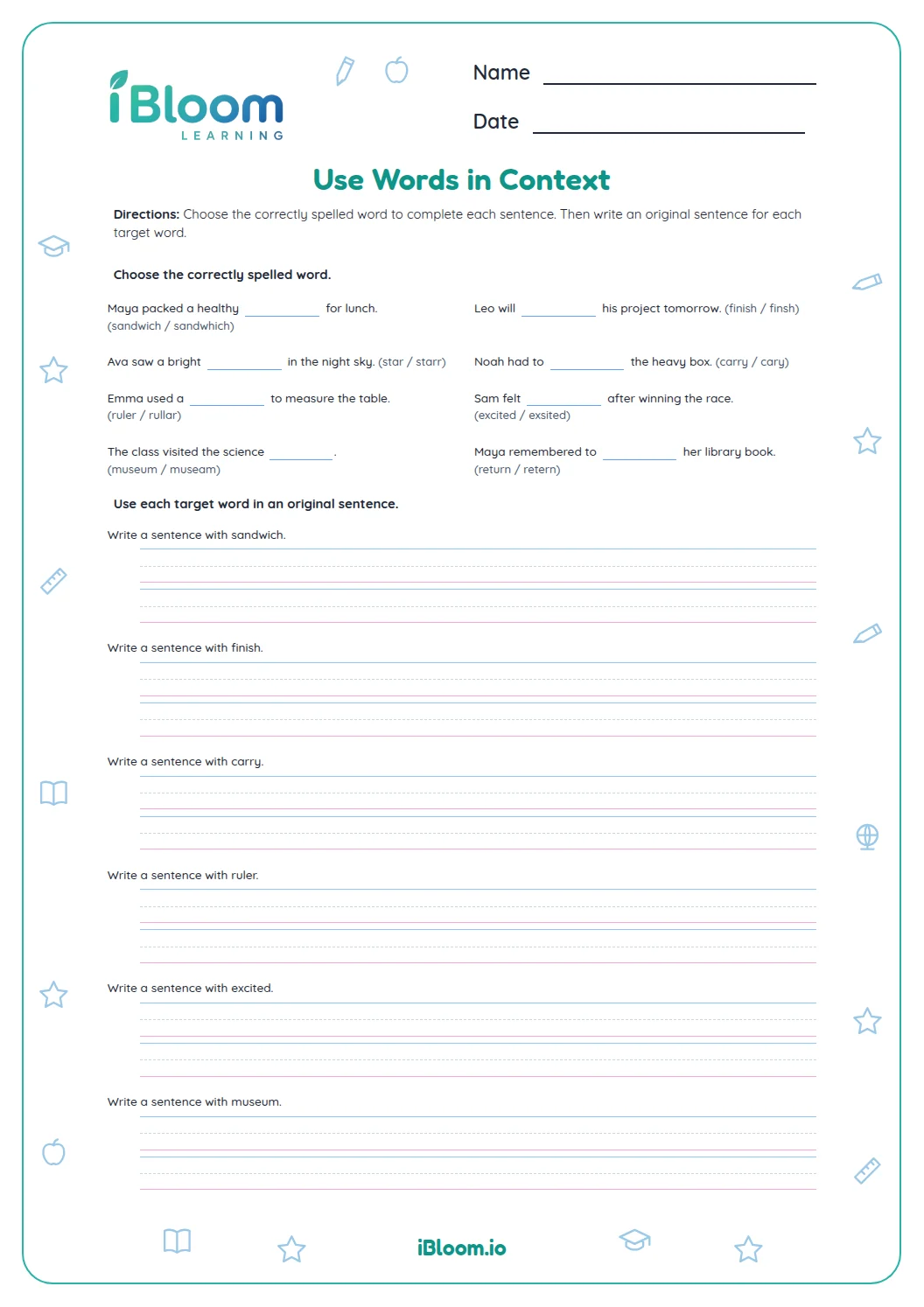
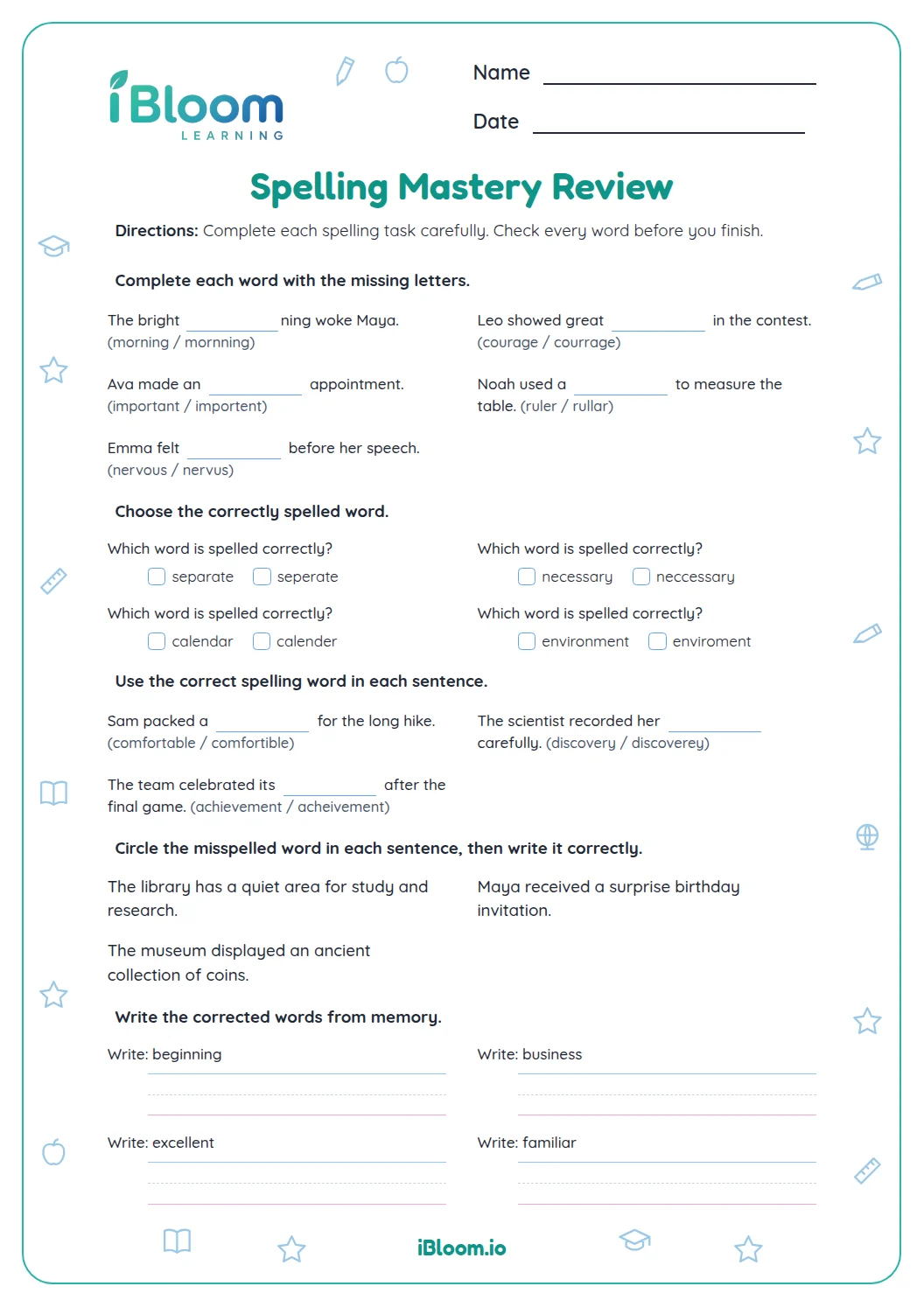
This printable asks students to find and correct misspelled words in sentences. Practice starts with one-word corrections, moves to standard spelling choices, and ends with sentence editing and proofreading. The listed standard focuses on spelling grade-appropriate words correctly, with references available as needed.
Aligned to 4.L.2.D
How do you find a misspelled word?
Read the sentence, locate the word that does not follow standard spelling, and write its correction. For question 1, “viset” becomes “visit.”
- 1We will viset the museum.
- 2Correct spelling: visit
How do you correct two errors?
Write each corrected word in the order it appears. In “The neibor brought a delishus pie,” the corrections are “neighbor, delicious.”
How can you proofread the whole sentence?
After fixing the word, read the sentence again to check that it still makes sense. Question 15 becomes “The calendar is on the wall.” The answer key shows complete corrected sentences for the final part.
How to use the worksheet
- 1Read the whole prompt before writing an answer.
- 2Use the method named in the part direction.
- 3Keep work lined up or organize it on the response lines.
- 4Use the answer key after attempting the page and revisit any missed step.
Common slips to check
The mistake
Changing a correct word while editing
The fix
Check that the prompt identifies the error before rewriting a word.
The mistake
Writing two corrections in reverse order
The fix
List corrections in the same order as the misspelled words appear.
The mistake
Fixing a word but not rereading the sentence
The fix
Read the corrected sentence once more for spelling and meaning.
Curriculum alignment
This worksheet practices a focused skill that supports grade-level learning.
Spell grade-appropriate words correctly and consult references when needed.
On this sheet: Spell grade-appropriate words correctly and consult references when needed.
Show the official wordingHide the official wording
Spell grade-appropriate words correctly, consulting references as needed.
What to practice next
Further reading
Questions parents and teachers ask
What should students write for a single-word correction?
For the first part, write the correctly spelled word that replaces the error. Keep the rest of the sentence in mind so the correction still makes sense. The answer key lists the target spelling for each item. The first part asks for only the corrected word.
How should students handle two errors in one sentence?
Write both corrected words in the order they appear in the sentence. For example, the answer to “The neibor brought a delishus pie” is “neighbor, delicious.” Later sentence items use this same order for the key. The worksheet keeps the answer order consistent throughout.
Why use a sentence to practice spelling?
A sentence gives a word context that can help students notice whether it fits. The worksheet moves from one misspelled word to sentence editing, so students practice checking both the spelling and the corrected sentence. The page begins with single-word edits before sentence work.
How many questions are included?
This worksheet has 14 items in four parts across two pages: six single-word corrections, four spelling choices, four sentence corrections, and two proofreading sentences. The separate answer key shows the expected words or corrected sentence. The proofreading section includes two full sentences.
Can students use a dictionary?
Yes. The listed Grade 4 standard includes consulting references as needed. Students can attempt each correction first, then use a dictionary to confirm a spelling before checking the answer key. The final items ask students to preserve sentence meaning while correcting spelling.