







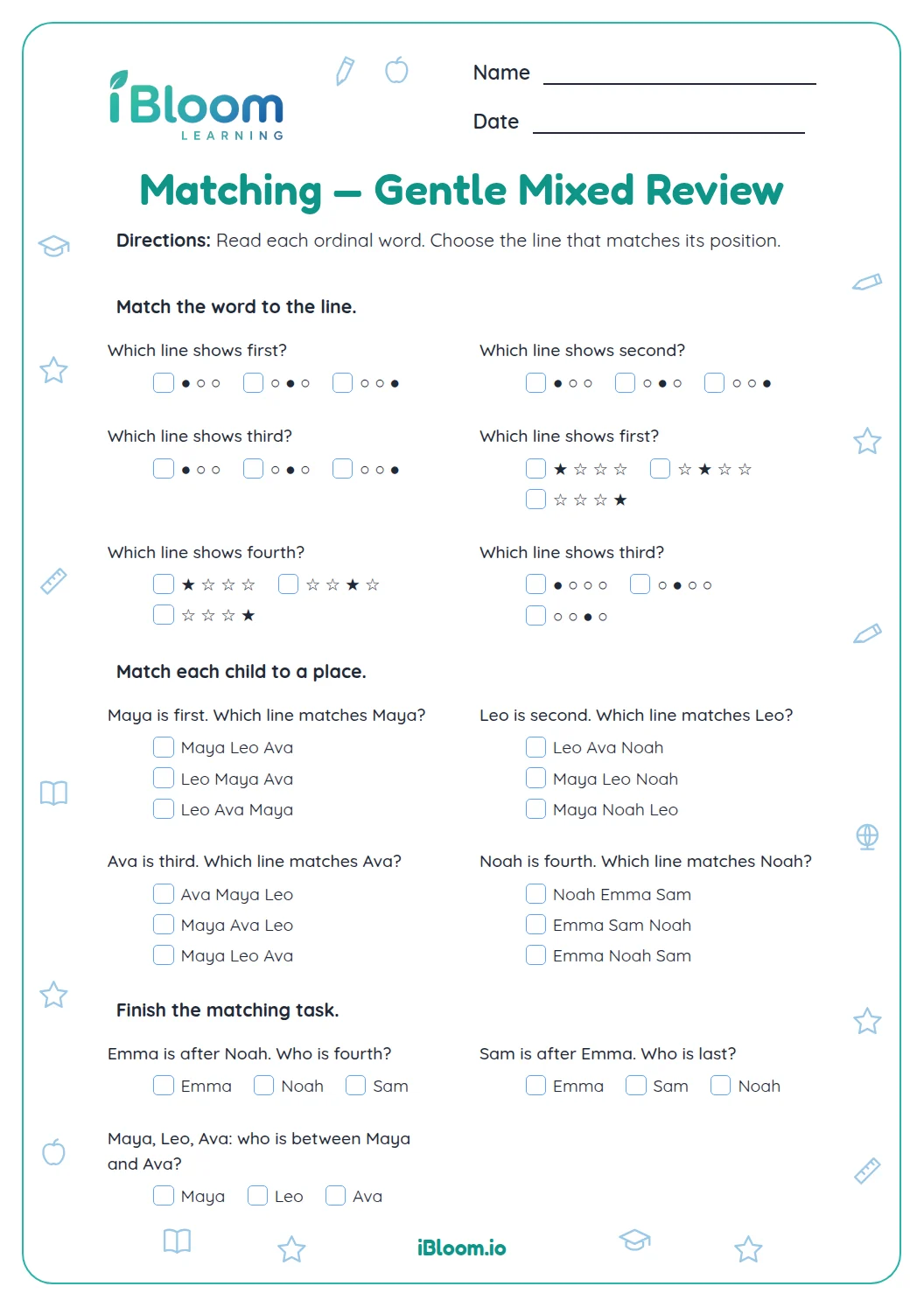
About this worksheet
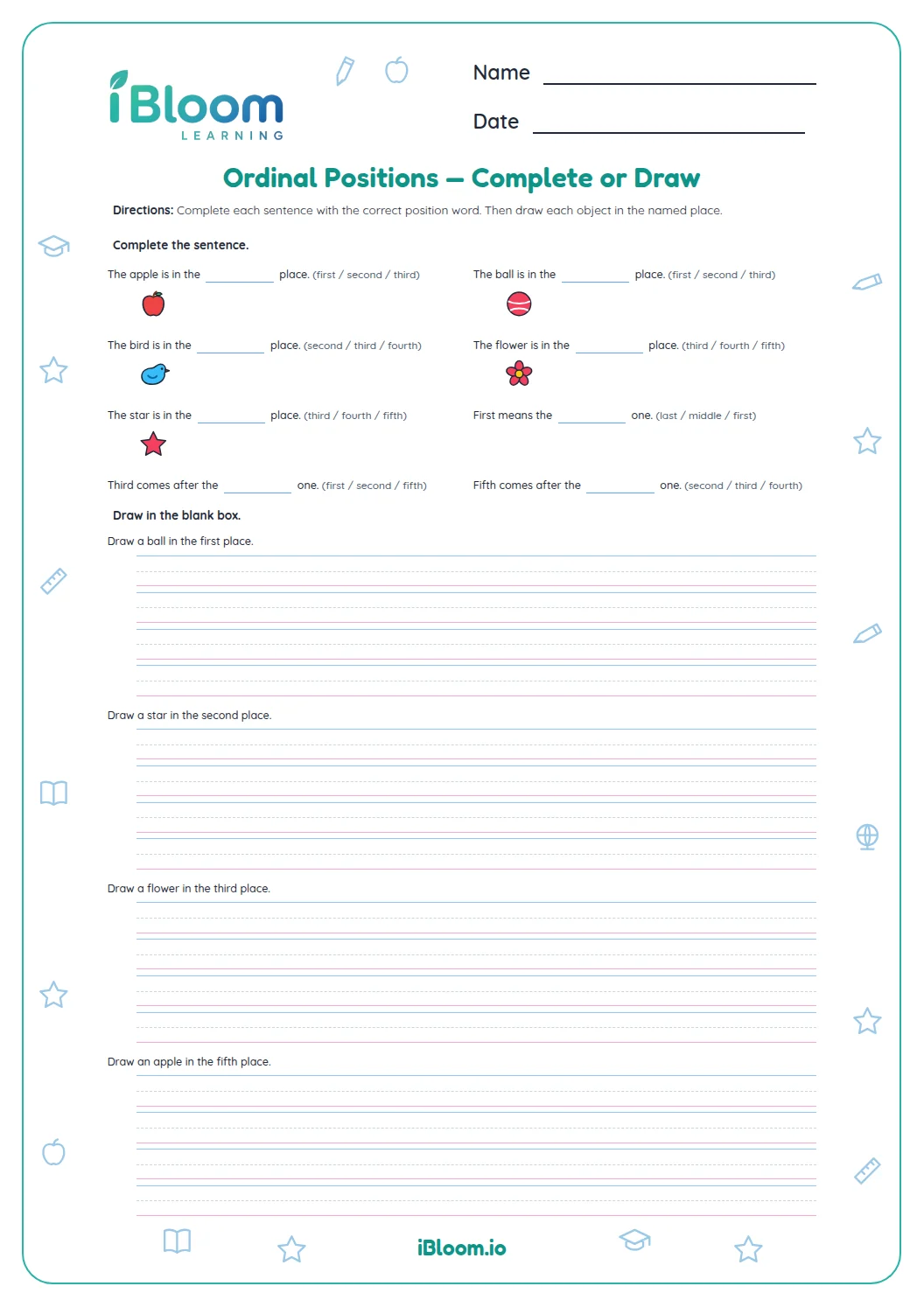
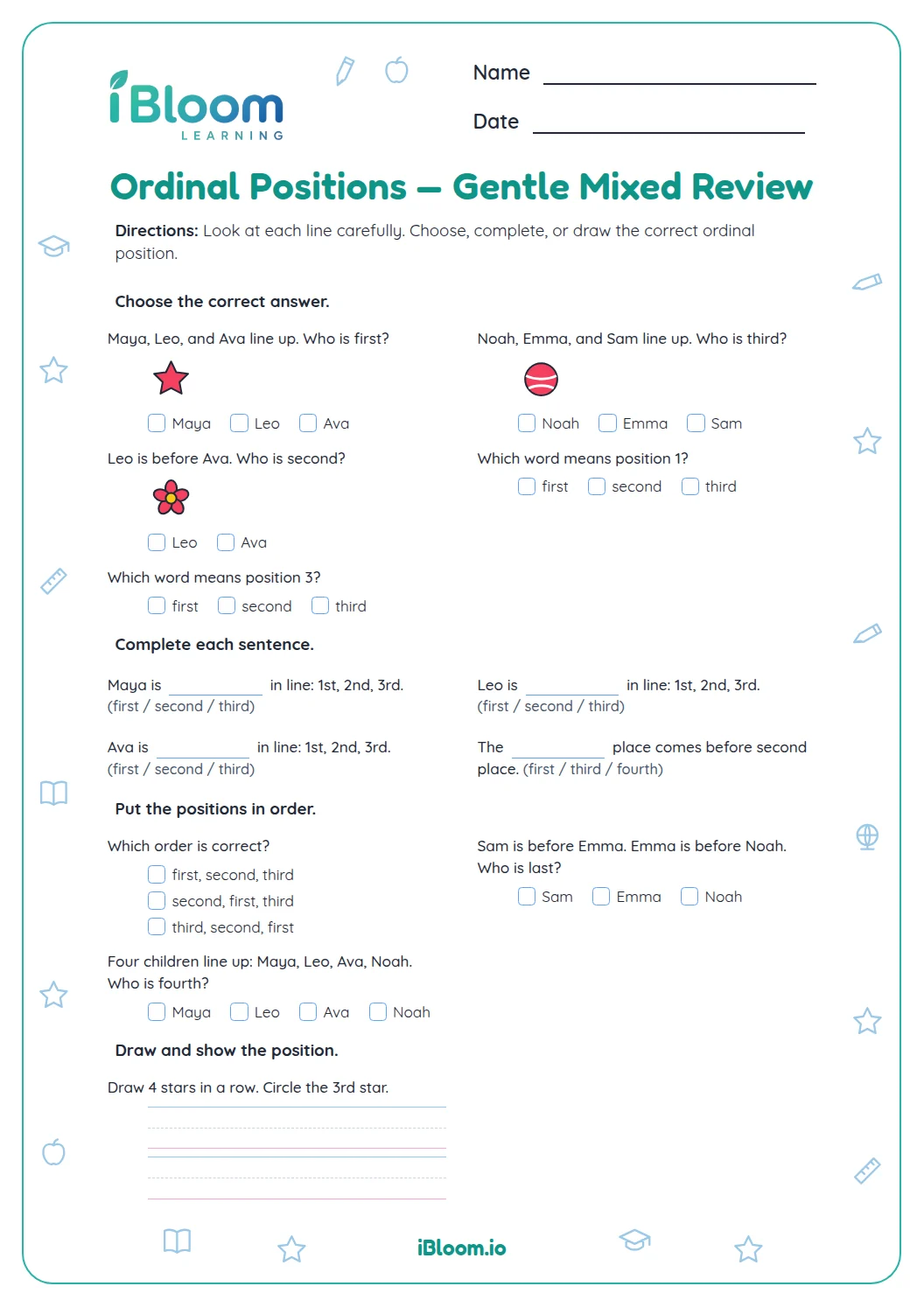
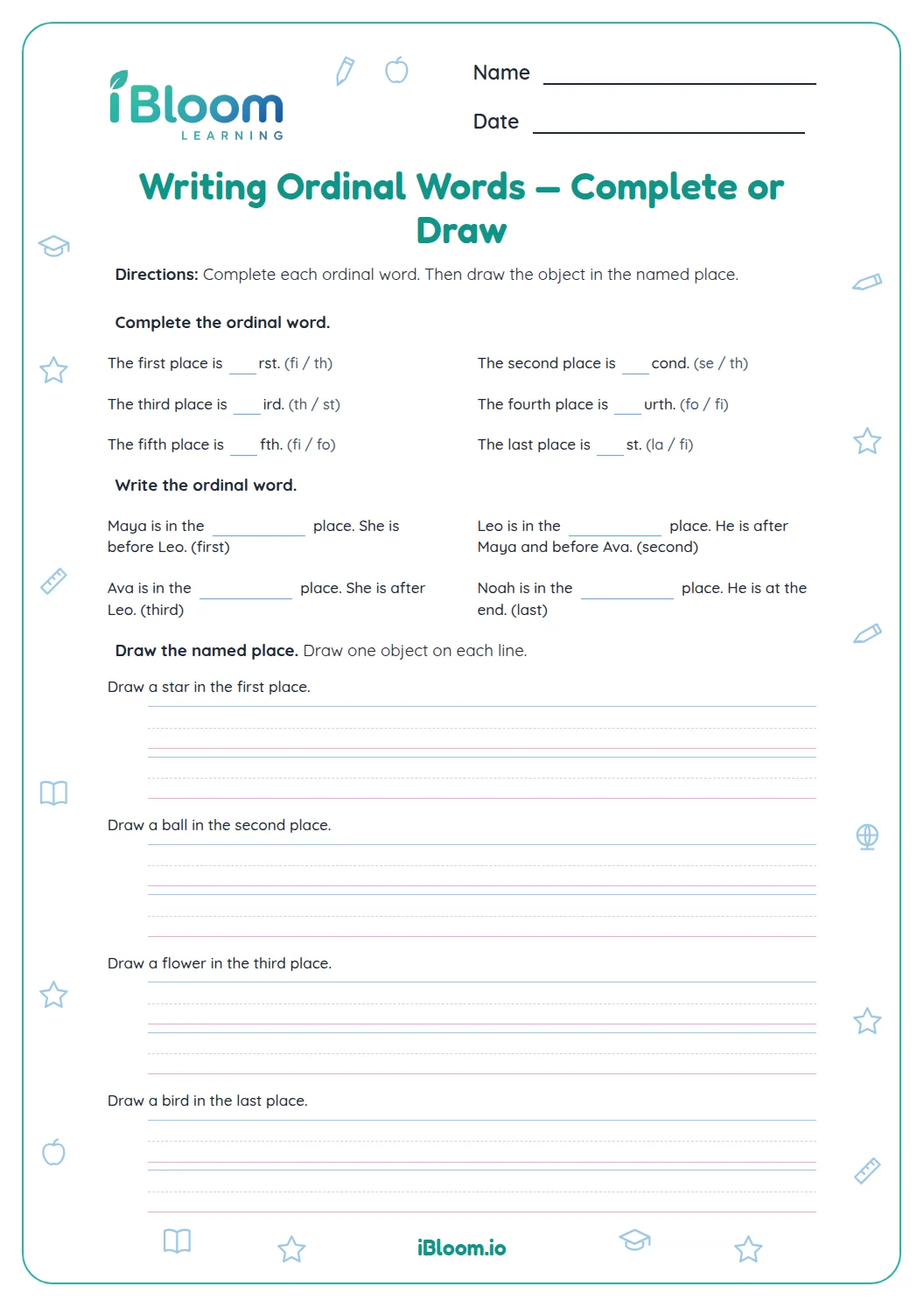
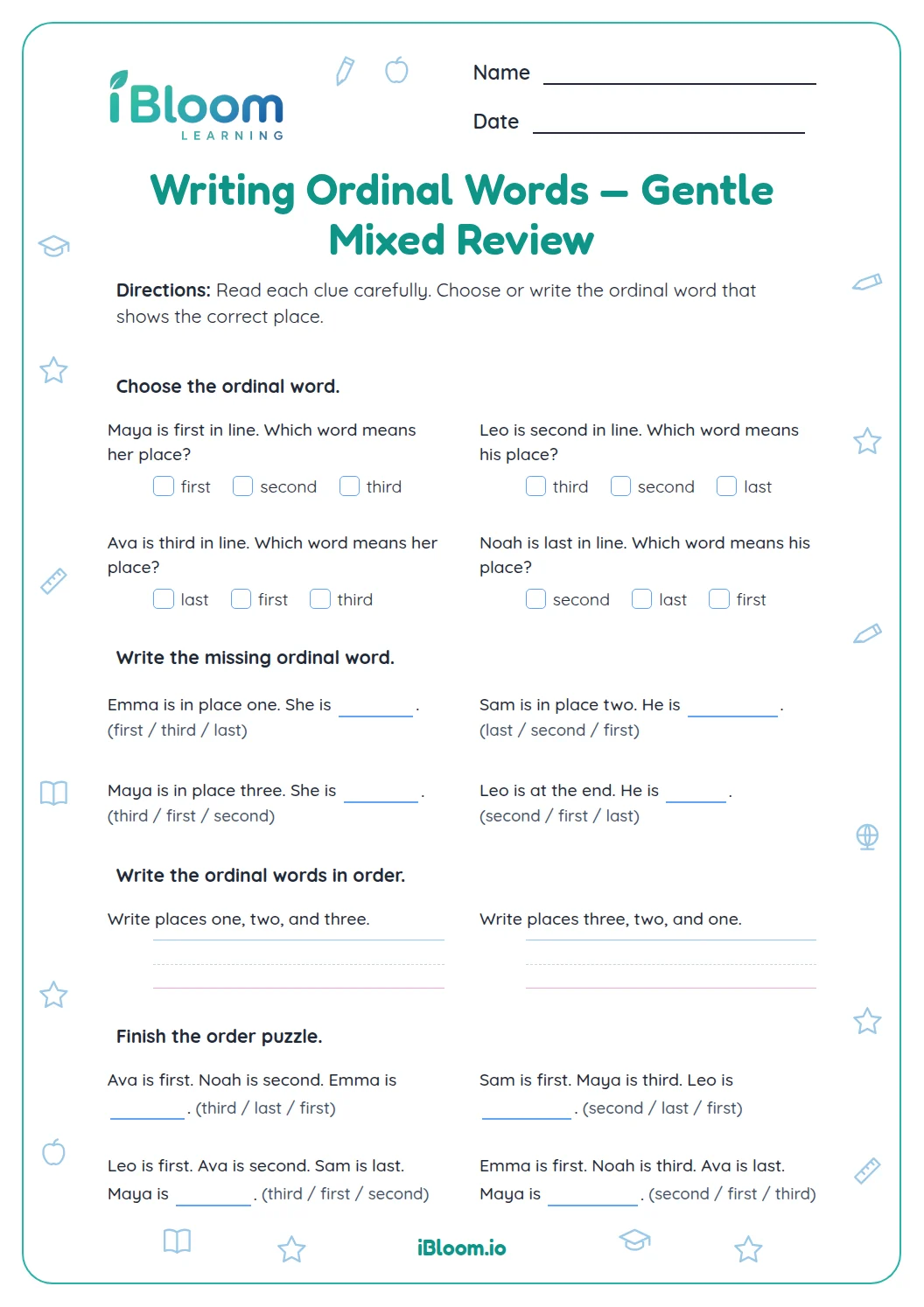
This printable worksheet gives preschool and kindergarten learners 12 picture-row questions about ordinal positions. Children identify an item at a named place or name an item’s place from left to right. A separate answer key is included.
What does an ordinal word tell us?
An ordinal word names a place in an ordered row: first, second, third, or fourth. In the apple, banana, pear, orange row, the pear is third from the left.
Where should counting begin?
Every question on this sheet counts from the left. Start at the first picture on that end and point to one picture at a time until you reach the named item or place.
How can pictures help?
The worksheet uses familiar pictured objects in each row. Learners match a position to an object in the first part, then match an object to its ordinal word in the second part.
How to use this worksheet
- 1Find the left end of the row.
- 2Point to the first item and say “first.”
- 3Continue one item at a time.
- 4Stop at the position or pictured item named in the question.
- 5Choose the matching object or ordinal word.
Common mistakes and quick fixes
The mistake
Counting from the left when asked to start at the right.
The fix
Touch the named end before counting.
The mistake
Skipping a picture while counting.
The fix
Point to each picture once.
The mistake
Using “four” for “fourth.”
The fix
Use an ordinal word to name a place.
What to practice next
Make more practice
Questions parents and teachers ask
What do first, second, and third mean?
Ordinal words name positions in an ordered row. First means the starting place, second follows it, and third comes next as you count each picture one item at a time. This sheet practices the first four positions with familiar picture rows.
Should my child count from the left or the right?
Count from the left on every question in this worksheet. Begin at the left end, point to each picture once, and stop at the named position or item. The separate answer key shows the matching object or ordinal word for all eight questions.
Why does the worksheet use pictures?
Pictures make each ordered row visible and easy to follow. A child can point to each familiar object while counting, then connect the position with its ordinal word. The first four questions identify a pictured object by place; the next four identify a place.
How many questions are on the worksheet?
There are 12 questions across three worksheet pages. Six ask learners to select an item in a named place, and six ask them to name the place of an item. A separate answer key is included for checking all responses.
What if a child counts the wrong way?
Have the child find the left end before counting. Point to each picture once and say its position aloud, then choose the matching object or word. The key lets you check the response after the child completes the row.