




About this worksheet
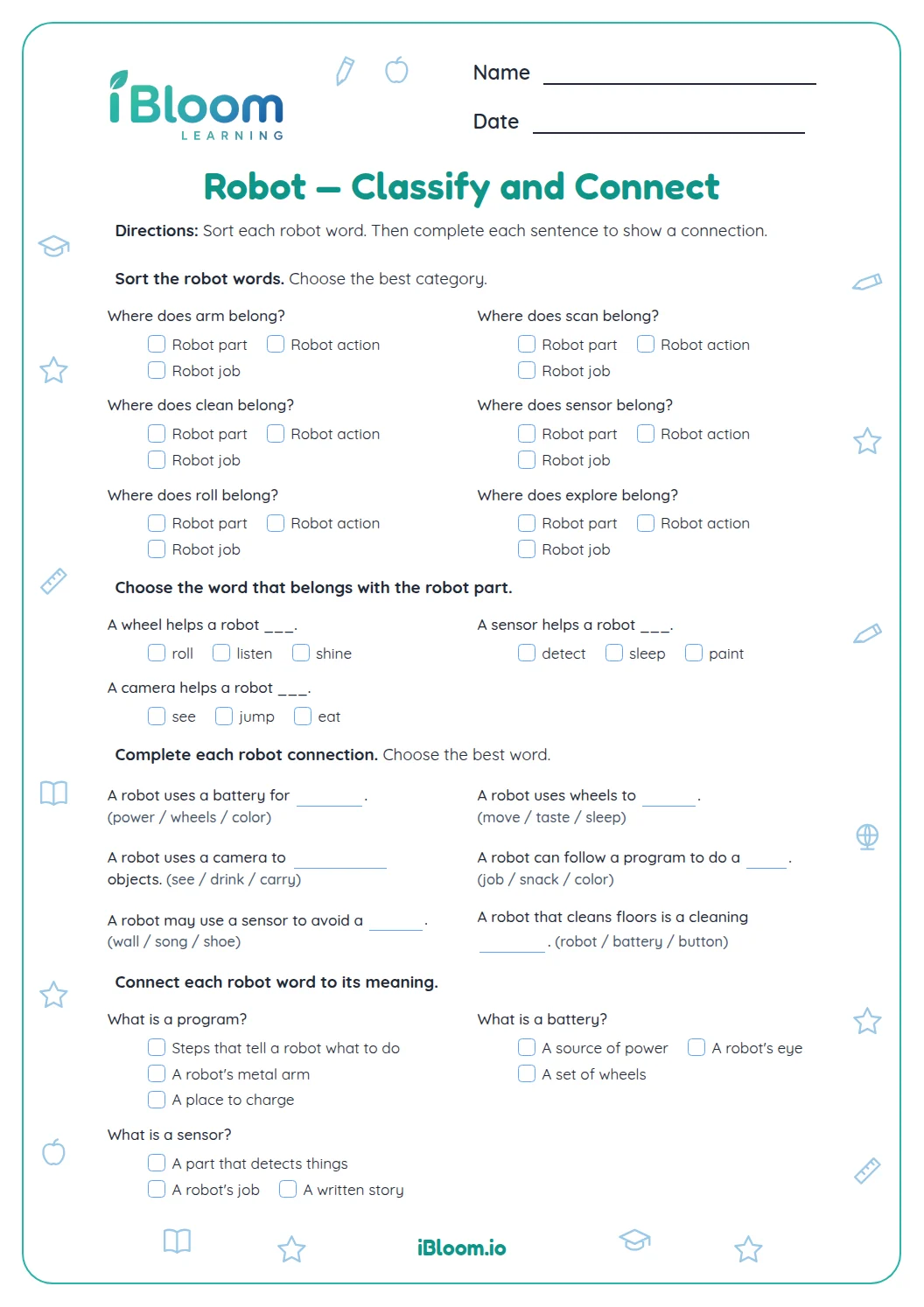
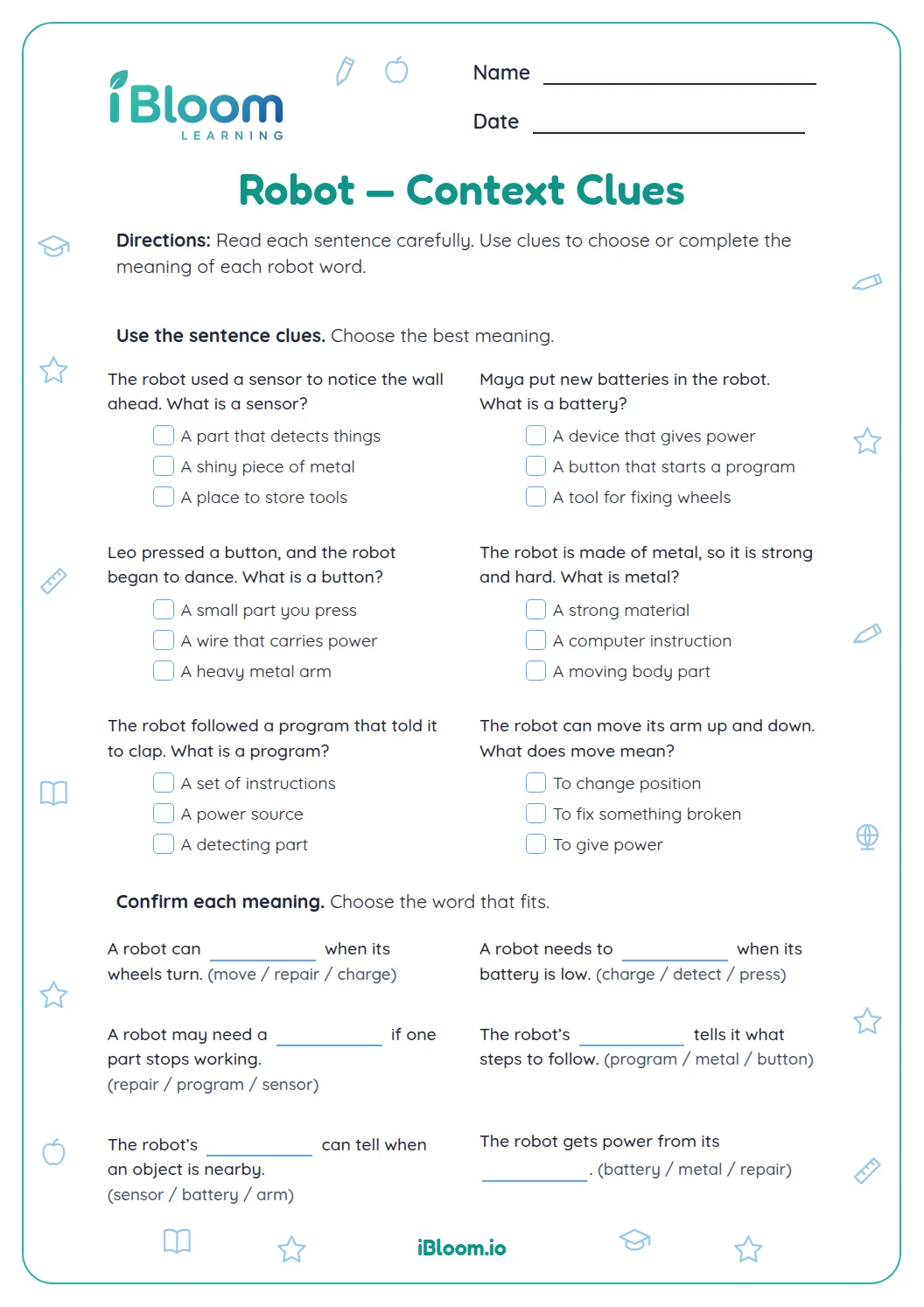
This free printable Grade 2 worksheet reviews robot vocabulary through short clues and sentences. Children choose meanings for robot, sensor, program, battery, and motor; complete sentences with target words; compare the jobs of robot parts; and circle vocabulary in context. Fourteen questions move from meaning to precise use, with a separate answer key. It practices Common Core L.2.4a by using sentence context as a clue to word meaning.
Aligned to L.2.4a
What do the robot words mean?
A sensor notices information, a screen shows it, a battery supplies power, and a motor helps the robot move. Part A asks children to match a word or phrase to the clue that describes a robot’s part or job.
- 1A sensor helps a robot ___.
- 2Clue: it notices things around the robot.
- 3Answer: notice things around it
How do the words work in sentences?
Part B places a robot word in a short sentence. Read the words around the blank: “A ___ gives the robot steps to follow” points to program, while “The robot’s ___ shows a picture” points to screen.
How can children tell similar robot words apart?
A battery and a motor have different jobs: one supplies power and the other helps movement. Part C checks those distinctions. In Part D, children circle sensor and button in one sentence, then battery and motor in another.
How to use this robot vocabulary sheet
- 1Read the clue and identify the job it describes.
- 2Fill each blank by rereading the whole sentence.
- 3Compare the two jobs named in Part C before choosing.
- 4In Part D, circle only the listed kind of robot word.
- 5Check the key and explain one difference in your own words.
Robot word slips to watch for
The mistake
Mixing up a battery and a motor.
The fix
Remember that a battery supplies power; a motor helps movement.
The mistake
Choosing button when a clue asks for a set of directions.
The fix
A program gives steps; a button starts or controls an action.
The mistake
Circling every word in a robot sentence.
The fix
Circle only the robot part or vocabulary word named by the task.
Common Core alignment
These clues and sentences give children practice using context to understand word meanings.
Use sentence clues to choose what a robot word means here.
On this sheet: Children use robot clues and sentence context to determine what words such as sensor, screen, and program mean.
Show the official wordingHide the official wording
Use sentence-level context as a clue to the meaning of a word or phrase.
What to practice next
Make more practice
Further reading
Questions parents and teachers ask
How many questions are on this Grade 2 robot vocabulary worksheet?
There are 14 questions in four parts: five meaning choices, four sentence completions, three comparisons, and two circle-word sentences. The questions use words such as sensor, screen, battery, motor, button, and program. A separate answer key lists each answer.
What does a sensor do on a robot?
A sensor helps a robot notice information around it, such as a wall in its path. Question 2 asks children to choose this meaning, and question 6 uses the word in a sentence about noticing a wall. The key confirms the intended word and meaning.
How are a battery and a motor different?
A battery supplies power, while a motor helps something move. Question 10 asks children to identify this pair of jobs. In the final circle-word sentence, battery and motor appear together so children can find both robot words in context.
What should be circled in the final two questions?
In question 13, circle sensor and buttons. In question 14, circle battery and motor. Each sentence has two robot vocabulary words, with no punctuation attached to the target words. The key lists both words for each row so an adult can check them.
Can an adult read the clues aloud?
Yes. Read the complete clue or sentence and ask which robot part has the described job. For example, something that shows a picture is a screen, while a set of steps for a robot is a program. Rereading the sentence helps confirm the fit.