



About this worksheet
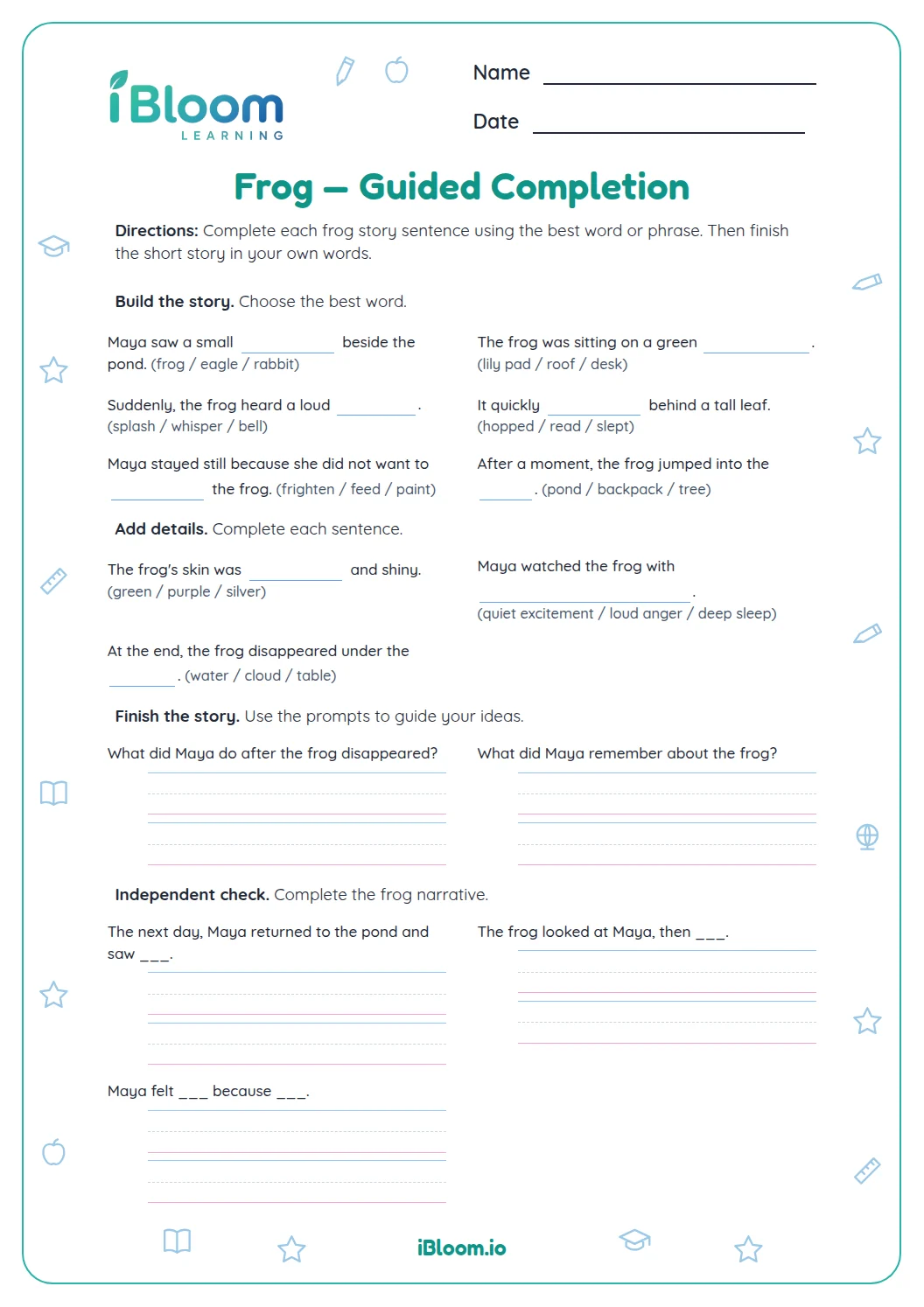
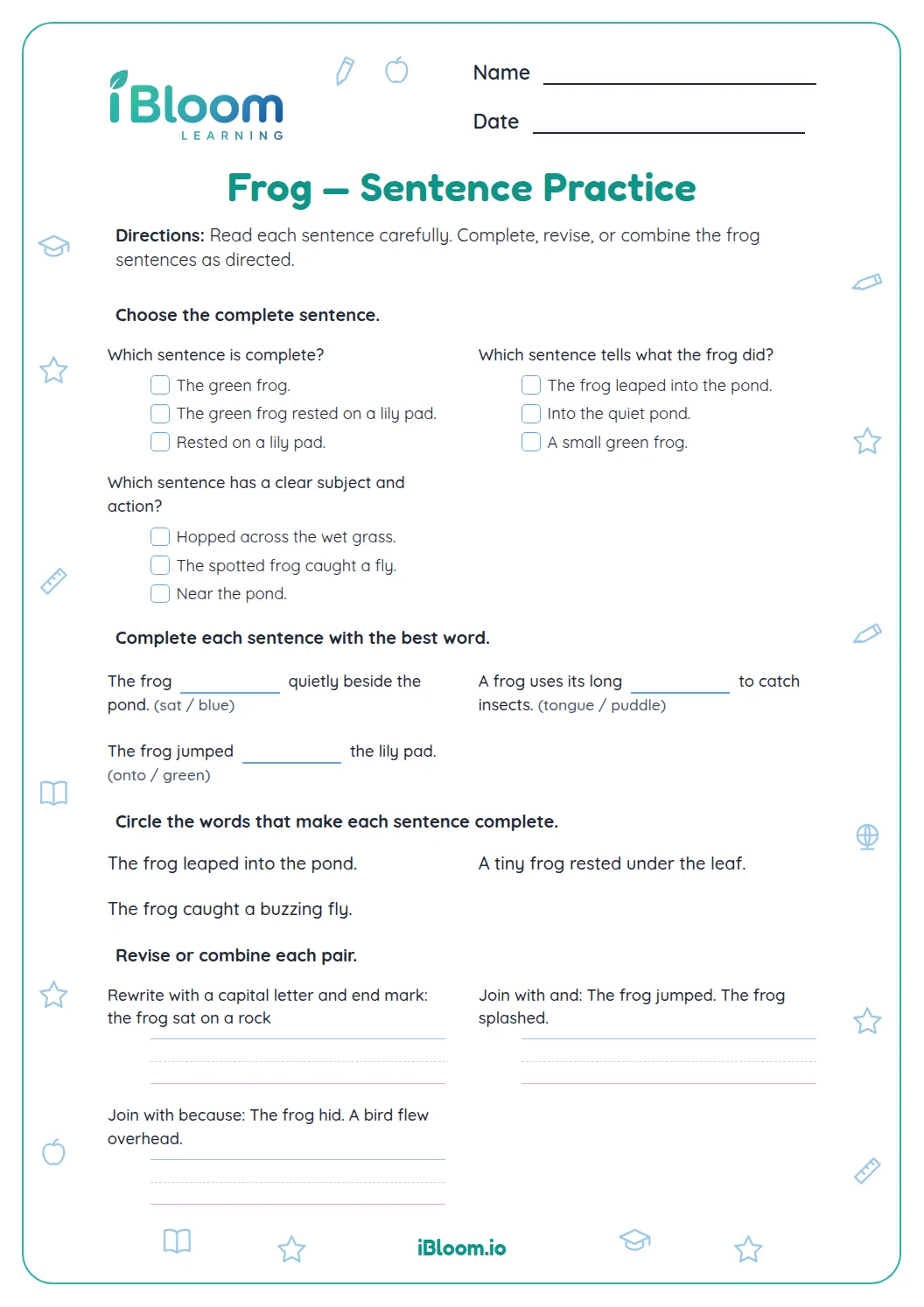
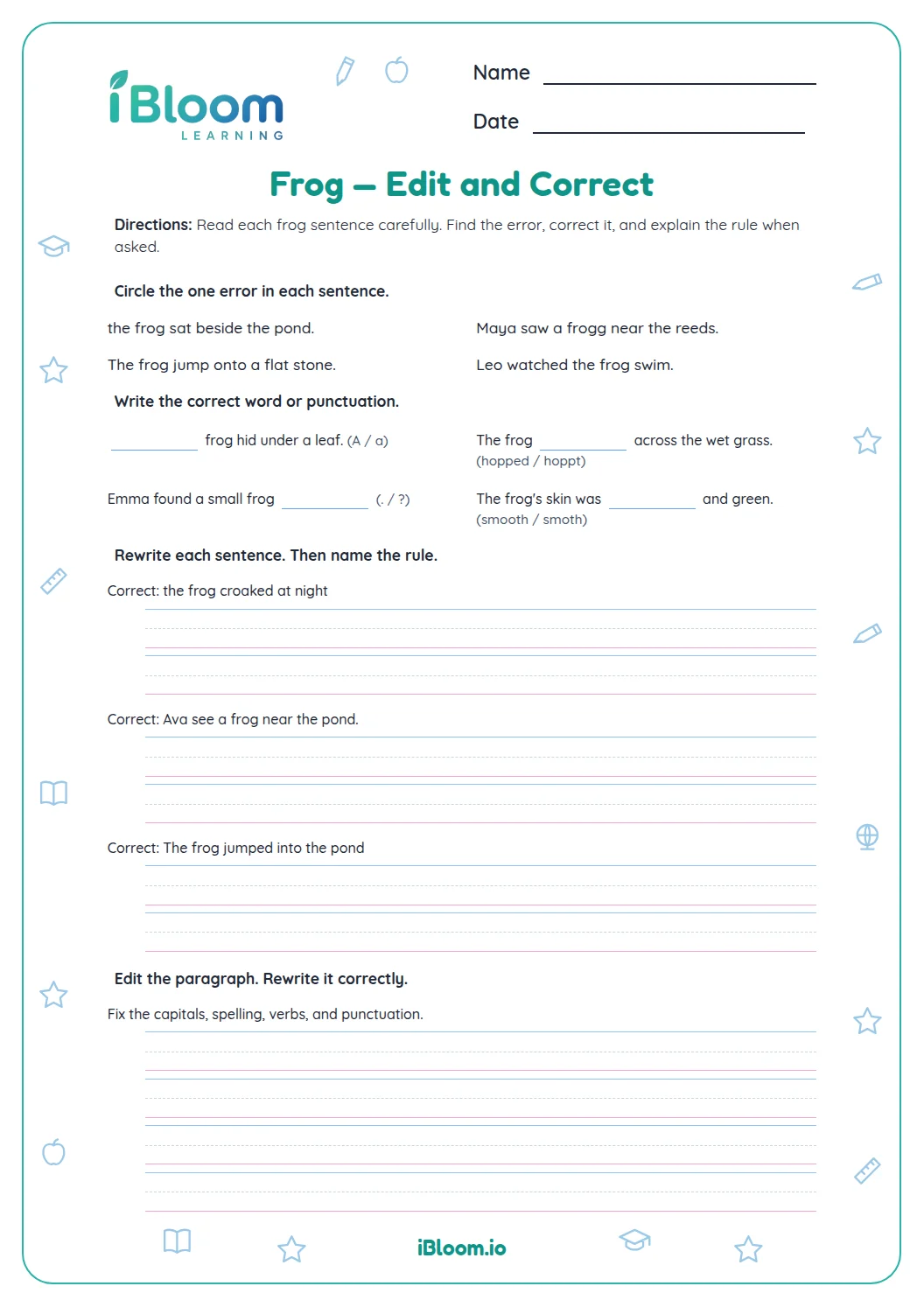
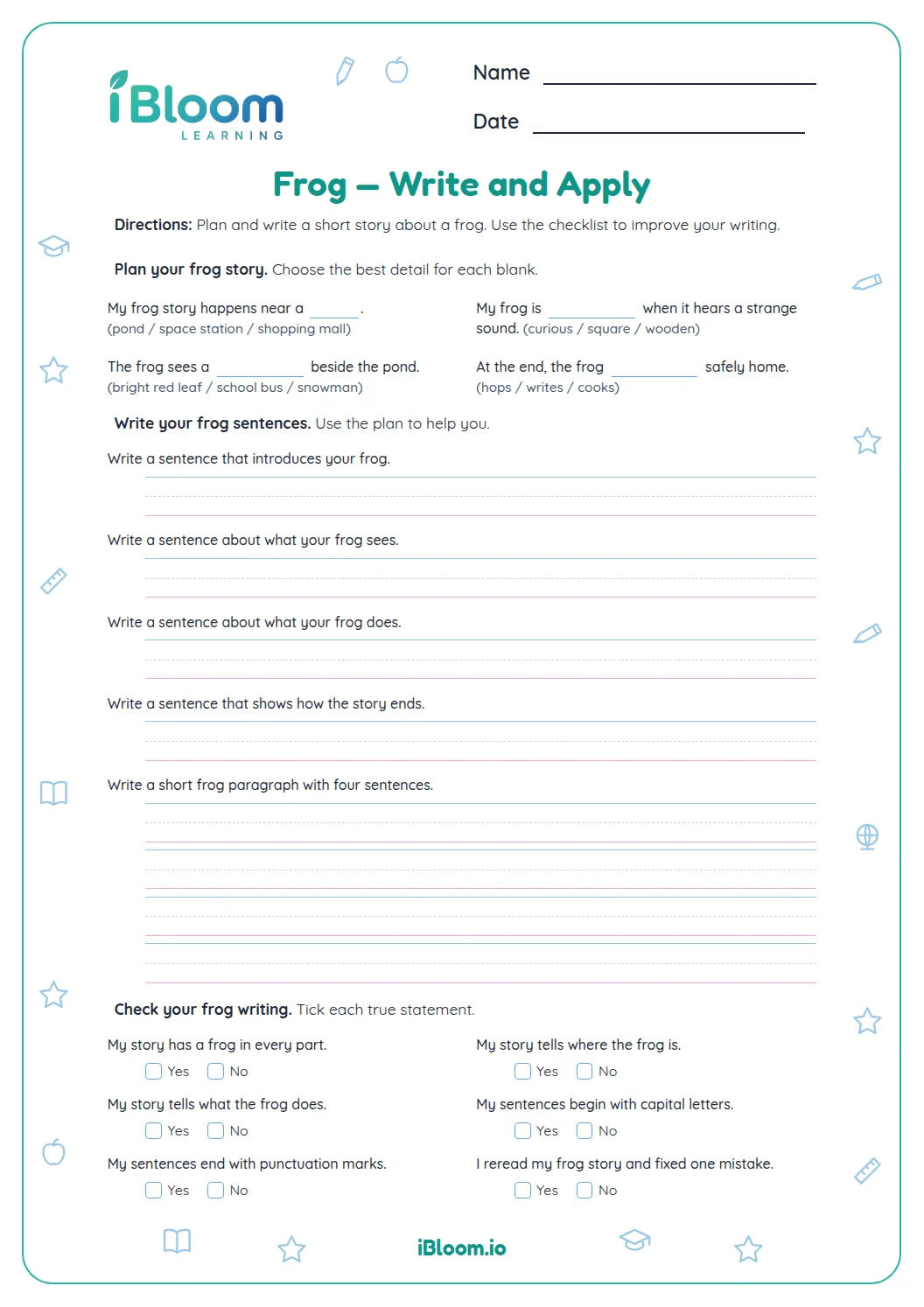
This Grade 4 narrative worksheet follows Milo and a frog near a pond. Students identify a useful opening and setting detail, select words that strengthen sentences, choose logical events, revise vague sentences, and write connected parts of the story. The final tasks ask students to create an opening, develop the middle, and resolve the problem in an ending. A separate answer key includes choices and sample responses.
Aligned to CCSS.ELA-LITERACY.W.4.3.A
How does Milo’s story begin?
Part A introduces Milo, the pond setting, and the problem of a key that may open a garden gate. Look for details that help a reader picture the setting and follow the character.
How can a writer strengthen the story?
Choose vivid verbs and transition words that make events clear. When revising a vague sentence such as “The frog moved,” replace the general verb with a precise action and, when useful, a setting detail.
What will students write?
Students write a new opening, connect Milo’s discovery to his next action, and create an ending that resolves the problem. One possible ending is: “Milo fitted the key into the garden gate. The lock clicked open. The frog hopped inside and settled by the pond.”
How to use this worksheet
- 1Identify the character, setting, and problem in the opening.
- 2Choose event details that follow in a logical order.
- 3Replace vague verbs with precise actions.
- 4Write connected sentences that move Milo’s story forward.
- 5End by showing how the problem is solved.
Common mistakes and quick fixes
The mistake
Listing events without showing how one leads to the next.
The fix
Use a time or cause word and show the character’s action or reaction.
The mistake
Choosing a vague verb such as “moved.”
The fix
Replace it with an action that lets readers picture what the frog does.
The mistake
Ending before the key solves the problem.
The fix
Show the key opening the gate and give the frog a clear final action.
Curriculum alignment
Establish a situation and characters, then organize events in a natural sequence.
On this sheet:
Show the official wordingHide the official wording
Orient the reader by establishing a situation and introducing a narrator and/or characters; organize an event sequence that unfolds naturally.
What to practice next
Make more practice
Further reading
Questions parents and teachers ask
What happens in Milo’s frog story?
Milo finds a key near a pond and tries to discover what it opens. The questions build a story setting, connect events, strengthen sentences, and guide students to write an opening, a middle, and a problem-solving ending. Use the printed examples and answer key to review the same skill after completing the page.
How can a writer make a setting clear?
Choose concrete details a reader can picture, such as reeds and lily pads beside the pond. Naming the setting and placing a character there helps orient the reader before the problem develops. Use the printed examples and answer key to review the same skill after completing the page.
Why use a more precise verb?
A precise verb tells the reader what a character actually does. “The frog crept over the damp moss” gives a clearer action and setting than “The frog moved.” Students compare examples like these before writing. Use the printed examples and answer key to review the same skill after completing the page.
What do students write themselves?
The final part asks for a new opening, connected sentences showing how Milo finds where the key belongs, and an ending that resolves the problem. The answer key offers samples; students can use other details that keep events clear and logical. Use the printed examples and answer key to review the same skill after completing the page.
Is there an answer key for the writing items?
Yes. The key gives correct choices for the selected-response questions and sample responses for the three writing tasks. A response can differ from the sample if it introduces the setting or character, connects events, and resolves the story problem. Use the printed examples and answer key to review the same skill after completing the page.