



About this worksheet
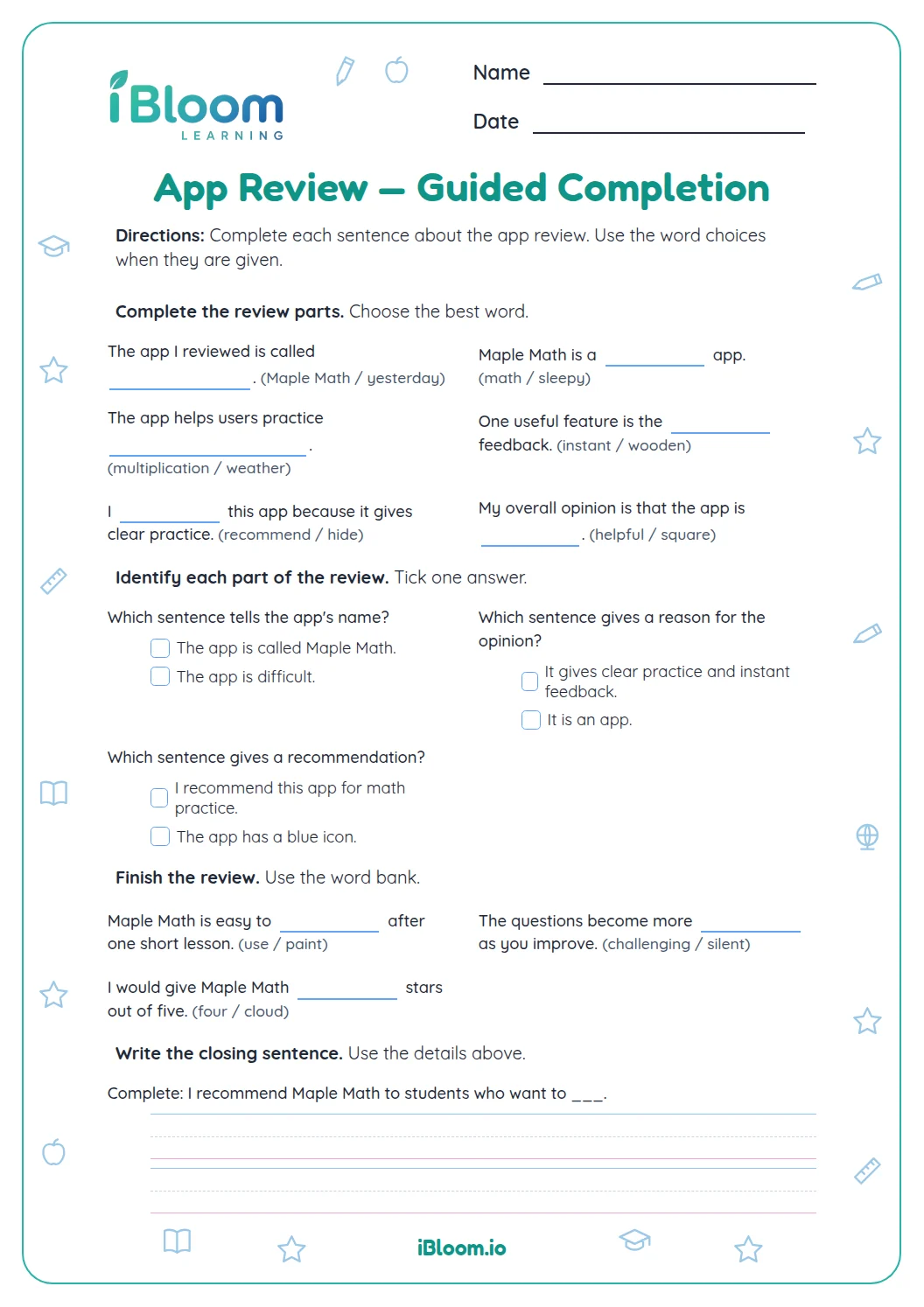
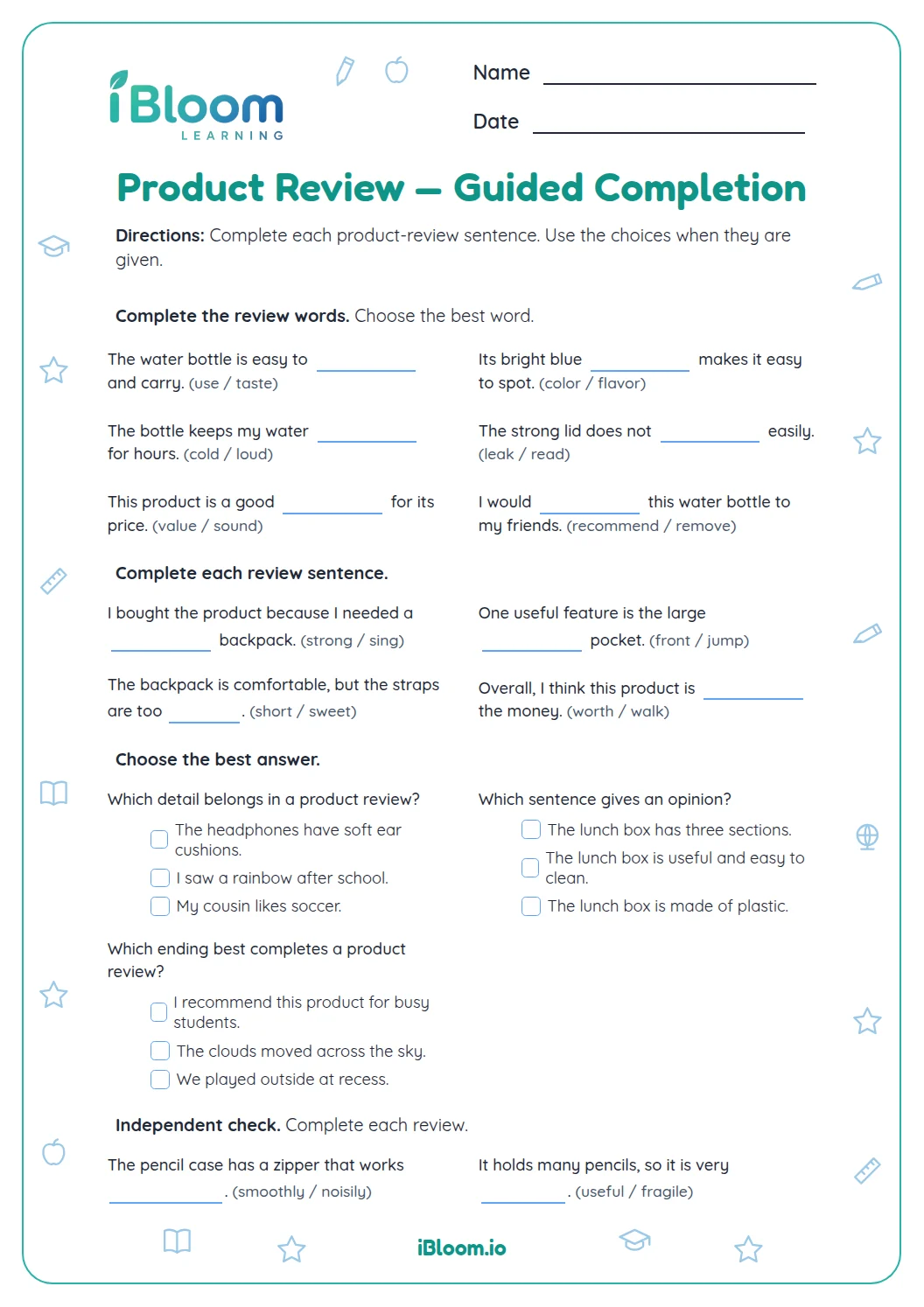
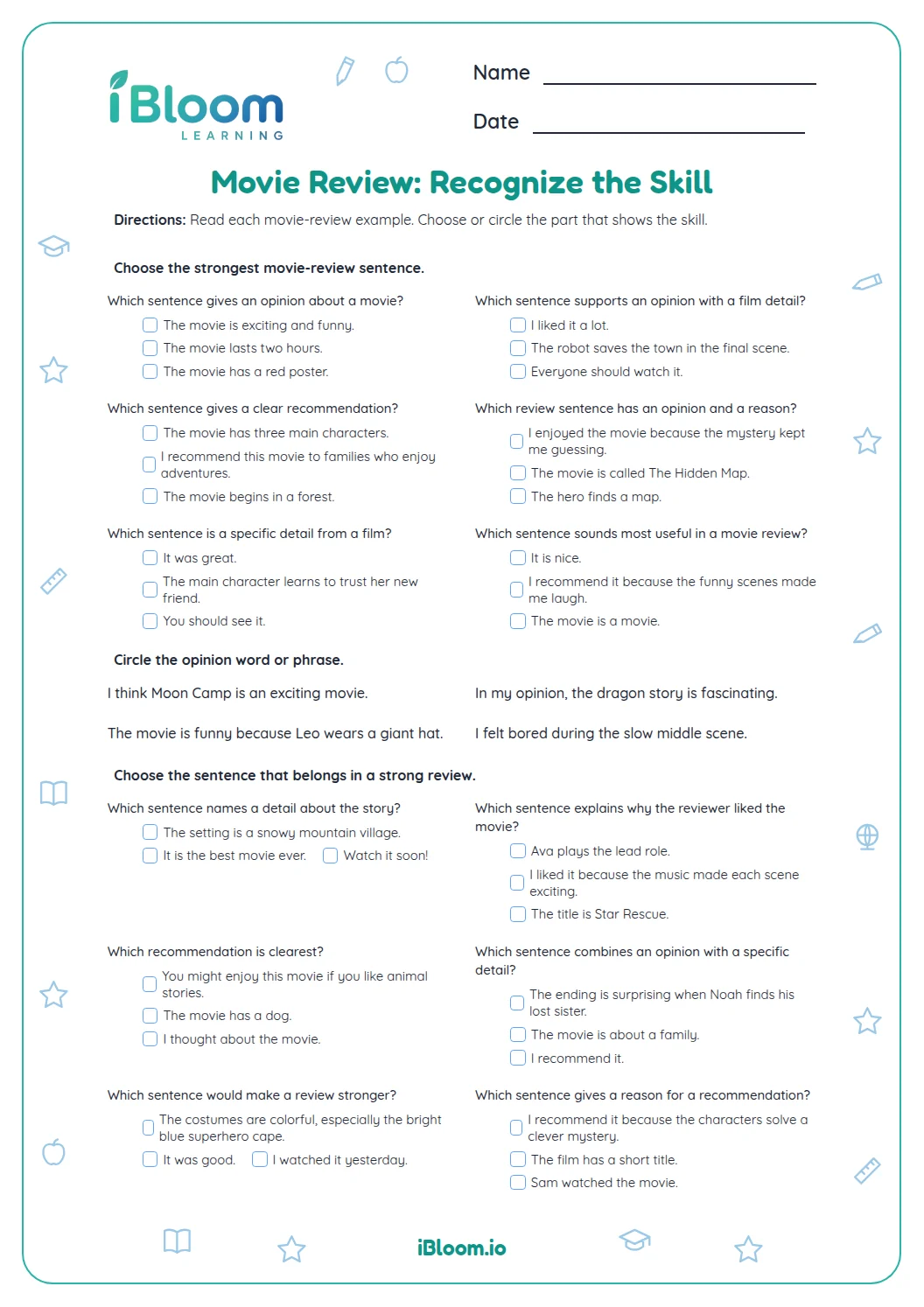
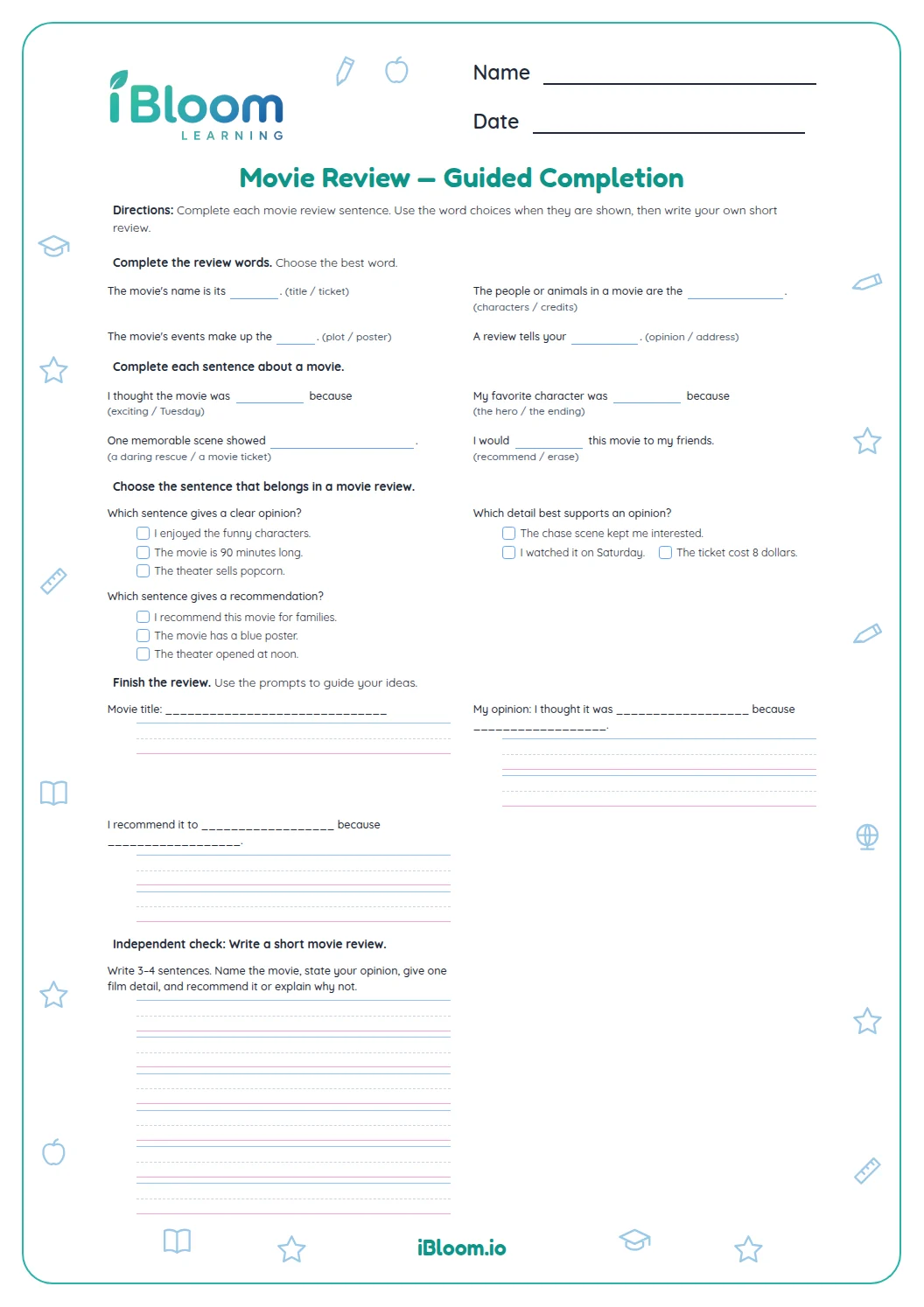
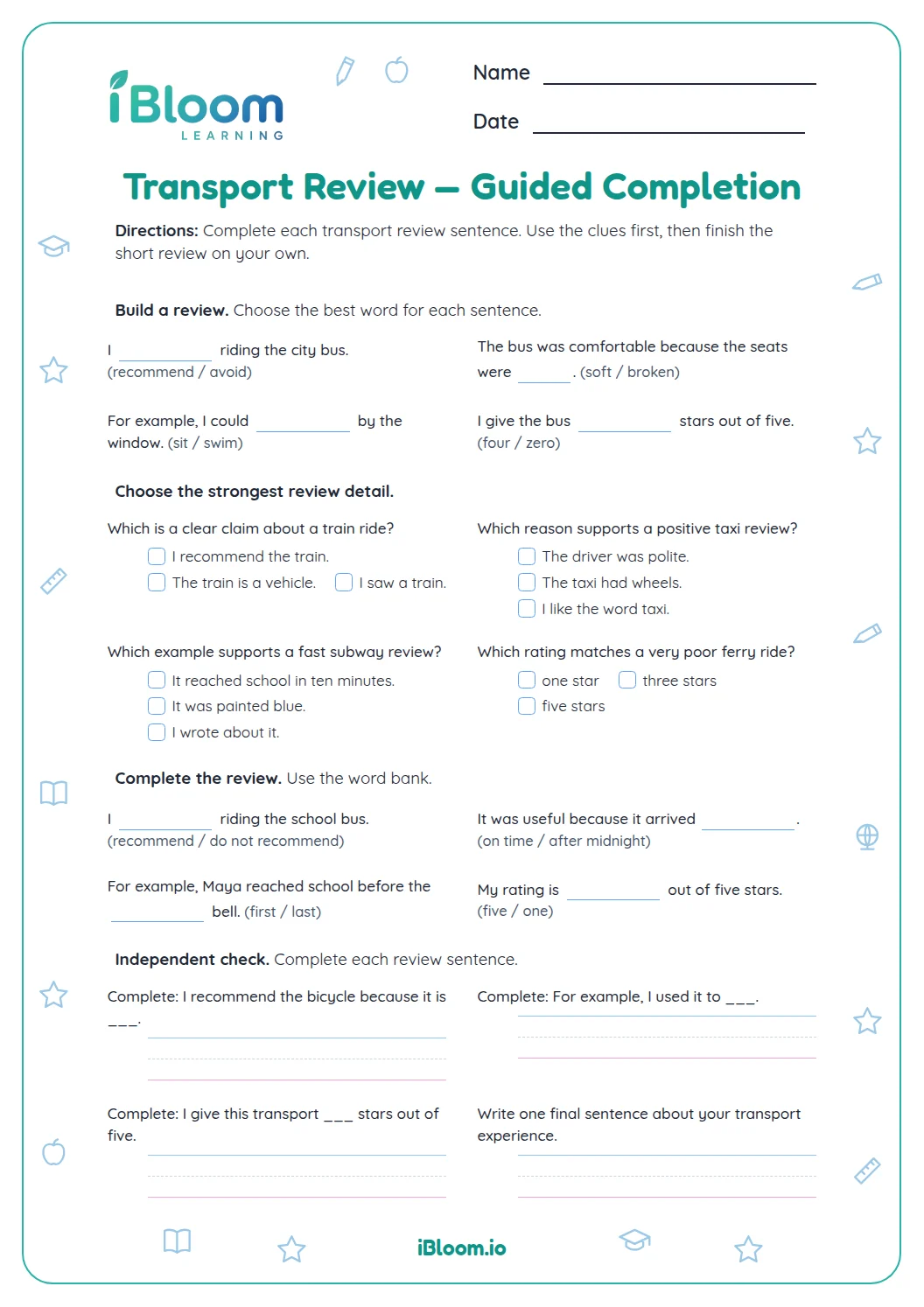
This free Grade 4 printable helps writers practice app-review sentences that express a point of view and support it with reasons and information, as described in Common Core W.4.1. Students identify opinions and checkable details, choose linking words, then write short reasons and a review conclusion. Fourteen questions move from recognition to writing, with an answer key that includes sample responses for open-ended items.
Aligned to W.4.1
What does a clear app review include?
A useful review tells what the writer thinks and gives readers a reason to consider that view. Facts and details make the reason concrete; linking words show how one thought connects to the next. A closing returns to the judgment.
Questions 1–6 compare opinion sentences with observable details. Questions 7–10 practice connectors, and the final four prompts move from choosing to writing.
- 12) “The reminder feature is helpful” is an opinion.
- 2“It sends a notice before homework time” supports that opinion with a detail.
- Part A: identify an opinion or a supporting detail (1–6)
- Part B: select a linking word or phrase (7–10)
- Part C: write review sentences (11–14)
How do linking words help a review?
Linking words show whether a sentence gives a reason, adds an example, adds another point, or tells a result. In question 7, “The app saves my place, ___ I can return to my task,” the second idea explains a result of saving a place, so “so” fits.
Read both clauses before picking a connector. A word may sound familiar but fail to show the relationship between these two ideas.
What makes a review conclusion work?
A conclusion gives the review a finished sound. It can recommend the app or explain why the writer would not recommend it, and it should connect to a reason already discussed. The sample in question 12 recommends an app and names clear steps as its reason.
Use the answer key as a model, not as the only acceptable wording. The four writing prompts have many possible correct responses.
How to use the app review worksheet
- 1Read the sentence and decide whether it states a judgment or a checkable detail.
- 2For a reason, ask how the detail supports the review opinion.
- 3Read both sides of a linking-word blank to identify the relationship.
- 4For the writing prompts, name one app feature and explain your view of it.
- 5Check that the closing returns to the opinion instead of introducing an unrelated idea.
Common mistakes and quick fixes
The mistake
Calling a checkable feature an opinion because the writer likes that feature.
The fix
Separate what can be verified from what the reviewer believes: the number of levels is a fact; saying the game is fun is an opinion.
The mistake
Choosing any true detail as a reason, even when it does not explain the opinion.
The fix
Ask “Why does this detail make the feature useful?” A detail about menu color may not support a claim about helpful reminders.
The mistake
Ending with a new feature instead of a closing judgment.
The fix
Return to the review’s recommendation and give a brief reason that ties back to the app experience.
Common Core alignment
State an opinion and support it with reasons and information.
On this sheet: Questions 1–10 identify opinions, evidence and linking language; 11–14 ask students to write an opinion, reason or conclusion.
Show the official wordingHide the official wording
Write opinion pieces on topics or texts, supporting a point of view with reasons and information.
What to practice next
Make more practice
Further reading
Questions parents and teachers ask
What does this app review worksheet practice?
It practices the sentence parts that make an opinion review clear: a point of view, reasons, facts or details, linking words, and a related closing. Questions 1–6 sort opinions from evidence, 7–10 connect ideas, and 11–14 provide short review writing practice.
Does a review need facts as well as opinions?
A review shares what the writer thinks, then uses details readers can check to explain why. For example, “The reminder is helpful” is an opinion; “It sends a notice before homework time” is a supporting detail. The worksheet asks children to tell those jobs apart.
How can my child choose a strong reason?
Ask whether the reason explains why the opinion makes sense to a reader. “It helps users stay focused” explains why a timer may be useful; “it is shown on the first screen” merely tells where it appears. Questions 2, 3 and 5 practice this distinction.
What should a review conclusion do?
A conclusion should connect back to the opinion and leave the reader with a clear recommendation or judgment. Question 12 asks for a closing about a study app. The sample answer makes a recommendation and gives a reason that matches the review.
Can my child use a different answer for the writing questions?
Yes. The answer key gives one possible response for each open-ended prompt. A different answer works if it states the requested opinion, reason, fact or conclusion clearly and stays on the app-review topic. The main idea should remain easy to recognize.