





About this worksheet
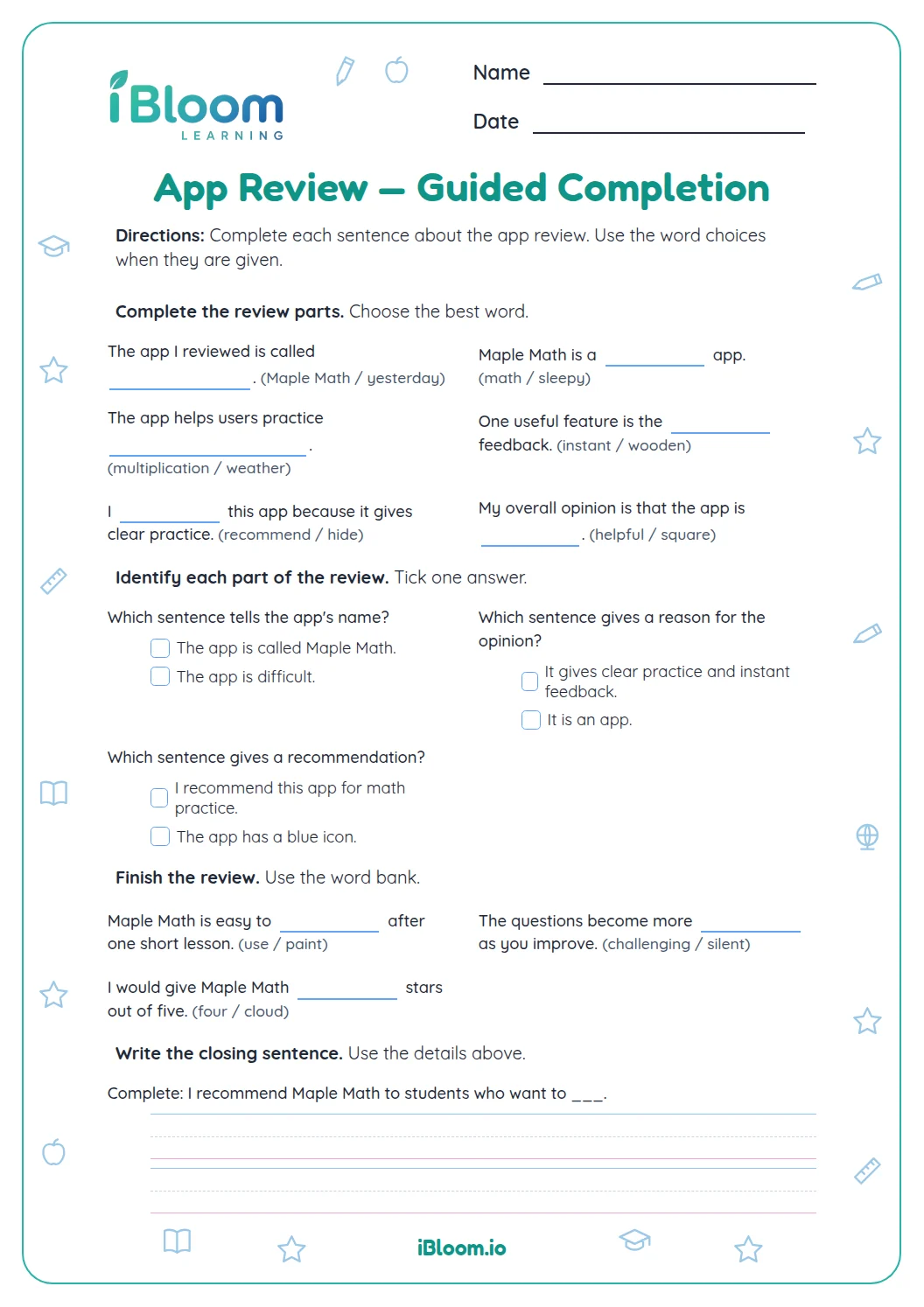
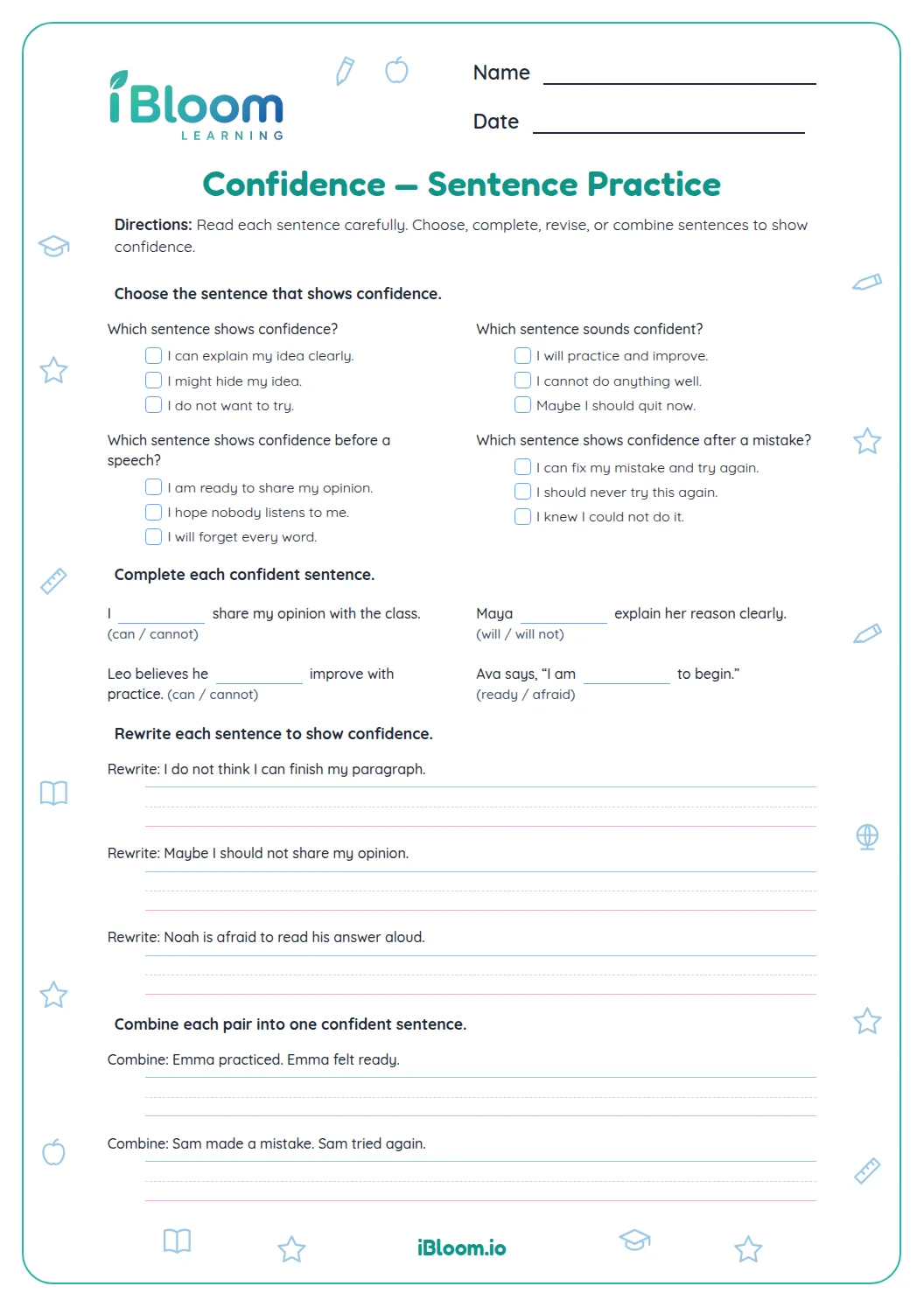
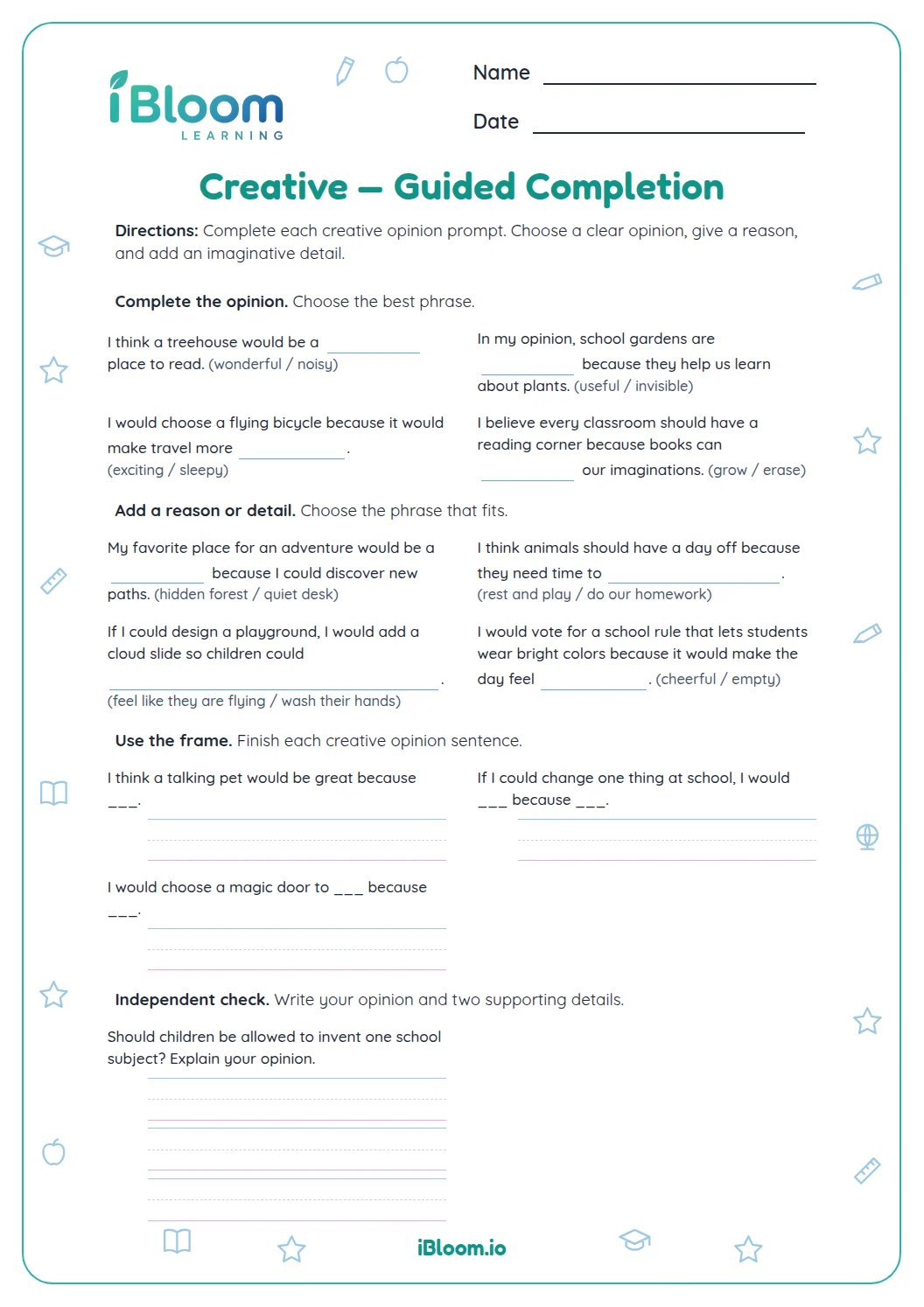
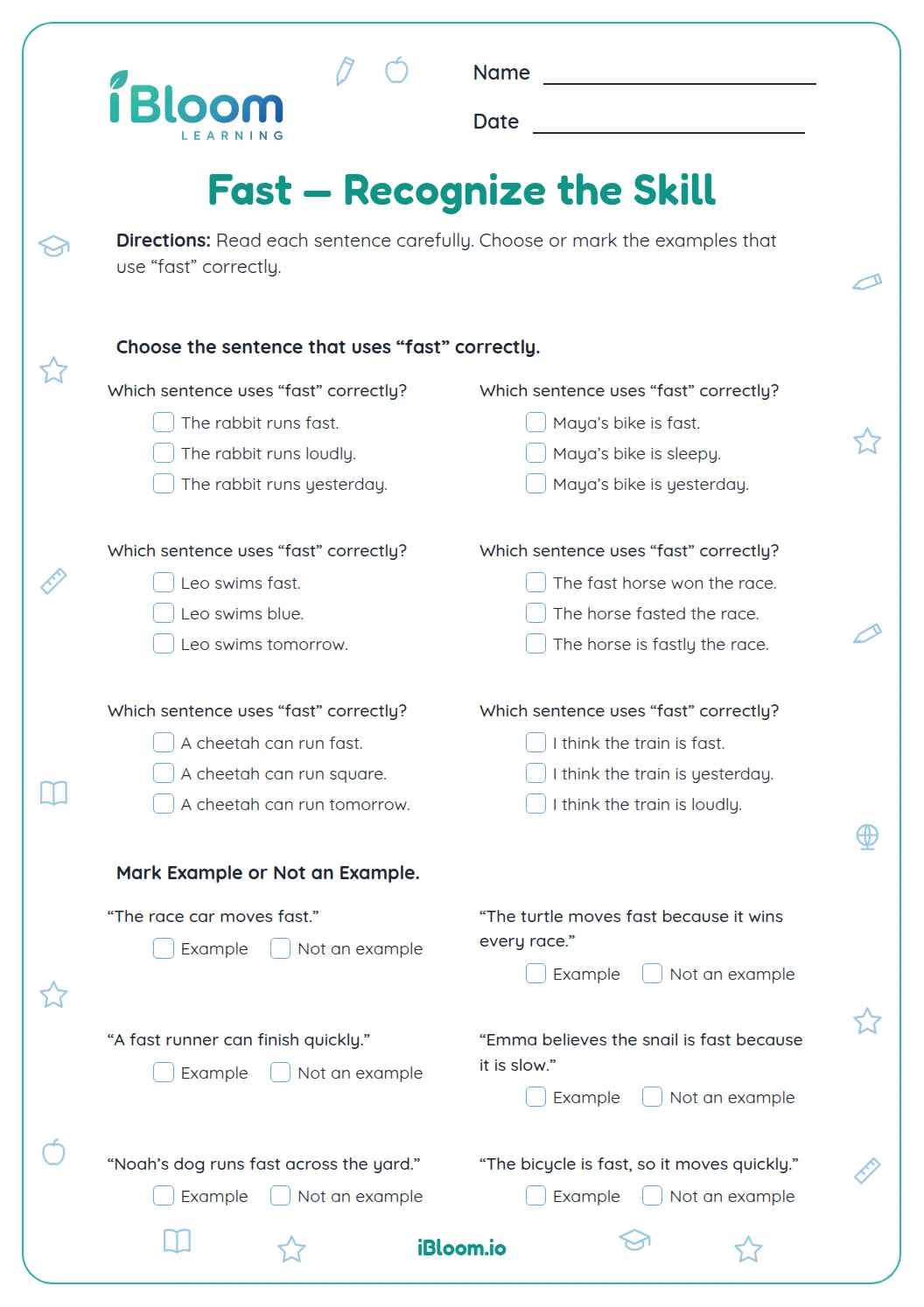
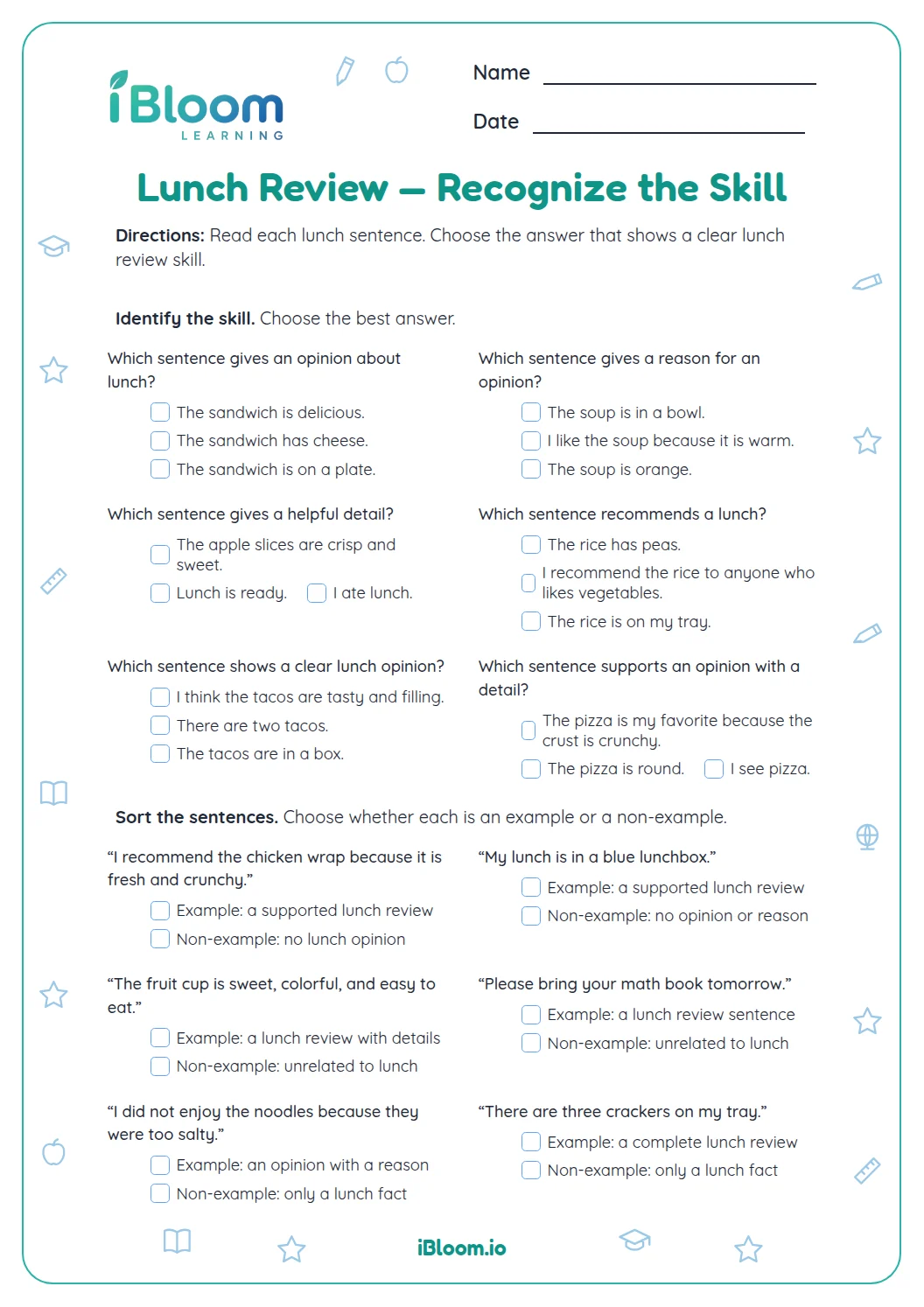
This free Grade 4 printable teaches students to write an opinion-based app review. The 15 questions move from recognizing opinions and relevant evidence to drafting a recommendation, supporting it with an example, and suggesting a fair improvement. It includes 10 multiple-choice items, five short writing prompts, and a separate answer key with sample responses. Students practice organizing reasons and using specific details to support a point of view.
Aligned to W.4.1
What makes an app review convincing?
A review states an opinion and gives a reason. In Question 1, “I recommend Map Maker” clearly tells the reader the writer’s view. The next questions distinguish useful evidence, such as clear button labels, from facts that do not support the opinion.
How can a review guide its reader?
Name the app, state a recommendation, and organize reasons in a sensible order. Add a specific example, use a transition such as “Also,” and close by restating the view. Questions 11–14 help students build those pieces.
How can feedback stay fair and specific?
Describe a feature and explain its effect instead of making a broad judgment. “Needs Wi-Fi to sync” names a concern the reader can understand. Question 15 asks students to suggest one improvement and explain why it would help.
How to use this worksheet
- 1Read each example and identify the writer’s opinion.
- 2Check whether the reason and detail support that opinion.
- 3Draft a recommendation for an app you know.
- 4Add a reason and a specific example.
- 5Close by restating the view and suggest one fair improvement.
Common mistakes and quick fixes
The mistake
Giving an opinion without a reason.
The fix
Add a sentence explaining why the app earns the recommendation.
The mistake
Using a detail that does not support the claim.
The fix
Choose an example that shows how the app helped or caused a concern.
The mistake
Making a broad complaint.
The fix
Name the feature and explain the effect of changing it.
Common Core alignment
State an opinion about an app and support it with reasons and examples.
On this sheet: The worksheet questions directly practice app review.
Show the official wordingHide the official wording
Write opinion pieces on topics or texts, supporting a point of view with reasons and information.
What to practice next
Make more practice
Further reading
Questions parents and teachers ask
How many questions are on this worksheet?
There are 15 questions in four parts: recognize opinion and support, build a review, write and support a review, and suggest an improvement. Ten are multiple choice and five ask for short written responses. A separate key includes sample responses.
What grade is this page for?
The worksheet is labeled Grade 4 and practices opinion writing about an app. Students choose supporting reasons and details, then write a recommendation and a specific suggestion for improvement. The prompts help students connect an opinion to reasons and evidence. The examples use clear app features.
Does the worksheet include an answer key?
Yes. The key gives correct multiple-choice answers and sample responses for the writing prompts. Students may use different apps or examples; responses should state an opinion and connect it to a relevant reason or detail. The key offers models while allowing students to write about familiar apps. Students may choose their own example.
How long should the practice take?
Plan for about 25 minutes. The writing prompts take longer than the multiple-choice questions because students need to develop a recommendation, support it, and propose an improvement. Students can use any app they know and explain their reasoning. The writing portion needs time.
How should I respond to a missed answer?
Check that the response names a feature and explains its effect. For instance, a student might recommend a calendar app because its reminders help with planning, then give an example of using one. Specific feedback names a feature and tells why a change would help. This keeps the review useful.