



About this worksheet
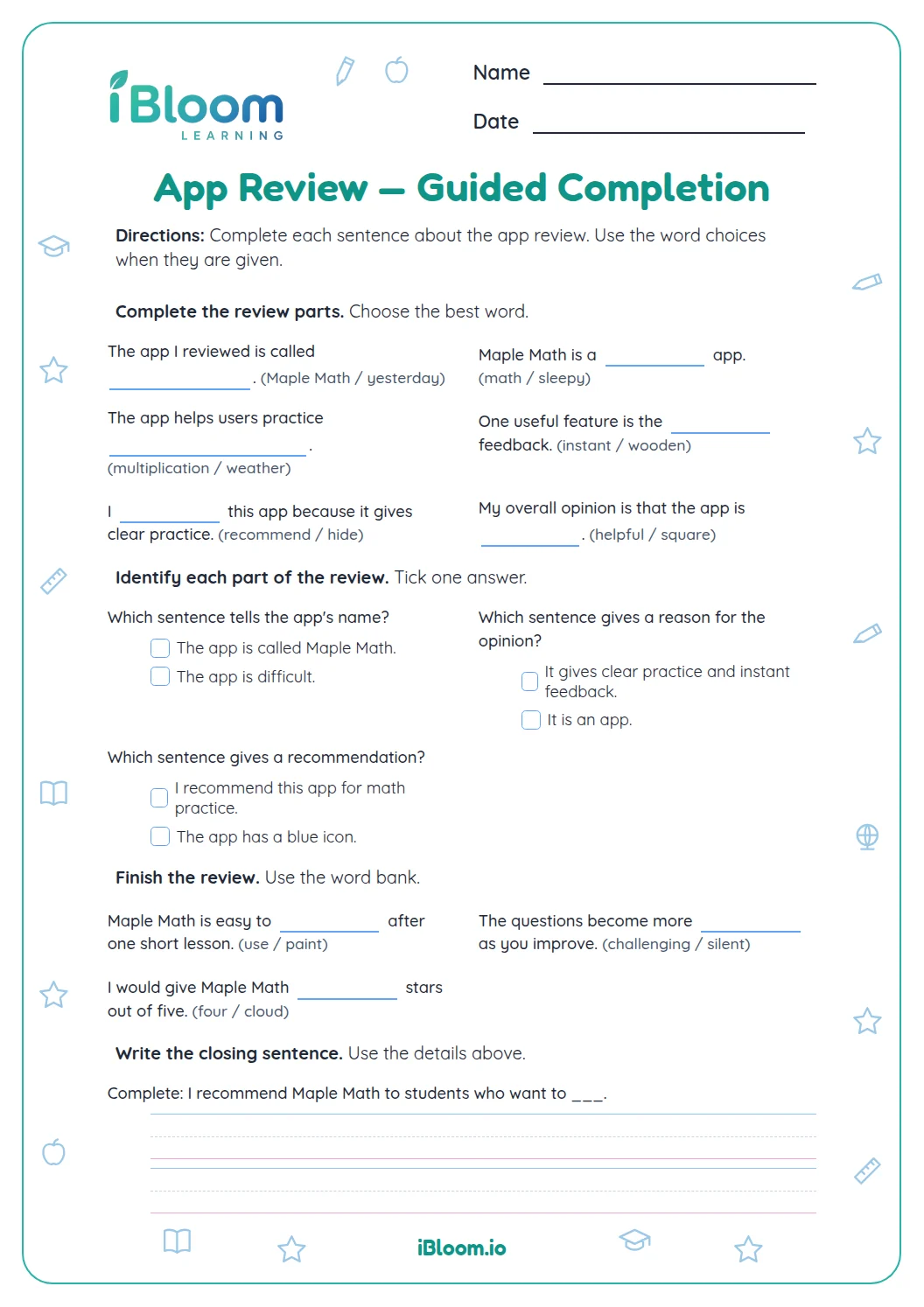
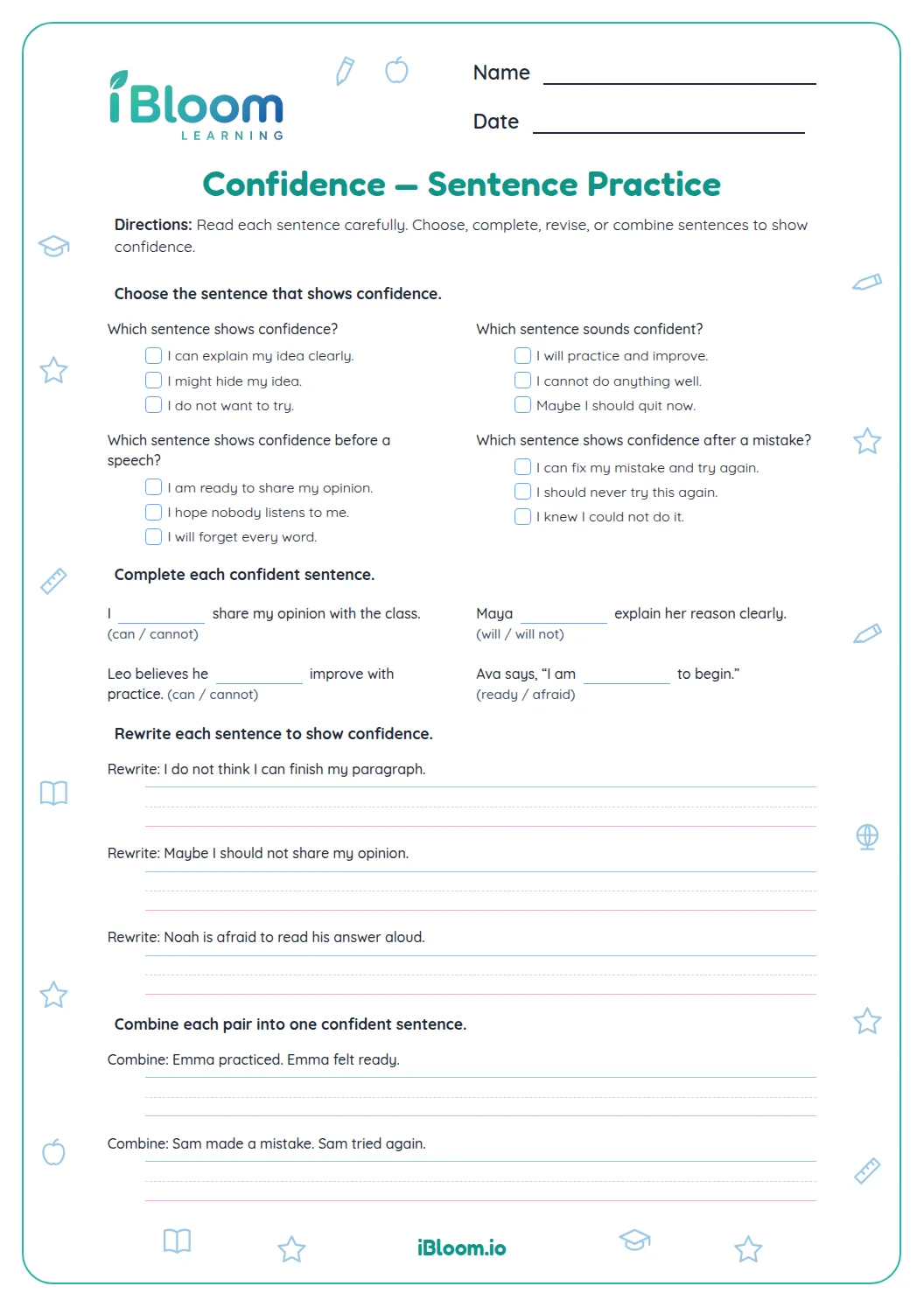
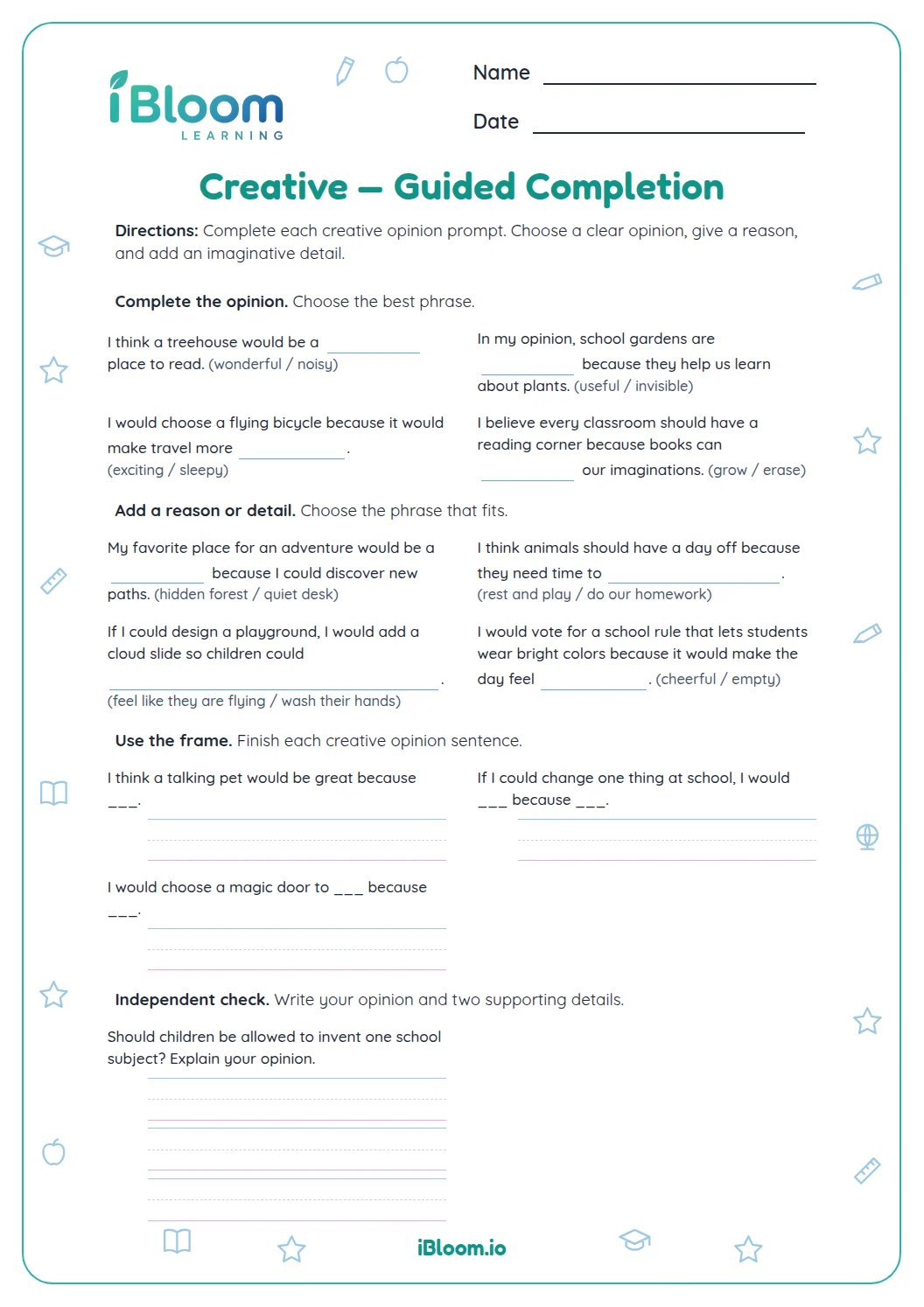
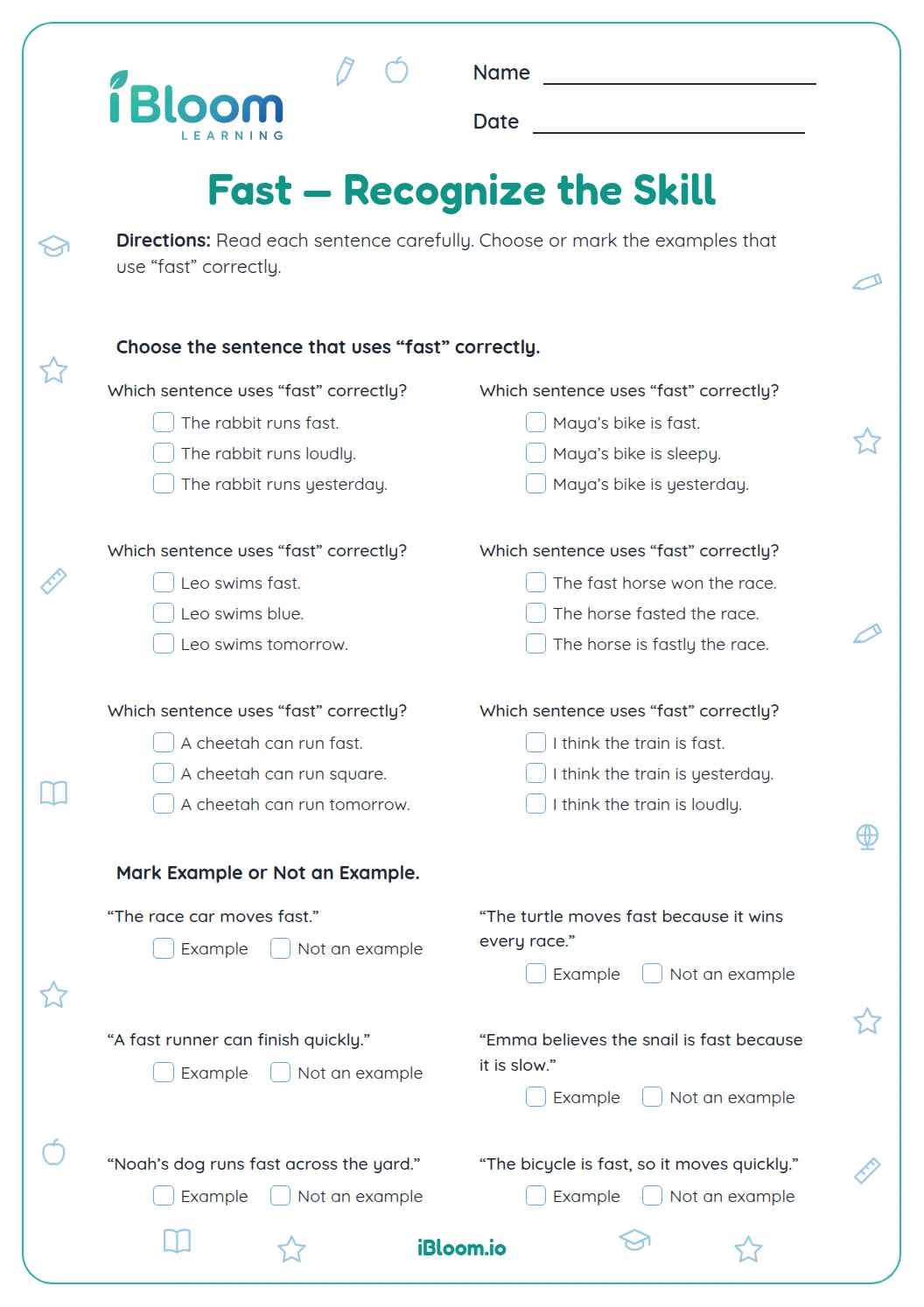
This Grade 4 worksheet uses short app reviews to practice editing grammar and usage. Students choose the correct verb, word form, connector, or punctuation mark in sentences about reminders, directions, buttons, and notes. A separate answer key gives the expected correction for every item.
Aligned to L.4.1
What editing skills does this app review worksheet cover?
The 14 sentences ask students to select a grammatically correct word or supply a missing capital or punctuation mark. Each item is framed as an app review, with details about directions, reminders, buttons, and notes.
- 1The directions are easy to ___. → follow
Can you give an example of a grammar correction?
Check the subject before choosing a verb: “game” is singular, so the sentence uses “is.” Other items ask for the word form that fits the phrase, as in “The directions are easy to follow.” Read the completed sentence to check the result.
How many practice items are there?
The 14 items are divided into two parts. They include capitalization, punctuation, subject-verb agreement, and word choice in short app reviews.
How to use this worksheet
- 1Read the directions and look at one example.
- 2Complete each part in order, showing work where there is room.
- 3Read answers aloud or check each written result.
- 4Use the key to review and correct any missed items.
Common mistakes and quick fixes
The mistake
Skipping a key detail in the prompt.
The fix
Read the full question before responding.
The mistake
Writing an answer without checking it.
The fix
Use the worked example and key to review.
The mistake
Moving on after an error.
The fix
Correct the response and explain what changed.
This worksheet practices the listed Common Core skill.
Edit review sentences for standard English grammar and usage.
On this sheet: Students correct subject-verb agreement and word forms in review sentences.
Show the official wordingHide the official wording
Demonstrate command of the conventions of standard English grammar and usage when writing or speaking.
What to practice next
Make more practice
Further reading
Questions parents and teachers ask
What editing skills does this app review worksheet cover?
The 14 items practice capitalization, punctuation, subject-verb agreement, and word choice. Students supply a missing letter, word, or punctuation mark in an app-review sentence. The key gives the expected answer for each item so adults can check the corrections.
Can you give an example of a grammar correction?
In “The game ___ fun,” the answer is “is.” The subject “game” is singular, so it takes the singular verb “is.” In “The directions are easy to ___,” the word “follow” completes the familiar phrase and keeps the sentence grammatical.
How many practice items are there?
There are 14 app-review sentences arranged in two parts. They mention features such as reminders, directions, colors, and notes. Each item has one missing letter, word, or punctuation mark, and the key provides its correction so adults can review each response.
Should students explain every correction?
They can explain a few answers after finishing the page. Ask what clue helped them choose a verb or word form, or why a sentence needs a period. The answer key gives the expected answer for quick checking.
How long does the worksheet take?
Plan for about 15 minutes. Students can complete the two worksheet pages, then use the separate two-page answer key to check each correction. Reading a completed sentence aloud helps check that its grammar and punctuation make sense before moving on to another writing task.