Free printable practice
Making Pie Charts Practice Activities
Second graders learn to organize simple data into pie charts by coloring sections that show parts of a whole using halves, quarters, and eighths.
Free printable worksheet PDFs
Preview every available page, then download the free worksheet PDF for home, homeschool, tutoring, or classroom practice.
Preview the exact activity before downloading it.
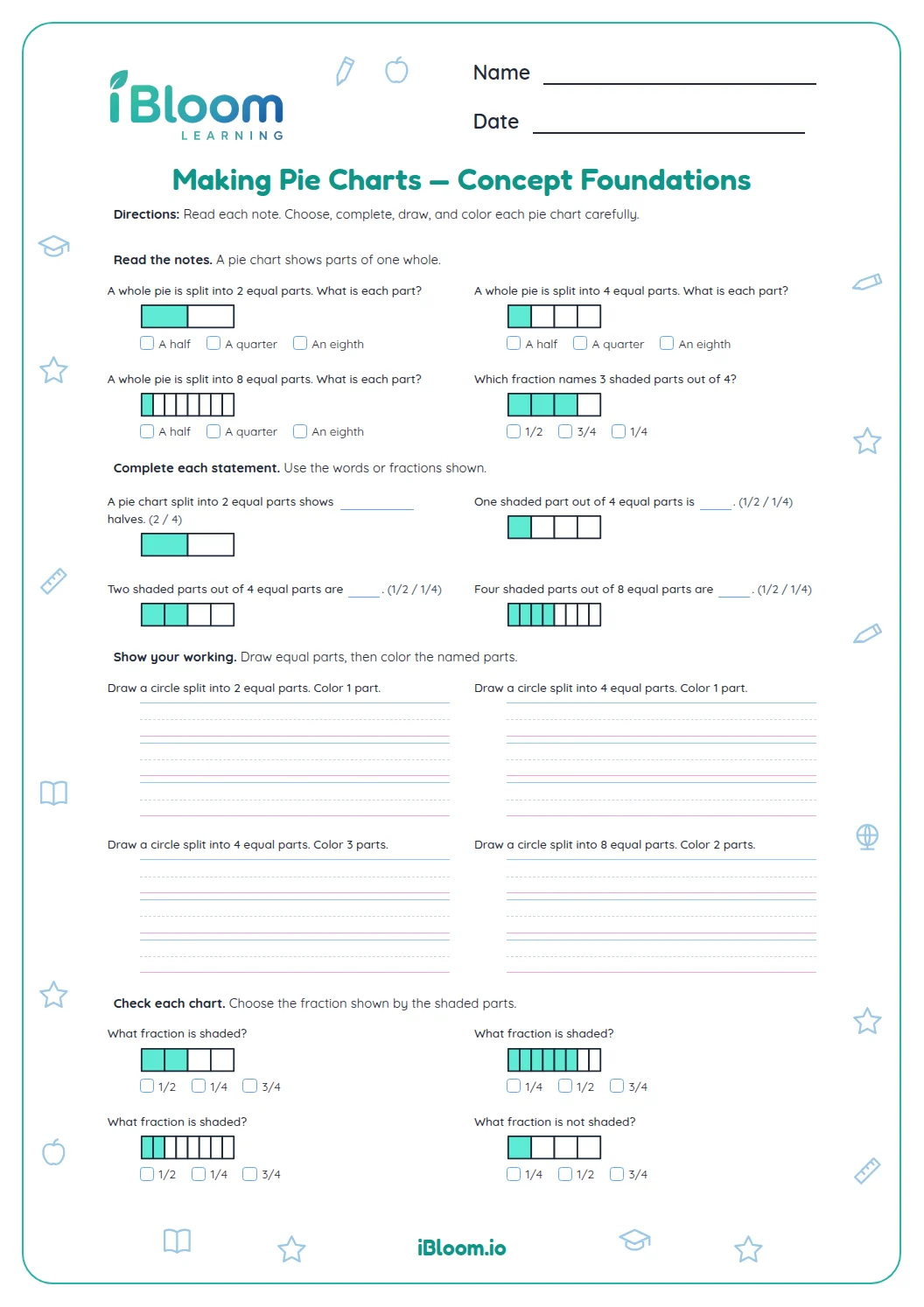 Making Pie Charts — Concept FoundationsSecond graders learn to organize simple data into pie charts by coloring sections that show parts of a whole using halves, quarters, and eighths. This Grade 2 foundations worksheet adds concise teaching notes, worked examples, and supported first attempts.Grade 2Free PDF preview4 pages
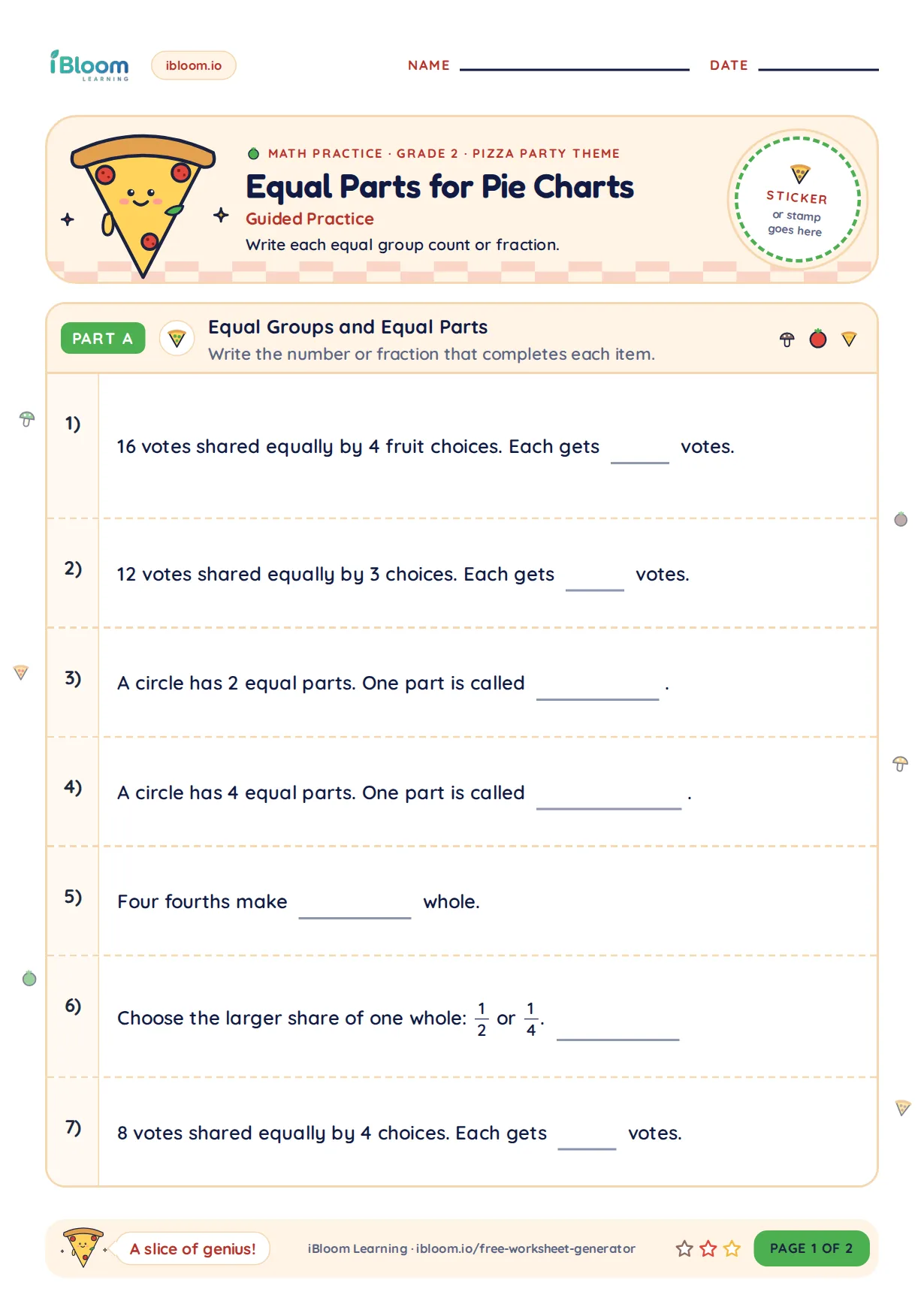 Making Pie Charts — Guided PracticeSecond graders learn to organize simple data into pie charts by coloring sections that show parts of a whole using halves, quarters, and eighths. This Grade 2 guided-practice worksheet progresses from prompts and checkpoints to independent questions.Grade 2Free PDF preview
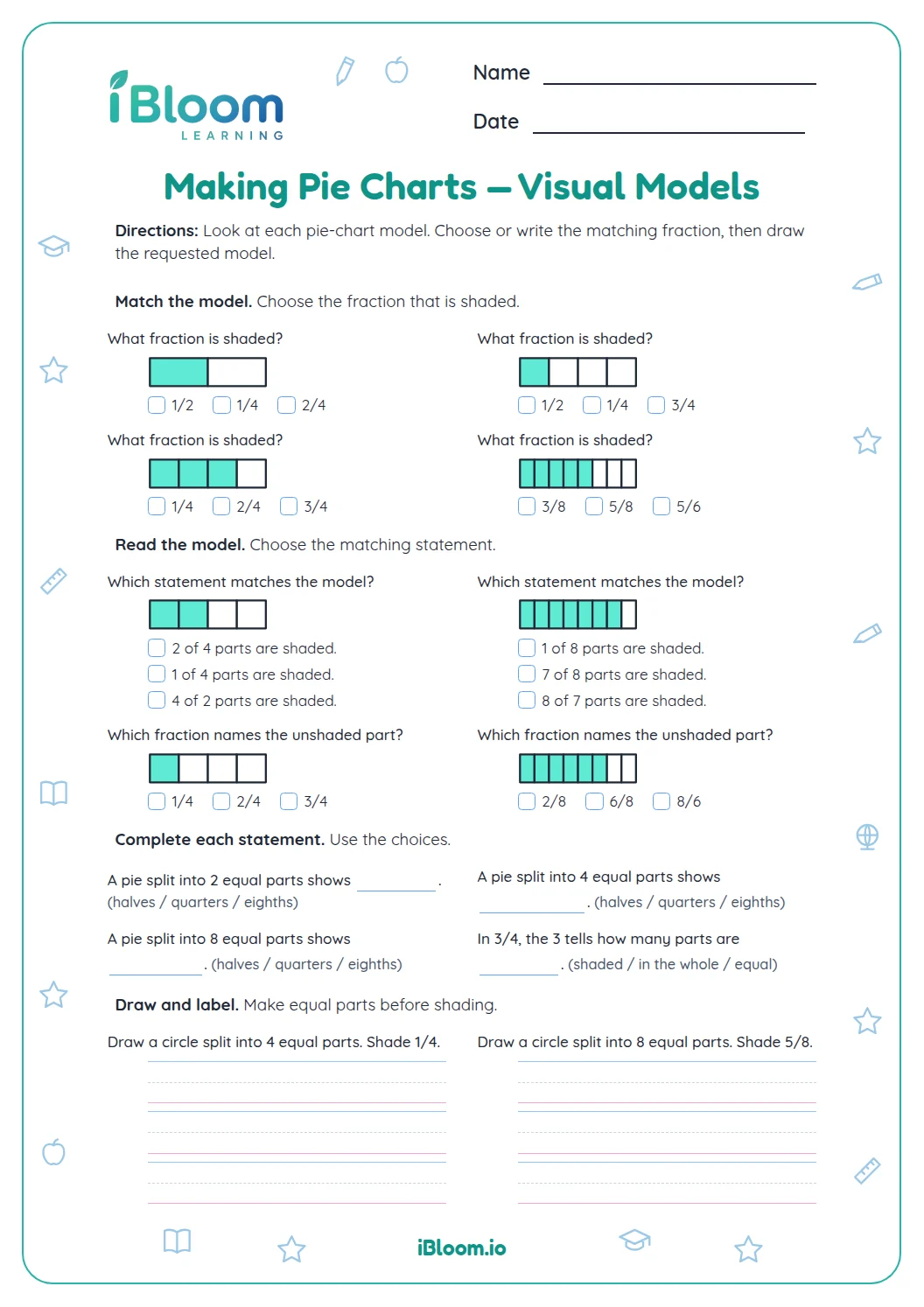 Making Pie Charts — Visual ModelsSecond graders learn to organize simple data into pie charts by coloring sections that show parts of a whole using halves, quarters, and eighths. This Grade 2 visual-model worksheet connects suitable diagrams, tables, number lines, or place-value models to mathematical notation.Grade 2Free PDF preview
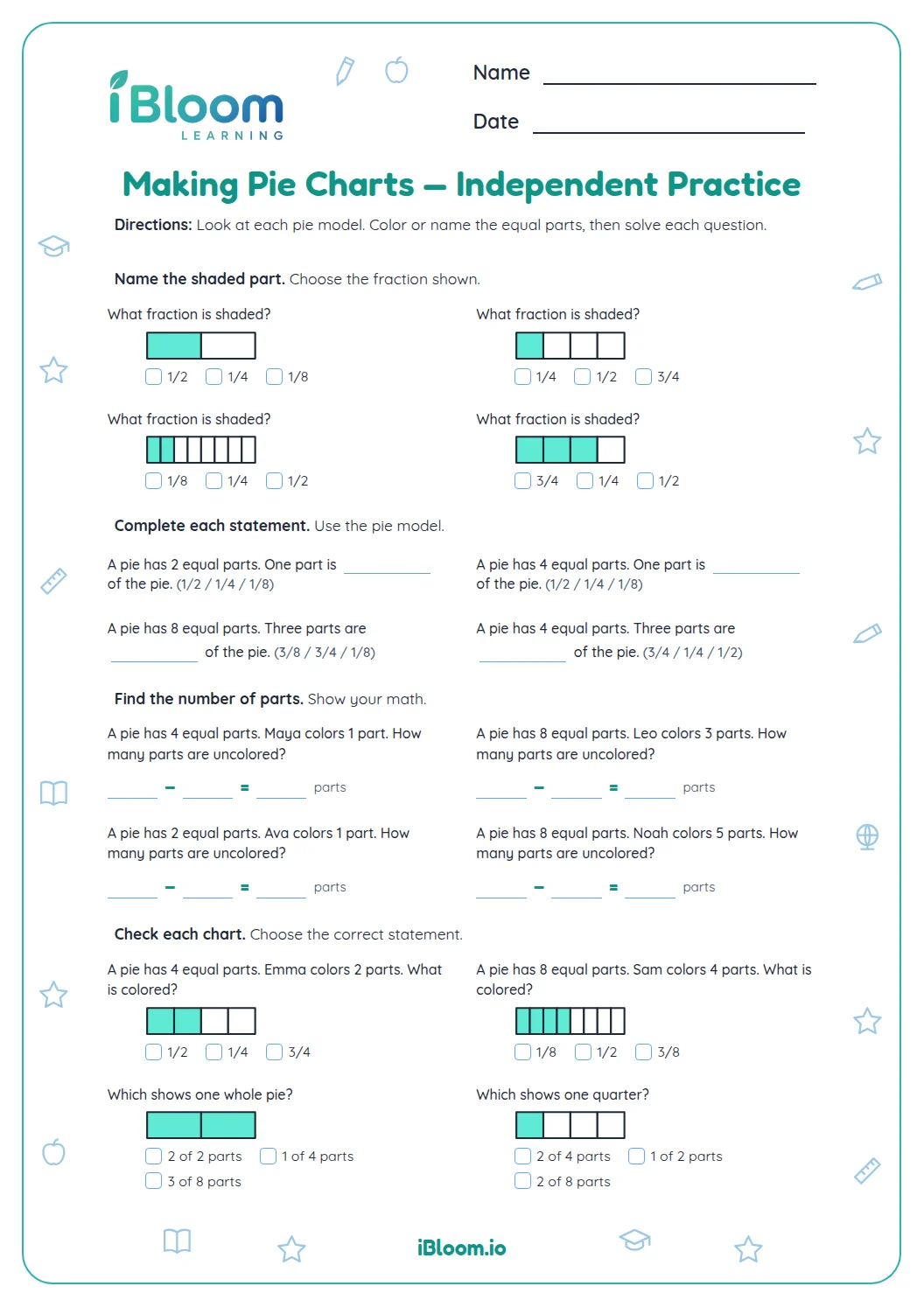 Making Pie Charts — Independent PracticeSecond graders learn to organize simple data into pie charts by coloring sections that show parts of a whole using halves, quarters, and eighths. This Grade 2 independent-practice worksheet provides a balanced sequence of accurate, grade-level exercises.Grade 2Free PDF preview10 pages
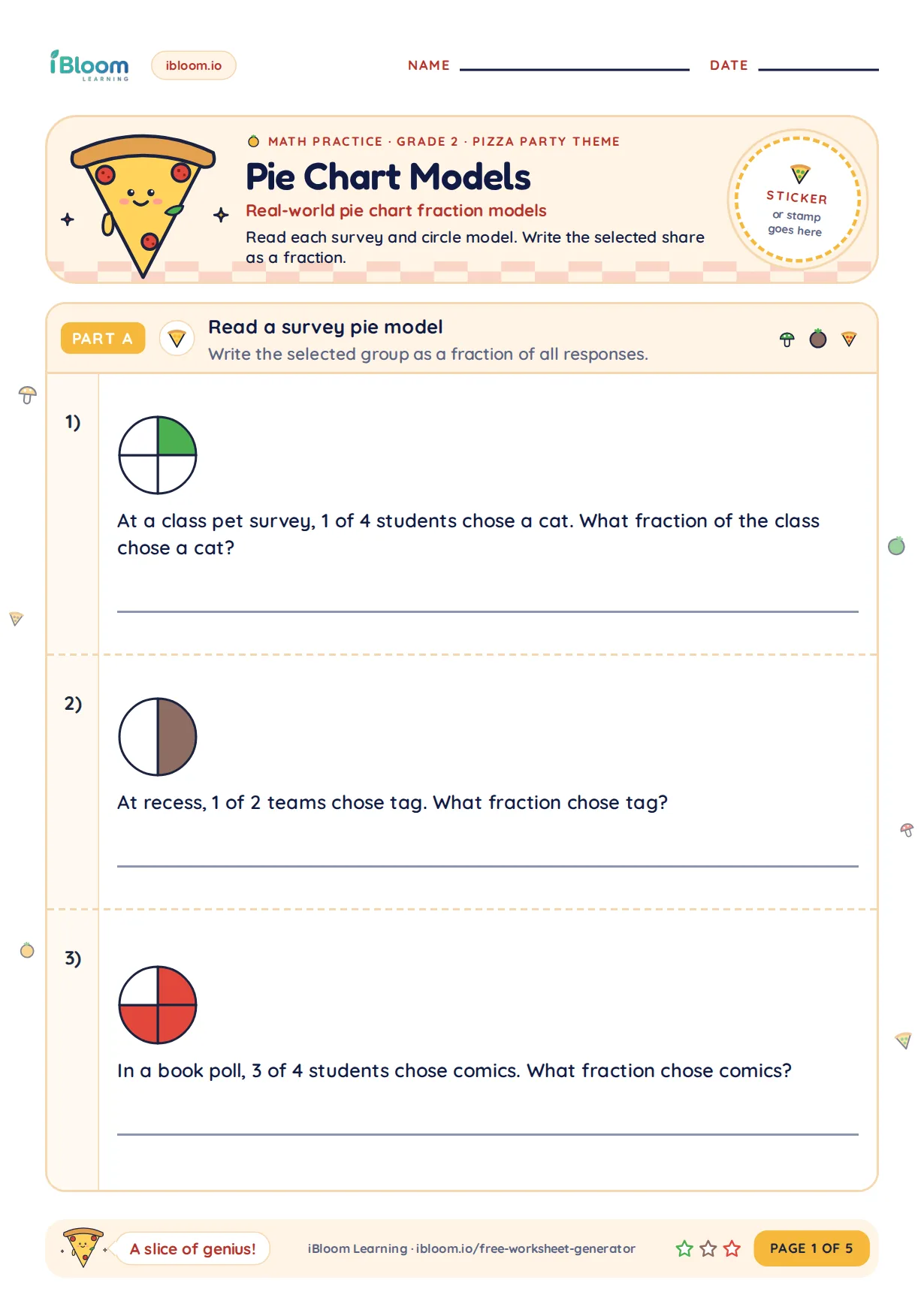 Making Pie Charts — Real-World ProblemsSecond graders learn to organize simple data into pie charts by coloring sections that show parts of a whole using halves, quarters, and eighths. This Grade 2 application worksheet uses realistic one-step and multi-step situations with room to model and solve.Grade 2Free PDF preview
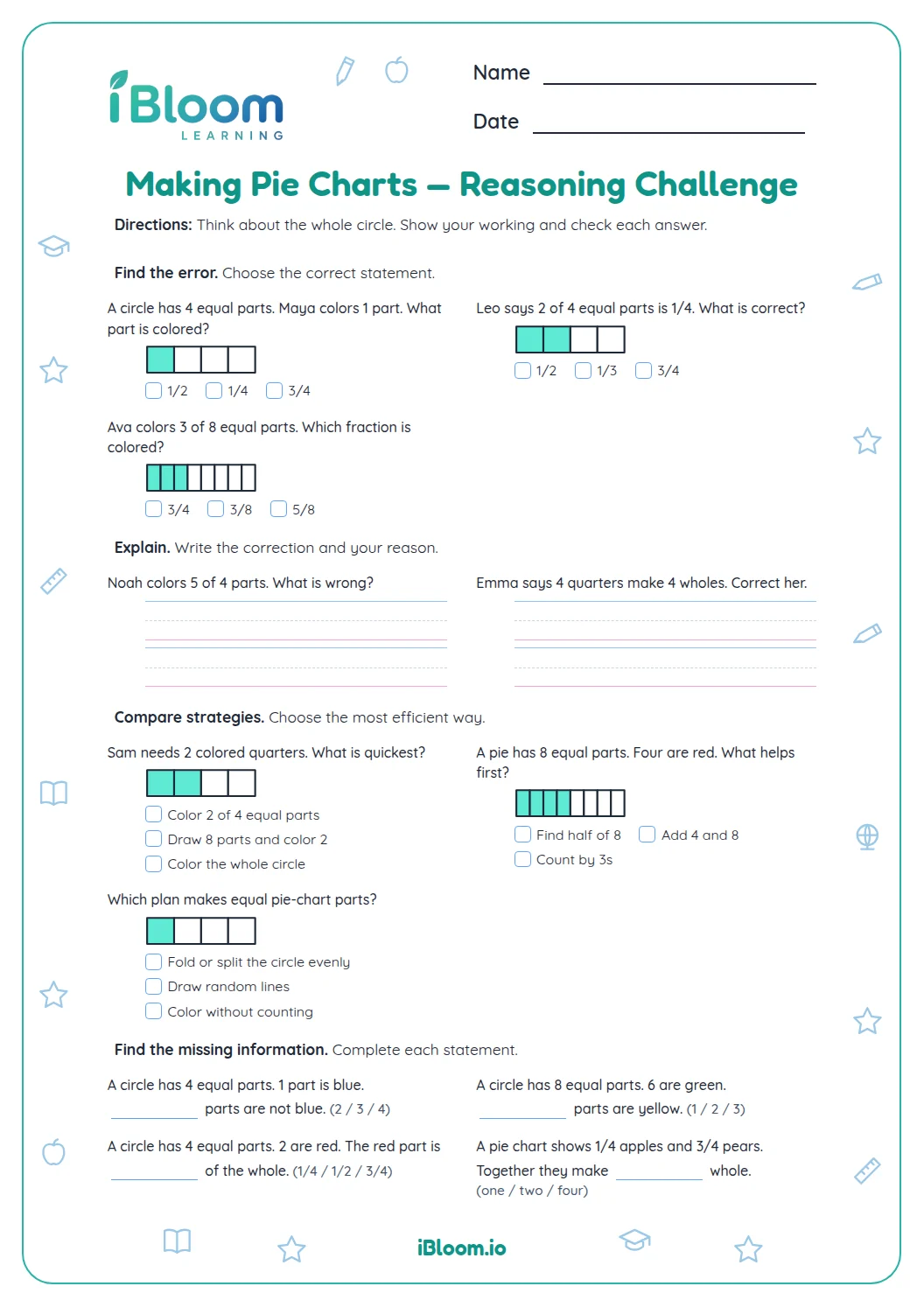 Making Pie Charts — Reasoning ChallengeSecond graders learn to organize simple data into pie charts by coloring sections that show parts of a whole using halves, quarters, and eighths. This Grade 2 reasoning worksheet combines error analysis, strategy comparison, missing information, and a gentle extension.Grade 2Free PDF preview
Practice that builds confidence
From tally marks to colored slices
Children practice turning small data sets — like favorite fruits or pet types — into visual pie charts by coloring pre-divided circles. Each worksheet guides them to count each category, match the total to the correct circle template, and shade the right number of slices.
The printable activities include blank templates divided into halves, fourths, and eighths, plus themed data tables with 4–8 items per set. Kids gain hands-on experience with part-to-whole relationships while building early fraction sense and data-organization habits.
Second graders start with a simple tally chart — five votes for apples, three for bananas, two for grapes — and learn to transfer those counts onto a circle already split into equal parts. The worksheets progress from halves (two categories) to fourths (four categories) and finally eighths (up to eight categories), always keeping totals small enough to count on fingers.

A ten-minute kitchen-table routine
After dinner, spill a handful of mixed cereal pieces onto a plate. Ask your child to sort by shape, count each group, then pick the matching pie template and color one slice per piece. Talk through questions like "Which piece takes up half the circle?" or "How many slices show the square cereal?" This builds the habit of moving from concrete objects to abstract representation.
Classroom centers and small-group talk
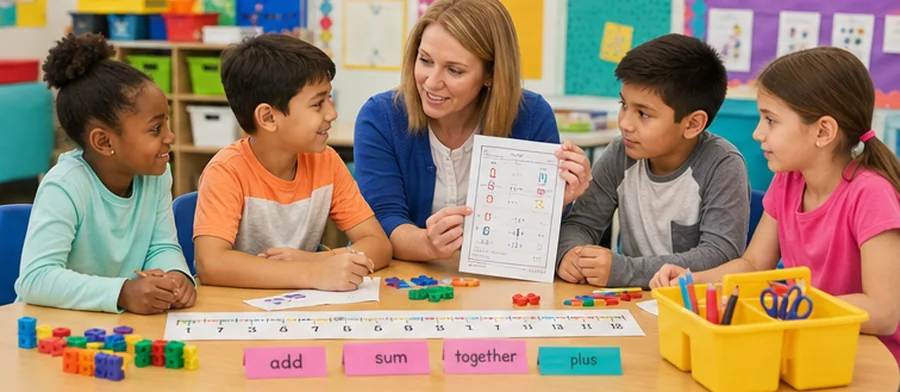
Teachers can laminate the half- and fourth-circle templates for a math center where pairs spin a picture spinner, record results with dry-erase markers, then fill in the matching pie chart. During whole-class debrief, display two completed charts side by side and prompt: "Both show four votes for dogs, but one uses fourths and the other eighths — why do the dog slices look different sizes?" The conversation surfaces the idea that slice size depends on the total number of equal parts.
Common errors to watch for
Kids often color the wrong number of slices when the data total doesn't match the template denominator — for example, shading three slices on a fourths circle for a count of three. Others forget to label each slice with the category name or color. A quick "count and check" step before coloring catches most slips.
Child-friendly strategy: "Count, Match, Color, Label"
Teach the four-step chant: Count each group, Match the total to the right circle, Color one slice per item, Label every slice. Saying it aloud while pointing builds automaticity and reduces the "oops, I colored too many" moments.
Free printable PDF download
Use this grade 2 pie chart worksheet page to preview the activity, print it, or download it as a PDF for quick practice. It works well for homework, homeschool lessons, tutoring, morning work, revision, and classroom centers.
Answers and answer key support
After the child completes the worksheet independently, parents and teachers can use the answer support or answer key information to check the work, review mistakes, and choose the next practice step.
Why iBloom worksheets help
Our pie-chart collection uses consistent, uncluttered templates with bold slice boundaries and a dedicated label ring so children focus on the data-to-slice connection, not deciphering messy lines. The progression from halves to eighths mirrors the fraction sequence in most Grade 2 scopes, and every page includes a tiny self-check box so learners verify their slice count matches their tally before moving on.
Helpful answers
Frequently asked questions
Do second graders need to calculate angles or percentages for pie charts?
No. Grade 2 pie charts use pre-divided circles (halves, fourths, eighths). Children simply count each category and color the matching number of slices — no angle measurement or percent calculation required.
What if my data set has three categories but the template only has fourths?
Use the fourths template and leave one slice blank or color it a neutral shade. The worksheets include half, fourth, and eighth templates so you can always pick the one with enough slices for your categories.
How many data points should a Grade 2 pie chart activity use?
Keep totals at or below 8 so the counts fit neatly on the eighths template. Most worksheets in this collection use 4–8 items per set.
Can these sheets be used for a math center?
Yes. Laminate the templates and provide dry-erase markers and a picture spinner or card deck. Students spin, tally, choose the correct template, color slices, and wipe clean for the next pair.
Do the worksheets include a key or legend area?
Each template has a thin outer ring for writing the category name next to its color. There is no separate legend box — labeling directly on the chart keeps the part-to-whole link visible.
Is this grade 2 pie chart worksheet free?
Yes. You can preview it for free and use the printable worksheet for home or classroom practice.
Can I download this grade 2 pie chart worksheet as a PDF?
Yes. Use the worksheet download option to save a printable PDF, or print the worksheet directly from the page.
Does this grade 2 pie chart worksheet include answers or an answer key?
When the activity has fixed answers, iBloom includes answer support so parents and teachers can check the completed worksheet.