




About this worksheet
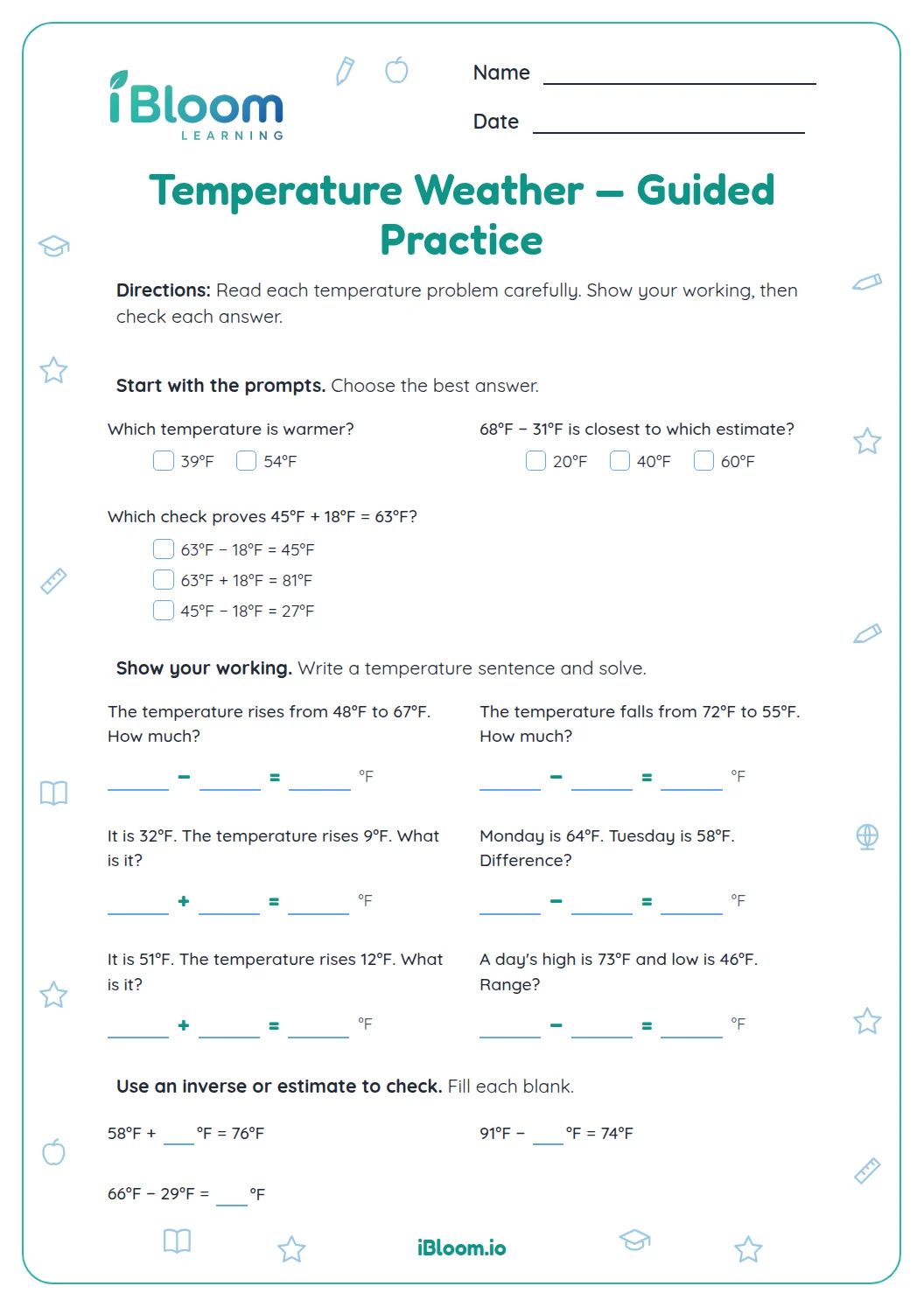
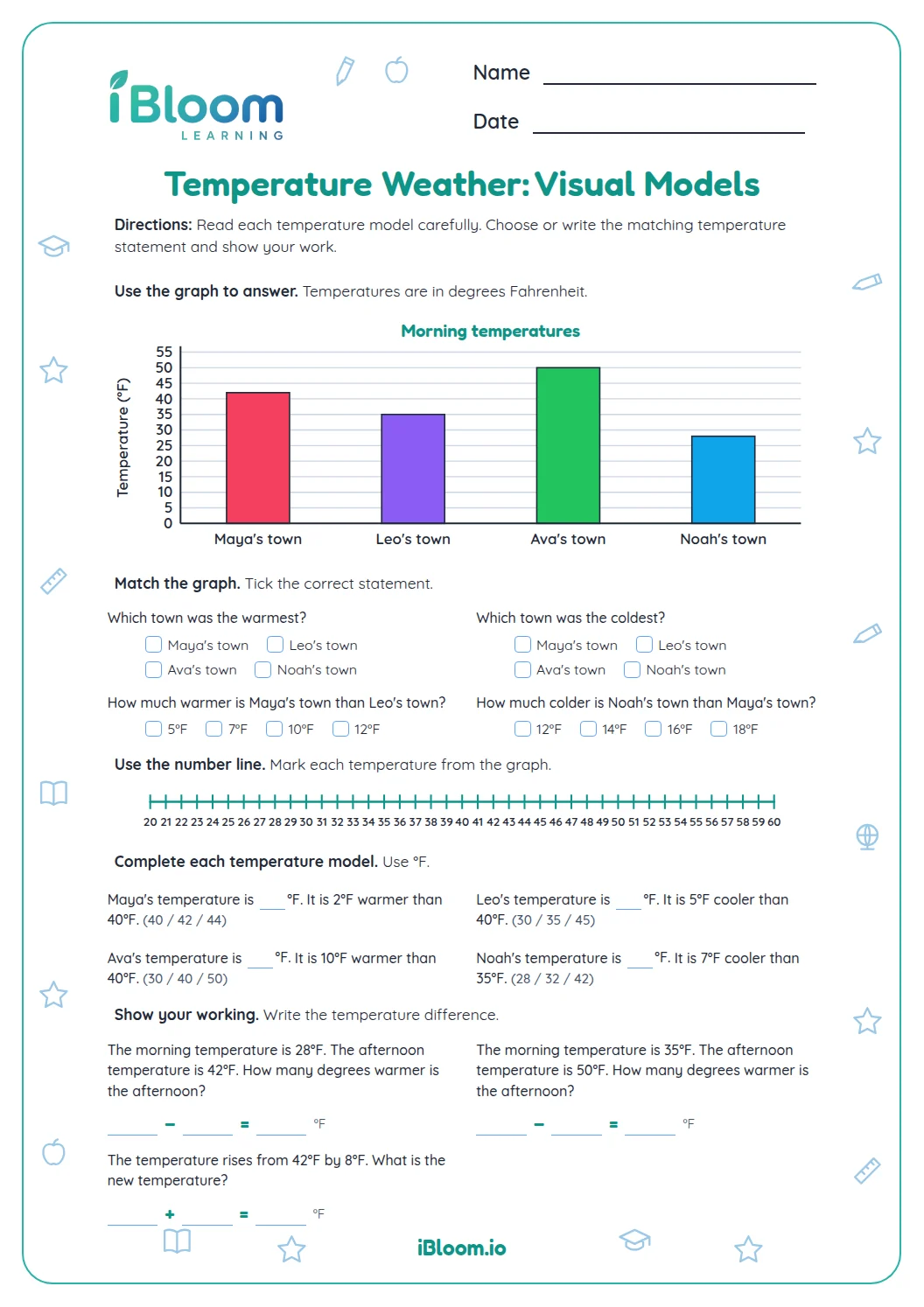
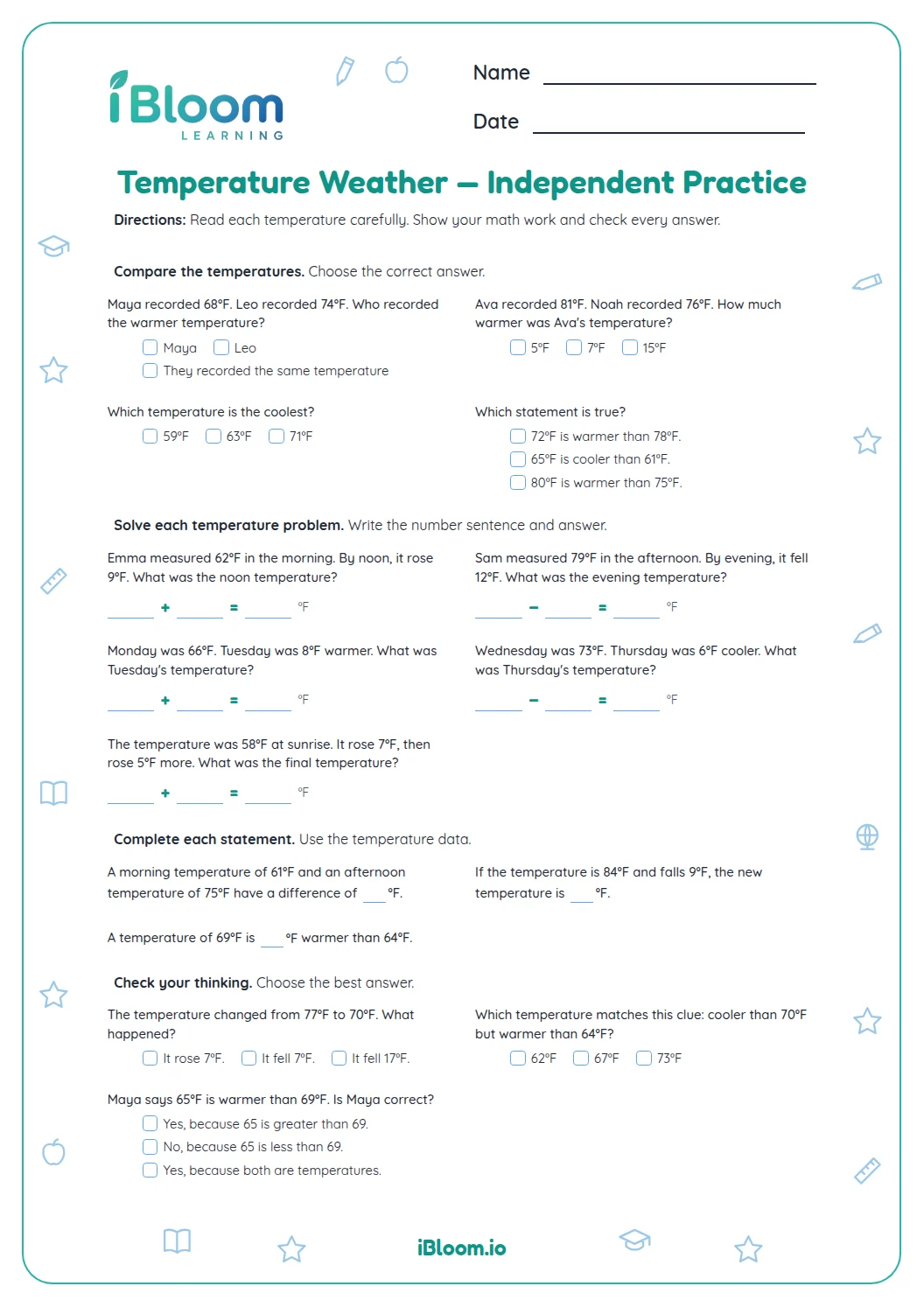
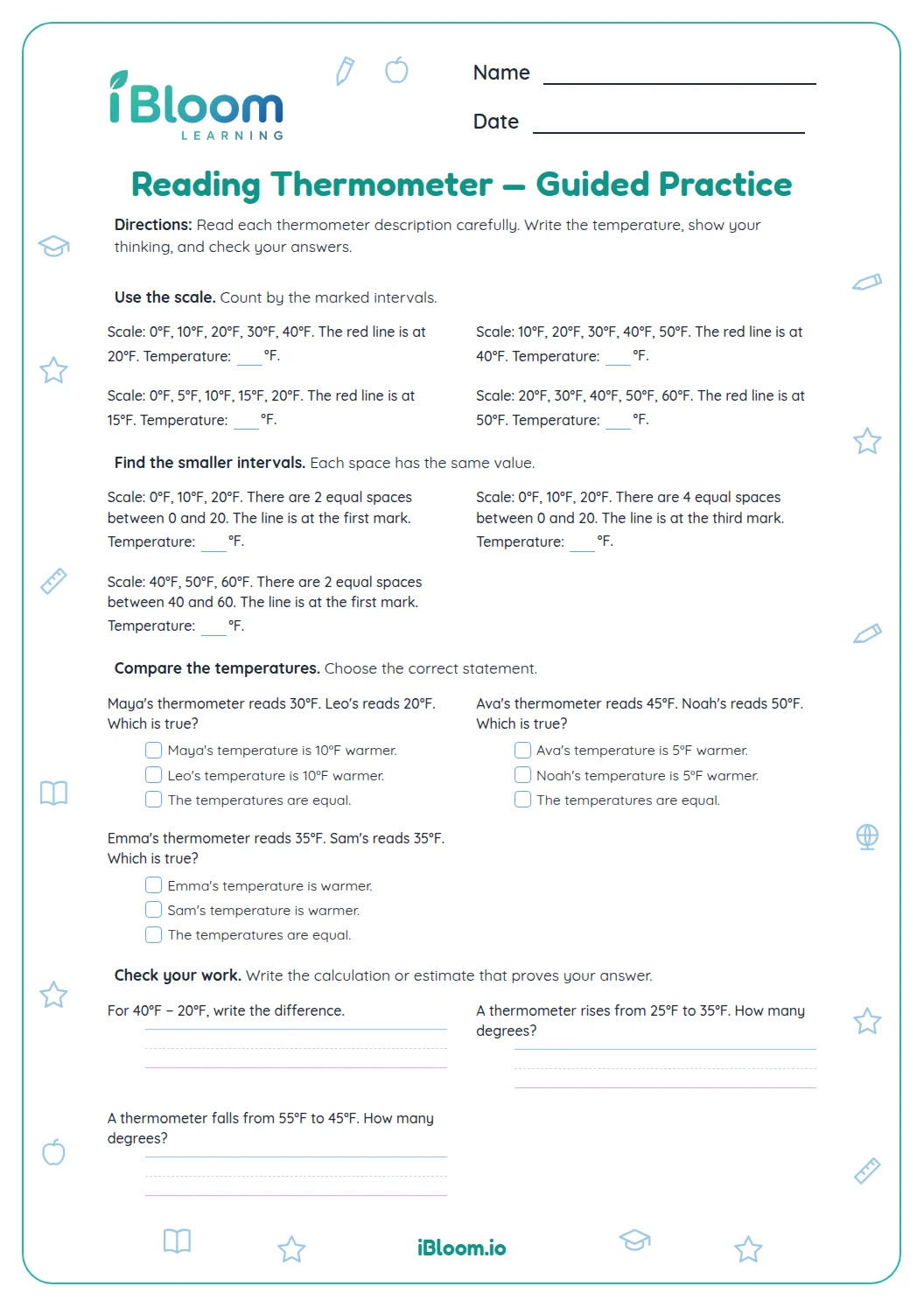
This free Grade 3 worksheet uses weather temperatures to practice comparison, addition, subtraction, and reasoning. Learners evaluate claims about warmer and cooler readings, write number sentences for rises and drops, compare high and low temperatures, and explain what information is needed. The 15 questions restore the old sheet’s mix of reasoning, calculation, and explanation, with a separate answer key.
How can you compare temperatures?
On a Fahrenheit scale above zero, the greater number is warmer. A change from 12°F to 7°F is a drop of 5°F because 12 − 7 = 5.
How do you write a temperature change?
Start with the first reading and use addition for a rise or subtraction for a drop. Then check that the result is the ending temperature.
- 1Start at 5°F and rise 9°F.
- 25 + 9 = 14
- 3The noon temperature is 14°F.
What can a temperature comparison tell you?
A high and a low show a difference, but they do not say when either reading occurred. Explain both the arithmetic and the information a weather report gives.
How to solve the questions
- 1Read which temperature came first and which came later.
- 2Mark whether the temperature rose or dropped.
- 3Add for a rise or subtract to find a drop or difference.
- 4Include °F in the final reading or change.
- 5Use a related equation to check the result.
Common mistakes and quick fixes
The mistake
Calling a smaller positive Fahrenheit number warmer.
The fix
Compare the readings: 9°F is warmer than 4°F.
The mistake
Using addition for a temperature drop.
The fix
Subtract the amount of the drop from the starting reading.
The mistake
Giving a difference without saying whether it rose or fell.
The fix
Name the direction as well as the number of degrees.
What to practice next
Make more practice
Questions parents and teachers ask
How many questions are on the temperature worksheet?
There are 15 questions in three parts. Learners judge temperature claims, write and solve number sentences, and explain comparisons or missing information. The separate answer key lists calculations and sample reasoning for the two written responses. Read the printed question again, explain the choice or calculation, and then use the separate key to confirm the result.
Does the worksheet use Fahrenheit?
Yes. The weather situations use degrees Fahrenheit (°F), as in 12°F or 20°F. Children use the stated starting temperature and change to find a new reading or compare two readings. Read the printed question again, explain the choice or calculation, and then use the separate key to confirm the result.
How can I check a temperature change?
Use the relationship between the starting and ending readings. For a rise from 9°F to 16°F, subtract 9 from 16 to get a 7°F difference, then confirm that 9 + 7 = 16. Read the printed question again, explain the choice or calculation, and then use the separate key to confirm the result.
Why does the worksheet ask about a high and a low?
A high and low can be compared to find the temperature difference. The question about exact times highlights that the two values alone do not tell when each temperature was recorded; that requires additional information. Read the printed question again, explain the choice or calculation, and then use the separate key to confirm the result.
Is an answer key included?
Yes. A separate answer key page provides the correct choice or temperature for each problem. It also gives sample explanations for the open-response items; accept a clear response that explains the same reasoning. Read the printed question again, explain the choice or calculation, and then use the separate key to confirm the result.