


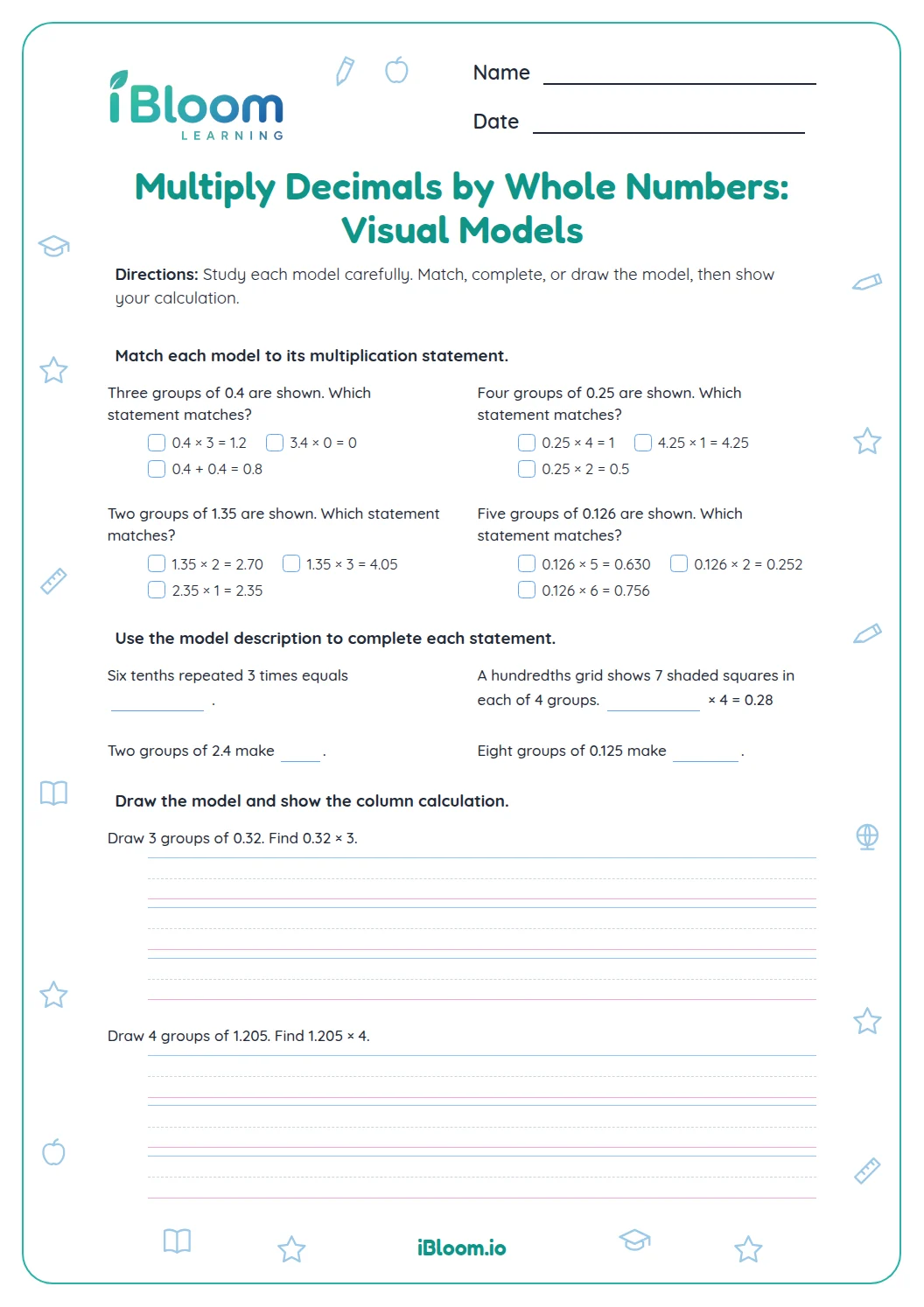
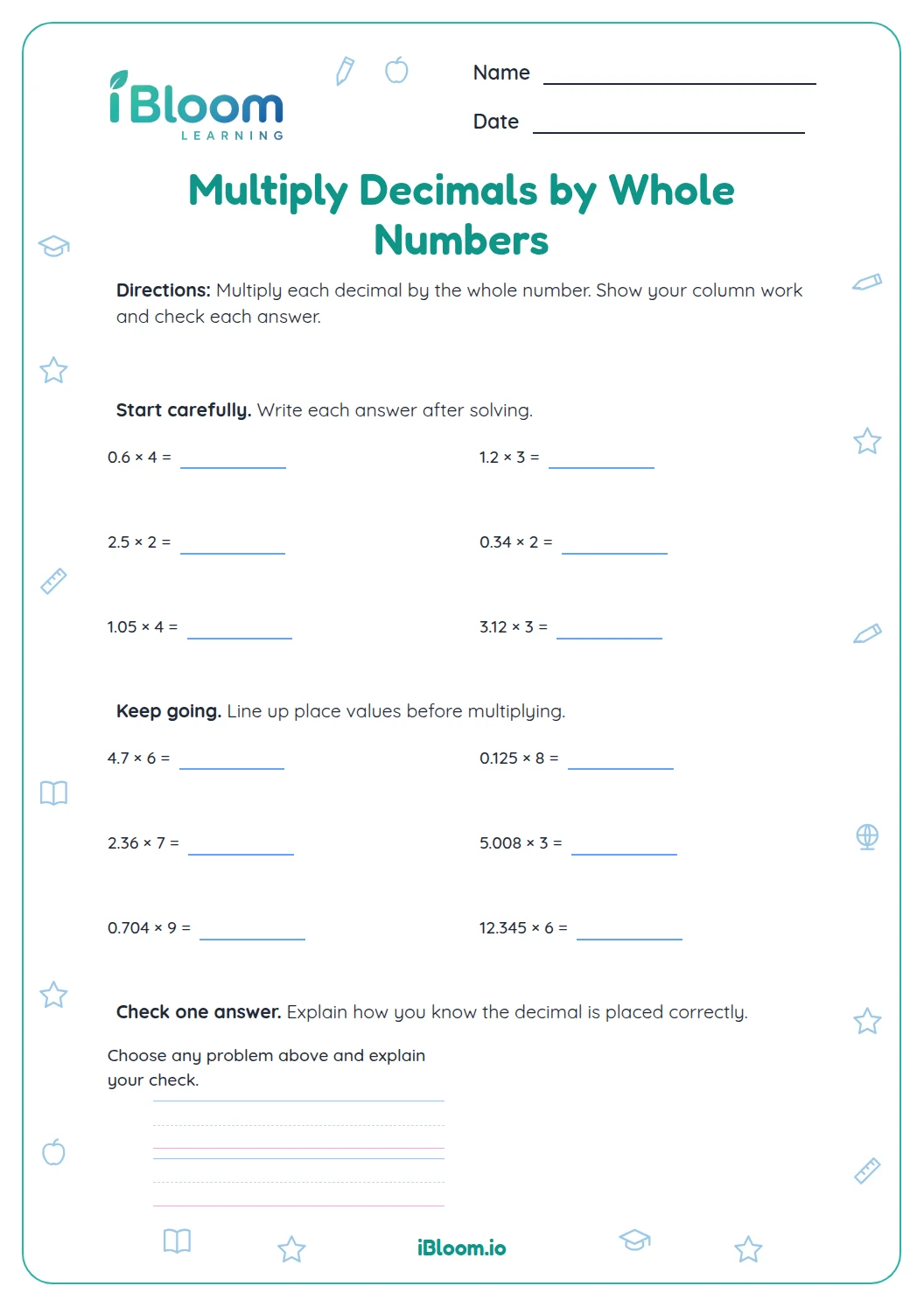


About this worksheet
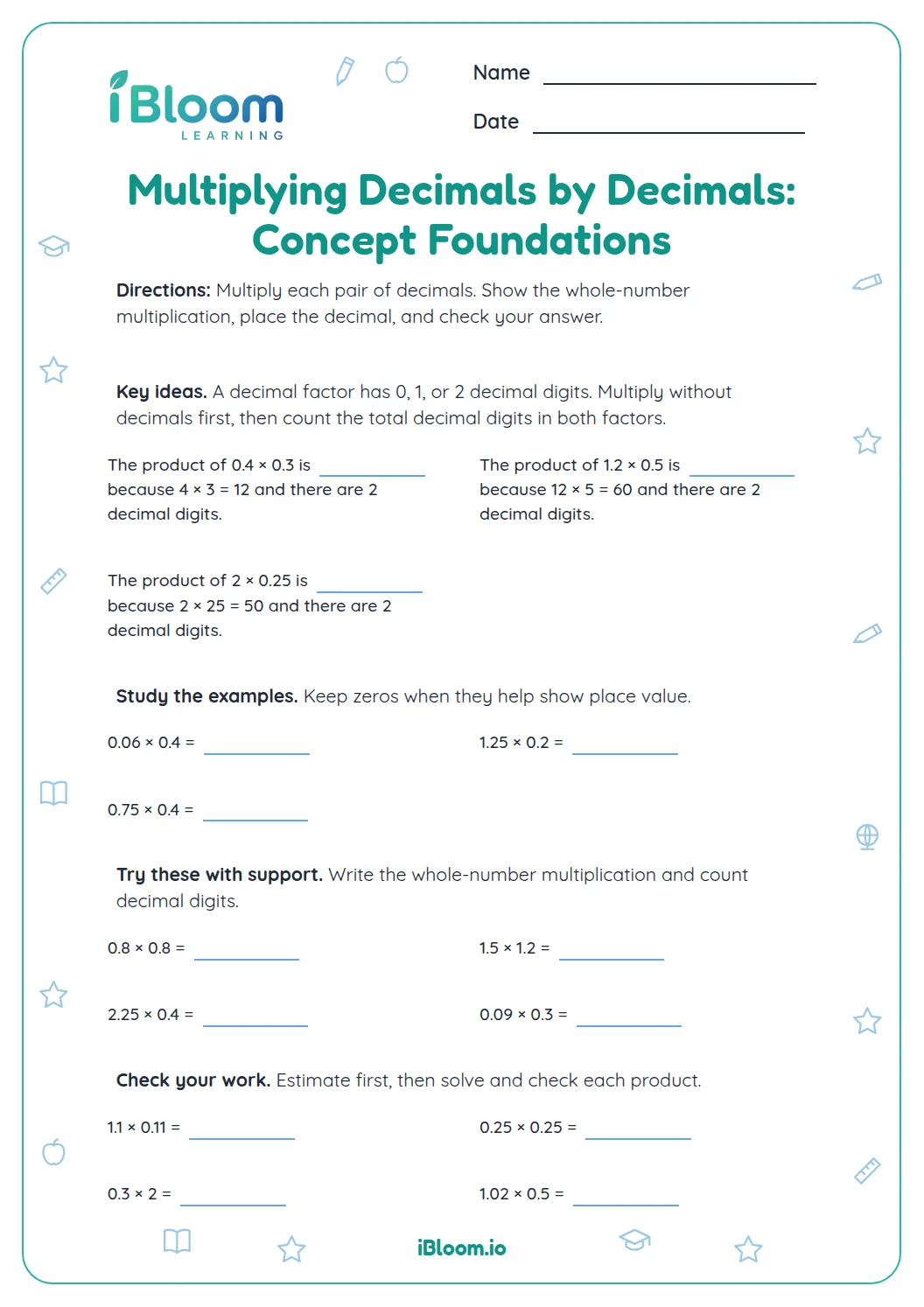
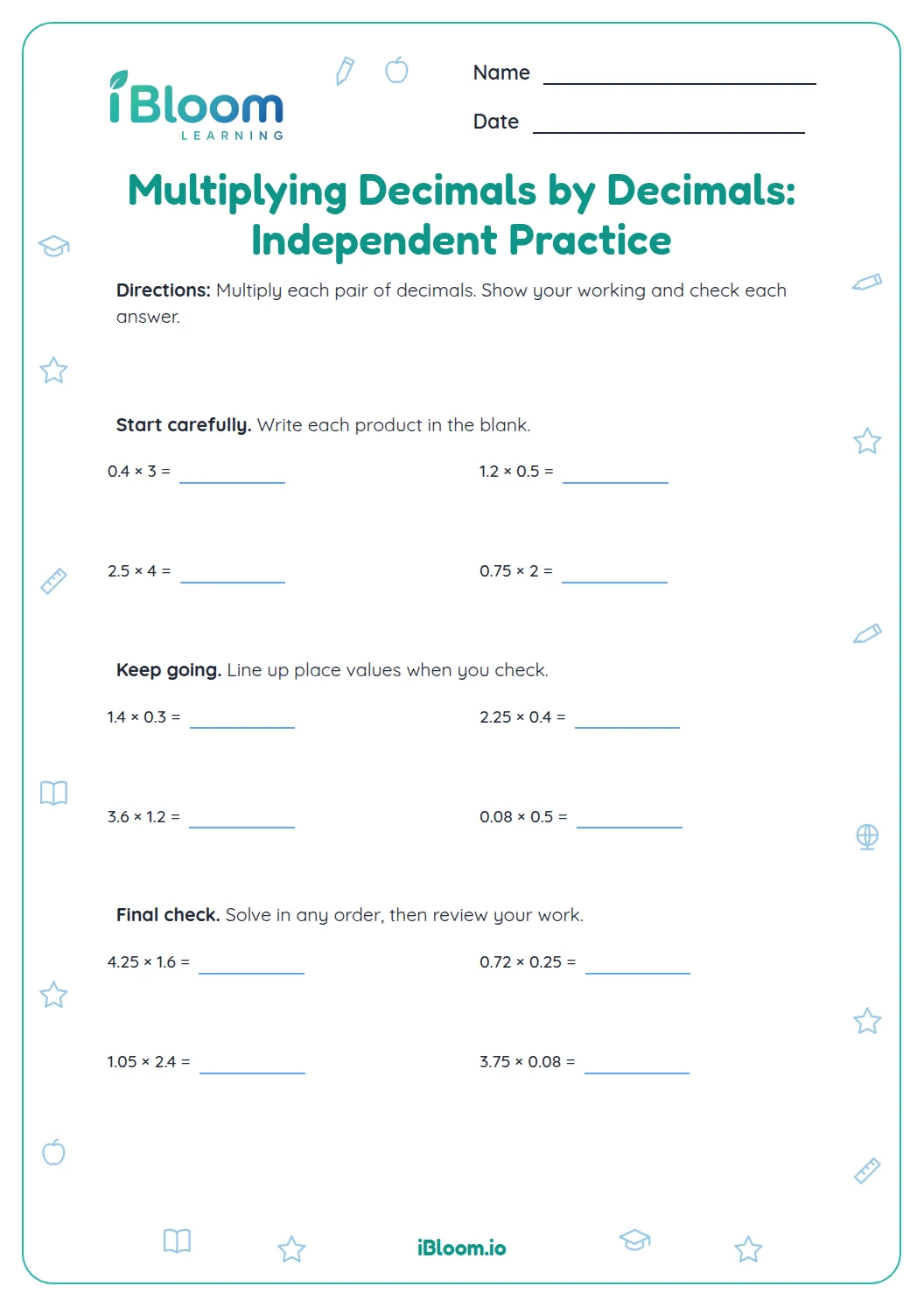
This Grade 6 guided practice builds from simple decimal products to factors with two decimal places. Students estimate, multiply the digits as whole numbers, and use place value to place the decimal point. The 16 equations include products less than one and greater than one, so students must consider the size of both factors. A separate answer key checks each product. This work practices CCSS 6.NS.B.3, fluently multiplying multi-digit decimals with the standard algorithm.
Aligned to 6.NS.B.3
How do you place the decimal point in a product?
First multiply as if the factors were whole numbers. Then count the decimal places in both factors altogether. The product needs that many decimal places. If needed, add a zero to show a place value.
For question 3, 1.2 × 0.4 becomes 12 × 4 = 48. The factors have two decimal places altogether, so the product is 0.48.
- 11.2 × 0.4
- 212 × 4 = 48
- 3Two decimal places altogether: 0.48
How can an estimate catch a misplaced decimal?
Estimate each factor by a nearby whole or familiar fraction. Since 1.2 is a little more than 1 and 0.4 is less than 1, their product should be less than 1 and near 0.5. An answer of 4.8 would be too large.
Several questions have products below 1 and others have products above 1. Comparing with an estimate helps check the decimal placement.
How does the practice build?
The first items use tenths and whole-number parts, then later questions include hundredths in one or both factors. Each is a short equation with working space, and the separate key gives the product.
How to use this worksheet
- 1Estimate whether the product should be less than or greater than 1.
- 2Ignore decimal points for a moment and multiply the digits.
- 3Count the decimal places across both factors.
- 4Place the decimal point in the product and add a zero if necessary.
- 5Compare the product with your estimate.
Common mistakes and quick fixes
The mistake
Counting decimal places in only one factor.
The fix
Count the places in both factors and add them.
The mistake
Dropping a needed zero in a product such as 0.4 × 0.3.
The fix
Write 12 hundredths as 0.12, with a zero before the decimal.
The mistake
Placing the decimal without checking the product size.
The fix
Estimate first; two factors less than 1 should produce a product less than either factor.
Common Core alignment
This page connects the worksheet practice to the grade-level skills below.
Fluently multiply multi-digit decimals using the standard algorithm.
On this sheet: All 16 items multiply decimal factors with up to two decimal digits.
Show the official wordingHide the official wording
Fluently add, subtract, multiply, and divide multi-digit decimals using the standard algorithm for each operation.
What to practice next
Make more practice
Further reading
Questions parents and teachers ask
How many decimal places should the product have?
Count the decimal places in both factors and add them. The product should have that many decimal places, using a zero when needed to keep the place value. For 0.4 × 0.3, there are two places altogether, so the product is 0.12.
Why estimate before multiplying?
An estimate helps you decide whether the answer should be larger or smaller than 1 and roughly how large it should be. This makes misplaced decimals easier to notice before checking the exact product. Compare the factors with familiar values such as 0.5 or 1.
Why does 0.6 × 0.5 equal 0.30?
Multiply 6 × 5 to get 30. The factors have two decimal places altogether, so the product is 0.30, which is equal to 0.3. The answer key keeps a trailing zero when it makes the place value visible.
What kinds of factors are included?
The equations include tenths and hundredths, plus factors greater than 1. Some products fall below 1 and others exceed 1, so students use place value and estimation to check each result carefully. The variation helps them reason about the decimal point.
How many pages are in the printable?
The printable has 16 decimal multiplication problems across two worksheet pages, plus a separate answer key. Factors use tenths and hundredths, with products below and above 1. The key includes exact decimal products and keeps trailing zeros where they show place value.