




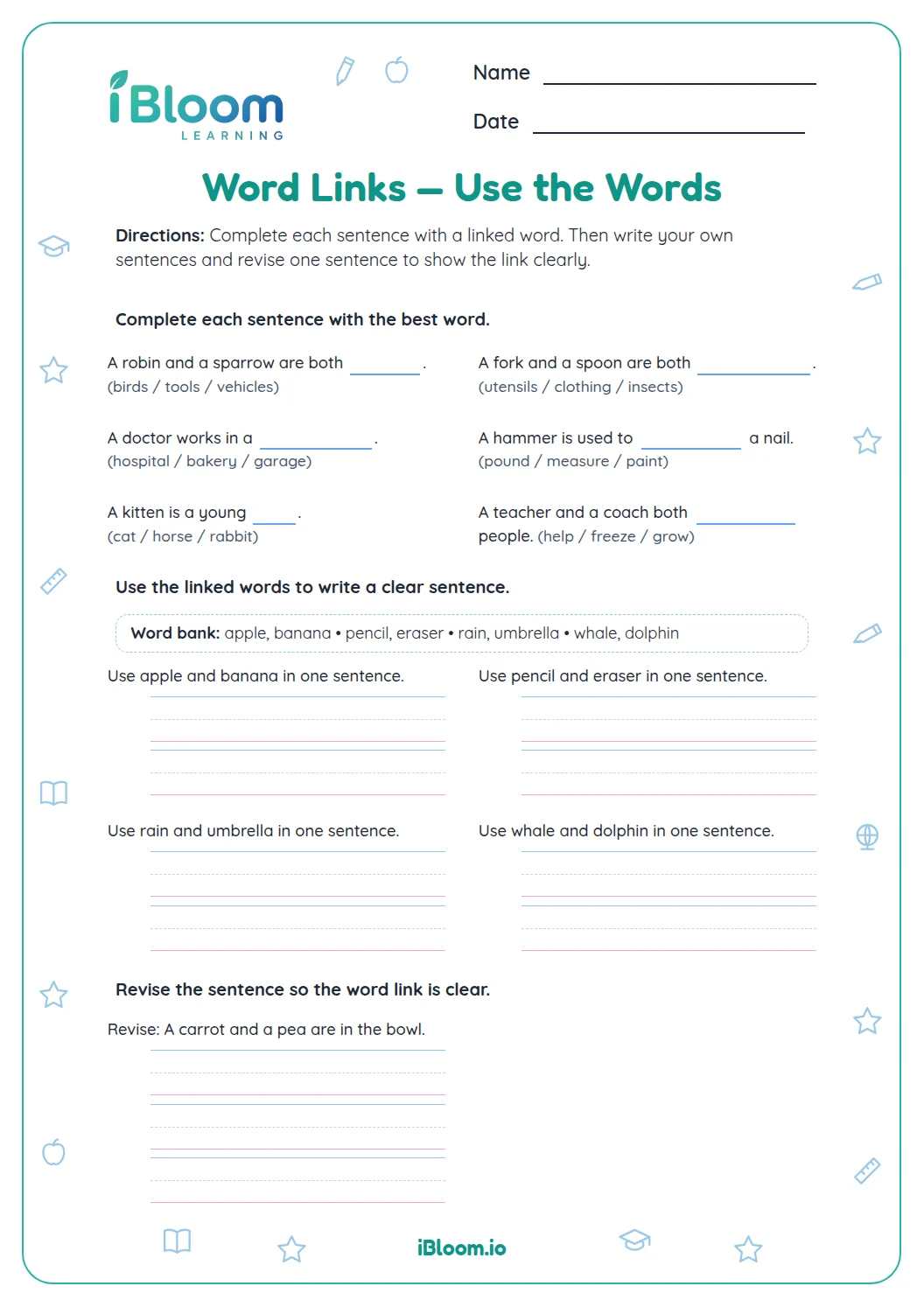
About this worksheet
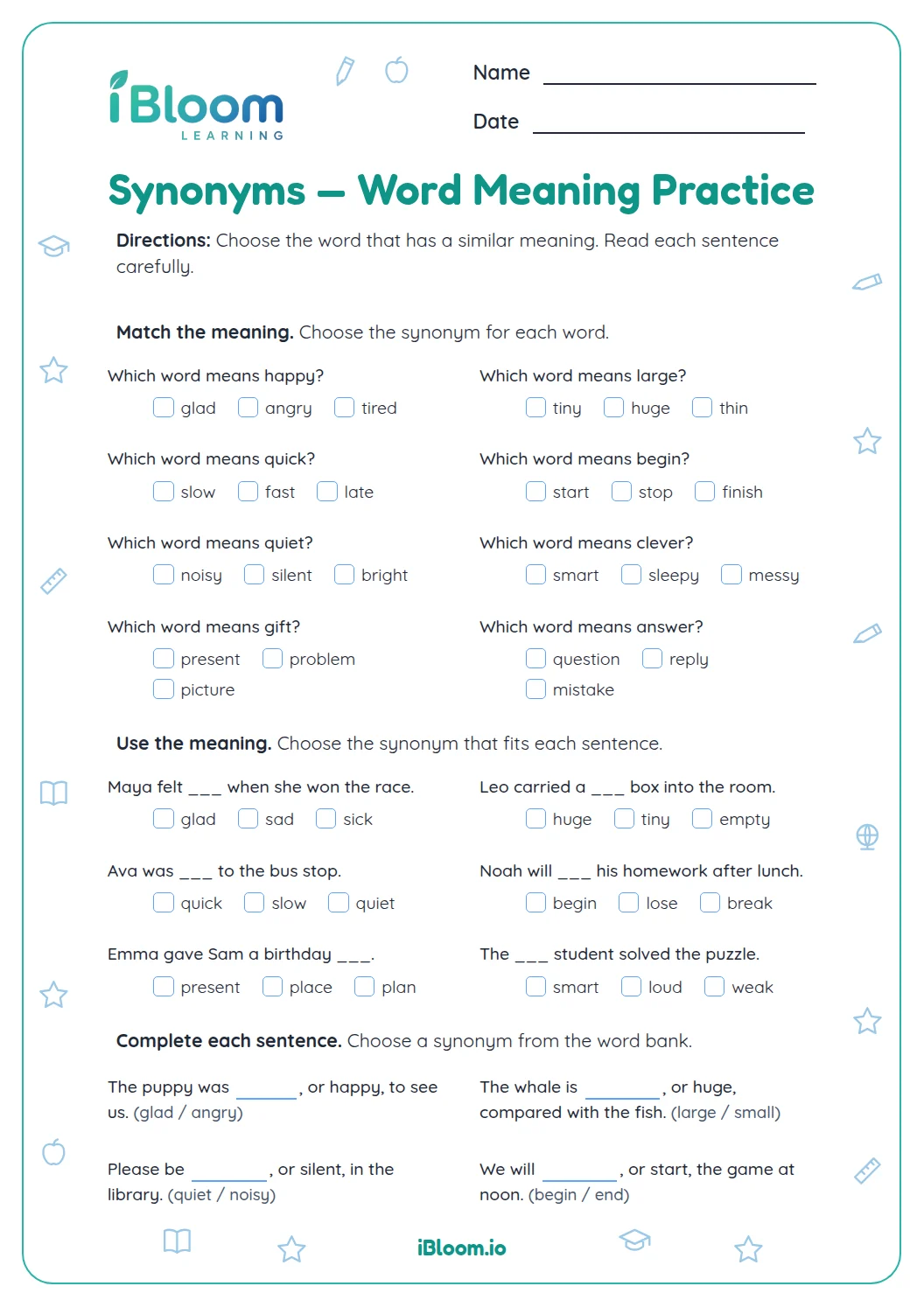
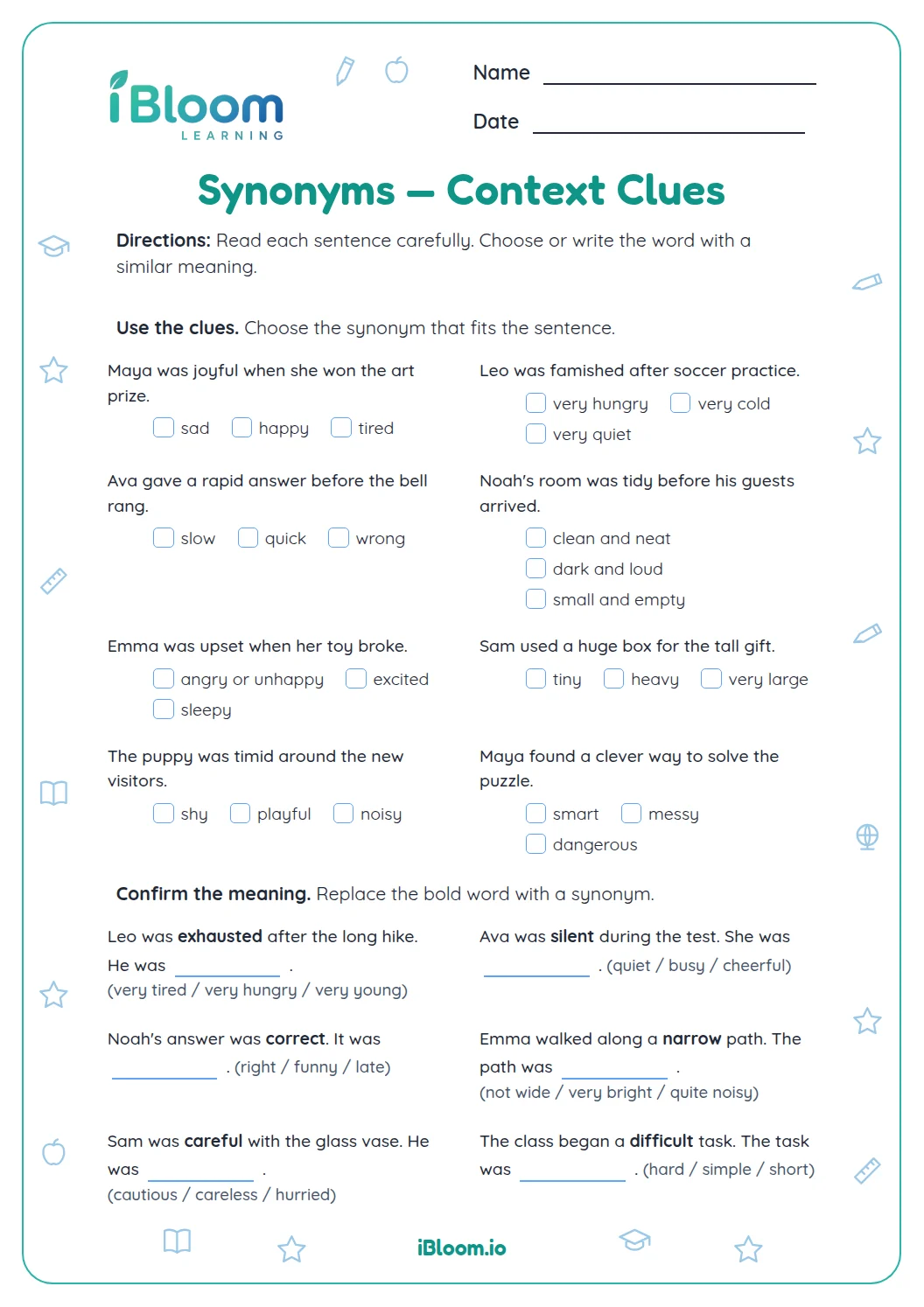
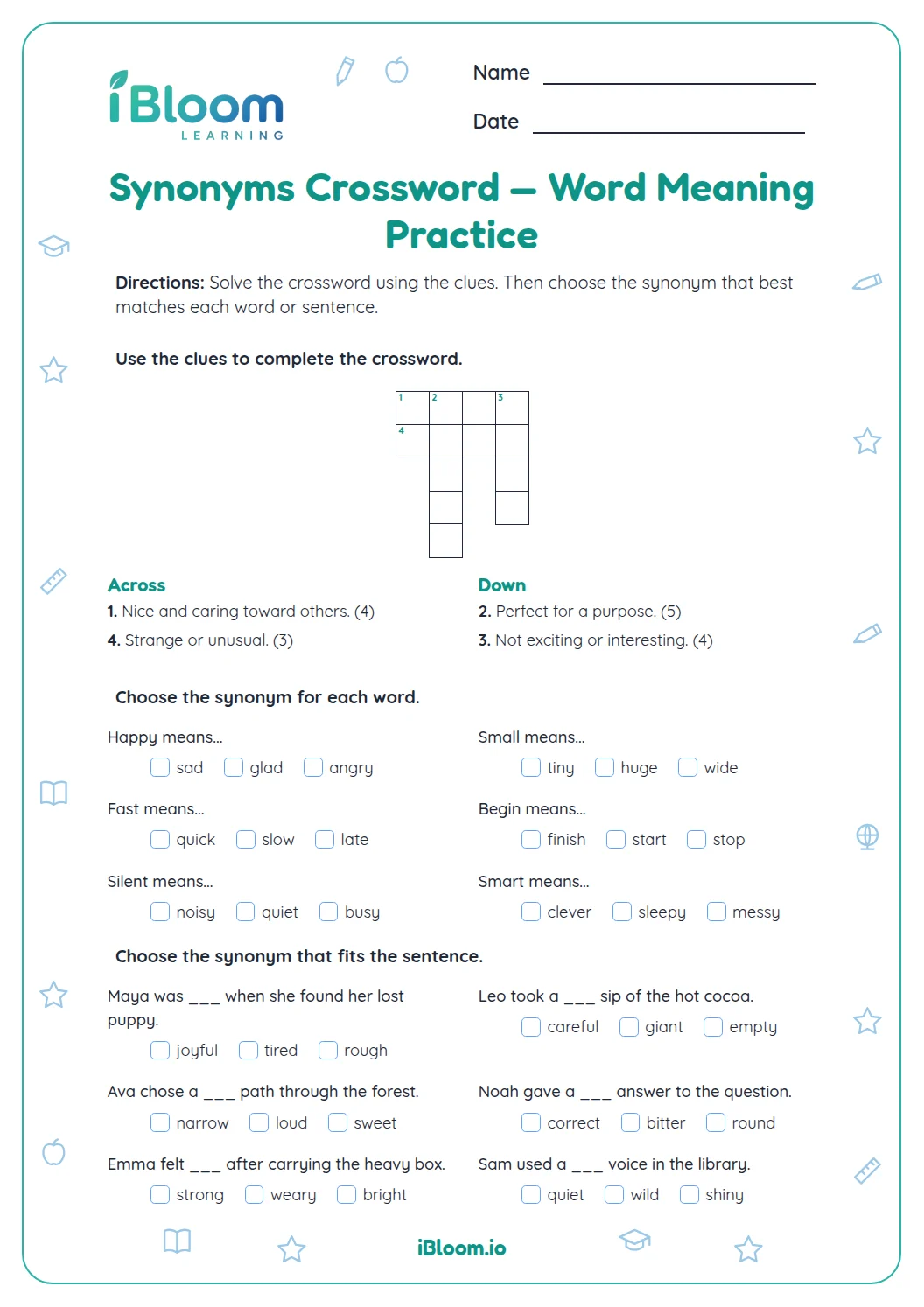
This Grade 3 vocabulary page offers 16 synonym questions. Students select close-meaning words, supply synonyms that fit sentence clues, and revise sentences with a synonym. The answer key provides sample responses for open-ended items; other suitable synonyms may also work. This practice supports using word relationships and context to clarify meaning.
Aligned to L.3.4
What does the grade 3 synonyms page practice?
Ten synonym choices and six short responses practice recognizing close meanings and using replacement words in context.
The separate answer key gives a quick way to check each response.
- 1Question 1: Which word is a synonym for rapid?
- 2Answer: quick
- 16 questions
- 2 clearly labeled parts
- A printable answer key
How can a learner work through the page?
Read the direction for each part before starting. Complete one item at a time, then use the key to check and correct the work.
What helps the skill stick?
Ask the learner to explain one answer and make a new example using the same skill.
How to use this worksheet
- 1Read the part direction and notice what each answer should look like.
- 2Work through the questions in order, checking each word or calculation carefully.
- 3Reread completed responses to catch missing details.
- 4Use the answer key to check and correct the page.
Common mistakes and quick fixes
The mistake
Answering before reading the whole prompt.
The fix
Read the full sentence or problem, then decide what it asks.
The mistake
Using a response that is close but does not fit the sentence or data.
The fix
Check the meaning and details in the prompt.
The mistake
Leaving an answer unchecked.
The fix
Compare each response with the key and fix any mismatch.
Curriculum alignment
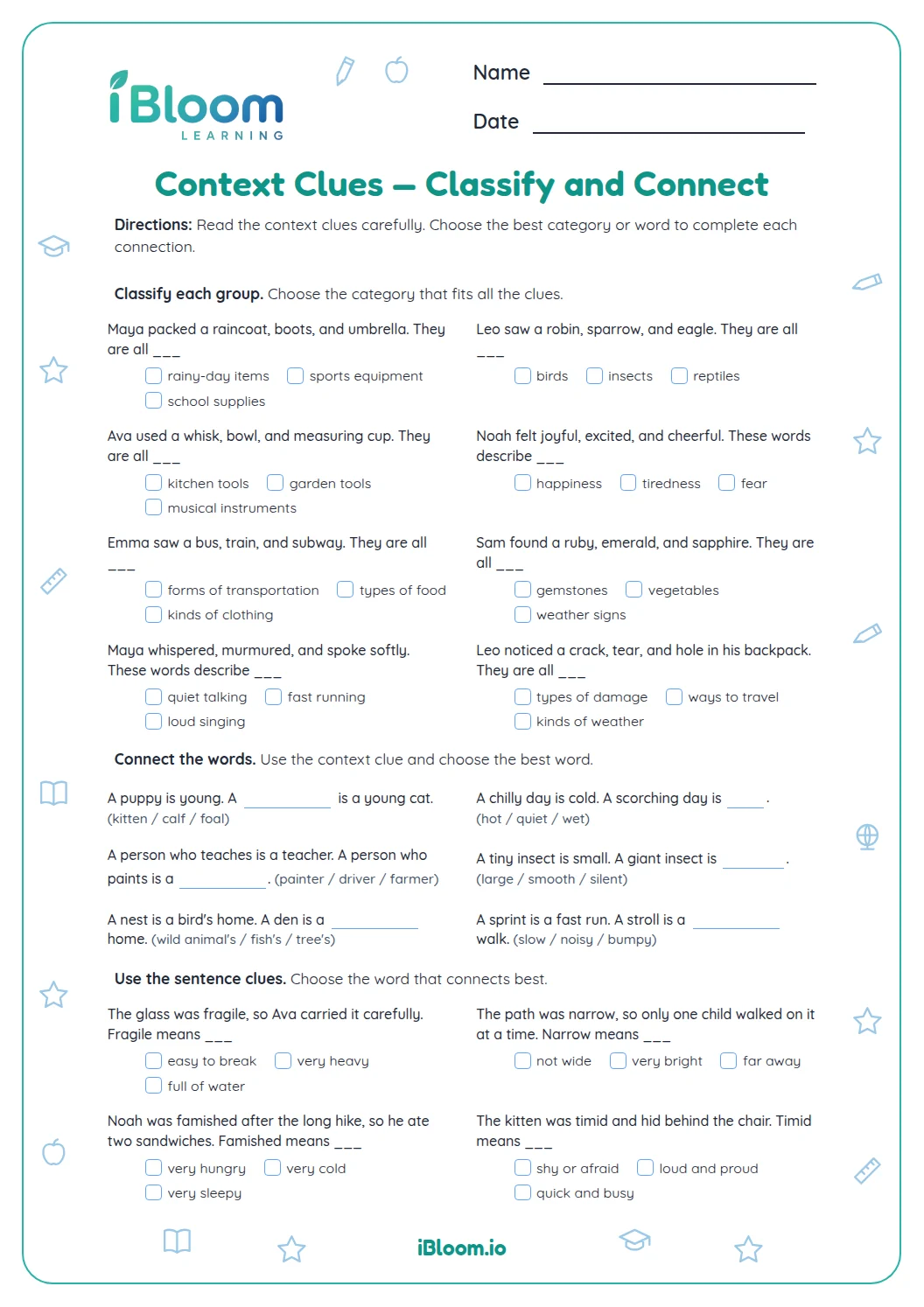
This page gives practice using word relationships and context to clarify meaning.
Use word relationships and context to clarify word meanings.
On this sheet: Students use synonym relationships and sentence clues to clarify word meanings.
Show the official wordingHide the official wording
Determine or clarify the meaning of unknown and multiple-meaning word and phrases based on grade 3 reading and content, choosing flexibly from a range of strategies.
What to practice next
Make more practice
Further reading
Questions parents and teachers ask
What does this worksheet help a student practice?
Ten multiple-choice items ask for the closest meaning, followed by six brief written synonym responses. Students work through the printed activities in order and can check each response with the included answer key. The questions use the specific words, sentences, numbers, or weather records printed on this page.
How many questions are on the worksheet?
This worksheet has 16 questions in 2 parts. Each part begins with its own direction, and the question types match that direction. The answer key is included after the student pages for easy checking at home or in class.
How can I use the answer key?
Have the student try each item before looking at the key. Check one section at a time, and ask the learner to point to the clue or step that supports an answer. For open responses, the key gives a sample, so another answer can work when it fits the prompt.
Can a student complete this page independently?
A student who can read the directions may work through the questions independently. An adult can read the directions aloud or talk through one example first. Afterward, compare the completed work with the key and revisit any item that needs another try.
What should we do after checking the worksheet?
Choose one missed or interesting question and make a fresh example together. Ask the learner to explain how the same skill applies to the new example. This keeps the review connected to the exact work on the sheet instead of repeating the same answers.