




About this worksheet
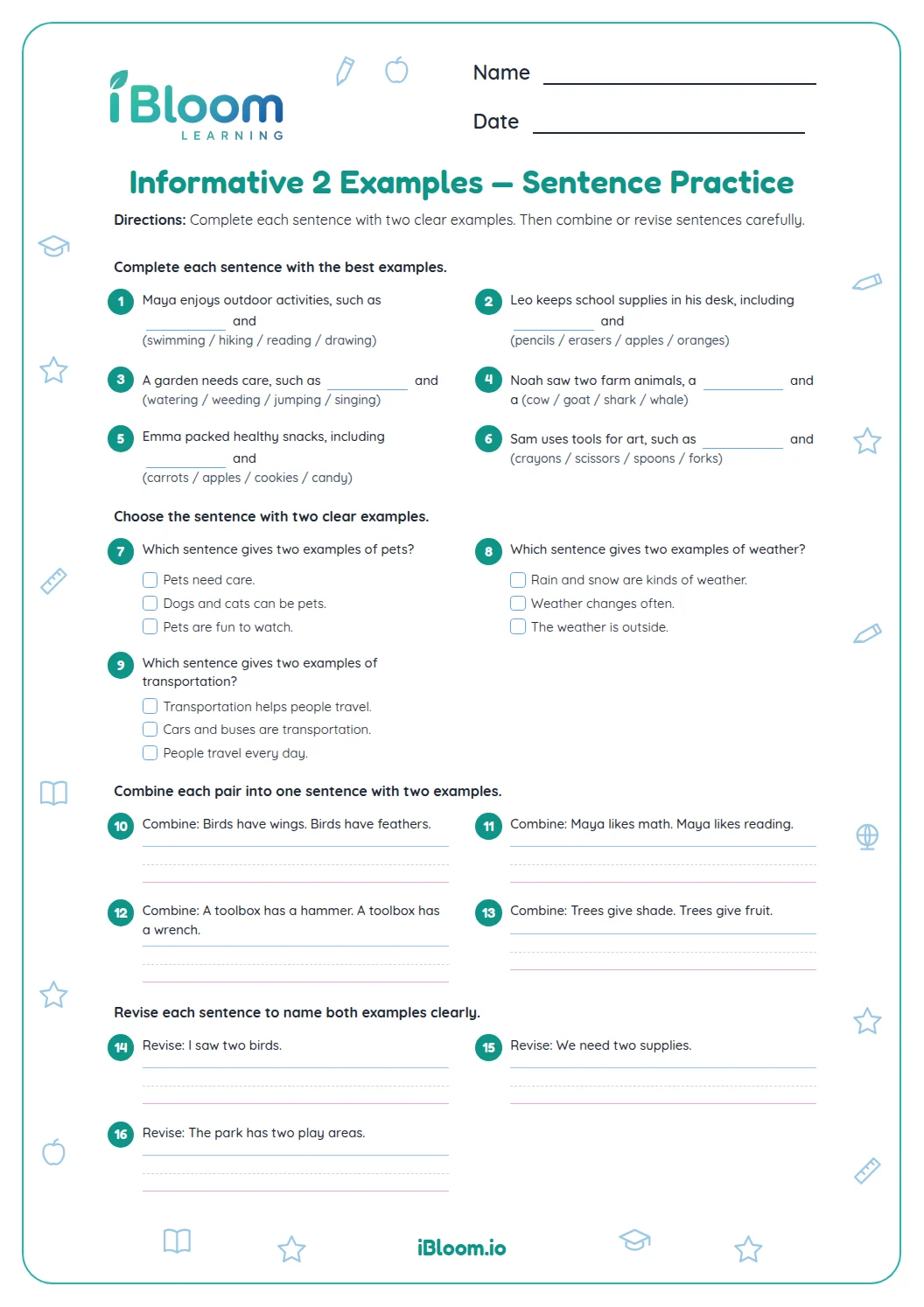
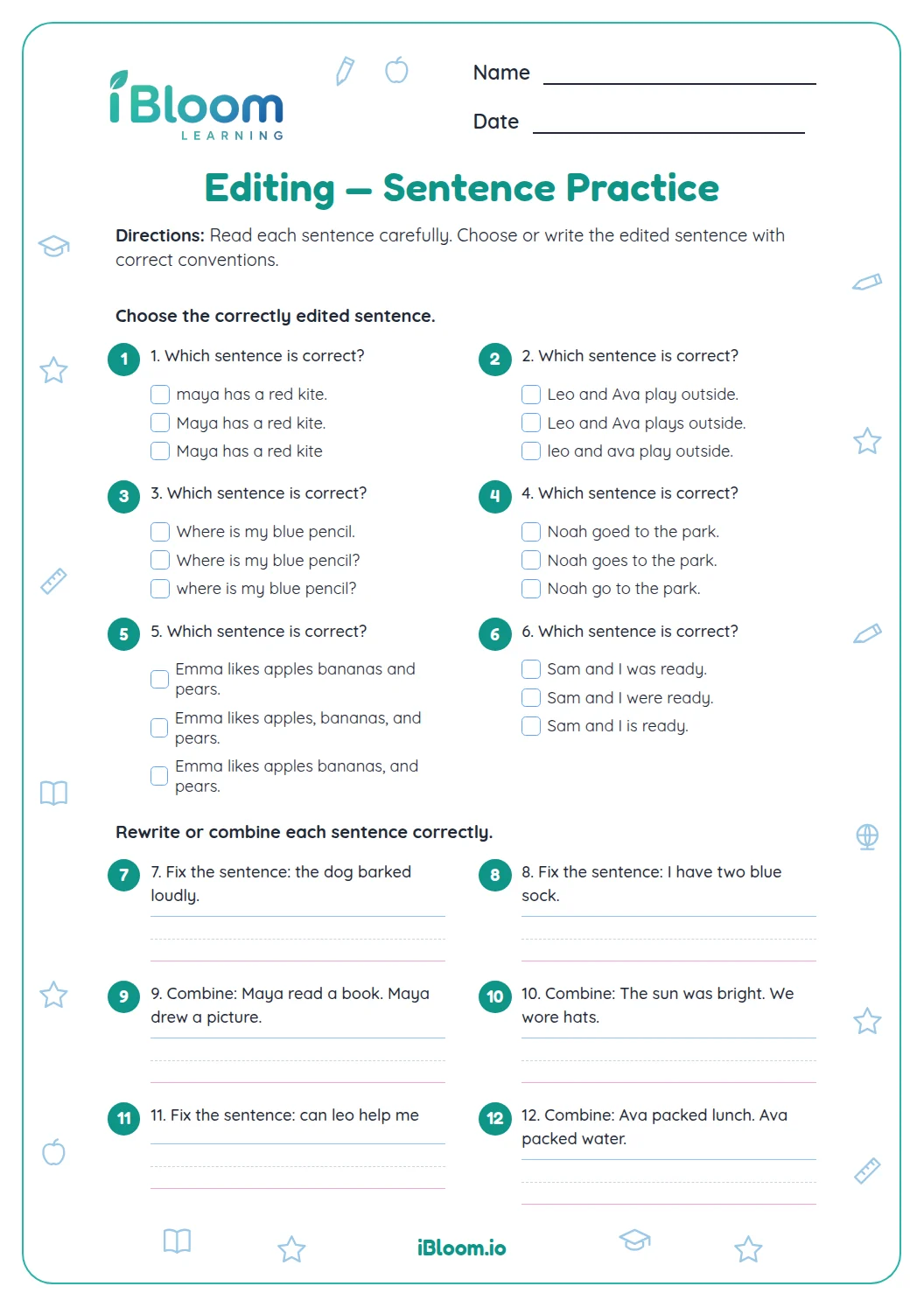
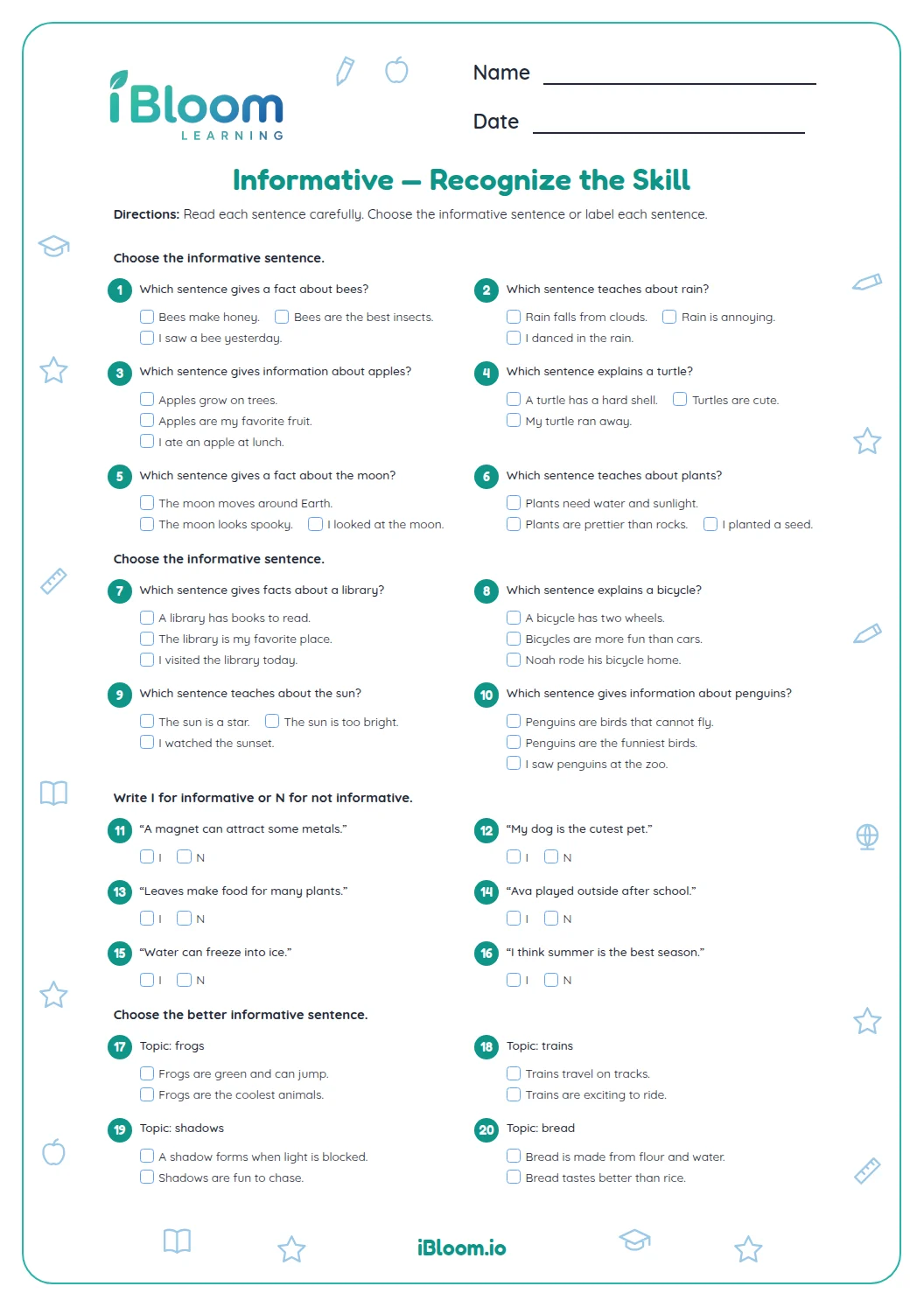
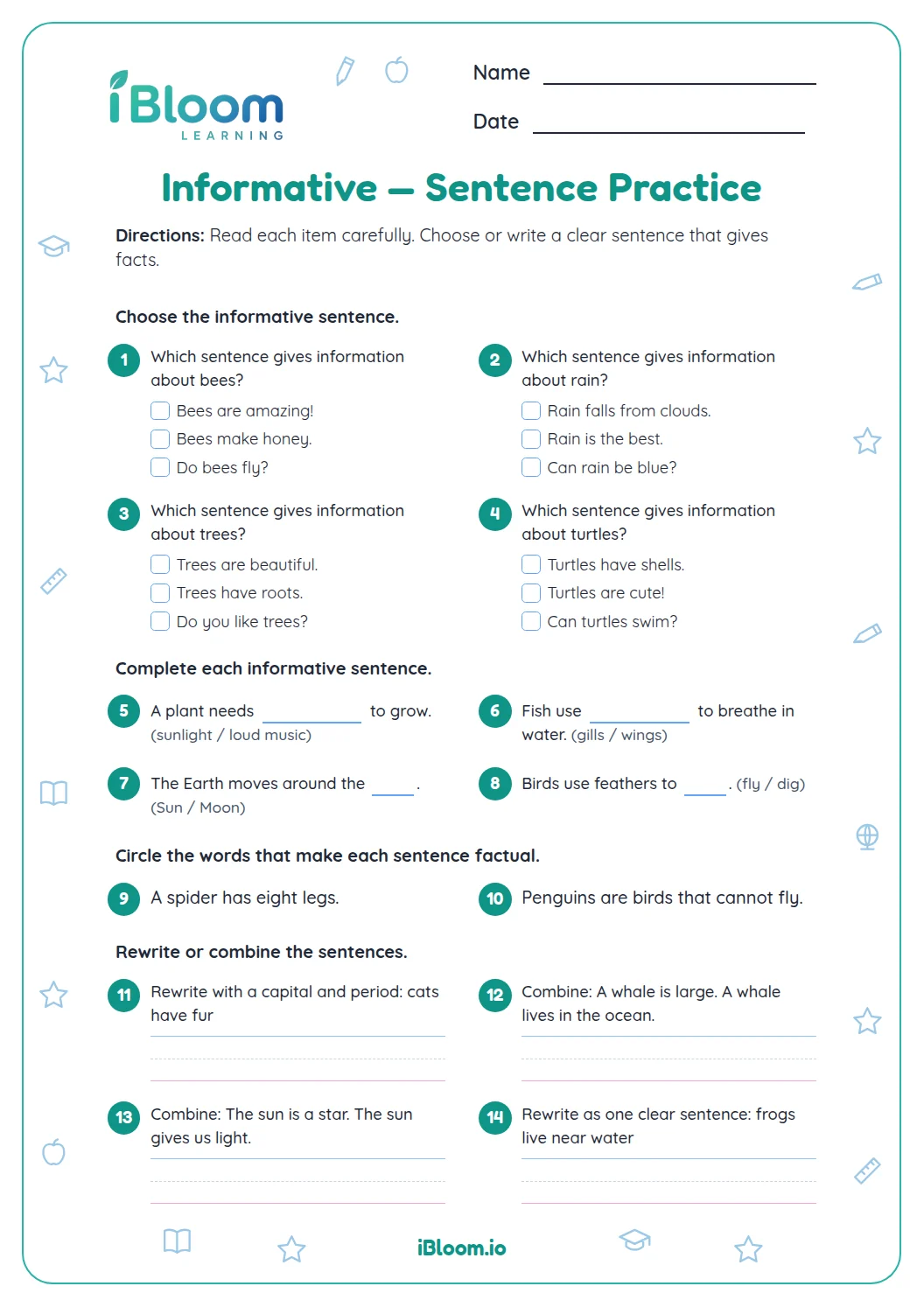
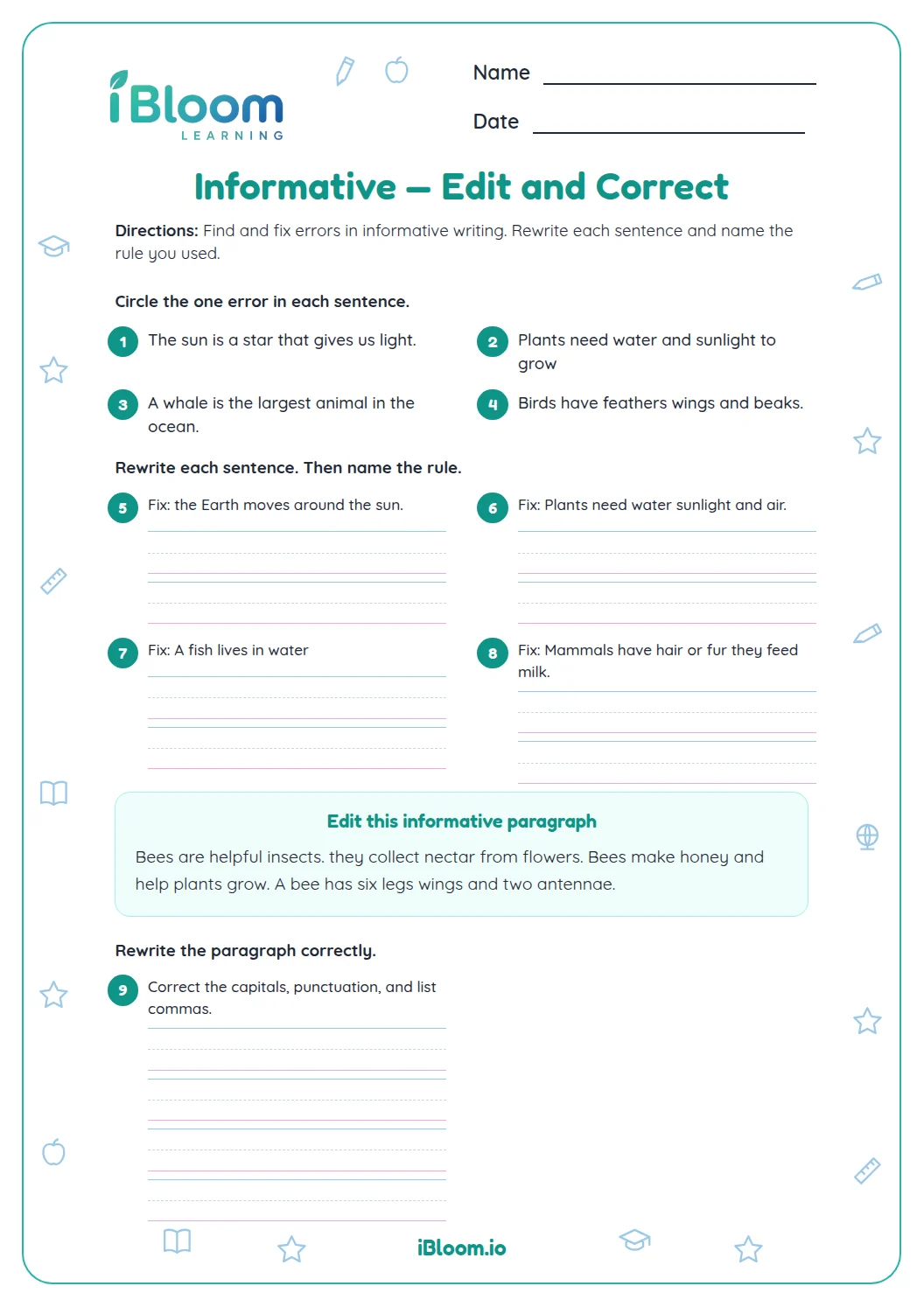
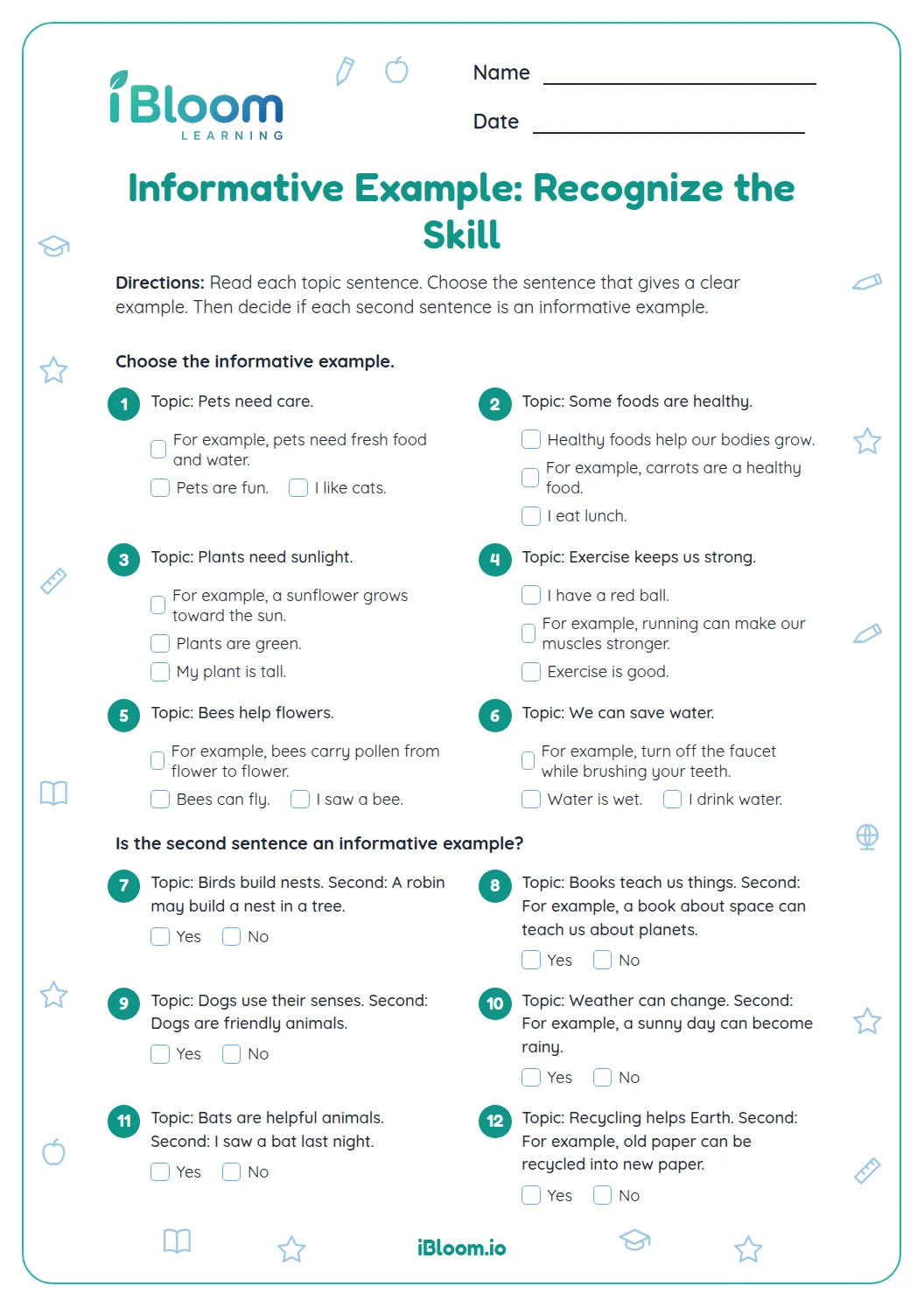
This Grade 2 worksheet combines informative paragraph structure with sentence editing. Students identify a topic sentence, select supporting facts and a conclusion, and correct capitalization, punctuation, and subject-verb agreement. Fourteen questions move from understanding a model paragraph to revising sentences of their own. A separate key gives sample responses.
Aligned to 2.W.2
What makes a paragraph informative?
An informative paragraph names one topic and gives facts that explain it. A concluding sentence brings the information to a close. In this sheet, the sample topic is how bees help plants.
- 1Topic: Bees help plants grow.
- 2Supporting detail: They carry pollen from flower to flower.
What should a young writer check while editing?
Read the sentence aloud. Begin with a capital letter and finish with punctuation. Check that the subject and verb agree: “Bees visit,” not “Bees visits.” Then ask whether the detail helps explain the paragraph topic.
How does the worksheet move from editing to writing?
Part A studies a short bee model and identifies its topic. Part B chooses relevant facts and edits capitals, end marks, and subject-verb agreement. Part C revises a short tree paragraph and adds a fitting ending.
How to use this worksheet
- 1Read the model paragraph once for its topic.
- 2Underline the sentence that tells what the paragraph is about.
- 3Choose facts that explain the topic, not just any fact.
- 4Check capitals, end marks, and matching subjects and verbs.
- 5Reread the revised paragraph to see if it stays on topic.
Common mistakes and quick fixes
The mistake
Choosing a detail that is true but unrelated.
The fix
Ask whether it helps explain the topic sentence.
The mistake
Leaving a lowercase first word.
The fix
Check the first letter of every sentence.
The mistake
Using a plural verb with a singular subject.
The fix
Read the whole subject and verb together: “Flowers need.”
Common Core alignment
Students organize information around a topic and add supporting facts.
Write informative paragraphs that name a topic and develop it with facts.
On this sheet: Write informative paragraphs that name a topic and develop it with facts.
Show the official wordingHide the official wording
Write informative/explanatory texts in which they introduce a topic, use facts and definitions to develop points, and provide a concluding statement or section.
What to practice next
Make more practice
Further reading
Questions parents and teachers ask
What does the informative writing worksheet include?
The 14 questions use a bee paragraph to identify a topic, then practice relevant facts, sentence corrections, and paragraph revision with a tree topic. The separate answer key lists corrections and sample writing. Open responses can use different words if the fact or closing sentence fits the topic.
What should a student check when editing?
First check that the sentence begins with a capital and ends with the right punctuation. Then read the subject and verb together: “Flowers need bees” has a plural subject and verb. Finally, ask whether the detail helps explain the paragraph’s topic.
How long does the worksheet take?
Plan for about 20 minutes for the 14 questions, including the paragraph revision. Students may move through the bee example and editing items first, then spend extra time rereading the tree paragraph to make sure its facts and ending stay on topic.
Can a child use this worksheet independently?
Yes, the short directions support independent practice, and the answer key gives expected corrections and sample responses. Some writing answers will vary. Check that a student’s fact is relevant and that the closing sentence brings the paragraph topic to a natural finish.
What if a student chooses an unrelated fact?
Return to the topic sentence and ask what information would help explain it. For “Trees help people,” a fact about shade or fruit fits; a fact about an unrelated animal may not. Then reread the paragraph to check that every sentence belongs.
Is an answer key included?
Yes. A separate three-page key matches the three worksheet pages. It provides selected answers, corrected sentences, and sample paragraph writing. For questions asking for a fact or conclusion, accept a different accurate response that supports the stated topic.