




About this worksheet
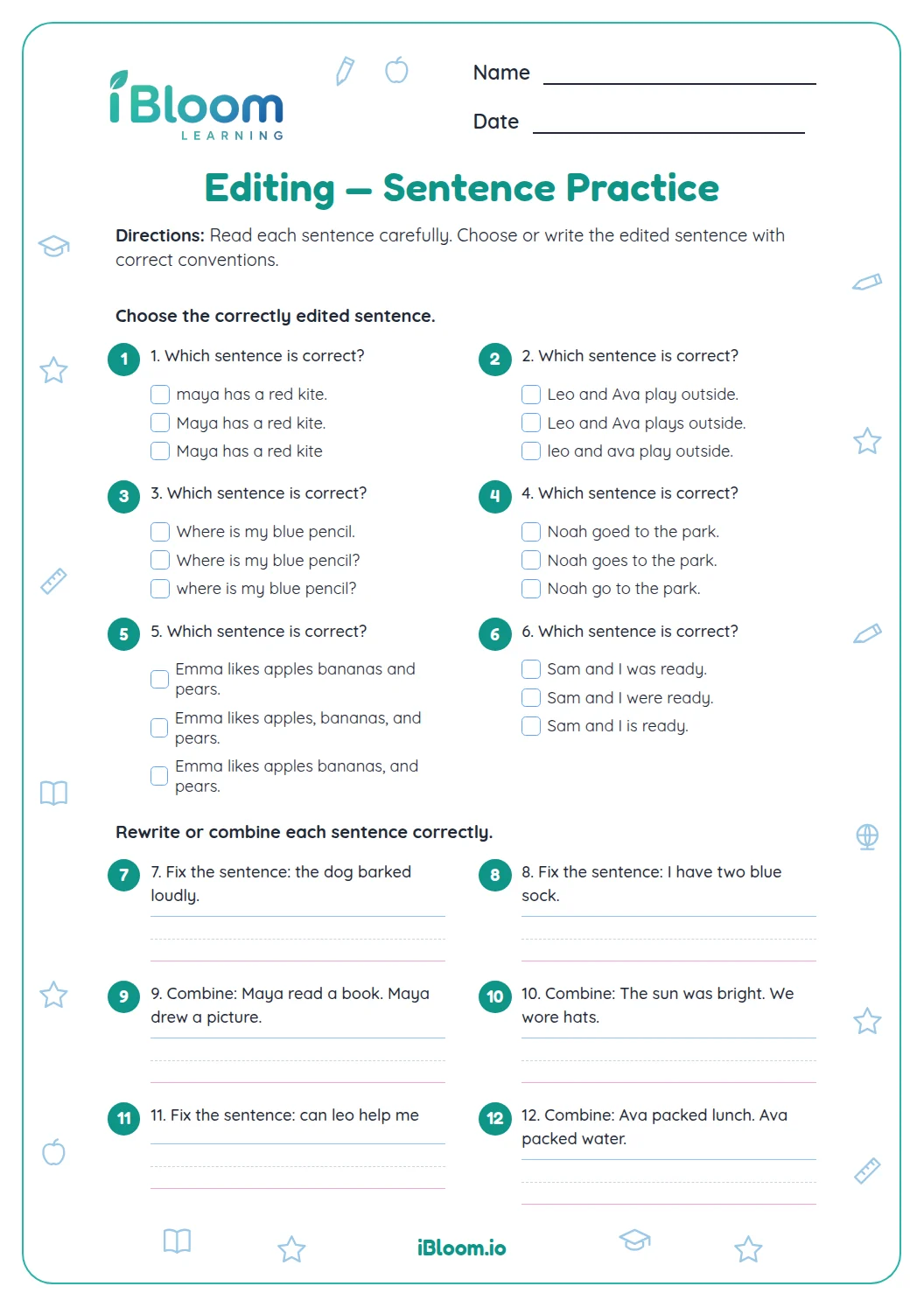
This free printable Grade 2 worksheet focuses on edit sentences for capitals and punctuation. It contains 15 questions in several parts, moving from guided practice to independent work. The examples and directions on the sheet show children how to approach each task, and a separate answer key supports checking after they finish.
Aligned to L.2.2
What should children check when editing?
Read each sentence slowly and look for a capital at the beginning, capital letters in names and days, and a suitable end mark. Then reread the corrected sentence to make sure it sounds complete.
How can a sentence be corrected?
Change only what is needed while keeping the writer’s meaning. A question needs a question mark; a statement usually ends with a period. Names and days begin with capital letters.
- 1my aunt visits on friday.
- 2My aunt visits on Friday.
- 3Capitalize the beginning and the day name.
How does editing work in a paragraph?
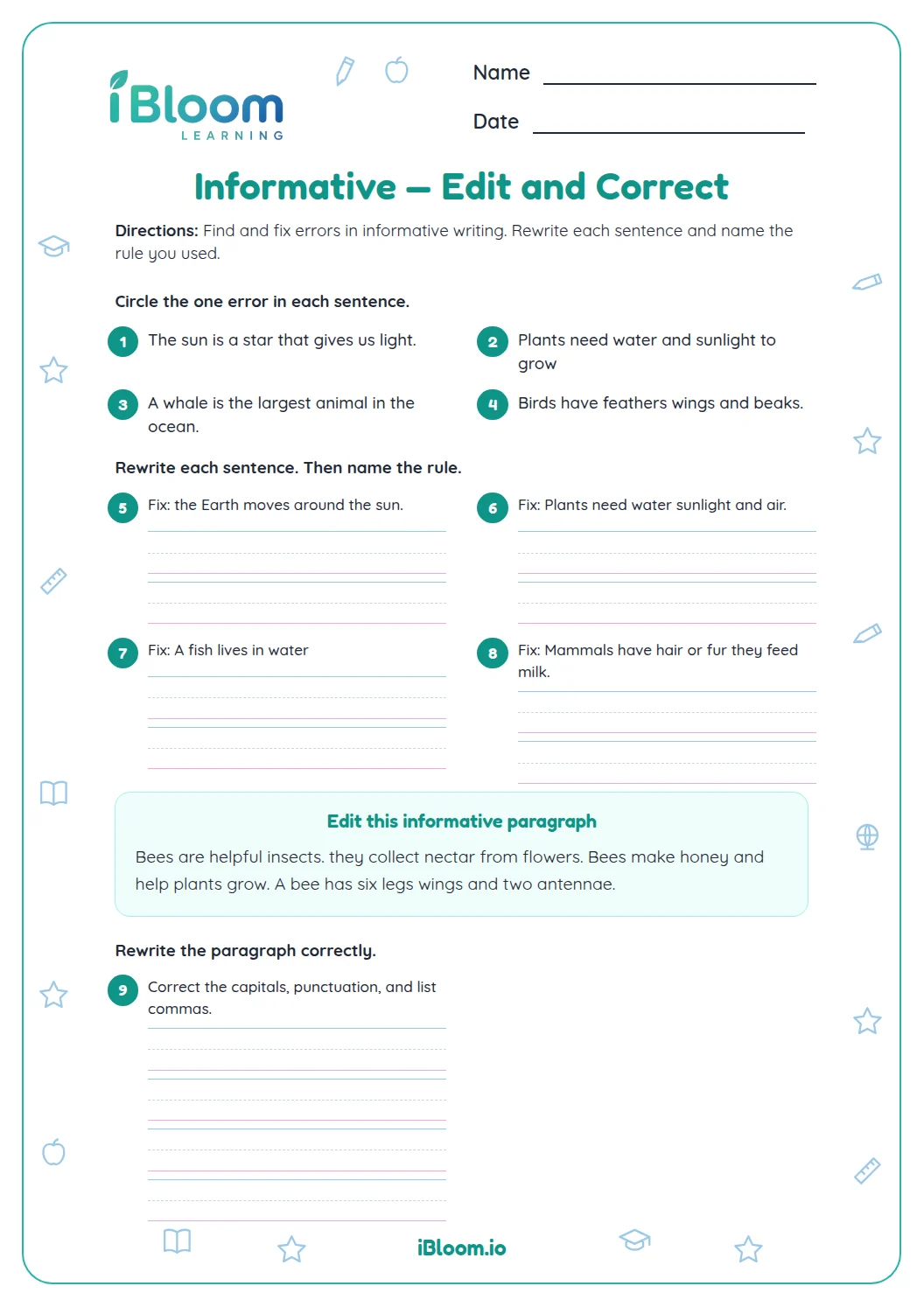
Check each sentence in order, then look at the paragraph as a whole. Correct capitals and punctuation while preserving the sequence of events and the speaker’s words.
How to use this worksheet
- 1Read each part’s direction before starting.
- 2Solve the facts or clues in order and show work where space is provided.
- 3Use the operation or text detail that fits the question.
- 4Check the answer key after completing the practice.
Common mistakes and quick fixes
The mistake
Answering quickly without checking the clue or operation.
The fix
Point to the exact word, detail, number or mark that supports the response.
The mistake
Skipping a question that feels unfamiliar.
The fix
Try the next part, then return and use its directions as a reminder.
The mistake
Changing a correct answer after a quick glance.
The fix
Explain the evidence or calculation aloud before making a change.
Common Core alignment
Use capitals and ending punctuation when correcting sentences.
On this sheet: Questions ask students to edit capitalization and punctuation in complete sentences.
Show the official wordingHide the official wording
Demonstrate command of the conventions of standard English capitalization, punctuation, and spelling when writing.
What to practice next
Further reading
Questions parents and teachers ask
What kinds of errors do children correct?
The worksheet focuses on sentence beginnings, names and days, and end punctuation. Children rewrite sentences, choose correctly edited examples, and correct a short paragraph while keeping its original meaning. The model answers show the capitalization and punctuation needed for a correct sentence. Children may use different handwriting or spacing, but the revised sentence should keep the.
Why does Friday need a capital letter?
Friday is the name of a day of the week, so it begins with a capital letter. In “My aunt visits on Friday,” the first word and the day name are capitalized, and the sentence ends with a period. For example, “Where is my book?” starts with a capital letter and ends with a question mark..
How should a question end?
A question that asks for information ends with a question mark. For example, “What time is lunch?” begins with a capital and ends with a question mark because it asks a question. The paragraph task asks children to check several sentences together. They should preserve the events and wording while adding capitals and punctuation wherever the passage needs them.
What should children do when editing the paragraph?
Read the paragraph from beginning to end and correct the missing capitals and end marks. Check the first word of each sentence, names, and the punctuation that shows when a sentence ends. The key gives one correct version for each writing prompt. If a child’s version fixes the target errors and keeps the sentence’s meaning, it.
Does the answer key allow different corrections?
The key shows a model correction for each item. For written answers, equivalent wording is acceptable when it fixes the capitalization and punctuation while preserving the original sentence or paragraph meaning. The printed directions and answer key make it easy to review the response after the activity is complete.