




About this worksheet
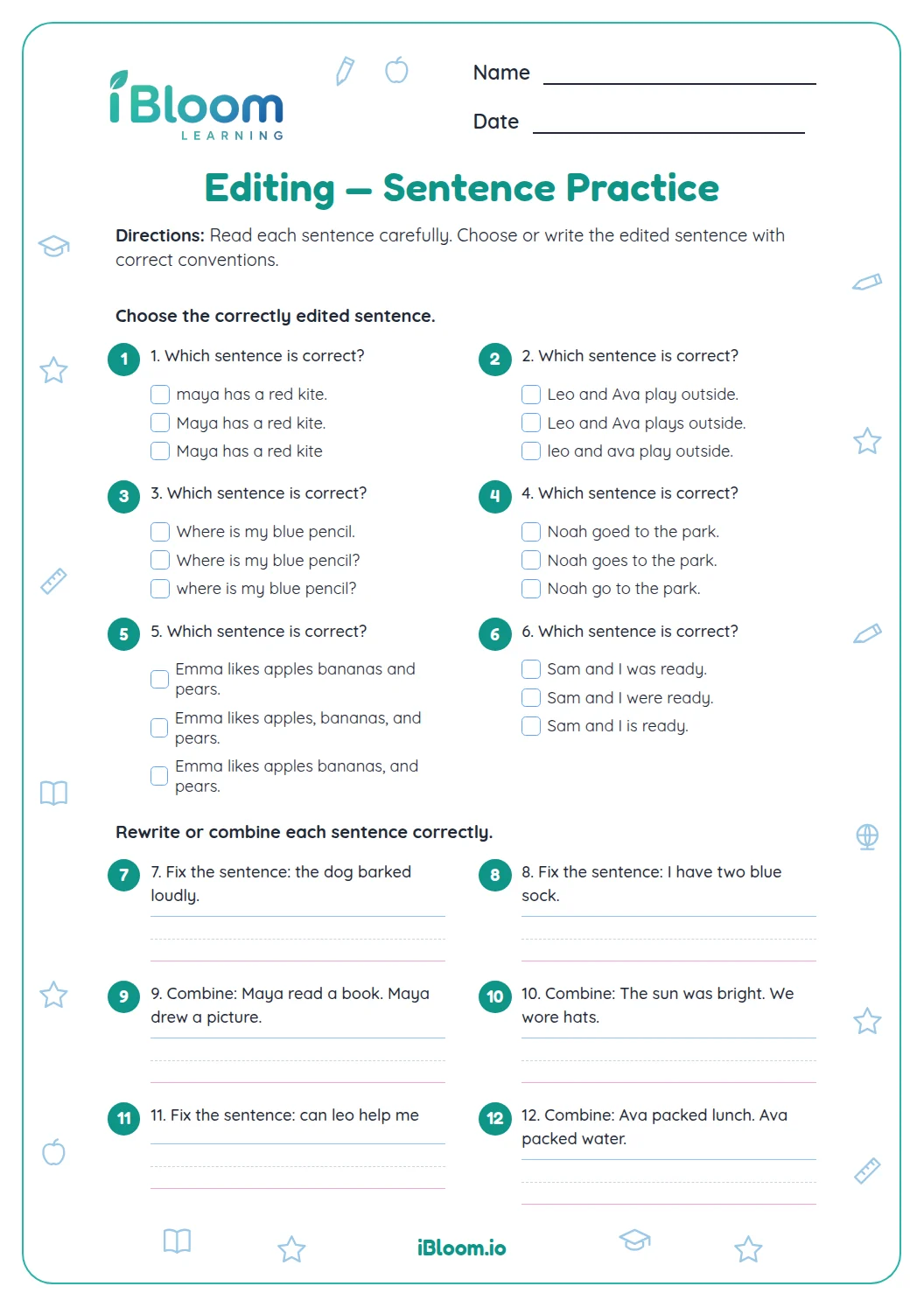
This Grade 2 editing worksheet reviews capitalization, end punctuation, and spelling in short sentences. Students choose correctly edited examples, then make corrections independently. The mixed practice keeps the focus on noticing and fixing errors in complete sentences.
Aligned to L.2.2
What editing skills do students practice??
Students review sentence beginnings, proper names, end punctuation, and spelling. They choose edited sentences, then correct short sentences themselves. The page follows the old sheet’s mixed editing format, with recognition items followed by independent corrections.
- The sheet has 14 questions in two parts.
- The answer key follows the practice pages.
How should students edit a sentence?
In question 4, the corrected sentence is “My aunt lives in Texas.” Aunt is lowercase because it is not used as a name, while Texas is a proper name and begins with a capital.
How can students choose an end mark?
Question 10 asks students to add a question mark to “Did you see the robin.” Read the whole sentence as a question, then use the matching end mark.
How to use this worksheet
- 1Read the directions at the top of the page.
- 2Work through each part in order.
- 3Reread a sentence or example before choosing an answer.
- 4Check the separate answer key and revisit any missed item.
Common editing slips
The mistake
Leaving the first word of a sentence lowercase.
The fix
Check the first letter after each period, question mark, or exclamation point.
The mistake
Using a period after a direct question.
The fix
Read the sentence aloud and use a question mark when it asks something.
The mistake
Guessing a spelling from sound alone.
The fix
Look at the whole word and compare each letter with the familiar spelling.
Common Core alignment
Students practice capitalization, punctuation, and spelling in sentence corrections.
Use standard capitalization, punctuation, and spelling when correcting sentences.
On this sheet: Students edit sentences by correcting capitalization, punctuation, and spelling.
Show the official wordingHide the official wording
Demonstrate command of the conventions of standard English capitalization, punctuation, and spelling when writing.
What to practice next
Make more practice
Further reading
Questions parents and teachers ask
Which editing skills appear on the worksheet?
Students practice capitalizing sentence beginnings and proper names, choosing end punctuation, and correcting spelling. The tasks begin with choices and continue with short written corrections, similar to the mixed review format of the earlier sheet. The worksheet pairs these descriptions with examples so students can practice identifying the idea in context.
How many questions are included?
There are 14 questions across two practice pages. The first eight are multiple-choice editing items, and the remaining six ask students to correct a short sentence. The answer key follows the practice pages. The key gives students a way to review each item after completing both parts.
Does it include paragraph writing?
This page focuses on editing individual sentences and a short correction task rather than drafting a full paragraph. It practices the editing part of paragraph work by helping students spot capitalization, punctuation, and spelling errors. The worksheet pairs these descriptions with examples so students can practice identifying the idea in context.
Is an answer key included?
Yes. A separate answer key follows the two practice pages. It shows the correct choices and the corrected versions of the short sentences, which makes it easier to review each editing decision. Check the key after completing both parts, then return to any example that needs another look.
How can a student check punctuation?
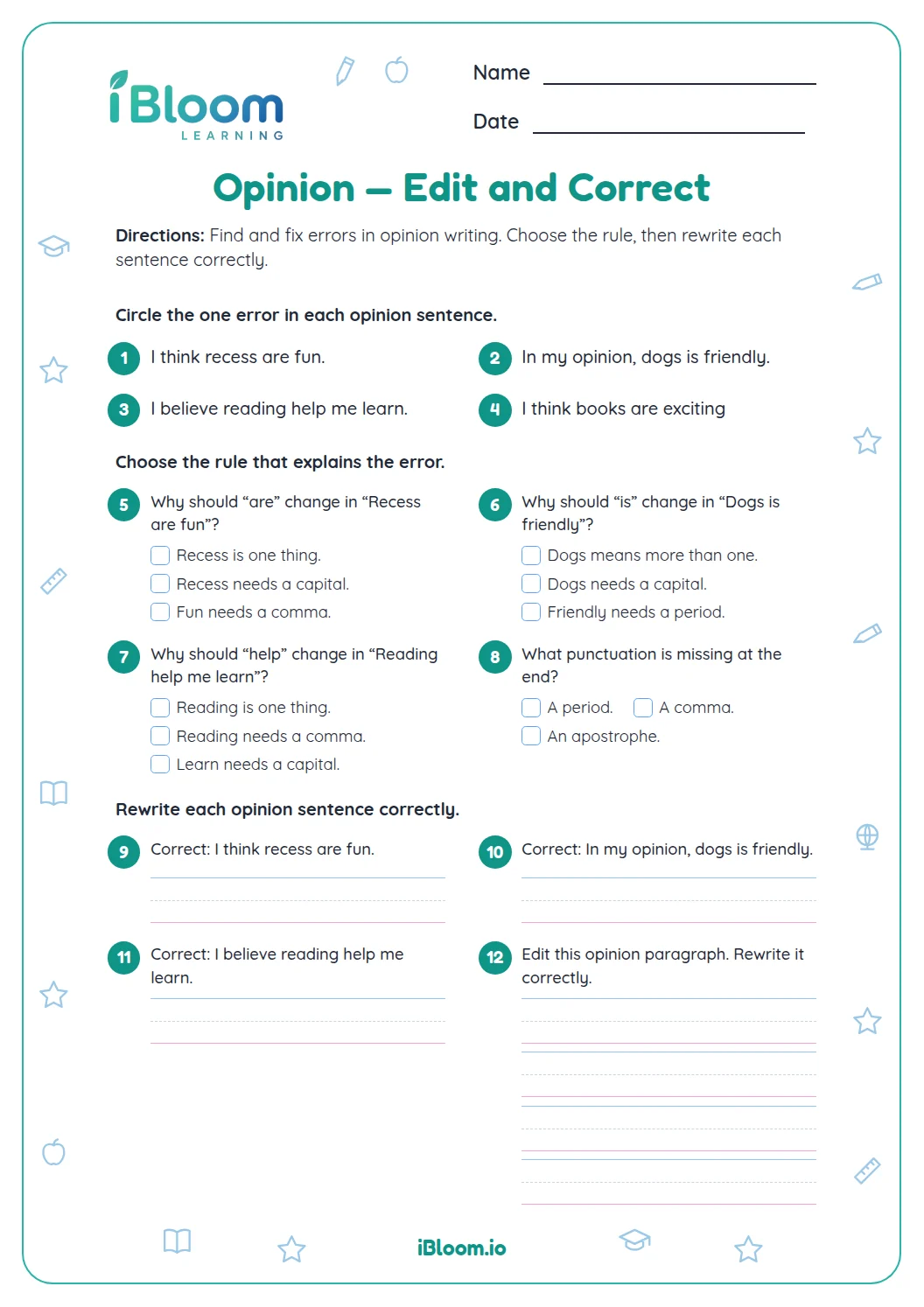
Read the sentence as if speaking it. A direct question needs a question mark, while a statement usually ends with a period. An exclamation point can show strong feeling, as in the worksheet’s excited response about a rainbow. Pointing to a clue in the complete sentence helps explain why the answer fits.