





About this worksheet
This Grade 3 printable helps children edit sentences that use similes and metaphors. Part A gives ten sentence-completion choices about comparison patterns, verb forms, and agreement. Parts B and C include two phrase completions and two one-word corrections; Part D asks children to separate two thoughts with correct punctuation. The answer key lists the selected answers and a model sentence correction.
What makes a simile or metaphor work?
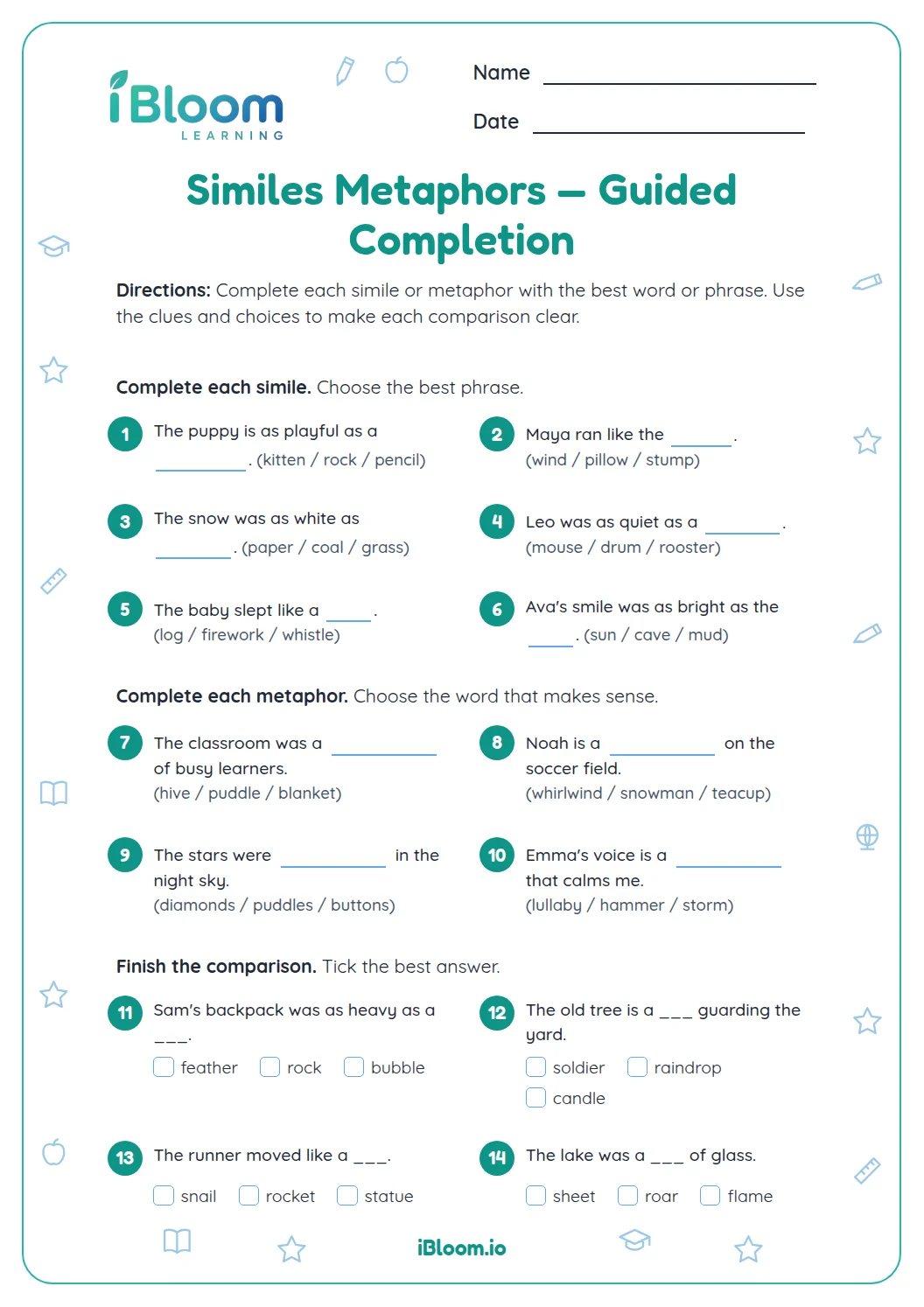
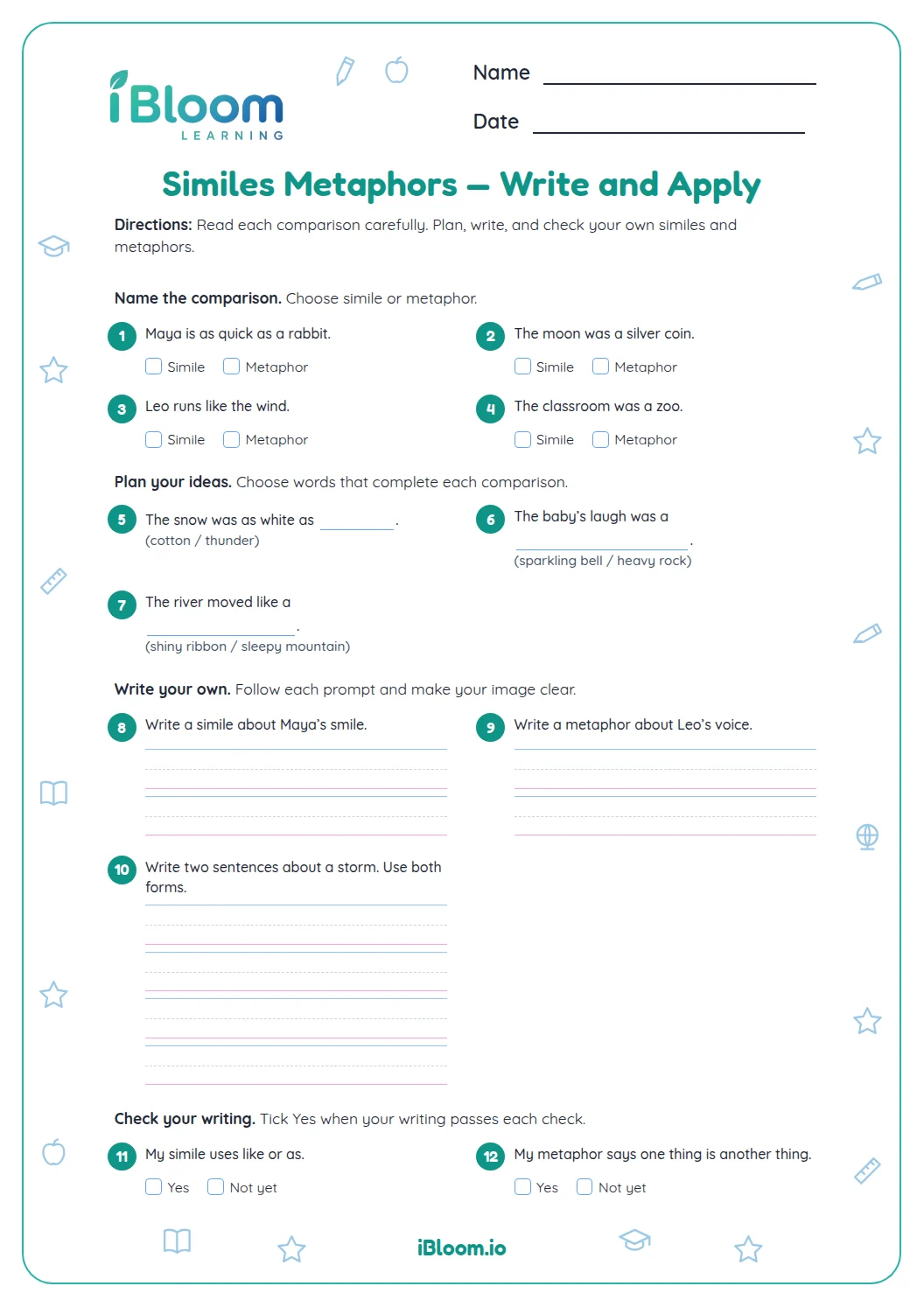
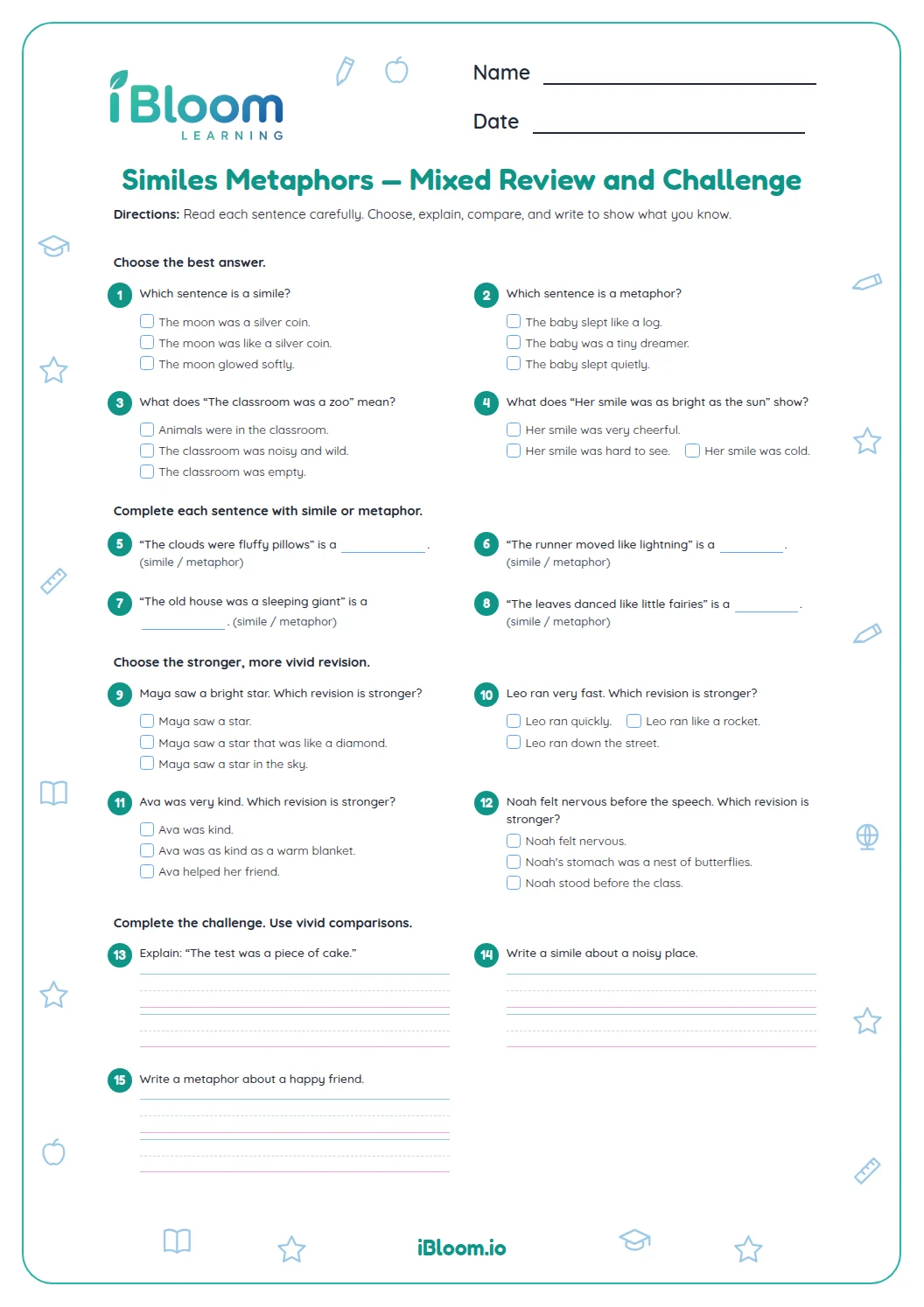
A simile compares using like or as, as in “The lake shone like a mirror.” A metaphor says one thing is another, as in “The stars were diamonds.” Both are nonliteral comparisons that help a reader picture an idea.
- 1Sentence: The kitten’s fur felt ___ silk.
- 2Without an adjective before the blank, “like” makes the comparison grammatical.
- 3Corrected: The kitten’s fur felt like silk.
- 4Answer: like
What should a child check while editing?
Part A uses sentence completions to check comparison wording, verb tense, and subject-verb agreement. Parts B and C ask for brief completions or one-word corrections. Part D asks children to correct punctuation and capitalization between two complete thoughts.
How can children revise a sentence independently?
The final item asks children to rewrite two thoughts as separate sentences. Reading the result aloud can reveal a missing capital or period. The key gives one correct version; a different edit can work if it fixes the punctuation and keeps the comparison clear.
How to use this worksheet at home or in class
- 1Read each full sentence before choosing or writing a correction.
- 2Identify whether the comparison uses like or as, or directly names one thing as another.
- 3Check subject and verb agreement after keeping the comparison.
- 4For Parts B and C, write the missing word or corrected word.
- 5In Part D, separate the two complete thoughts with correct punctuation.
Common mistakes and quick fixes
The mistake
Changing the comparison while fixing the grammar.
The fix
Keep the main image and repair only the sentence error.
The mistake
Using “like” where the sentence needs the paired “as … as” pattern.
The fix
Check the words before the blank; an existing “as” may require another “as.”
The mistake
Leaving two complete thoughts joined only by a comma.
The fix
Use a period and capital letter, or add a conjunction when it fits.
What to practice next
Make more practice
Questions parents and teachers ask
What is the difference between a simile and a metaphor?
A simile compares two things using like or as, such as “soft as a cloud.” A metaphor says one thing is another, such as “The stars were diamonds.” The worksheet asks children to correct sentences while keeping these comparison ideas clear.
What does the answer key show for written edits?
The key shows the selected word for each choice and a model correction for the written items. For the final sentence edit, it shows capitalization and punctuation between the two thoughts. A child’s wording may differ if it corrects the stated issue and preserves a clear comparison.
Why do some choices change the grammar?
Several choices check grammar that helps a comparison read clearly, such as matching a subject with its verb or choosing the right word form. Children should keep the intended image while making the sentence complete. The final item practices separating two complete thoughts with punctuation.
Should children explain whether a comparison is literal?
Children do not need to label every comparison as literal or nonliteral to complete this editing page. The task is to keep the image understandable while correcting the sentence. For example, calling a voice “music” describes how pleasing it sounds rather than saying it is actual music.
How long does this worksheet take?
Plan for about 20 minutes. Ten choice questions let children compare edits, and five written items give them a chance to make corrections themselves. Use the key after completion to discuss any sentence that was tricky and invite the child to read the corrected version aloud.