




About this worksheet
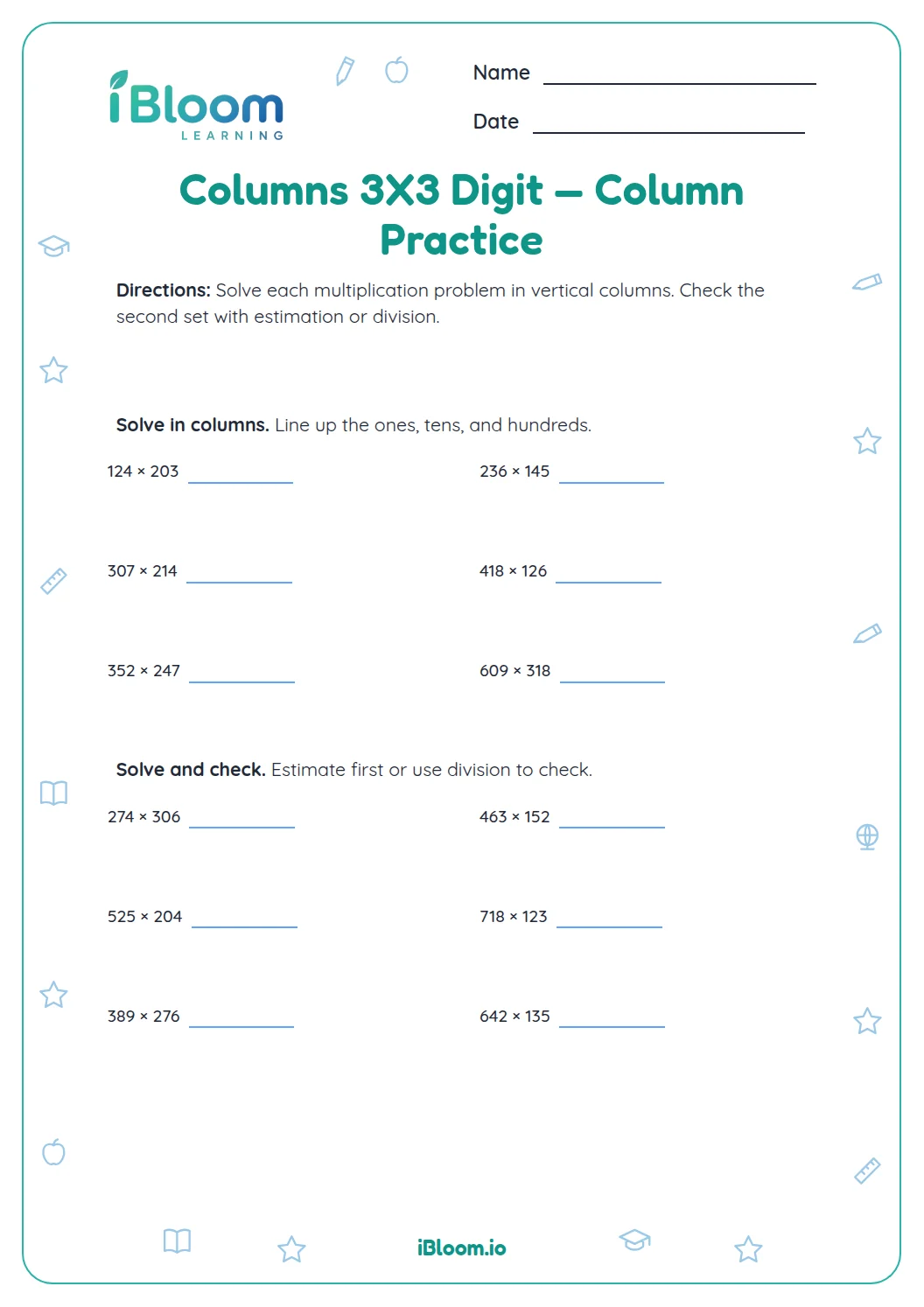
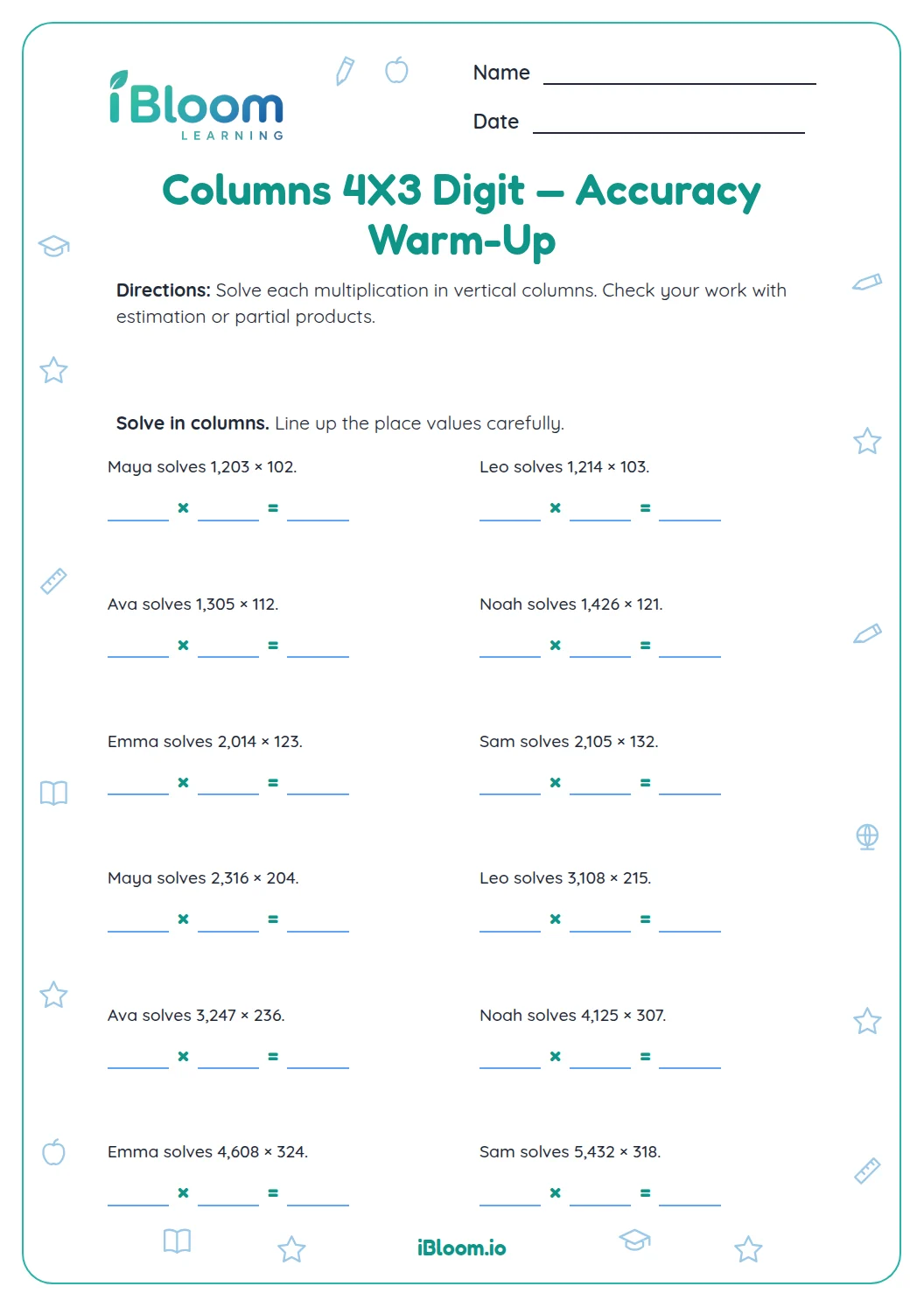
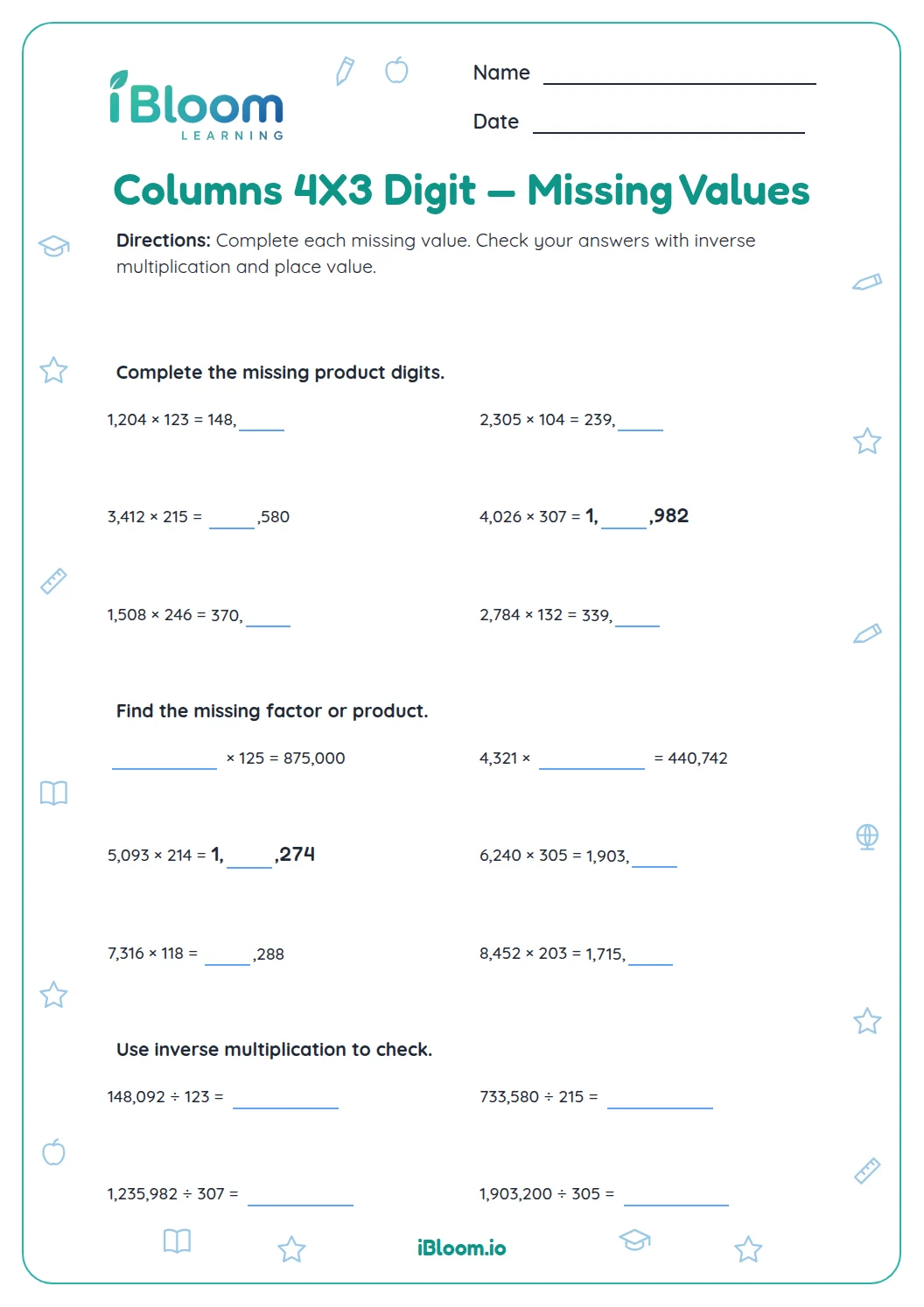
This printable multiplication worksheet gives students 16 problems using three-digit factors. The main practice is multiplying in columns, including products with zero digits and regrouping. A short final set asks students to estimate, choose an inverse check, and solve missing-factor equations. The answer key lists each product and check.
Aligned to 5.NBT.B.5
What is included in the multiplication practice?
Questions 1–8 are three-digit by three-digit products. Questions 9–16 revisit estimation and inverse operations, and ask students to solve missing factors. This mix preserves the old sheet’s column work and product checks.
For example, 247 × 136 is about 250 × 140, or 35,000, so 30,000 is the closest listed estimate.
- Multiply three-digit factors, including factors with zero.
- Estimate a product and select a matching division check.
- Find a missing factor using division.
How should students multiply in columns?
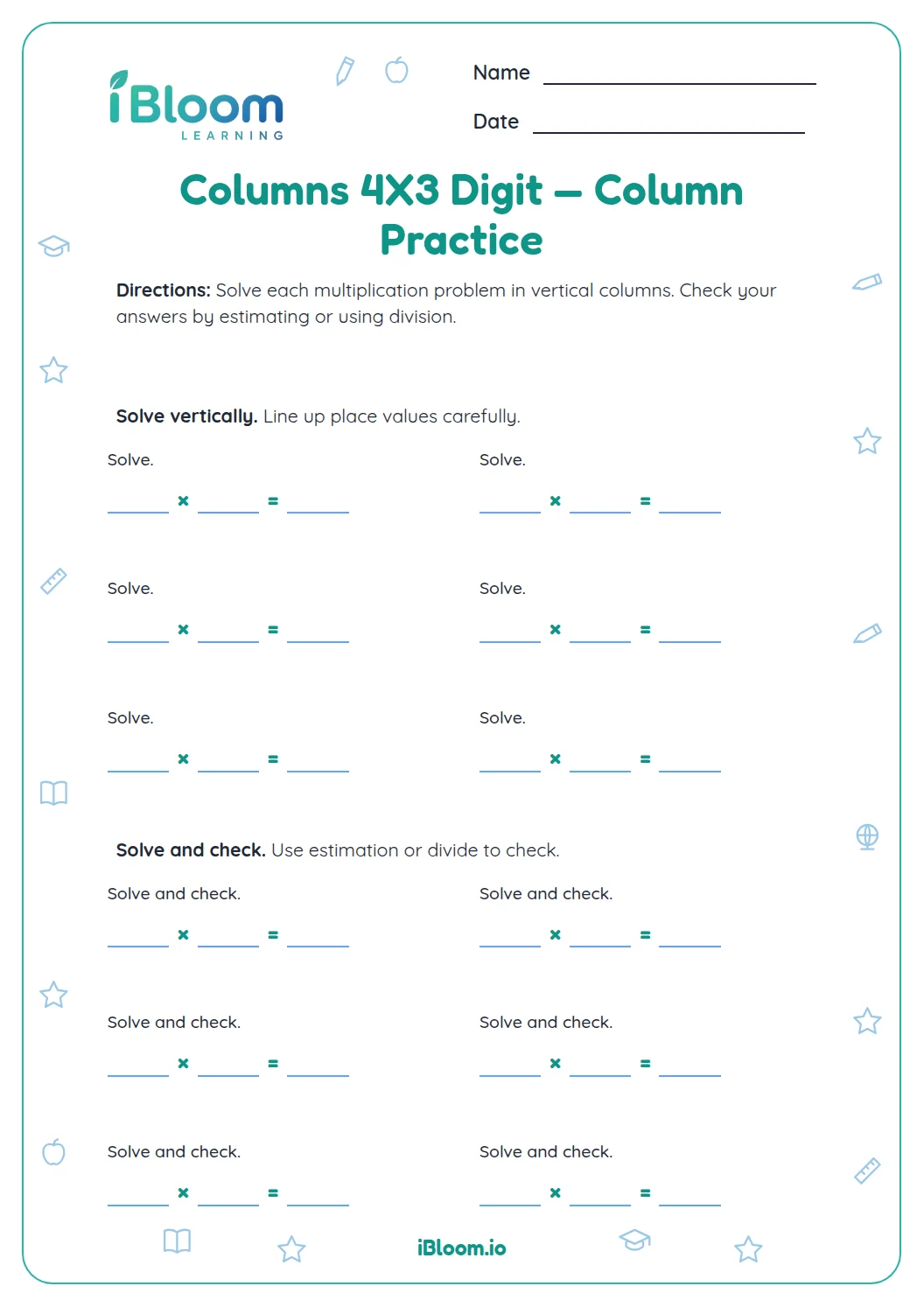
Align the ones, tens, and hundreds. Multiply by each digit of the second factor, keeping each partial product in its place-value column, then add the partial products. Regroup when a column total is ten or more.
How can students check a product?
Round both factors to estimate the product’s size. Then divide the product by one factor to see whether the other factor is returned. An estimate catches place-value slips; the inverse operation checks the exact result.
How to use this worksheet
- 1Align the factors by place value.
- 2Multiply by the ones digit and record the partial product.
- 3Multiply by the tens and hundreds digits in their place-value rows.
- 4Add the partial products and regroup where needed.
- 5Estimate the product, then use division to check selected answers.
Common mistakes and quick fixes
The mistake
Writing each partial product in the same columns.
The fix
Shift the tens and hundreds rows to match the digit’s place value.
The mistake
Dropping a zero from a factor or partial product.
The fix
Keep each zero in its place and estimate the final product.
The mistake
Checking by dividing by the wrong factor.
The fix
Divide by one factor and verify the quotient is the other factor.
Common Core alignment
This worksheet gives practice with fluently multiply multi-digit whole numbers using the standard algorithm.
Fluently multiply multi-digit whole numbers using the standard algorithm.
On this sheet: Fluently multiply multi-digit whole numbers using the standard algorithm.
Show the official wordingHide the official wording
Fluently multiply multi-digit whole numbers using the standard algorithm.
What to practice next
Make more practice
Further reading
Questions parents and teachers ask
How many multiplication problems are included?
There are 16 questions: eight three-digit-by-three-digit products, four estimation or inverse-check items, and four missing-factor or product questions. Students show the column work for the products, then use the later questions to check place value and multiplication relationships.
Does the worksheet show how to multiply in columns?
The worksheet provides column-work practice and space to write the partial products. Students should align digits by place value, multiply each row, and add the partial products. The answer key gives the exact products for checking. The answer key provides each result for review.
Why are there factors with zero digits?
Factors such as 306 and 142 or 425 and 203 help students attend to place value when a digit contributes no amount in one position. Keep the zero in place and estimate the product to catch a misplaced partial product.
How can students check a multiplication answer?
Round both factors and estimate the product’s size. For an exact check, divide the product by one factor; the quotient should equal the other factor. The inverse-check item asks students to identify that relationship among true arithmetic statements, so they must attend to the operation and factors.
How long does this multiplication worksheet take?
Allow about 25 minutes for 16 questions, especially when students show partial products for the eight column products. Students can finish the calculation set first and then work through the estimates and missing-factor questions. The separate key supports checking the results.