




About this worksheet
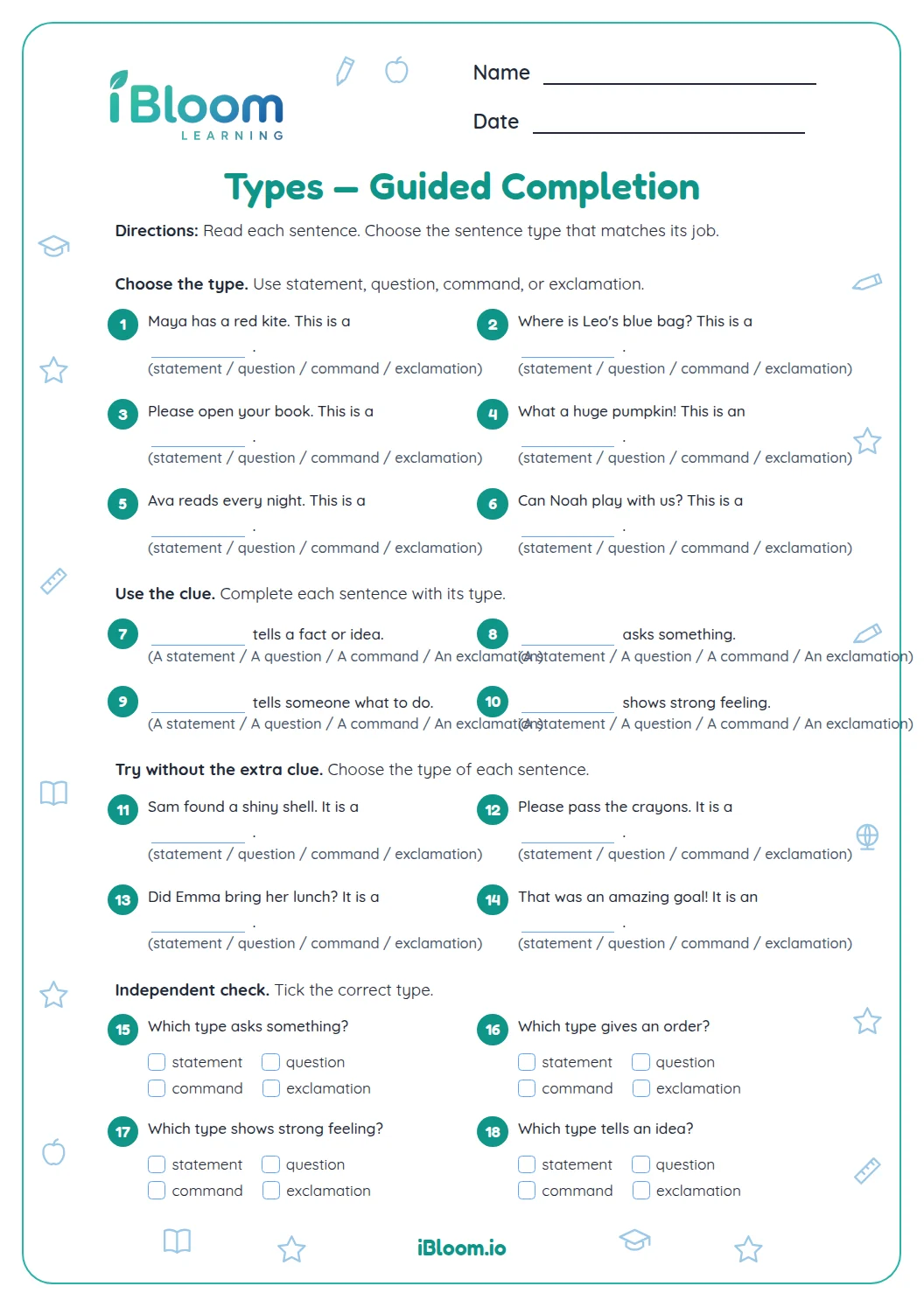
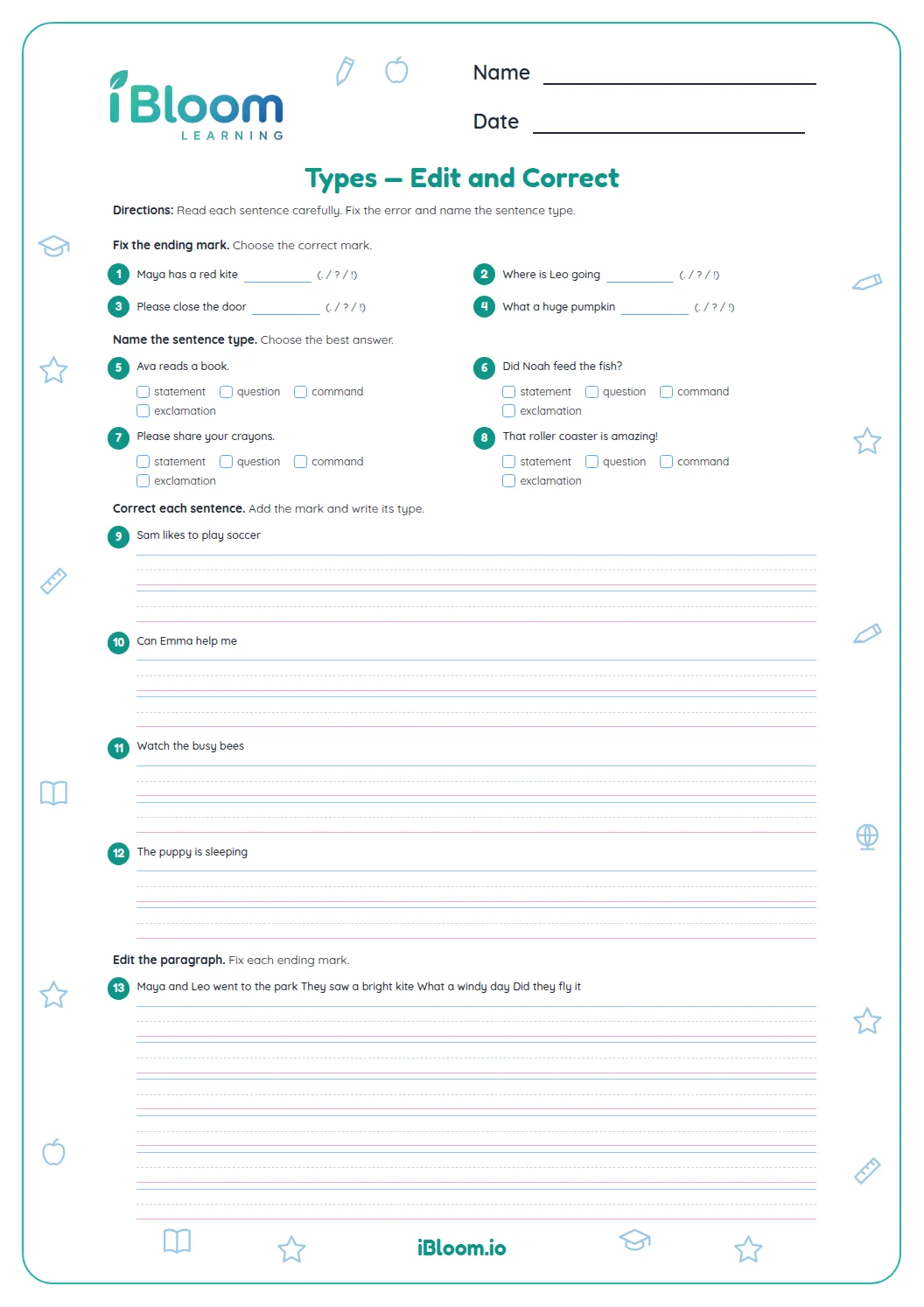
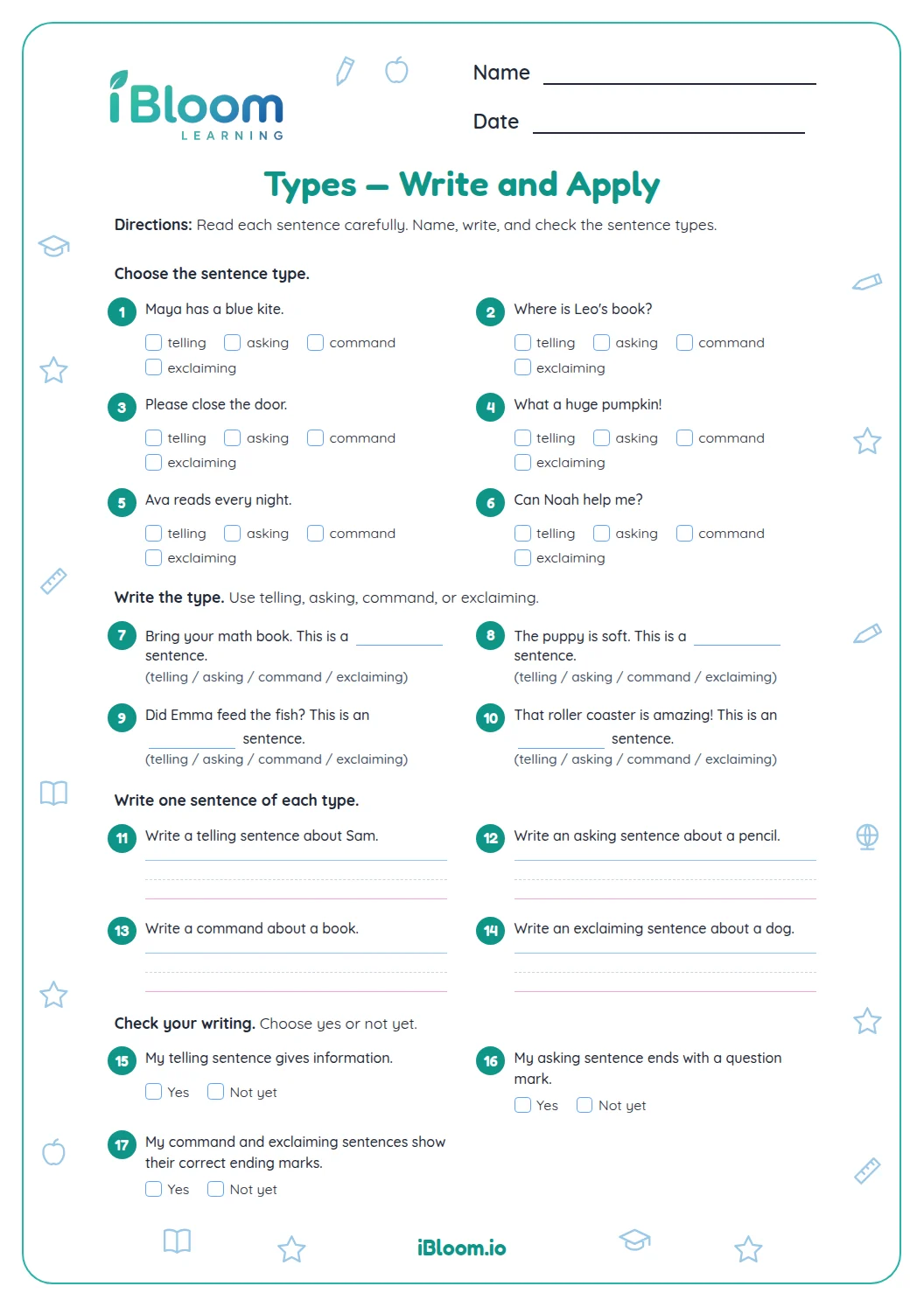
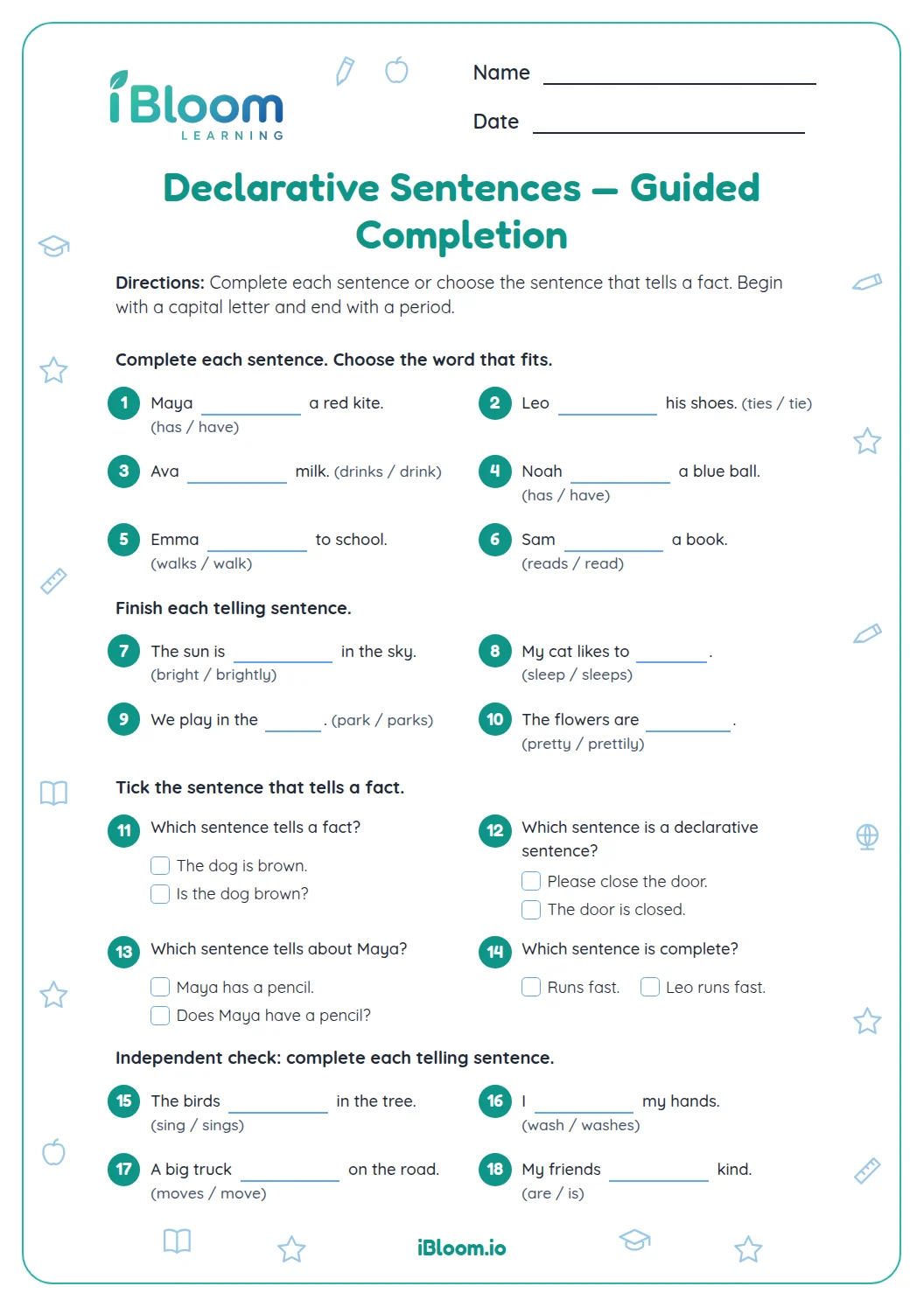
This free Grade 1 worksheet has 14 questions about telling, asking, command, and exclamation sentences. In Part A, learners identify a sentence’s purpose from examples and choices. In Part B, they add periods, question marks, or exclamation marks to short sentences. The old sheet focused on labeling and matching; this replacement keeps the four sentence types and adds direct end-mark practice. Its punctuation items practice CCSS L.1.2.b.
Aligned to L.1.2.b
What kinds of sentences appear?
The 14 questions are split into two parts. Part A has six multiple-choice items that ask learners to identify sentence purposes or select an example. Part B has eight items where learners add the requested end mark.
The prior page used sentence labeling and matching. This version keeps the four types and gives separate practice identifying meaning and choosing punctuation.
How can a learner identify the type?
A telling sentence gives information, a question asks something, a command gives a direction, and an exclamation expresses strong feeling. The end mark is a useful check, but the sentence’s meaning gives the best clue.
- 1“Can you help me?” asks something, so it is a question and ends with a question mark.
How should learners check punctuation?
Read the entire sentence aloud, decide what it does, and then check that the final mark matches. Follow the item’s instruction when it names a specific punctuation mark.
How to use this worksheet
- 1Read each sentence and choose its purpose in Part A.
- 2In Part B, add the end mark requested by each item.
- 3Reread the sentence to make sure its meaning and punctuation agree.
- 4Check the numbered responses with the separate key.
Common mistakes and quick fixes
The mistake
Calling every sentence that begins with “what” an exclamation.
The fix
Ask whether it asks for information or shows strong feeling; use the whole sentence.
The mistake
Using a period after a direct question.
The fix
If the sentence asks something, finish it with a question mark.
The mistake
Treating every command as an exclamation.
The fix
A command gives a direction; use the end mark requested in the item.
Common Core alignment
This Grade 1 worksheet practices end punctuation for sentences.
Use end punctuation for sentences by adding the mark each item requests.
On this sheet: Part B asks learners to add sentence end punctuation.
Show the official wordingHide the official wording
Use end punctuation for sentences.
What to practice next
Make more practice
Further reading
Questions parents and teachers ask
What does this sentence types worksheet practice?
This Grade 1 printable has 14 questions focused on sentence types. Students classify examples and supply the end marks named by the prompts. The answer key is on its own page, so an adult or student can check responses after the practice is complete.
How can I help if a learner gets stuck?
Read the full prompt together and return to the clue or rule that the item asks about. “Can you help me?” asks something, so it ends with a question mark. Ask the learner to explain why the answer fits before checking the key; that keeps the discussion tied to the skill on this sheet.
How many questions are on the printable?
There are 14 questions, arranged in two parts that move from guided recognition to more independent practice. The page copy and answer key follow the same question numbering, making it easy to review a specific response without repeating the whole activity.
Is an answer key included?
Yes. A separate answer key is included with answers for the 14 worksheet questions. For any response that can vary, the key provides a model or accepts equivalent wording when it meets the stated skill; review those responses by checking the rule, not handwriting or personal preference.
What is one example from the sentence types practice?
“Can you help me?” asks something, so it ends with a question mark. A direction such as “Please close the gate.” is a command. The worksheet includes other examples so learners can apply the same idea across different prompts, then use the separate key to check their work.