



About this worksheet
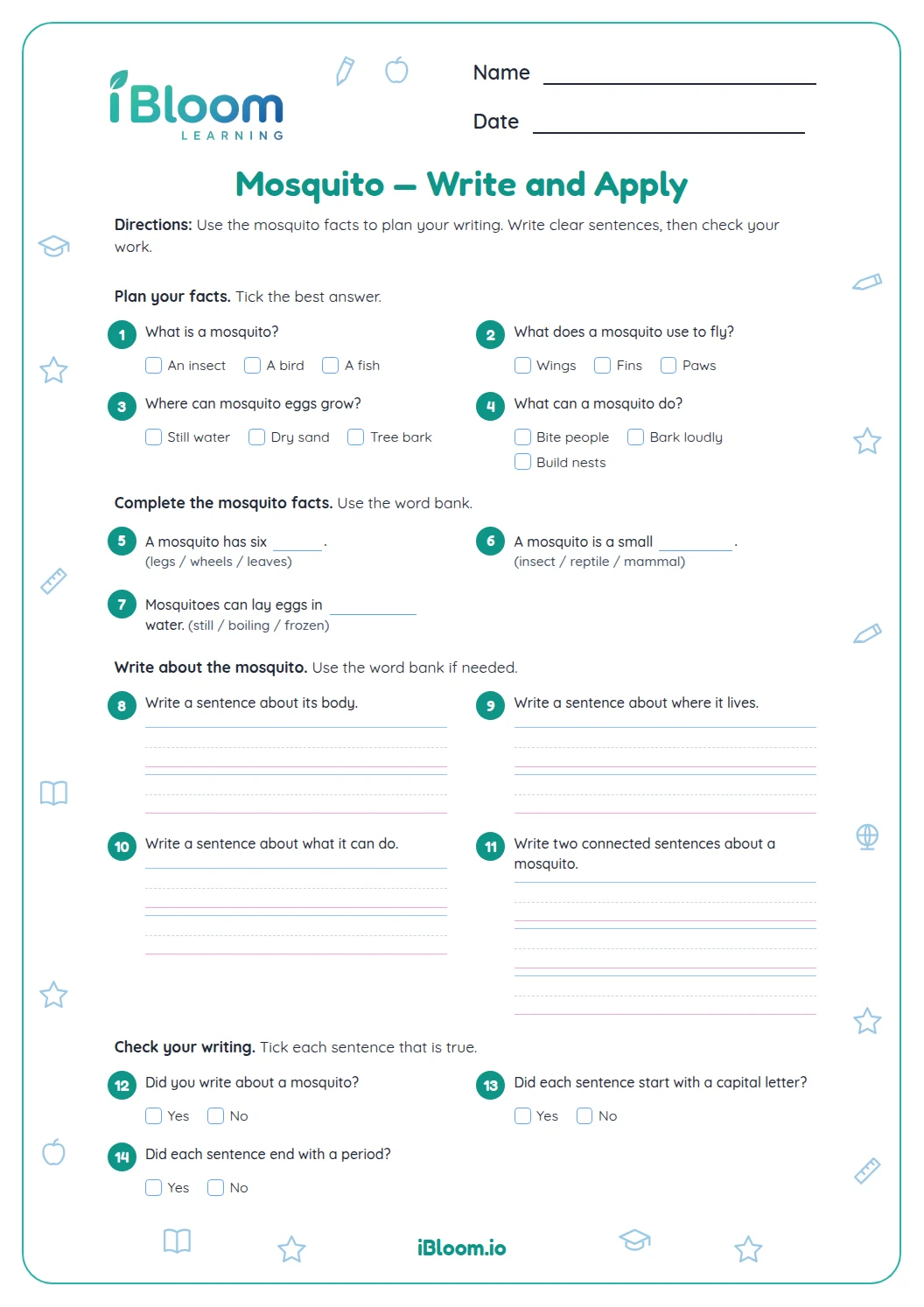
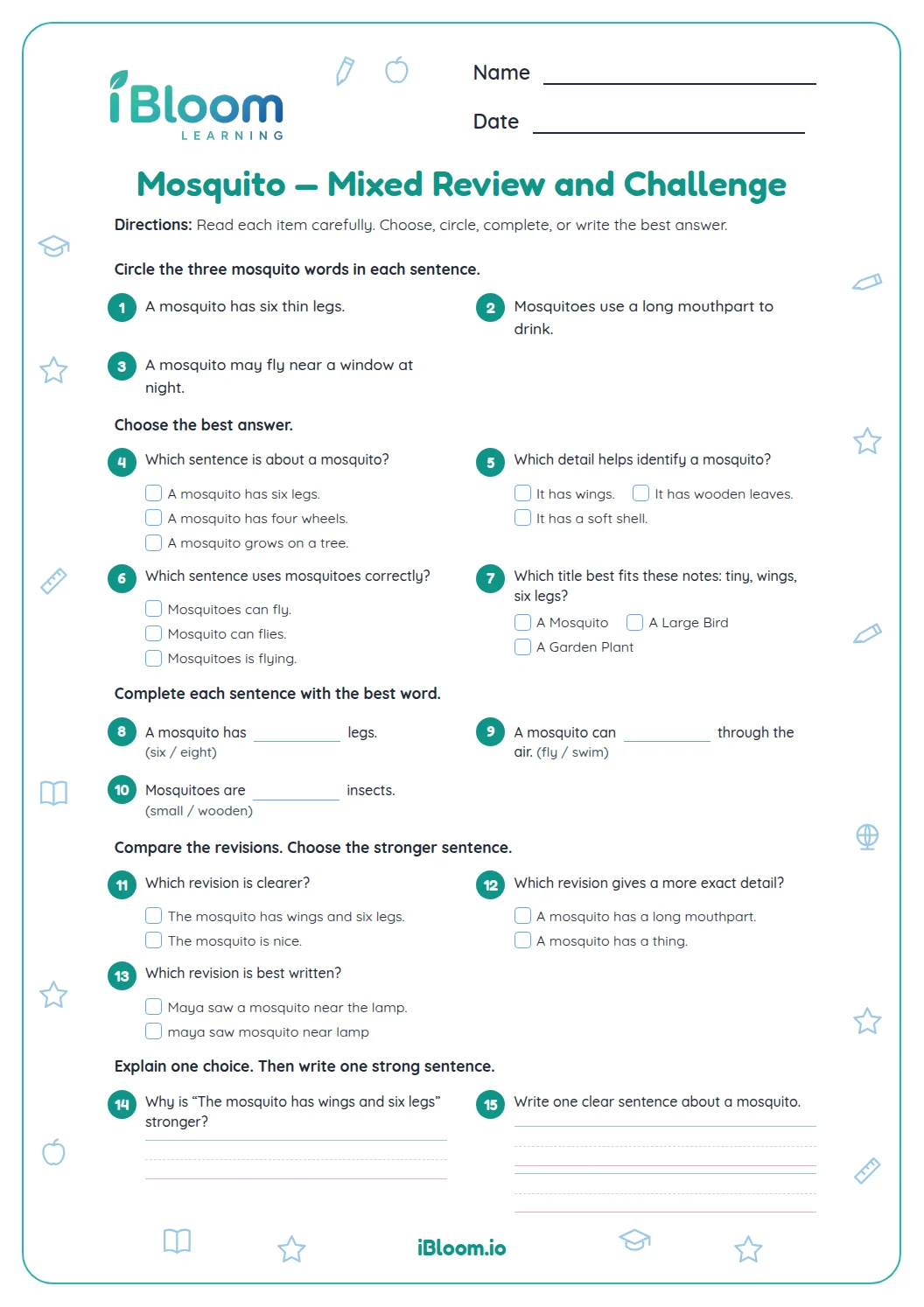
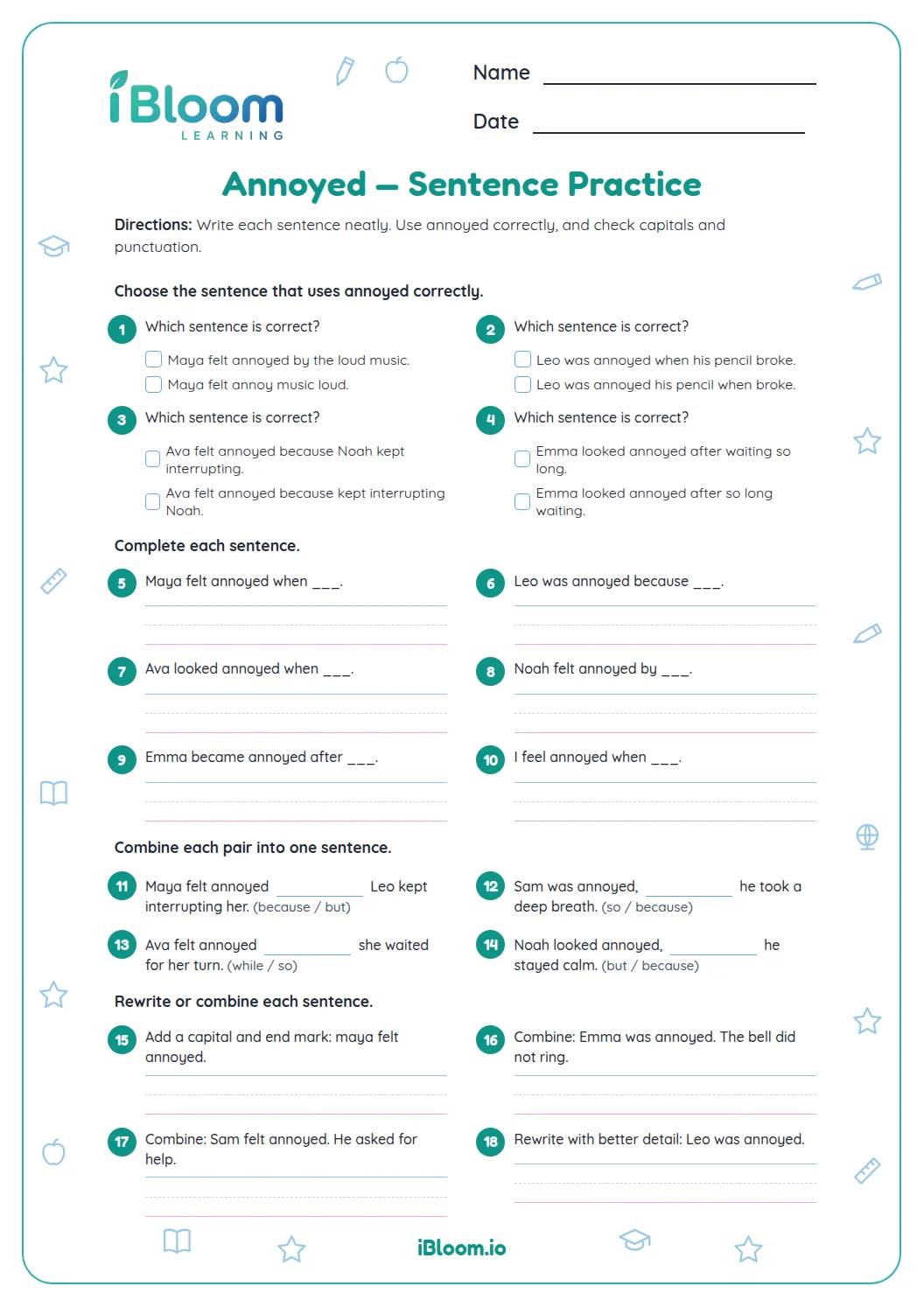
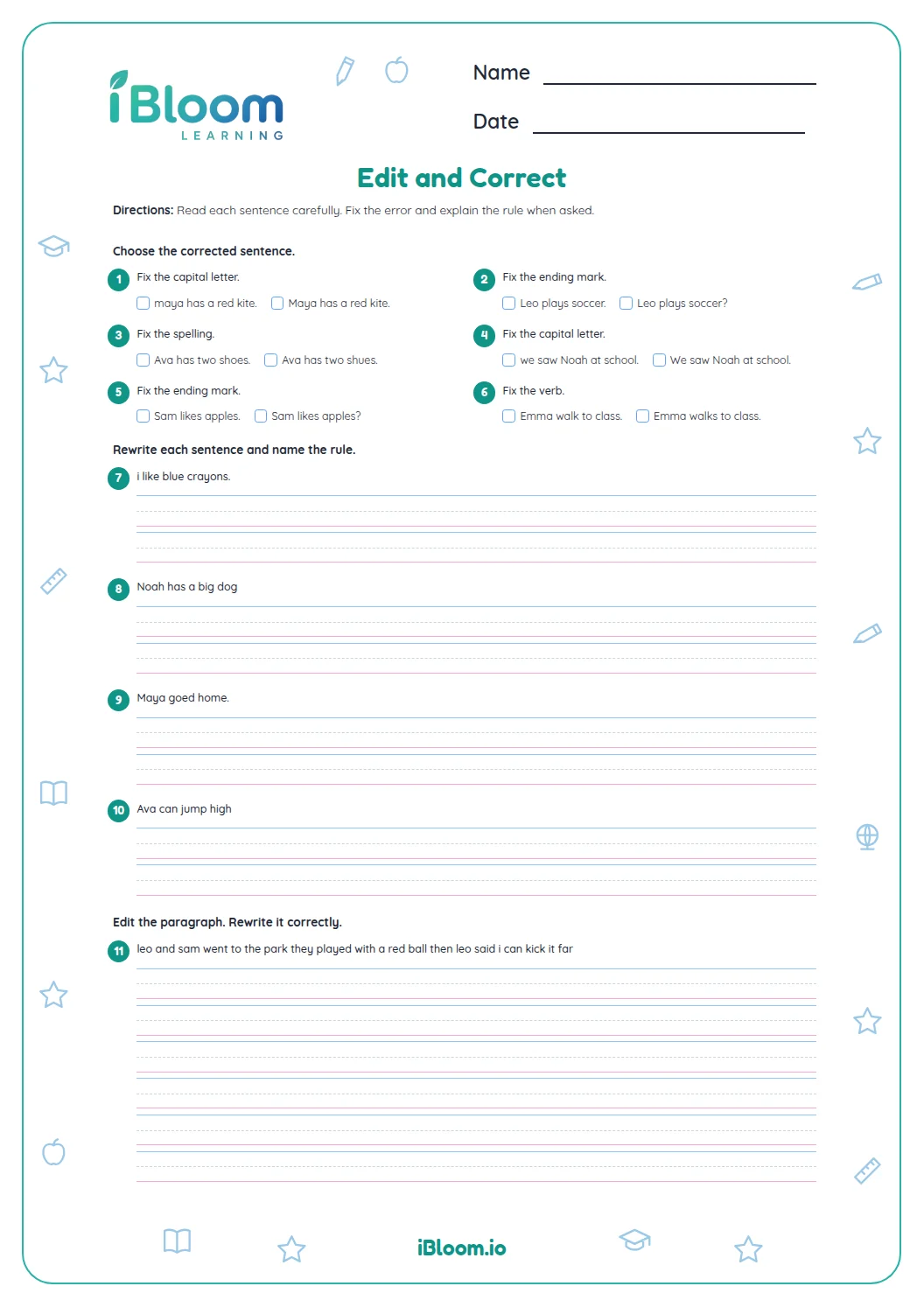
This Grade 2 editing worksheet keeps the mosquito theme while giving children real sentences to revise. The first part asks students to correct capitalization, punctuation and one spelling error in short sentences about a mosquito near a window. Later questions focus on choosing correct conventions and editing complete sentences. There are 14 questions and a separate key with corrected versions.
Aligned to L.2.2
Which words need capital letters?
Capitalize the first word in a sentence and the names of people and days. Question 1 begins with a blank before “found a mosquito,” and question 5 begins with a blank before “waved a paper fan.” Use the context to supply the name Mia.
- 1___ waved a paper fan.
- 2Mia waved a paper fan.
How do punctuation marks change a sentence?
A statement usually ends with a period, while a question ends with a question mark. Put quotation marks around a character’s spoken words. In question 9, Mia’s spoken question needs its question mark before the closing quotation mark.
How can students correct a run-on sentence?
Read the whole thought and check how the ideas connect. Question 14 asks students to rewrite a complete sentence with capitals and punctuation. Reread the result to check the names, beginning capital and ending mark.
How to use this worksheet
- 1Read the whole sentence before editing.
- 2Capitalize sentence beginnings, names and days.
- 3Choose an end mark that matches the sentence.
- 4Keep a comma or quotation marks where the sentence calls for them.
- 5Check the spelling choices and reread each correction.
- 6Compare the complete sentence with the answer key.
Common mistakes and quick fixes
The mistake
Capitalizing every word
The fix
Capitalize the first word and proper names; keep ordinary words lowercase.
The mistake
Putting a period after a question
The fix
Read the sentence for meaning and end a question with a question mark.
The mistake
Joining two complete thoughts with only a comma
The fix
Use a period or add a conjunction so both ideas are correctly joined.
Common Core alignment
This worksheet practices the listed Common Core skill through its questions.
Use Grade 2 capitalization, punctuation and spelling conventions in edited sentences.
On this sheet: Students revise sentence capitals, punctuation and spelling, then identify correct conventions.
Show the official wordingHide the official wording
Demonstrate command of the conventions of standard English capitalization, punctuation, and spelling when writing.
What to practice next
Make more practice
Further reading
Questions parents and teachers ask
What conventions does this worksheet practice?
The 14 questions focus on sentence beginnings, names and days that need capitals, end punctuation, commas, quotation marks and spelling. Children correct mosquito-themed sentences and identify correctly edited examples in the later section of the worksheet, then use the key to check.
How should students answer question 14?
Rewrite the sentence with a capital at the beginning, capitals for both names, and a period at the end. The model answer is “Mia and Ben close the window.” Rereading the whole sentence makes it easier to catch both capitalization and punctuation.
Why does Tuesday need a capital letter?
Names of days are proper nouns and begin with capital letters. In the sentence “on tuesday we saw a mosquito,” both the first word and Tuesday need capitals. Add a comma after the introductory day phrase and a period at the end.
Where does the question mark go with quotation marks?
When the quoted words are a question, the question mark goes inside the closing quotation mark. In question 9, Mia asks, “Can you open the window?” The mark belongs with the words she says, before the quotation closes.
How can a student spot a run-on?
Read each part and check whether it expresses a complete thought. A sentence with two complete thoughts pushed together needs punctuation or a conjunction. Rereading helps check that the correction keeps the meaning clear and sounds natural to a reader.
Is an answer key included?
Yes. The separate answer key gives corrected sentences and the correct multiple-choice responses for all 14 questions. Students can compare capitals, spelling and punctuation with the models before reviewing any missed item or editing choice from the worksheet.