






About this worksheet
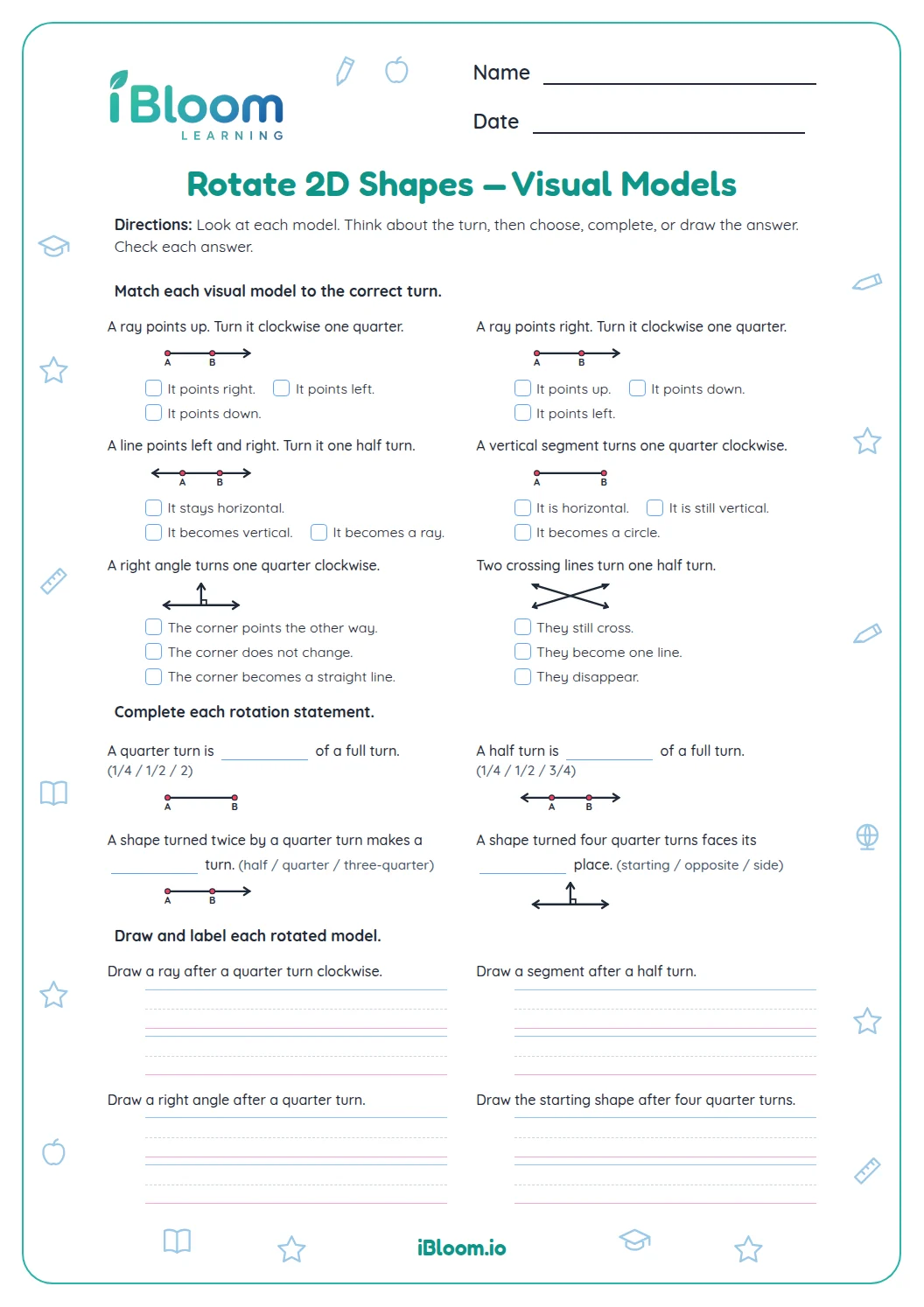
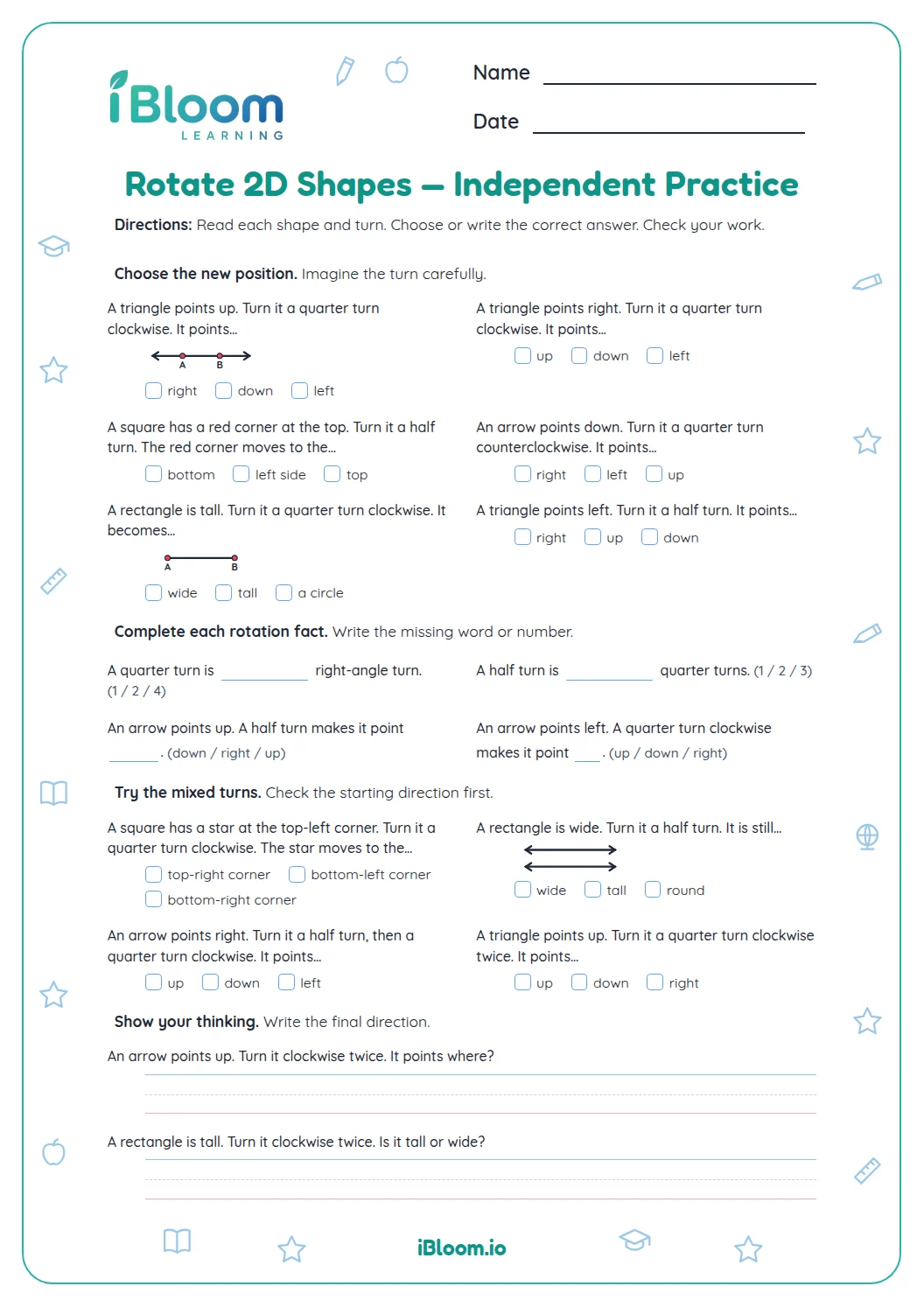
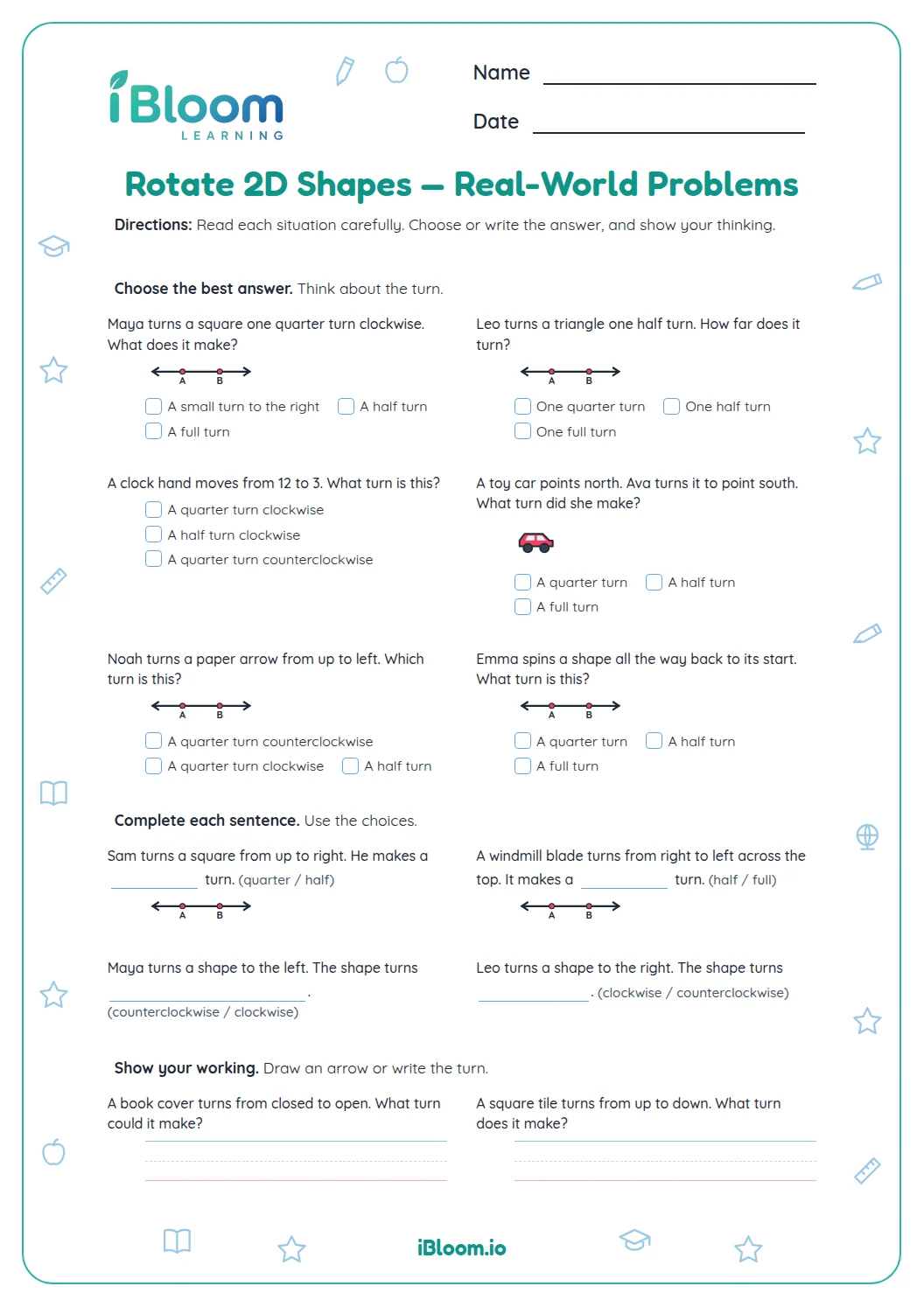
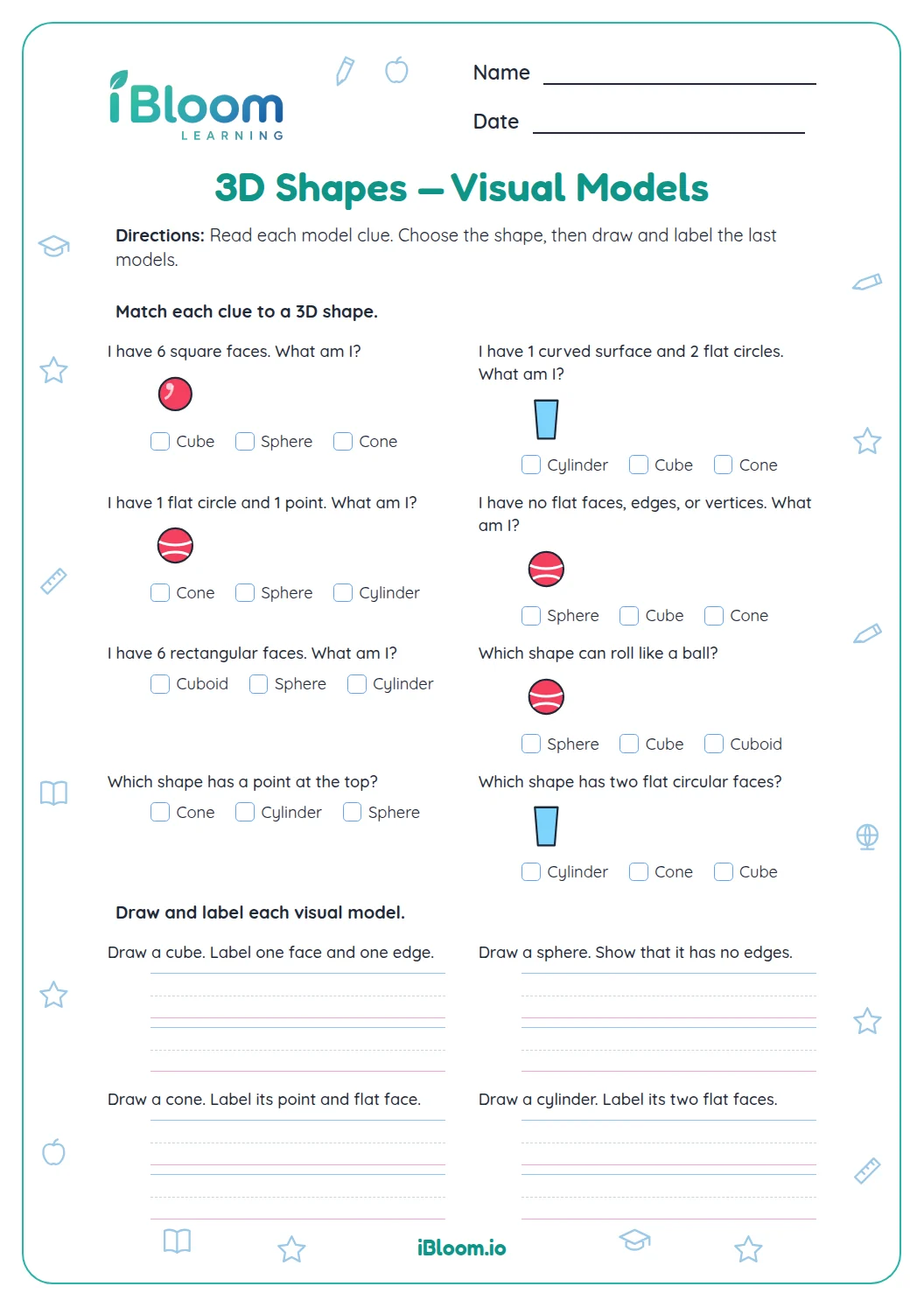
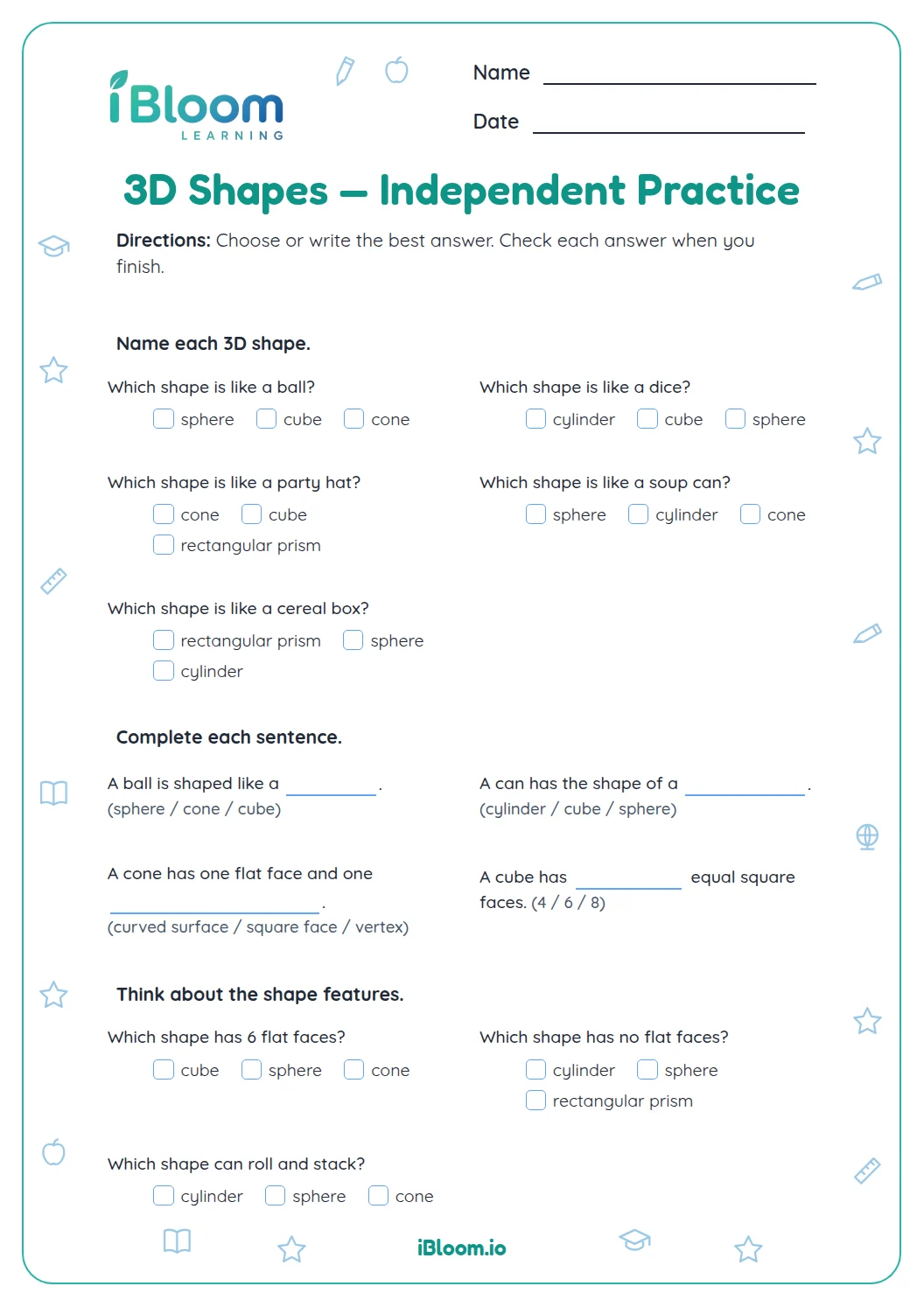
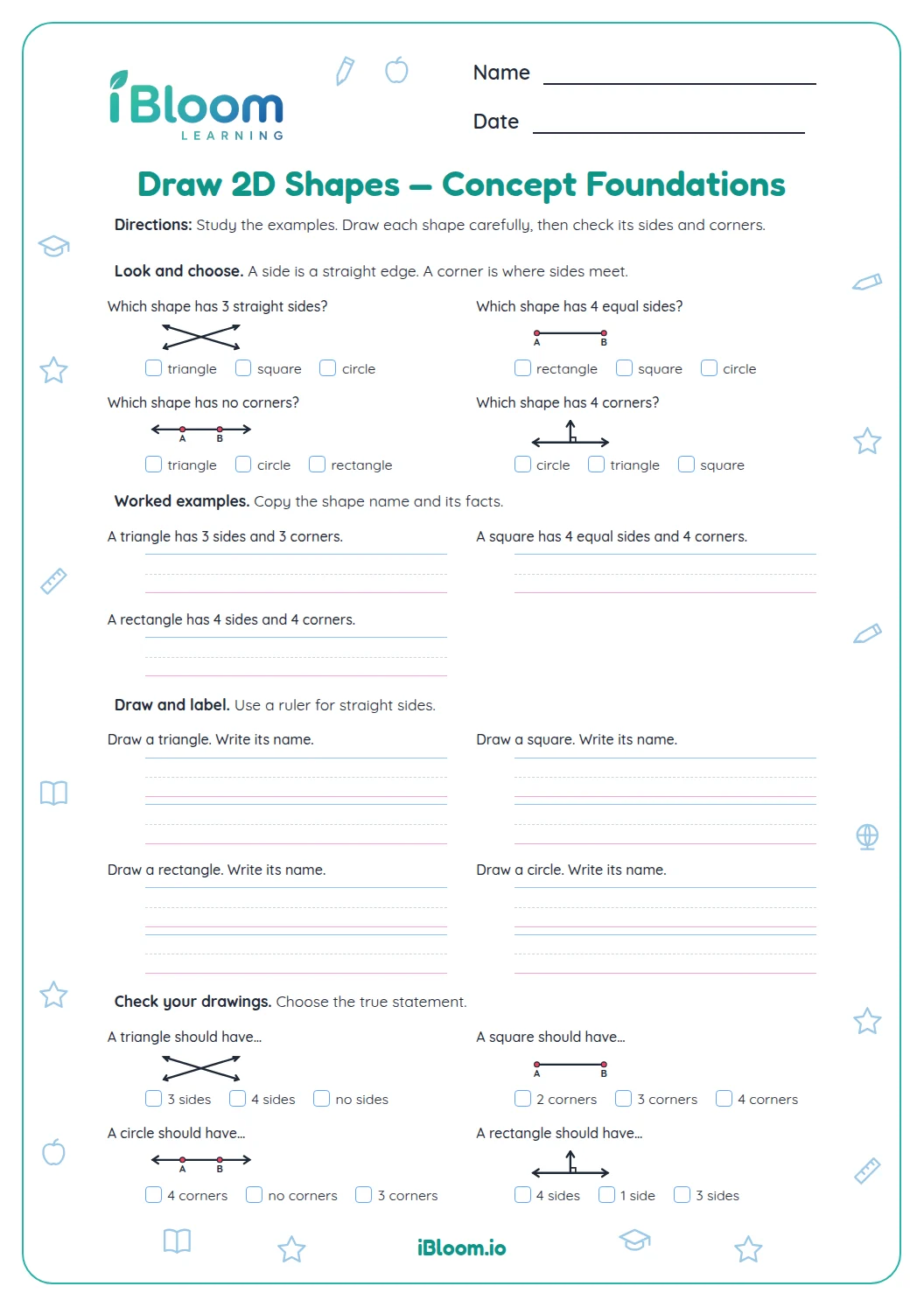
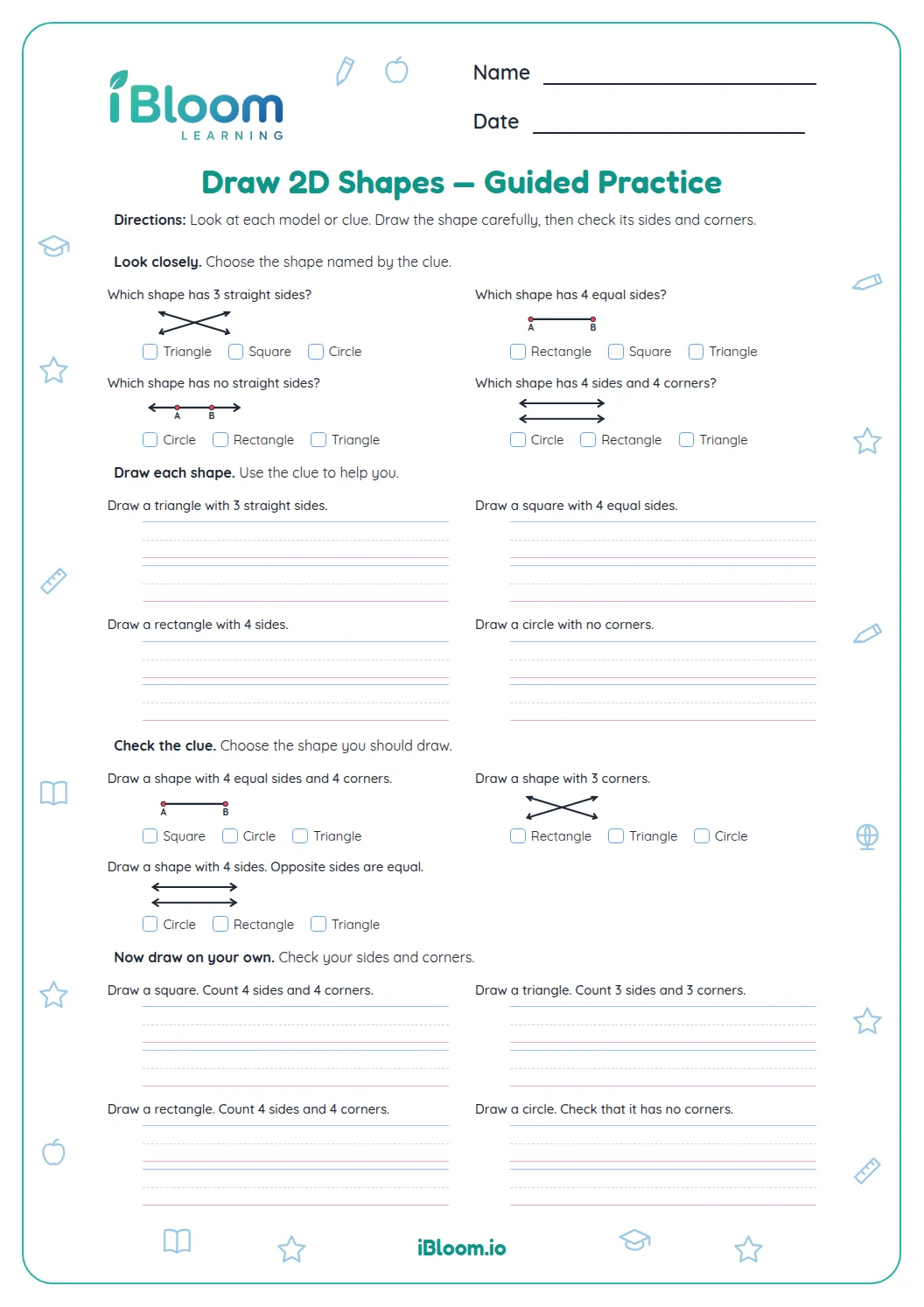
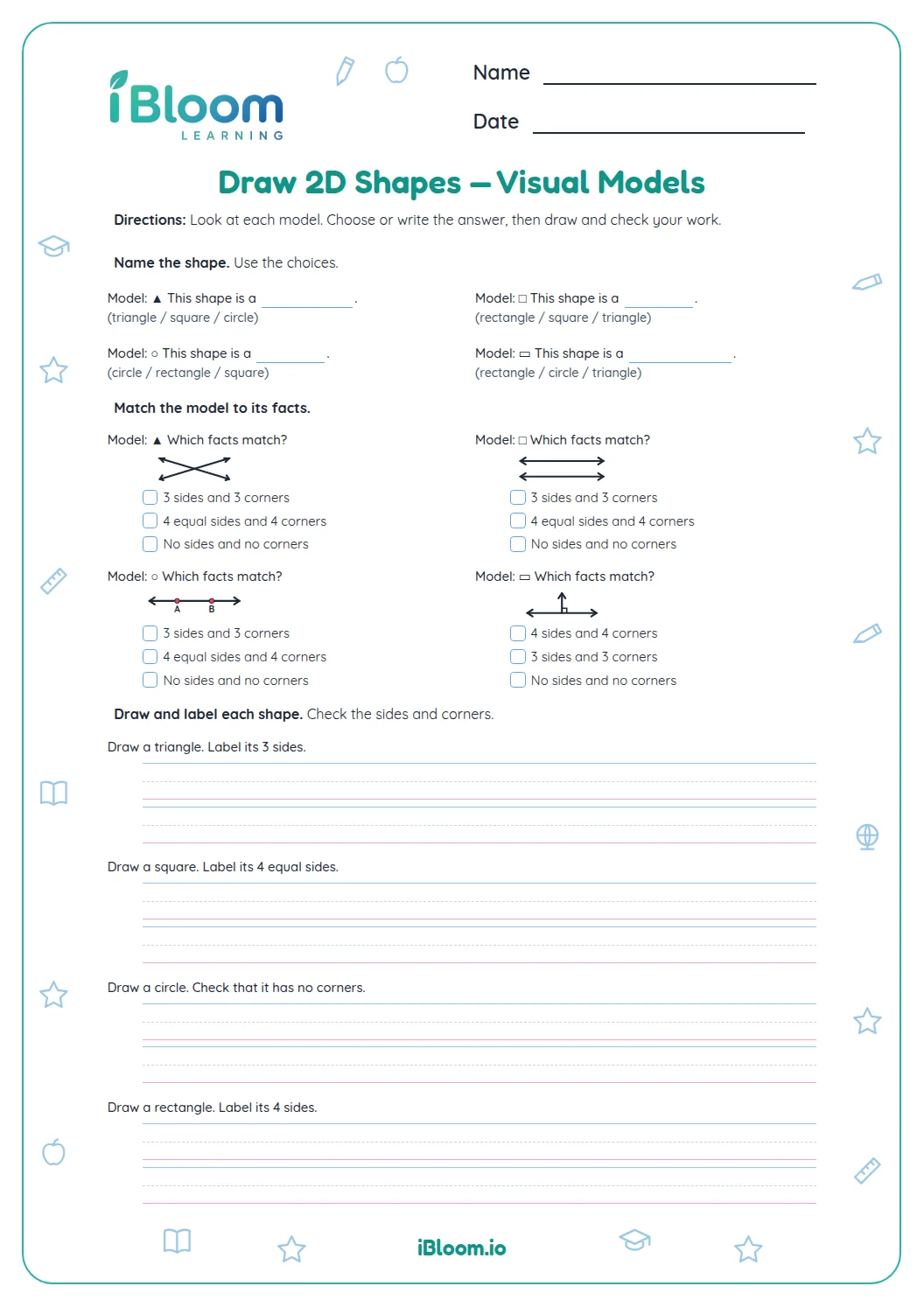
This Grade 1 geometry worksheet gives children 16 questions about recognizing two-dimensional shapes after turns. Children turn the page when directed, then use the number of sides and corners and other defining features to name or describe triangles, squares, and rectangles. It practices CCSS 1.G.A.1 by focusing on defining attributes rather than orientation. The separate answer key follows the worksheet question order.
Aligned to 1.G.A.1
Does turning a shape change what it is?
The worksheet has three parts and 16 questions. Children turn the page as directed, then name or describe a triangle, square, or rectangle by its sides, corners, and defining features. The prompts include quarter-turns and half-turns.
- 1Before turn: triangle
- 2Turn the page a quarter-turn
- 3After turn: triangle
What should you look for after a turn?
Count the sides and corners rather than relying on which way the shape points. A square keeps four equal sides and four corners. A rectangle keeps four sides and four corners, including two long and two short sides.
How do sides and corners help after a turn?
Question 12 asks how many sides the pictured triangle has after a quarter-turn. It still has three sides, so turning changes its direction but not its defining attributes.
How do sides and corners help after a turn?
Question 12 asks how many sides the pictured triangle has after a quarter-turn. It still has three sides, so turning changes its direction but not its defining attributes.
How can I use this worksheet?
- 1Look at the shape and name it.
- 2Turn the page a quarter-turn or half-turn when prompted.
- 3Count sides and corners again.
- 4Decide whether the defining features changed.
- 5Say the shape name and check it against the answer key.
Common mistakes and quick fixes
The mistake
Calling a turned triangle a different shape because it points sideways.
The fix
Count its three sides; orientation does not change its name.
The mistake
Mixing up square and rectangle after a turn.
The fix
Check side lengths as well as four corners: a square has four equal sides.
The mistake
Thinking a turn changes the size.
The fix
A turn changes direction only; the printed shape keeps its size.
Common Core alignment
This worksheet practices the standard below through its questions.
Notice that turning a shape does not change its defining features.
On this sheet: Questions focus on shape identity as orientation changes.
Show the official wordingHide the official wording
Distinguish between defining attributes (e.g., triangles are closed and three-sided) versus non-defining attributes (e.g., color, orientation, overall size); build and draw shapes to possess defining attributes.
What to practice next
Make more practice
Further reading
Questions parents and teachers ask
Does turning change a shape name?
No. A turn changes the direction a shape faces, while its defining features remain. A triangle still has three sides after a quarter-turn. Children can physically turn the page as they work through the questions. The shape name stays the same.
How should children work through the turns?
Read the direction, turn the printed page a quarter-turn or half-turn when asked, and then name or describe the shape. The worksheet also asks children to reason about sides, corners, and whether a shape keeps its name. Check the answer key after trying each item.
What shape clues are useful?
Count sides and corners first. To distinguish a square from a rectangle, also check side lengths: a square has four equal sides, while a rectangle has two pairs of equal sides. Turning either shape does not change those features.
How many questions are included?
There are 16 questions in three parts, moving from shape names after turns to turn reasoning and shape clues. Triangles, squares, and rectangles appear. The separate answer key follows the worksheet question order and is printed on its own pages.
Is an answer key included?
Yes. A separate answer key follows the worksheet order and gives the expected shape name or direction. Some prompts ask for a short explanation; use the key to check the geometric idea rather than requiring a child to copy its exact wording.