


About this worksheet
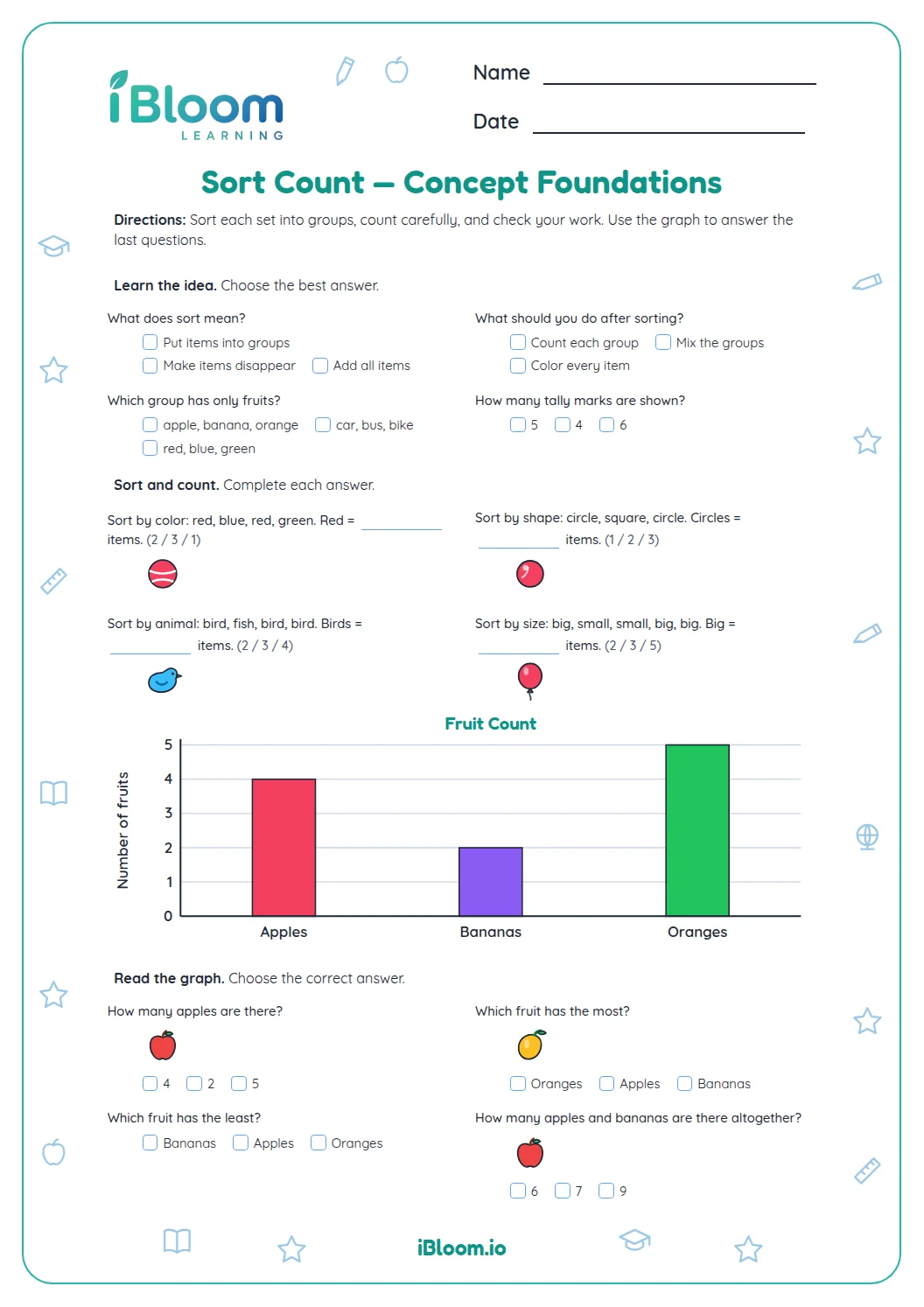
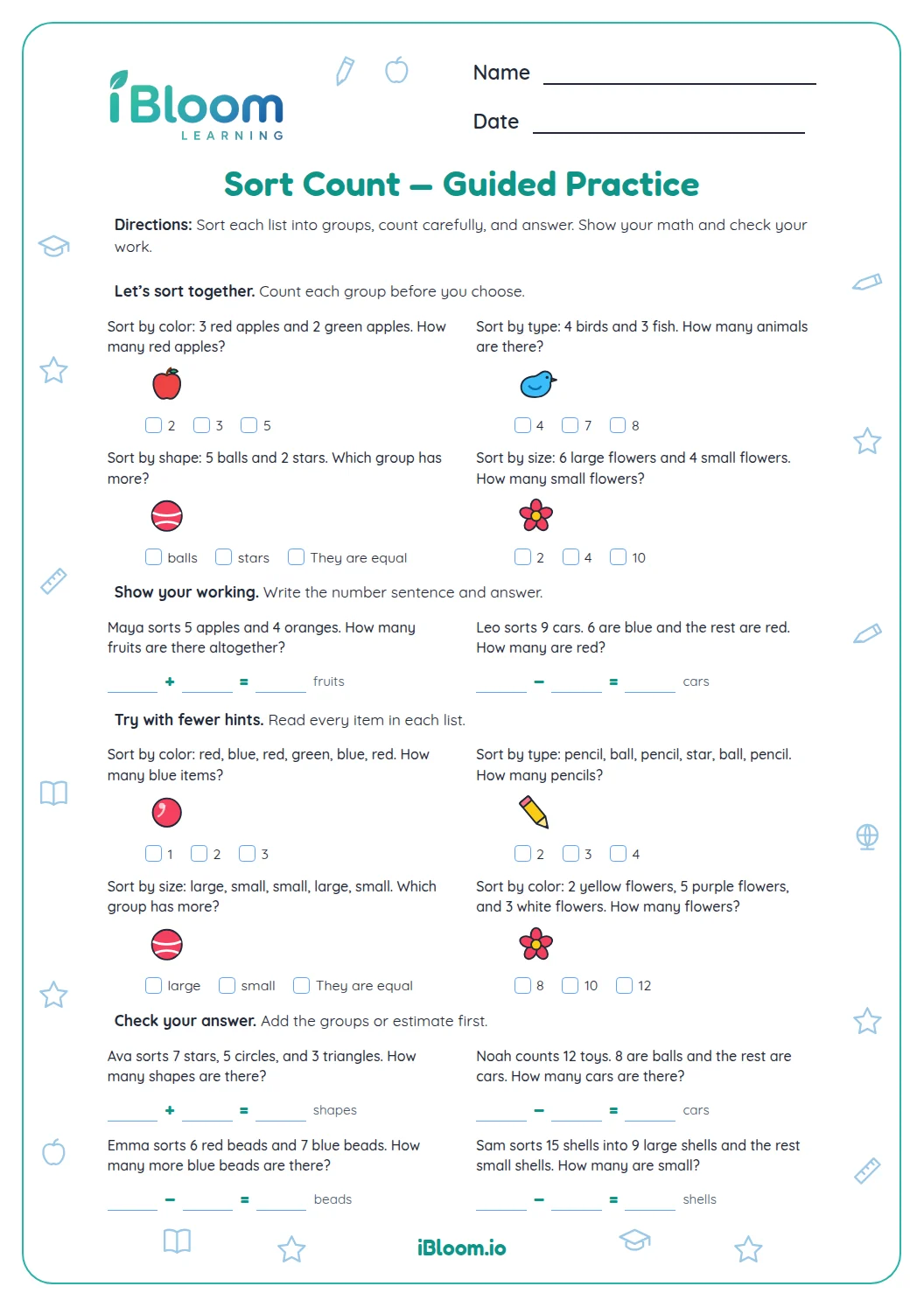
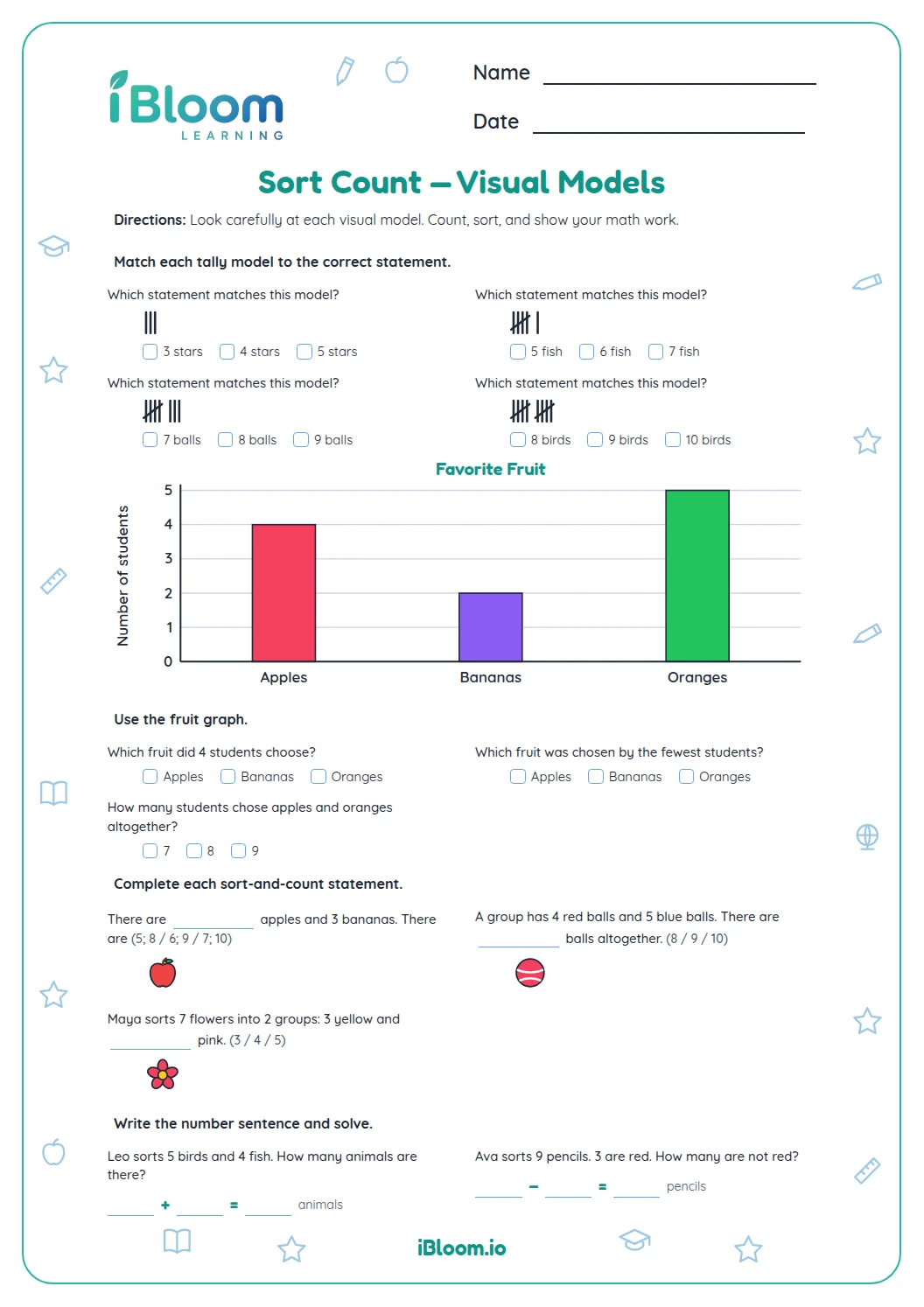
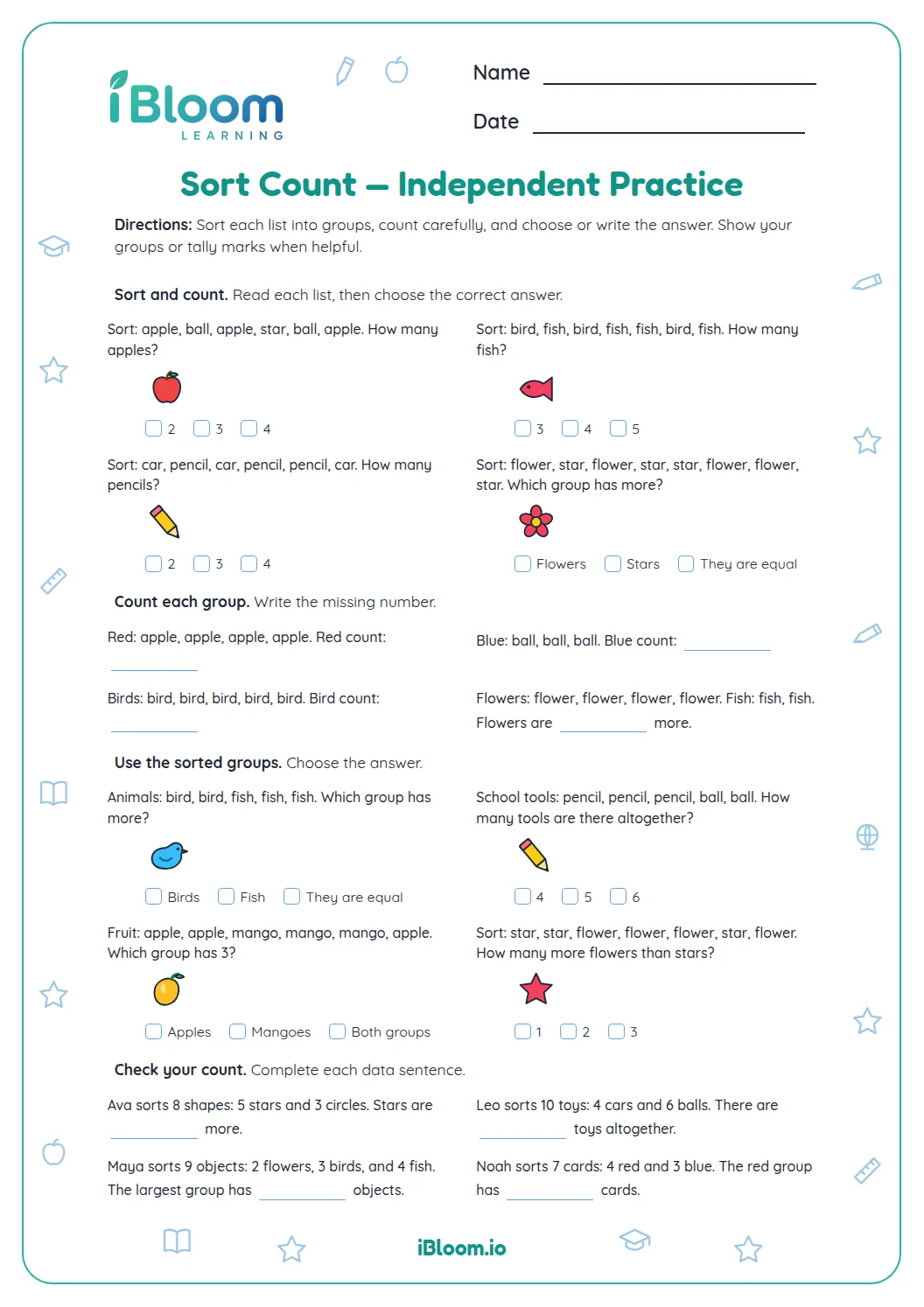
This Grade 2 worksheet practices sorting groups and using their counts in everyday situations. Children identify which groups belong together, compare category counts, read tally marks, and solve addition and subtraction questions about grouped items. The 14 multiple-choice questions use short classroom and home contexts, plus a tally display. A separate answer key supports checking.
How do the questions use group counts?
Read each group description and identify the categories being counted. Tally marks show a count directly; in story questions, use the stated counts to compare groups or find a total.
- 1Six students chose dogs; two chose fish.
- 26 − 2 = 4
- 3Four more students chose dogs.
How does sorting help?
Sorting organizes data into categories before counting. Once each group is counted, children can compare groups or find the total number of responses.
What data models are included?
Fourteen questions use group descriptions, tally marks, and short real-world category situations. Children sort groups by a shared feature, compare counts, and solve totals.
How to use this worksheet
- 1Read the title and labels before counting.
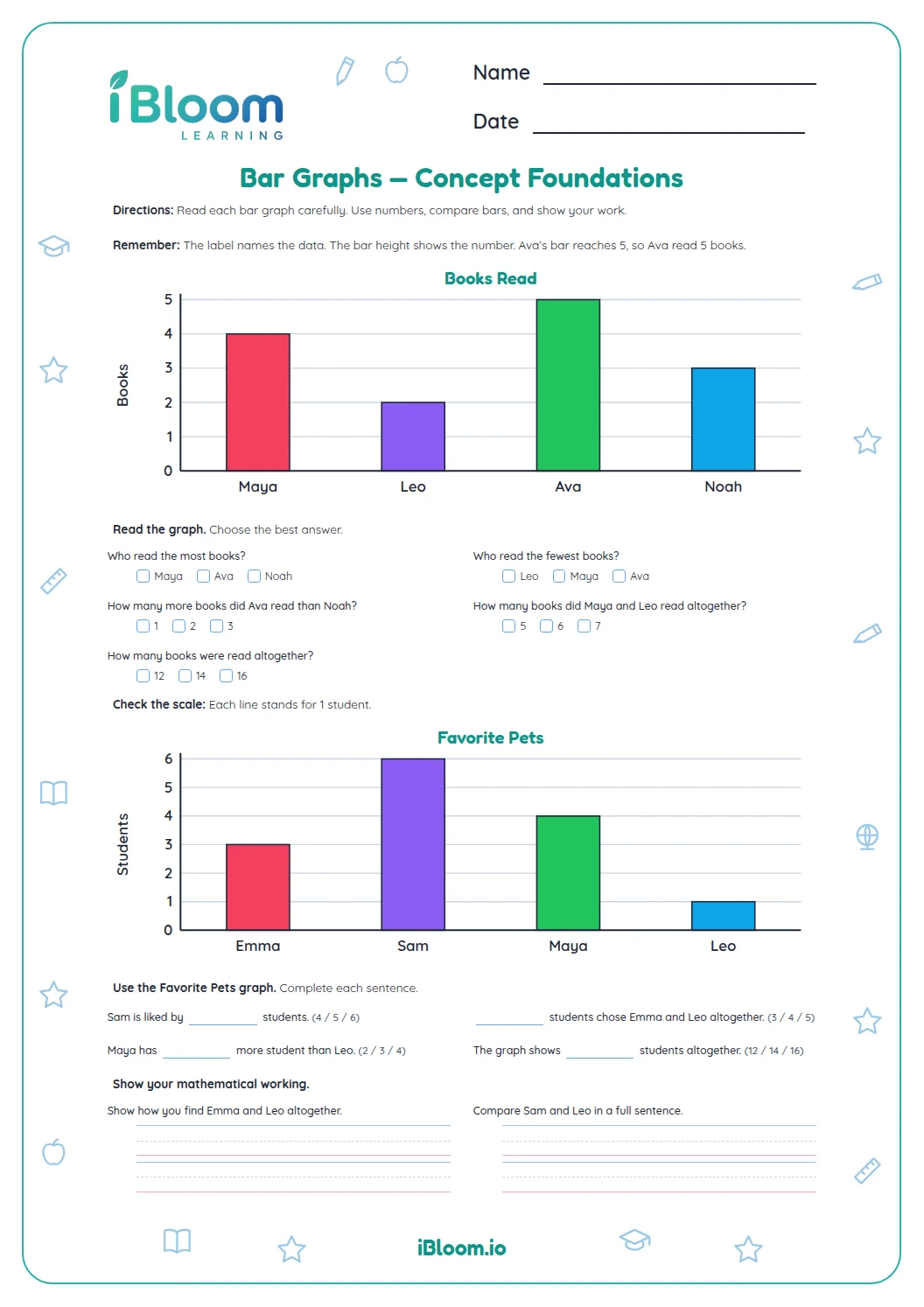
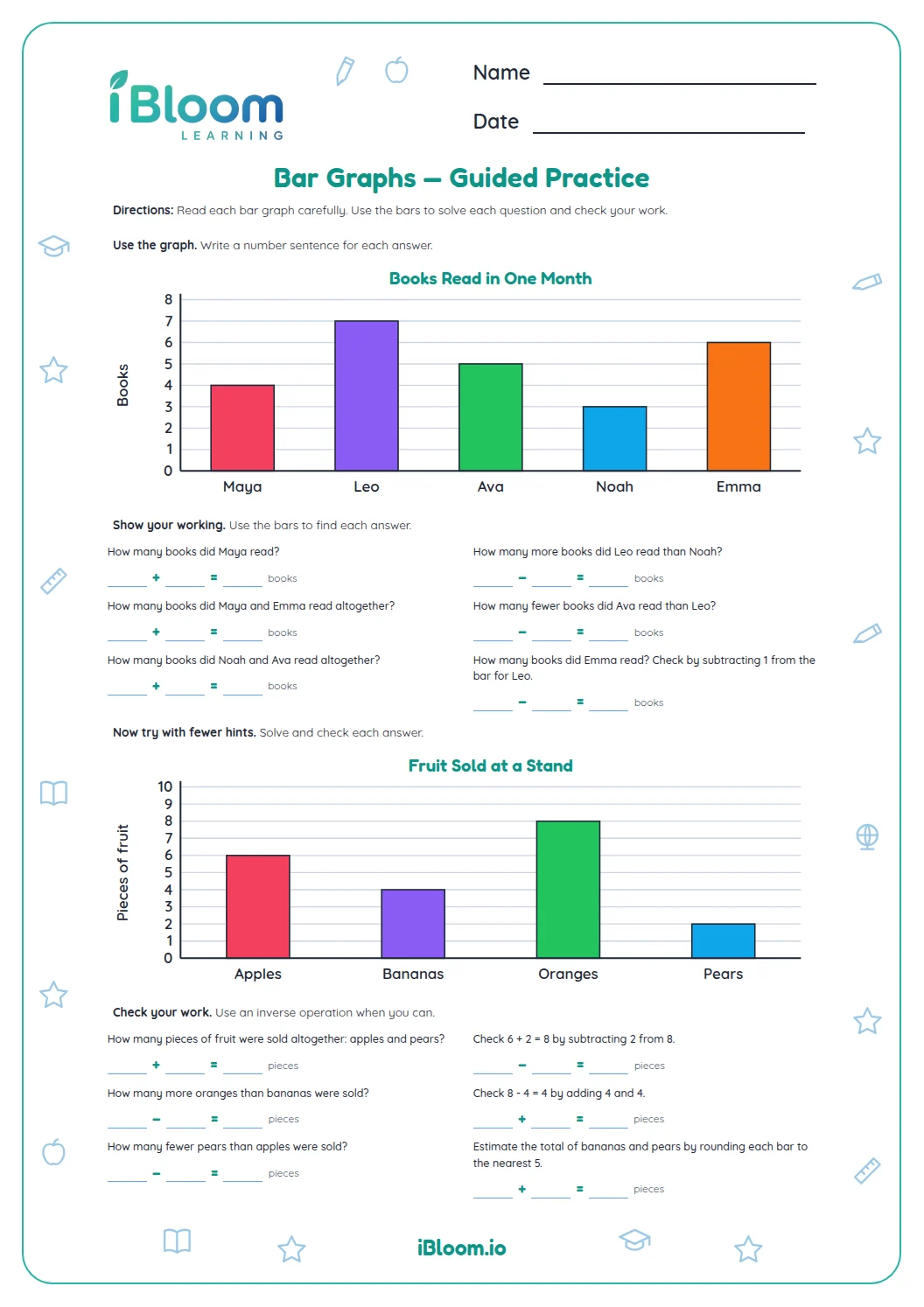
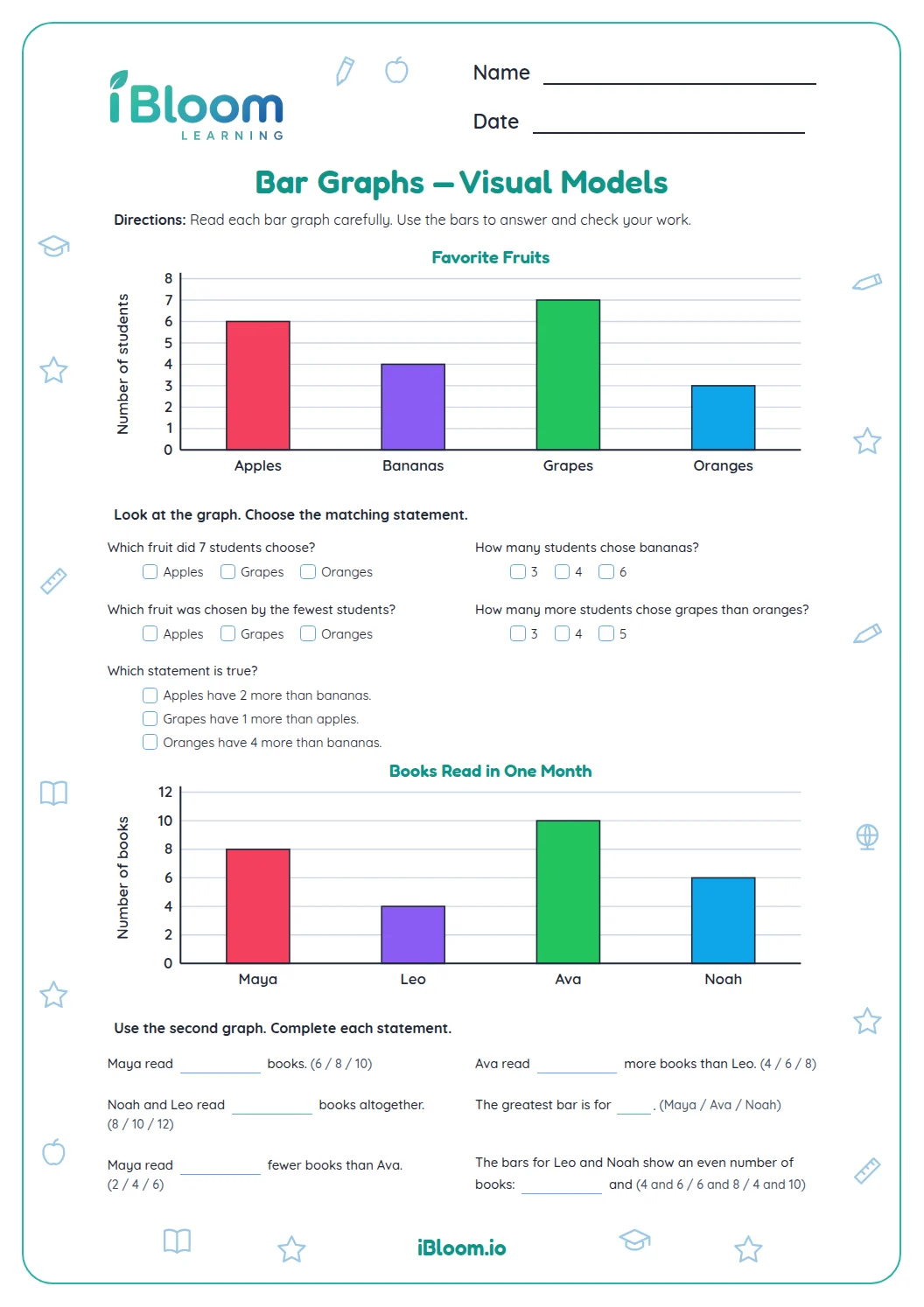
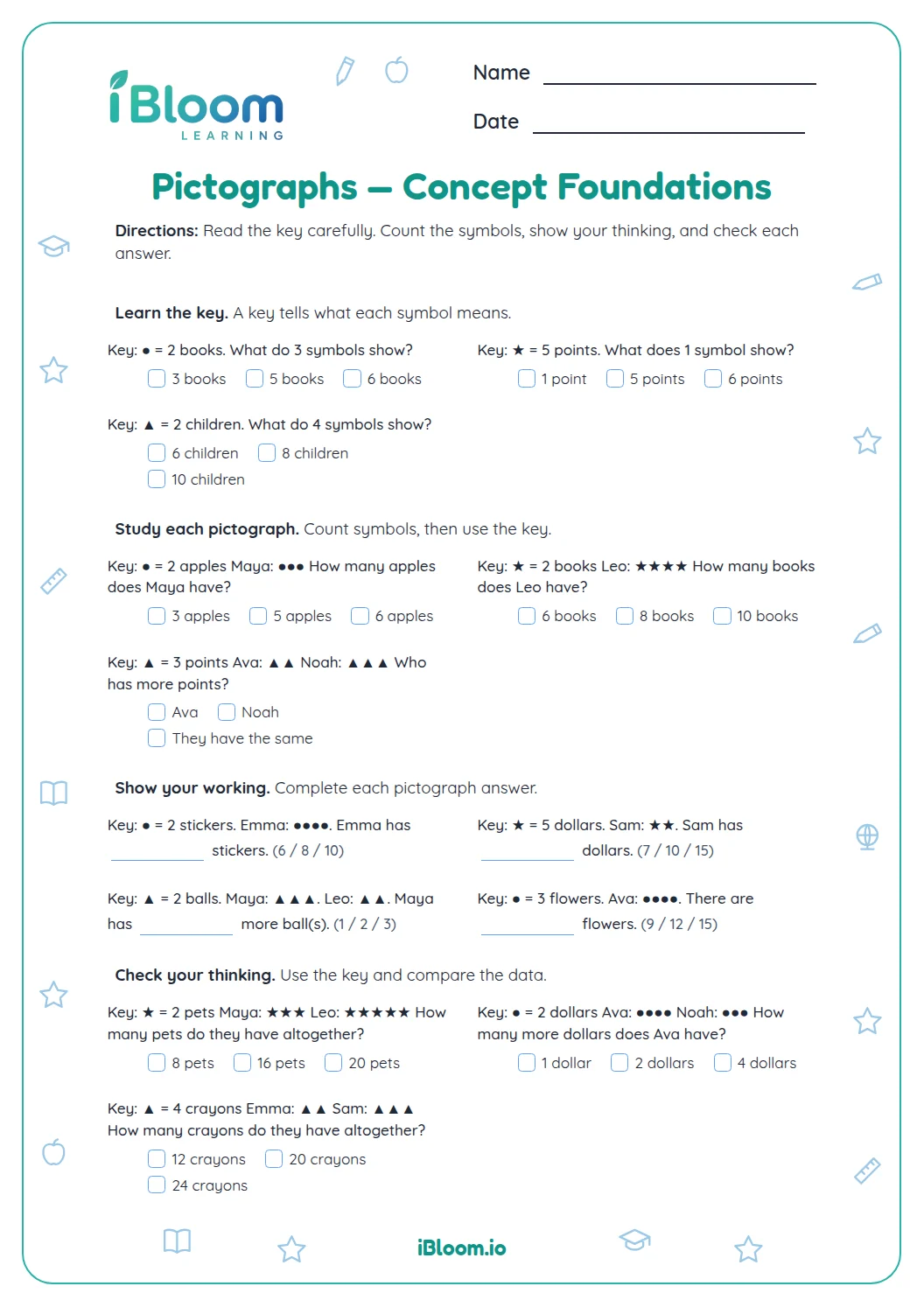
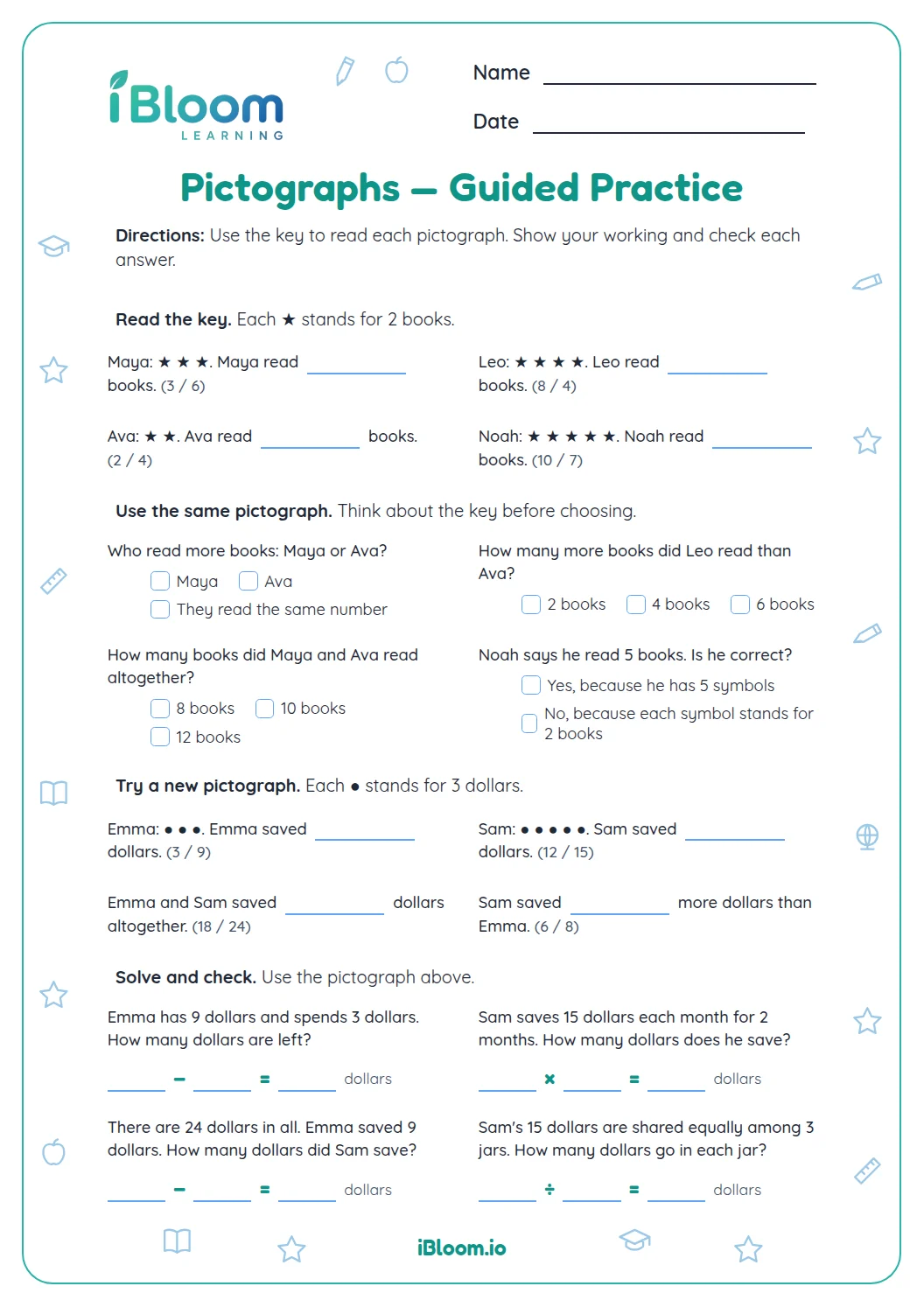
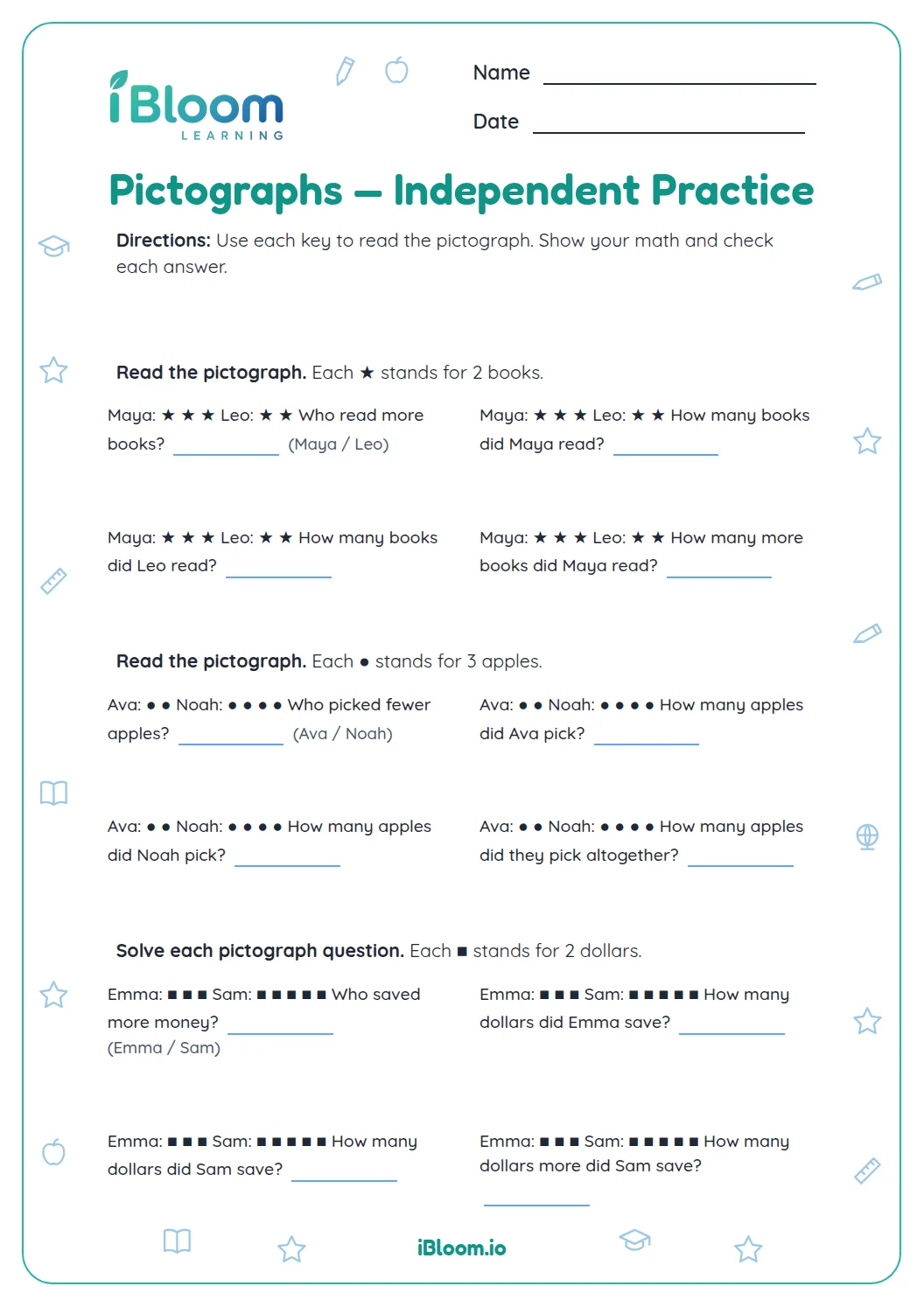
- 2Check the picture graph key to see what each symbol means.
- 3For “how many more,” subtract the smaller count from the larger.
- 4For “altogether,” add the category counts.
Common mistakes and quick fixes
The mistake
Counting picture symbols without checking the key.
The fix
Read how many each picture stands for before finding a total.
The mistake
Subtracting in the wrong order for “how many more.”
The fix
Start with the larger count and subtract the smaller one.
The mistake
Mixing categories while sorting.
The fix
Use the named feature to decide which group each item belongs in.
What to practice next
Questions parents and teachers ask
How does sorting help with counting?
Sorting puts items with a shared feature into the same group, such as red buttons and blue buttons. Once the groups are clear, children can count each one, compare the totals, or combine them. The worksheet uses familiar categories so the counting question stays clear.
How do children find how many more?
Compare the two category totals and subtract the smaller from the larger. If 6 students choose dogs and 2 choose fish, then 6 − 2 = 4 more students chose dogs. Check that the answer names the category with the larger count.
How do tally marks show a count?
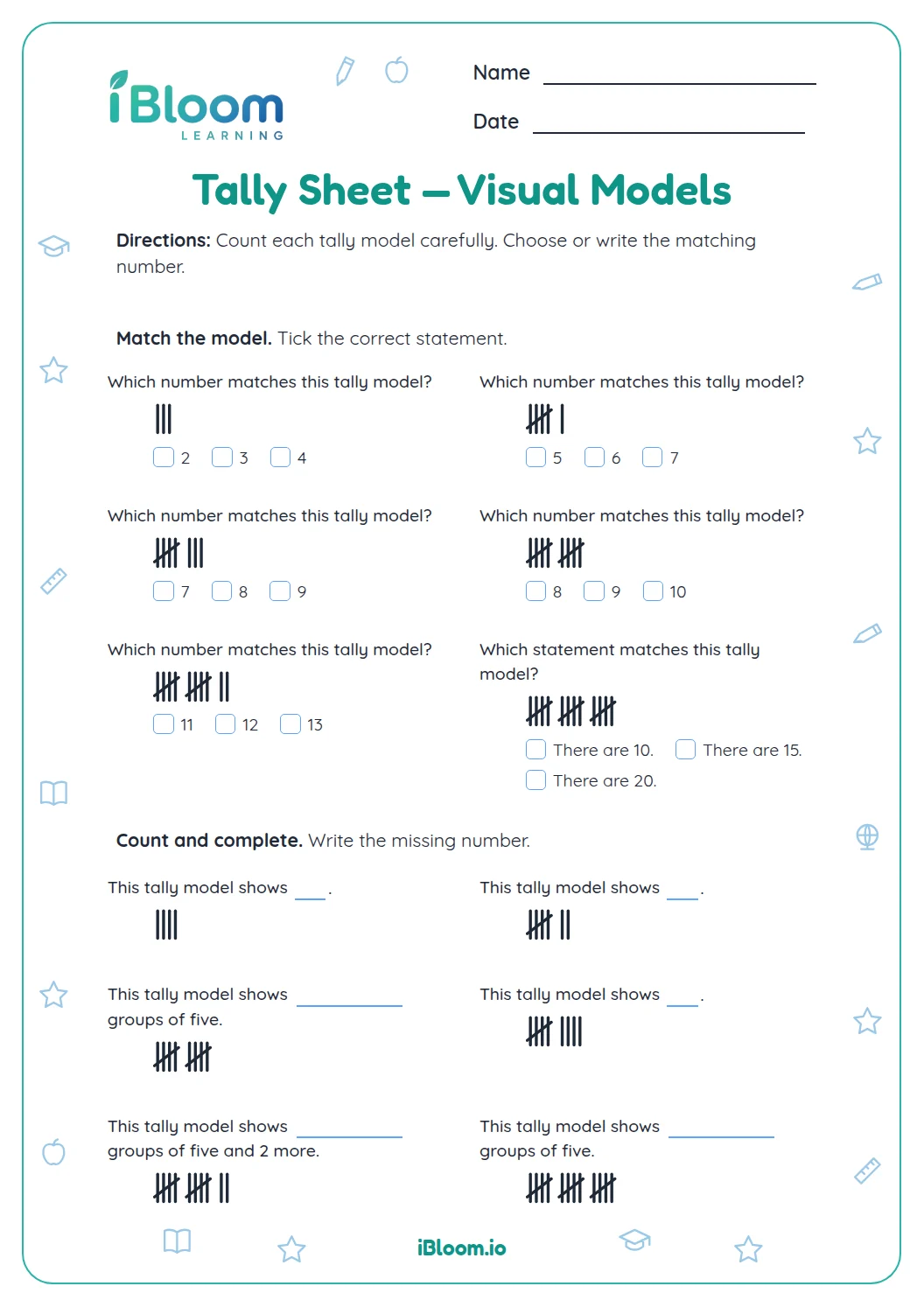
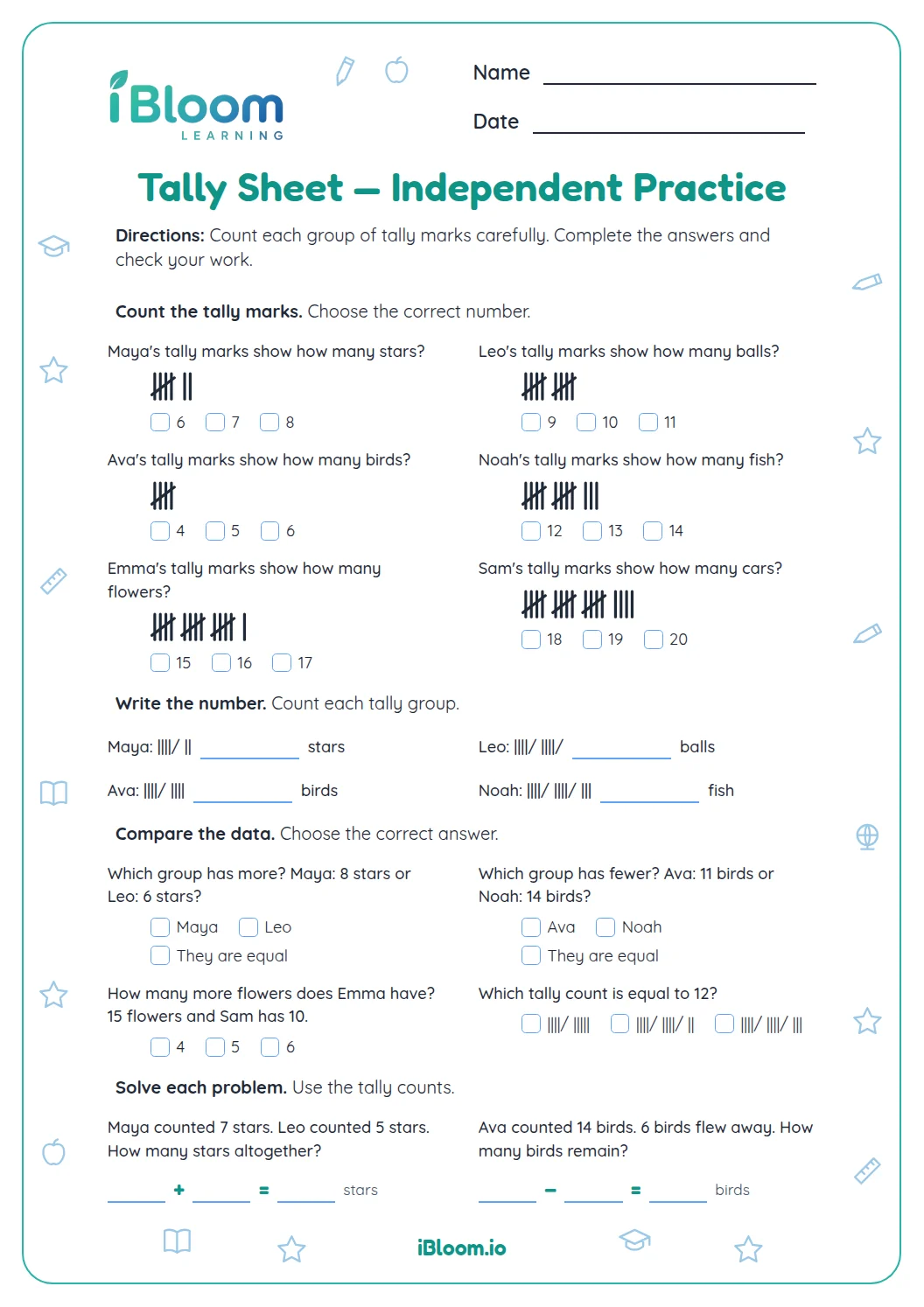
Each tally mark stands for one item, and a diagonal mark across four lines completes a group of five. Count each full group, then count any extra marks. The sheet includes a tally display for children to read and match to a number.
How many questions are on this worksheet?
There are 14 questions in three parts. Children sort and count categories, compare group totals, and solve short problems using counts. Two items show tally marks, and a separate answer key lists the correct response for each question for easy checking.
What should a child do before adding group counts?
First check that the groups describe different items or categories that should be counted together. Then add the two counts and label the total with what it represents. For example, red and blue buttons together make a total number of buttons.