



About this worksheet
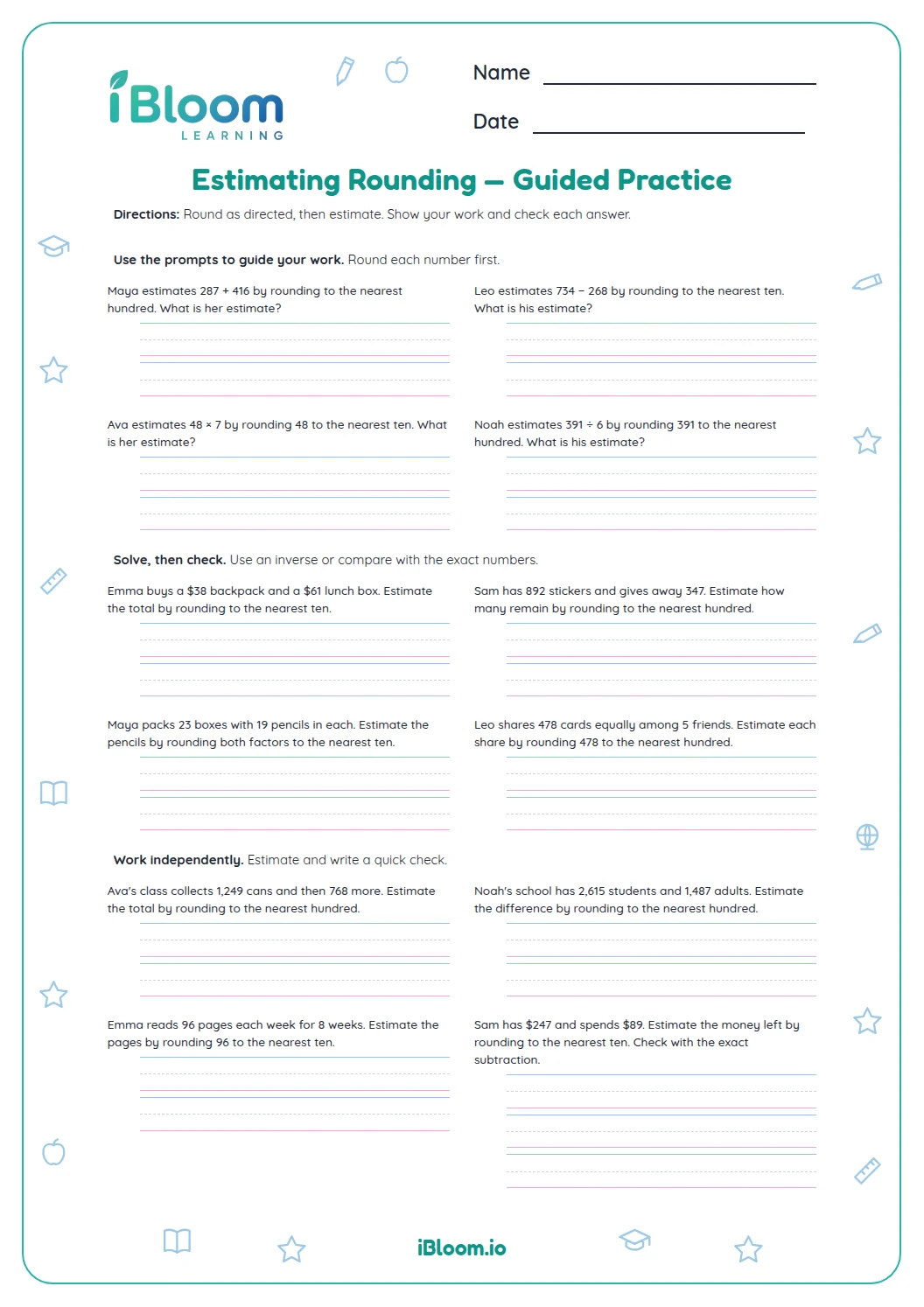
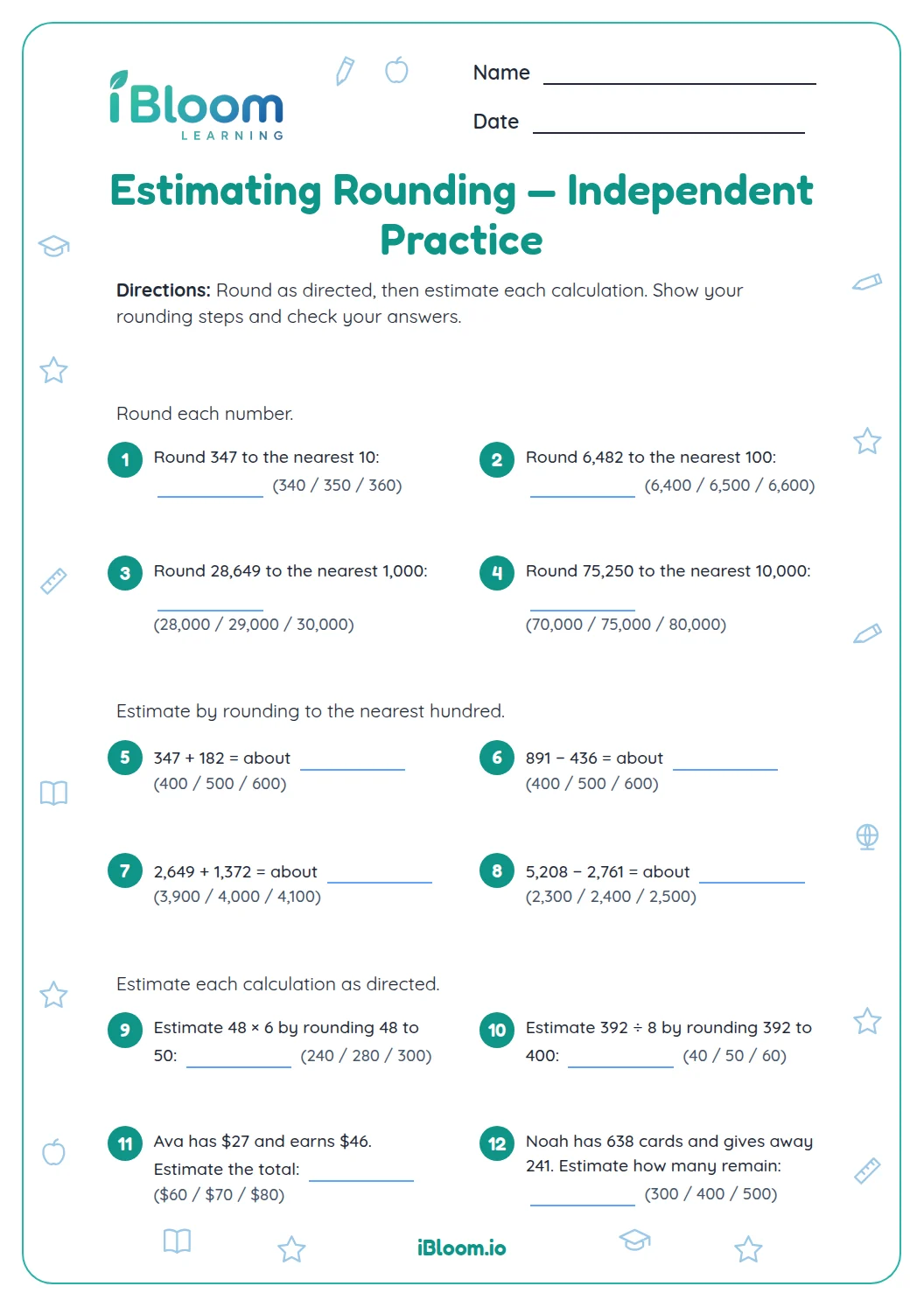
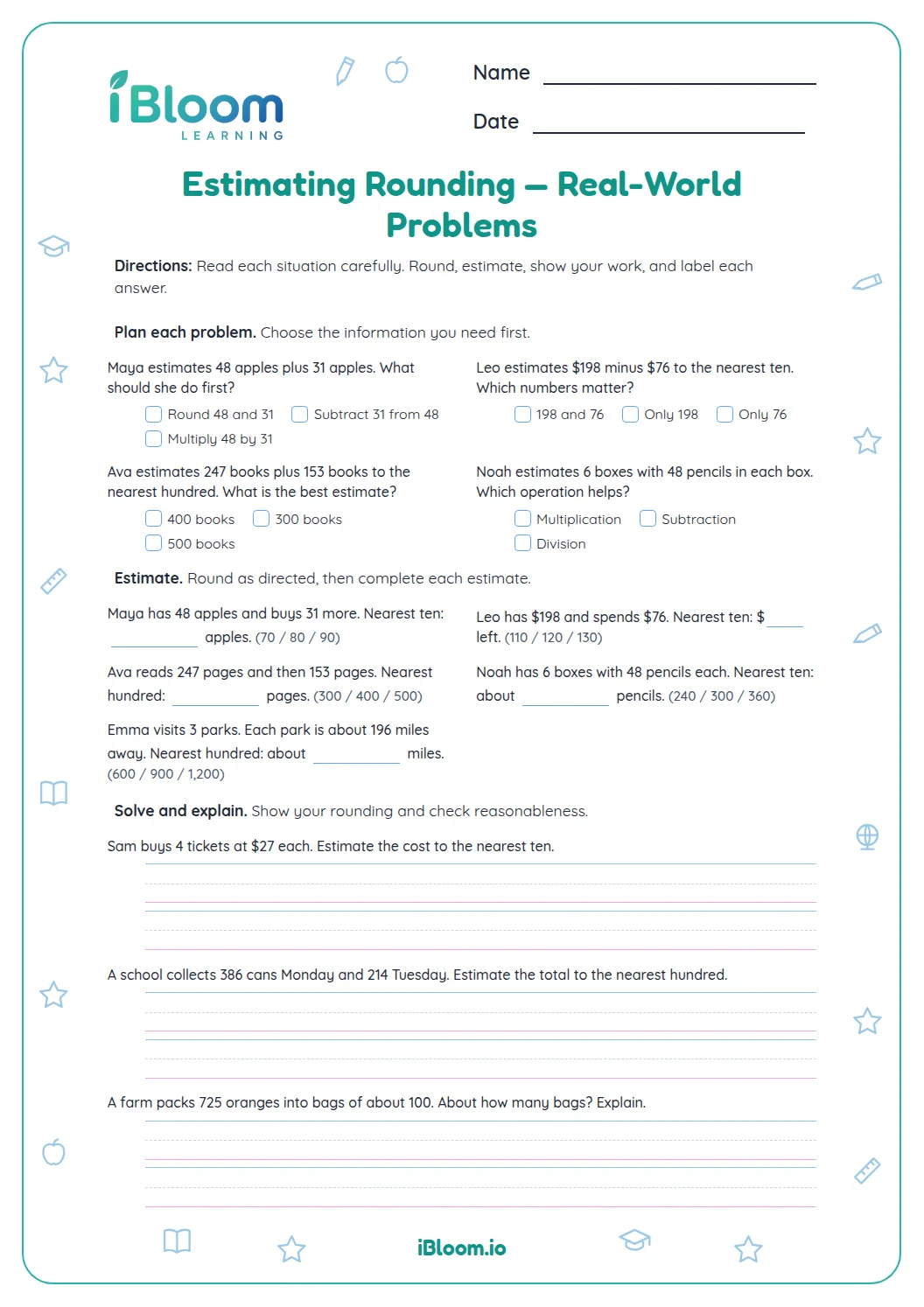
This Grade 5 worksheet connects rounding to useful estimates. Learners first round whole numbers, then decimals to tenths or hundredths, and finally estimate sums and differences in familiar situations. Fifteen problems use amounts such as visitor counts, money, distances, and capacity; each gives room to work. The separate answer key supports a quick check. The practice includes rounding decimals to a specified place, as described by Common Core 5.NBT.A.4.
Aligned to 5.NBT.A.4
How does rounding help estimate an answer?
Rounding replaces an amount with a nearby, easier number. For a quick estimate, round each amount to the requested place and then add or subtract. The estimate should stay close enough to the original quantities to help you judge whether an exact answer makes sense.
How should learners round each amount?
Find the place named in the question. Look one digit to its right: 5 through 9 means increase the rounding digit by one; 0 through 4 means leave it as it is. Change the digits to the right to zeros for whole numbers, or keep the requested decimal place. In the last part, round each amount before doing the operation.
- 1A museum had 1,879 visitors Saturday and 2,146 Sunday. Estimate the total to the nearest hundred.
- 21,879 rounds to 1,900; 2,146 rounds to 2,100.
- 3Add the rounded amounts: 1,900 + 2,100 = 4,000.
- 4The estimate is 4,000 visitors.
What is in the three parts?
Part A rounds five whole numbers to tens, hundreds, or thousands. Part B rounds five decimals to tenths or hundredths. Part C uses rounding before adding or subtracting quantities such as dollars, miles, notebooks, and liters. Check the answer key after completing the work.
How to use this worksheet
- 1Read the requested place before rounding.
- 2Mark the digit immediately to its right.
- 3Round each amount separately in Part C.
- 4Add or subtract the rounded amounts.
- 5Check that the estimate is close to the amounts in the story.
Common mistakes and quick fixes
The mistake
Looking at the wrong digit when rounding.
The fix
Underline the named place, then inspect only the digit immediately to its right.
The mistake
Rounding the total instead of the amounts in an estimate.
The fix
Round each amount first, then perform the operation with those nearby values.
The mistake
Dropping a decimal place too early.
The fix
Keep the requested tenths or hundredths place in the rounded result.
Curriculum alignment
Use place value to round decimals to the requested place.
On this sheet: Part B asks learners to round decimals to tenths and hundredths; the same place-value routine supports the estimates.
Show the official wordingHide the official wording
Use place value understanding to round decimals to any place.
What to practice next
Make more practice
Further reading
Questions parents and teachers ask
How do I round a number to the nearest hundred?
Find the hundreds digit and inspect the tens digit beside it. If the tens digit is 5 or more, increase the hundreds digit by one; otherwise keep it the same. For example, 1,879 rounds to 1,900, which is used in question 11.
Does the worksheet include decimal rounding?
Yes. Part B has five decimal questions. It asks learners to round measurements and quantities to tenths or hundredths, including 4.768 to the nearest tenth and 2.346 to the nearest hundredth. Learners can say the rounded value aloud before moving on to the next amount.
How do I estimate a sum with rounding?
Round each addend to the place named in the question, then add the rounded amounts. In question 12, $398 is about $400 and $612 is about $600, so the estimated total is $1,000. This keeps the estimate tied to the quantities in the story.
Are the answers exact totals?
The final five answers are estimates, not exact totals. Each one comes from rounding the amounts before adding or subtracting. Use the answer key to compare the rounded values and check that your estimate is sensible. It is useful for checking whether an exact calculation is in the right range.
Is an answer key included?
Yes. The answer key is separate and gives the expected rounded values or estimates. For a different estimate, check whether you rounded each amount to the place stated before doing the operation. If a different estimate is used, make sure it follows the requested rounding place.