







About this worksheet
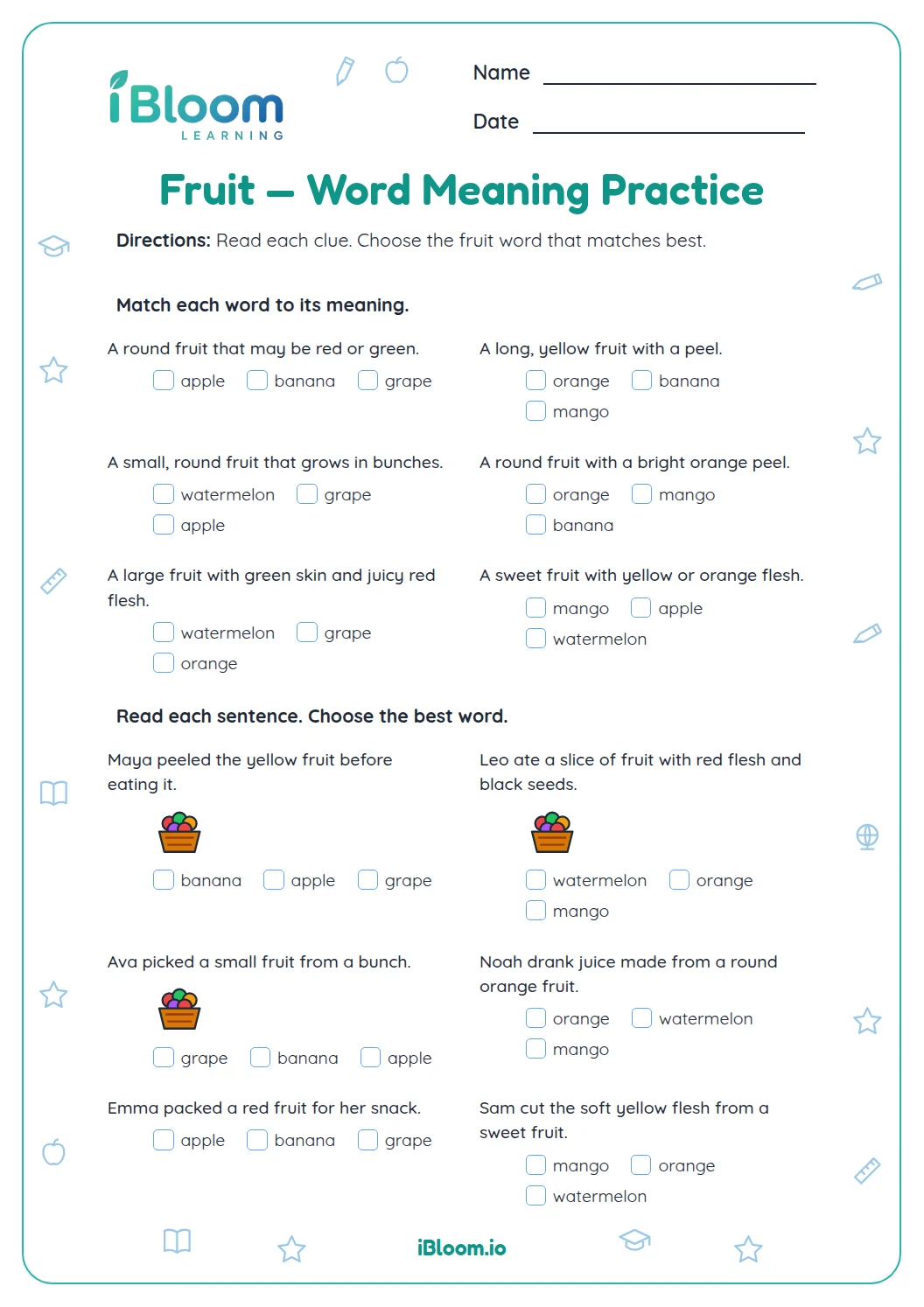
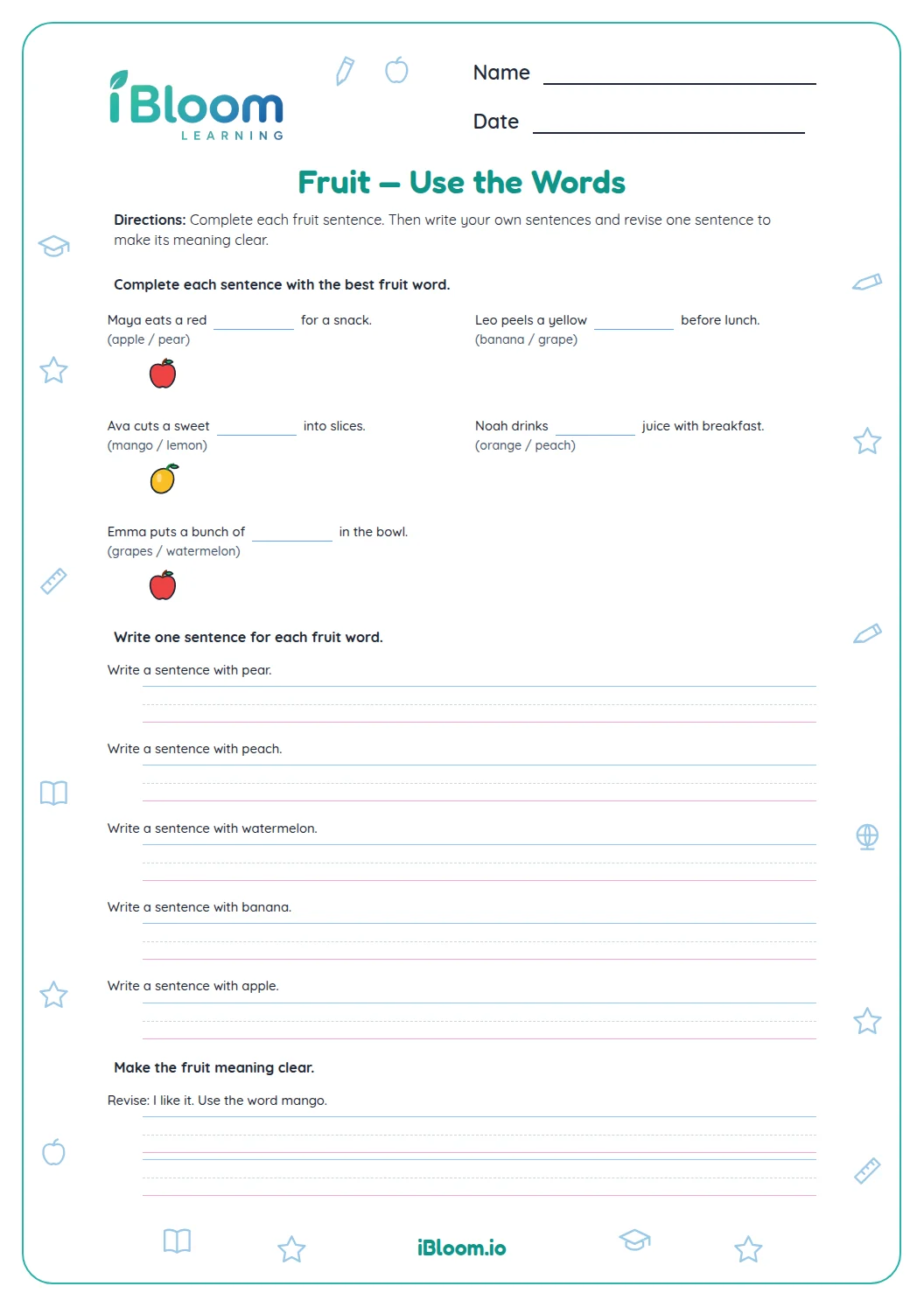
This free Grade 1 worksheet gives students 14 fruit vocabulary questions. They identify fruit from features such as color, shape, skin, and pits, compare fruits, and choose words that fit short contexts. Picture cues appear with selected clues, and a separate answer key lists each response. The practice moves from naming features to using fruit words in sentences.
Aligned to L.1.5.b
Which fruit features do students use?
The clues point to color, shape, size, skin, pits, or taste. A banana is yellow and curved, while a pineapple has rough skin and a leafy top.
Students choose a fruit word that matches the details rather than relying on one clue alone.
- 1Yellow and curved → banana
- 2Check both clues before choosing.
How do fruit comparisons help?
Some questions ask students to compare size or identify features shared by two fruits. A grape and a cherry are both small red fruits, while a watermelon is much larger than a grape.
Picture cues accompany selected clues and show the fruits named in those prompts.
How does context point to the right fruit word?
The final four questions place fruit names in short contexts. Read each sentence and match its details to the word that makes sense.
How to use this worksheet
- 1Read the full clue or sentence.
- 2Notice each detail about color, shape, size, skin, or taste.
- 3Compare the details with the fruit choices.
- 4For a context sentence, reread it with your chosen word.
- 5Check the answer key and explain one clue.
Common mistakes and quick fixes
The mistake
Choosing a fruit from only one detail.
The fix
Check every clue in the question before selecting a word.
The mistake
Mixing up fruit size or skin features.
The fix
Compare the two choices and picture the detail named in the clue.
The mistake
Ignoring the rest of a sentence after its blank.
The fix
Read the full sentence; later details may confirm the fruit.
Common Core alignment
This page gives students focused practice with the named Common Core skill.
Name a word category and a key attribute.
On this sheet: Students identify fruit by category and attributes such as taste, size, and seeds.
Show the official wordingHide the official wording
Define words by category and by one or more key attributes (e.g., a duck is a bird that swims; a tiger is a large cat with stripes).
What to practice next
Make more practice
Further reading
Questions parents and teachers ask
What does this fruit worksheet practice?
Students identify fruits from features such as color, shape, size, skin, and pits. They also compare fruits and choose fruit words that fit short contexts. The sheet has 14 questions, and the separate answer key lists each response. Each question asks students to attend to details rather than pick a fruit at random.
Which grade is this page for?
This worksheet is labeled Grade 1 and uses familiar fruit names and descriptive clues. An adult can read a clue aloud and ask the student to name the feature before choosing an answer. The word choices and pictures help keep attention on familiar fruit vocabulary.
How should we use the answer key?
Have the student complete the clues and sentences before checking the key. For a different answer, reread the description and compare each choice with all the stated features, such as color and shape. The key lists the selected fruit or fruit pair for all 14 items.
How long will the worksheet take?
Plan for about 20 minutes for the 14 questions. Students can work through the feature clues and comparisons first, then finish with the context sentences. Pause to name the clue that helped with a tricky fruit. The worksheet has two pages, and the answer key also has two pages.
What fruit features do the questions use?
The prompts refer to color, shape, size, skin, seeds, and pits. For example, “yellow and curved” points to a banana, while rough skin and a leafy top point to a pineapple. Picture cues appear with selected questions. The fruit names in the choices match the visual cues on selected prompts.