






About this worksheet
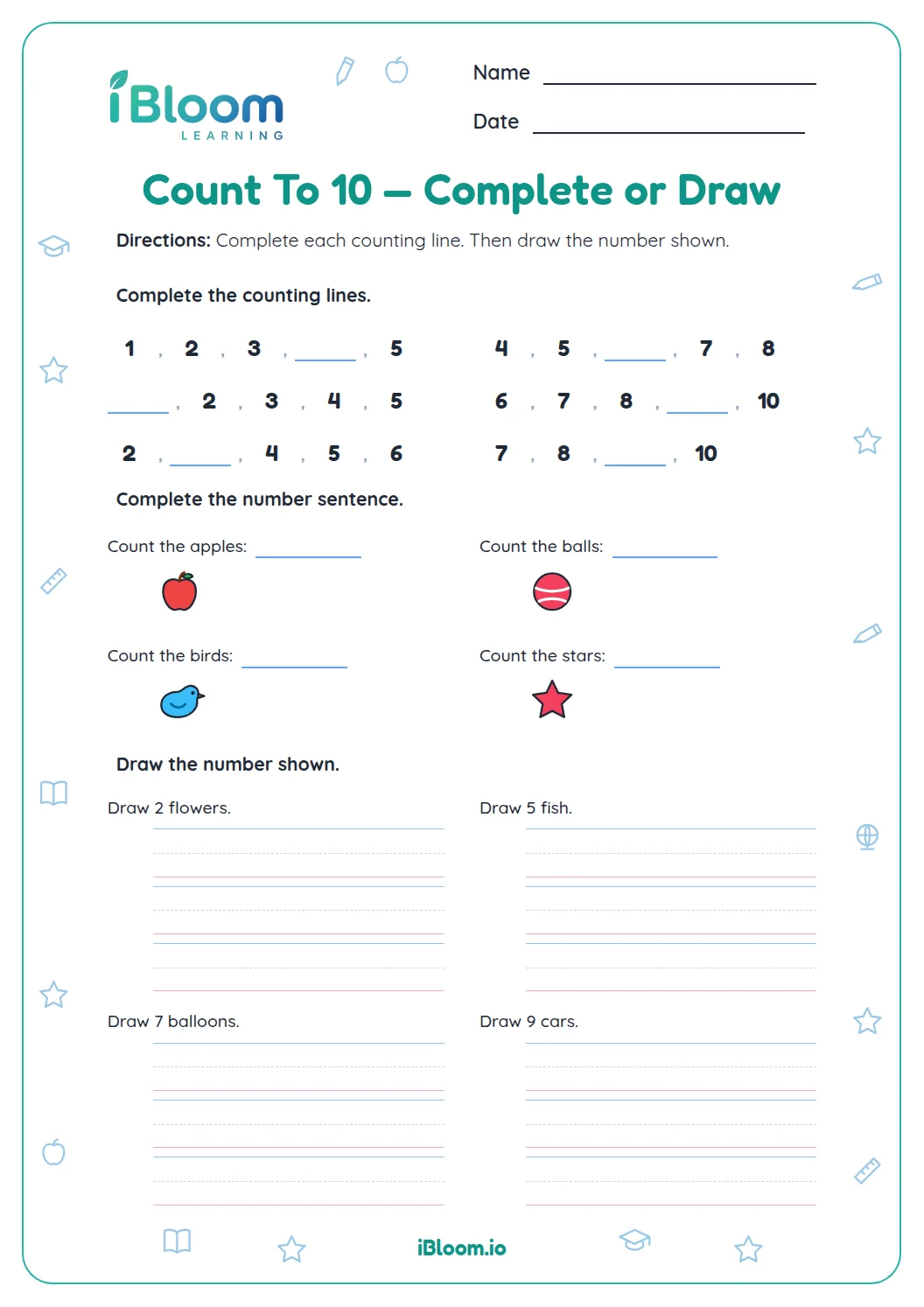
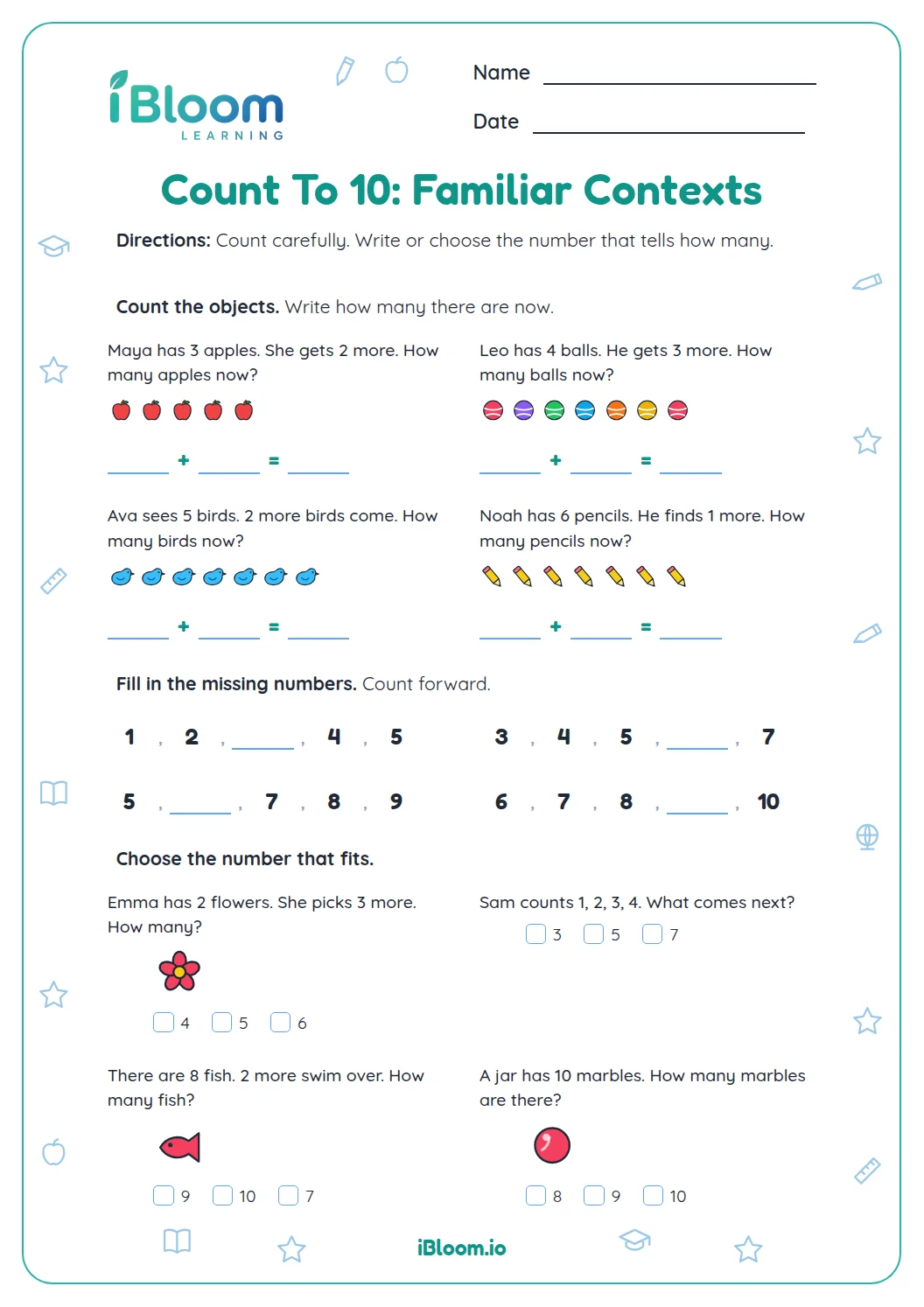
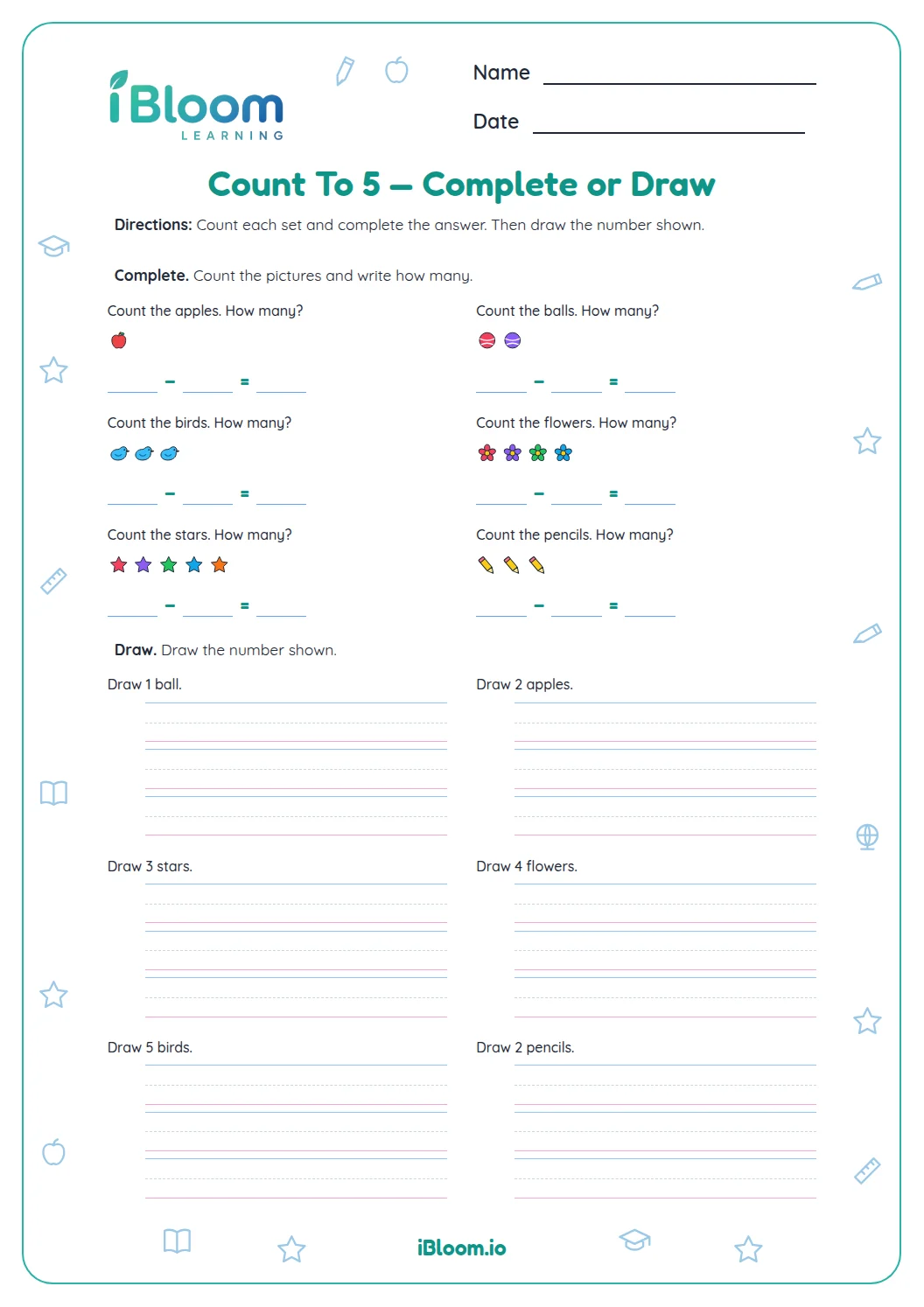
This free picture-counting worksheet gives preschool and kindergarten children sixteen counting and number tasks. Part A has four picture groups with numeral choices. Part B asks children to write the totals for six larger groups, completing the range from 1 to 10. Part C reviews counting with two ten frames. Part D adds two missing-number sequences and two number comparisons. An adult can read the short directions while the child touches each picture and says one number for each object. The work practices Common Core K.CC.B.4a and K.CC.B.5: pairing number names with objects and answering how-many questions. A separate answer key shows every total.
Aligned to K.CC.B.4a and K.CC.B.5
Which quantities appear on the worksheet?
The first ten questions cover every quantity from 1 through 10. Children start with one apple, two flowers, three butterflies, and four trees. The next six groups contain five ladybugs, six carrots, seven apples, eight flowers, nine butterflies, and ten trees.
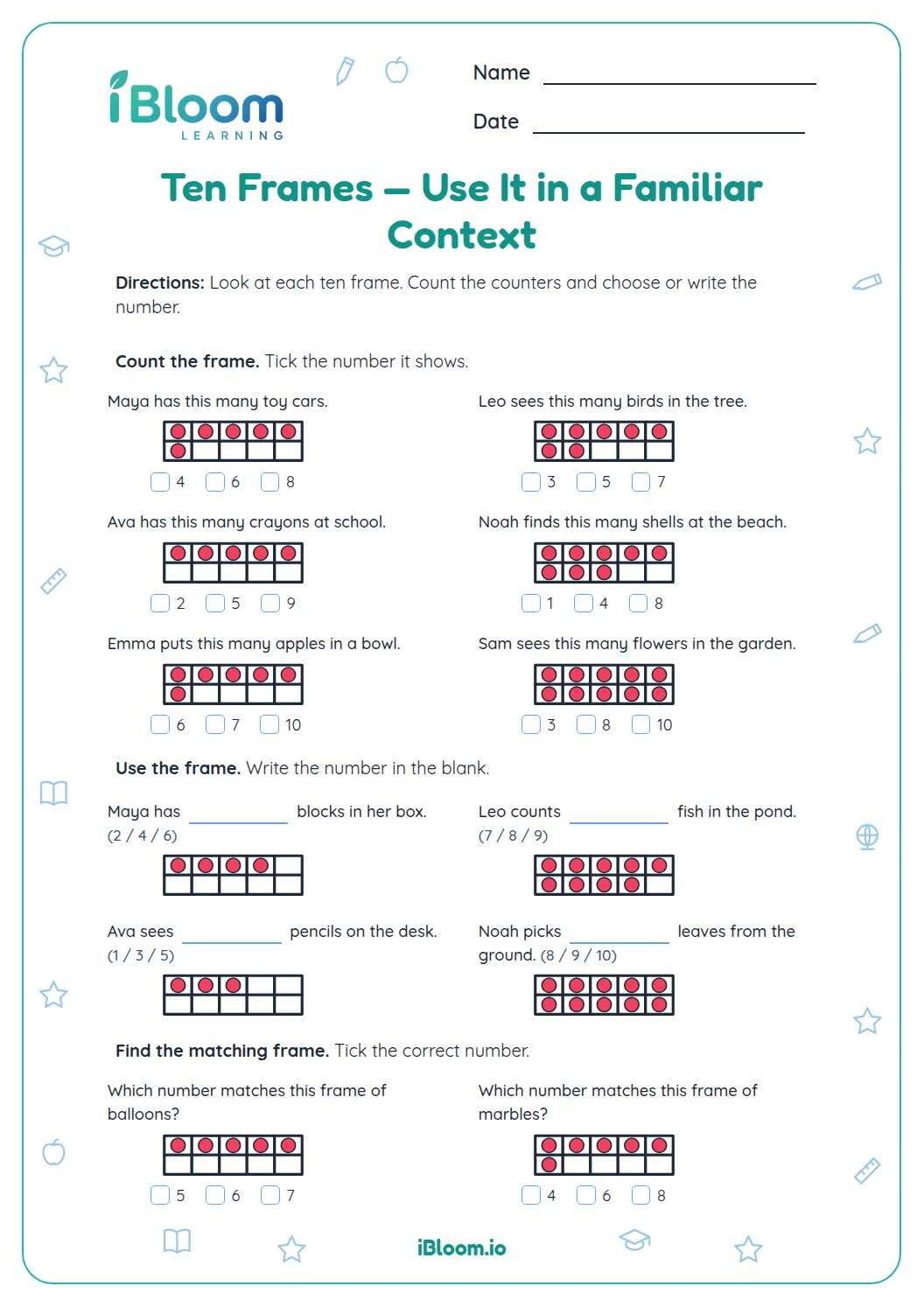
Part C adds two ten frames showing six and ten dots. These give another way to count familiar totals while keeping every quantity within ten.
How do you help children count across two rows?
Start at the left of the top row and touch each object once. When that row ends, continue with the next counting number at the start of the second row. The picture groups have up to five objects in each row.
For seven apples, children can touch five in the first row and continue “six, seven” in the second. Ask “How many apples?” after counting so the child says the total again.
- 1Touch the first row of apples: 1, 2, 3, 4, 5.
- 2Move to the second row: 6, 7.
- 3The total is 7 apples.
- 4Write 7 in the answer box.
What should children count in a ten frame?
Count the filled dots, leaving the empty spaces alone. In question 11, the top row has five dots and the bottom row has one. In question 12, both rows are full.
Children may count every dot. If they recognize the full top row as five, invite them to continue from six in the bottom row. Keep the activity relaxed and let pointing guide the pace.
What does the last part review?
Part D returns to counting order with 1, 2, 3, 4, ___ and 6, 7, ___, 9. Children say the numbers in order and choose the missing numeral. The last two questions ask for a number less than 4 and a number more than 8.
For comparison, use a spoken counting sequence: 2 comes before 4, and 10 comes after 8. Children can also make small groups with counters to check their choices.
How to work through this worksheet
- 1Read the directions aloud and model touching one picture for each spoken number in question 1.
- 2Let the child count each Part A group before looking at the numeral choices.
- 3For Part B, guide the child from the end of the top row to the start of the next row without starting over.
- 4Ask “How many in all?” after each count and let the child write the numeral or tell you what to record.
- 5In Part C, count the dots rather than the empty boxes, then compare each total with the key.
- 6Finish Part D by saying each sequence aloud and checking which numbers come before or after 4 and 8.
Mistakes to notice and ways to help
The mistake
Touching one picture twice and getting a total that is too high.
The fix
Move from left to right and stop the finger on each new picture while saying its number.
The mistake
Starting again at one when reaching the second row.
The fix
Pause at the last picture in the first row, then say the next number while touching the first picture below it.
The mistake
Counting empty ten-frame spaces along with the dots.
The fix
Point to a filled dot and an empty space; count only the spaces that contain dots.
Common Core alignment
Touch each picture or dot once while saying the counting numbers in order.
On this sheet: Each group can be counted by pairing one spoken number with each object.
Show the official wordingHide the official wording
When counting objects, say the number names in the standard order, pairing each object with one and only one number name and each number name with one and only one object.
Count groups of pictures and dots to answer how-many questions within ten.
On this sheet: The first twelve tasks ask children to count a pictured group and record its total.
Show the official wordingHide the official wording
Count to answer “how many?” questions about as many as 20 things arranged in a line, a rectangular array, or a circle, or as many as 10 things in a scattered configuration; given a number from 1-20, count out that many objects.
What to practice next
Make more practice
Further reading
Questions parents and teachers ask
Does this worksheet include every number from 1 to 10?
Yes, the first ten picture groups show every quantity from one through ten. Part A covers one to four with choices, and Part B covers five to ten with written totals. Part C revisits six and ten in frames. Part D adds missing numbers and comparisons within ten.
Can an adult read the directions and write an answer?
Yes, an adult can read the directions and record a total that the child says. Keep the counting with the child: ask them to touch the pictures and say the number names. If numeral writing is comfortable, let the child write the answers in Parts B and C independently.
Should my child count the empty ten-frame spaces?
No, only the filled dots belong in the total. Question 11 has five dots in its top row and one in its bottom row, making six. Question 12 has ten dots. Point out an empty space before starting if your child is tempted to count every box.
What if my child loses track when there are two rows?
Slow down and use a finger to keep the place. Count the top row from left to right, then move to the left end of the bottom row and continue. For seven apples, that means five in the first row followed by six and seven in the second.
How should I use the answer key with a young child?
Use the key after the child counts, then revisit any different total together. Avoid announcing the correct number immediately; ask the child to touch each object again while you listen. A mismatch can show whether an object was skipped, counted twice, or paired with the wrong number name.