
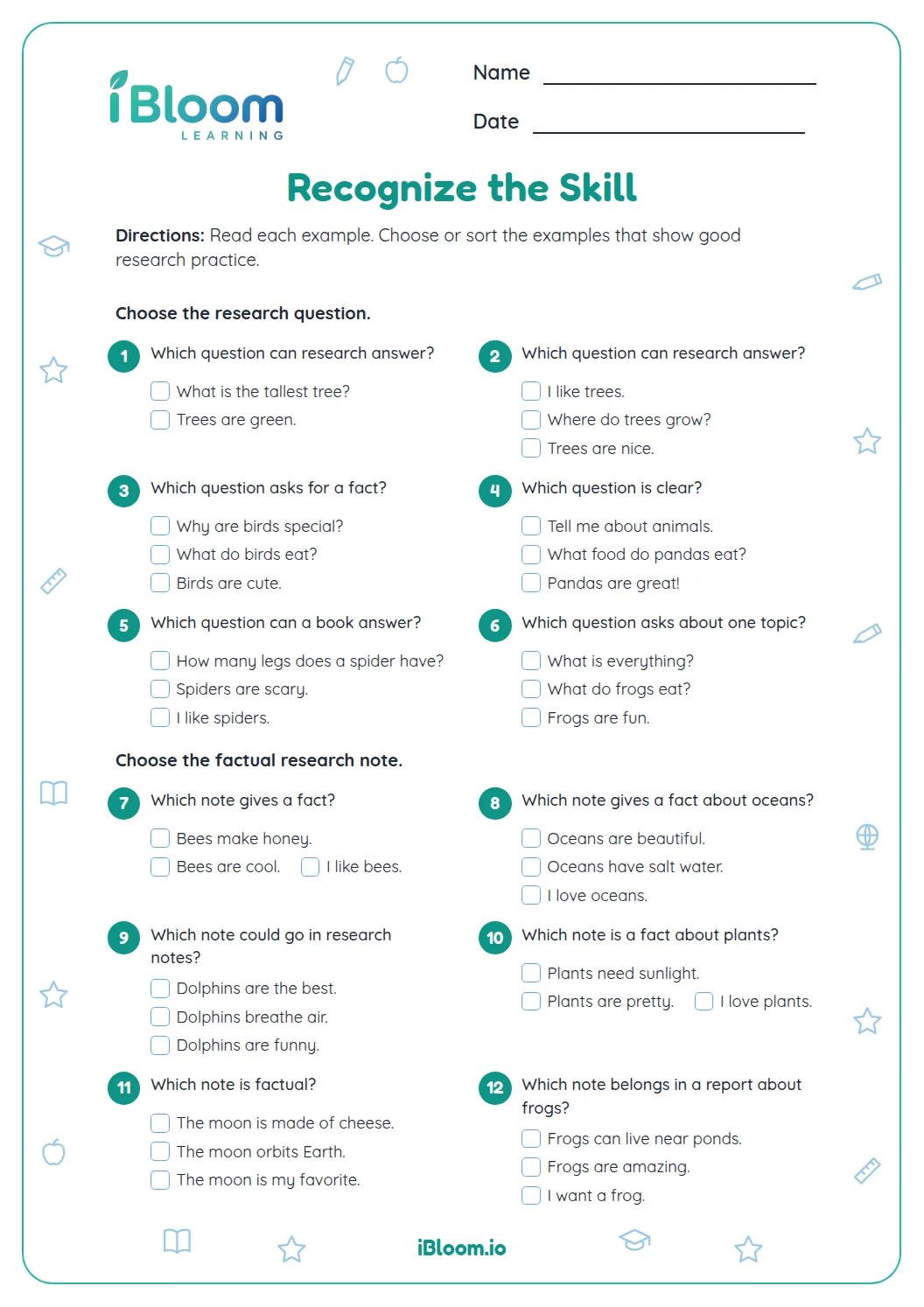

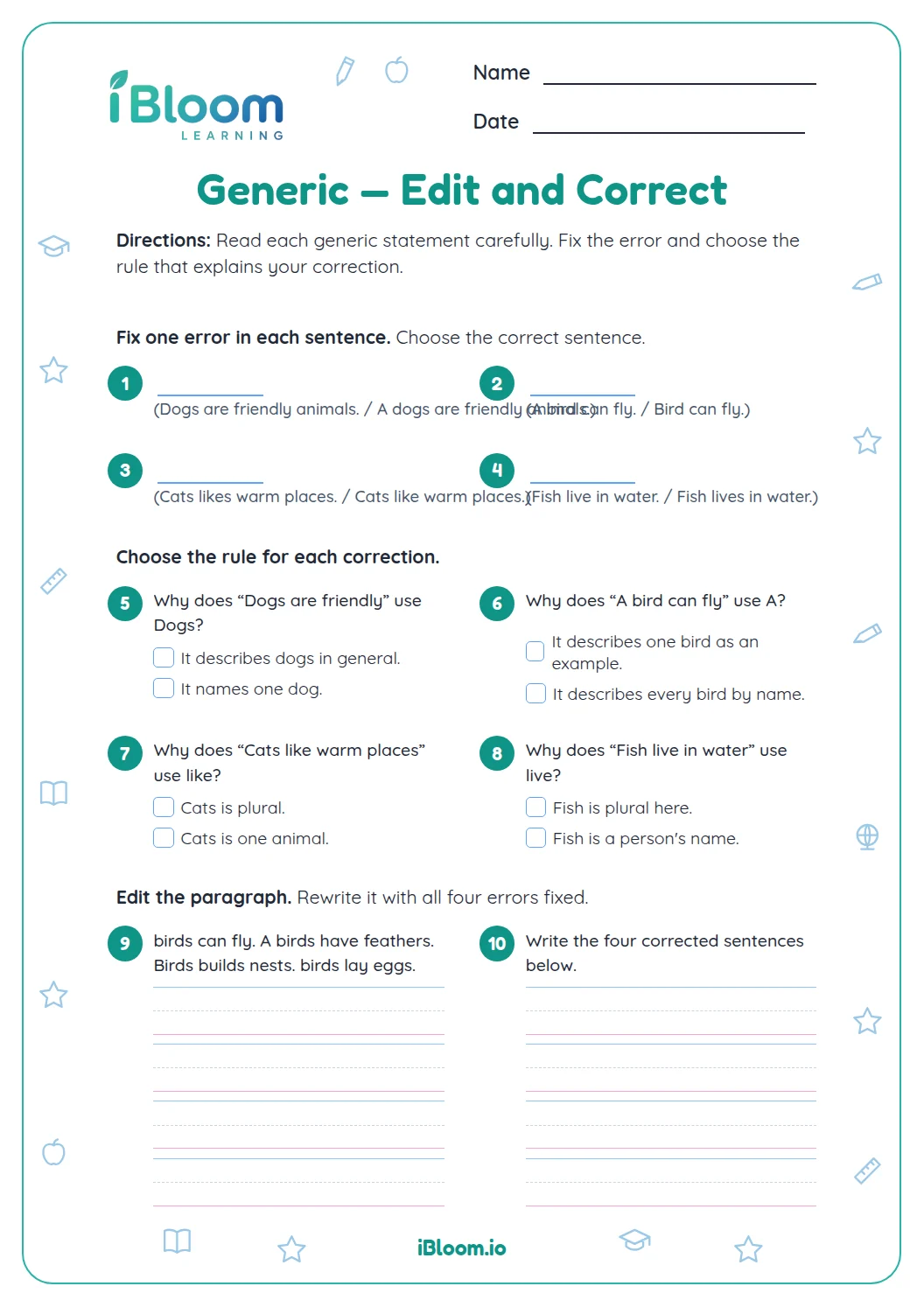
About this worksheet
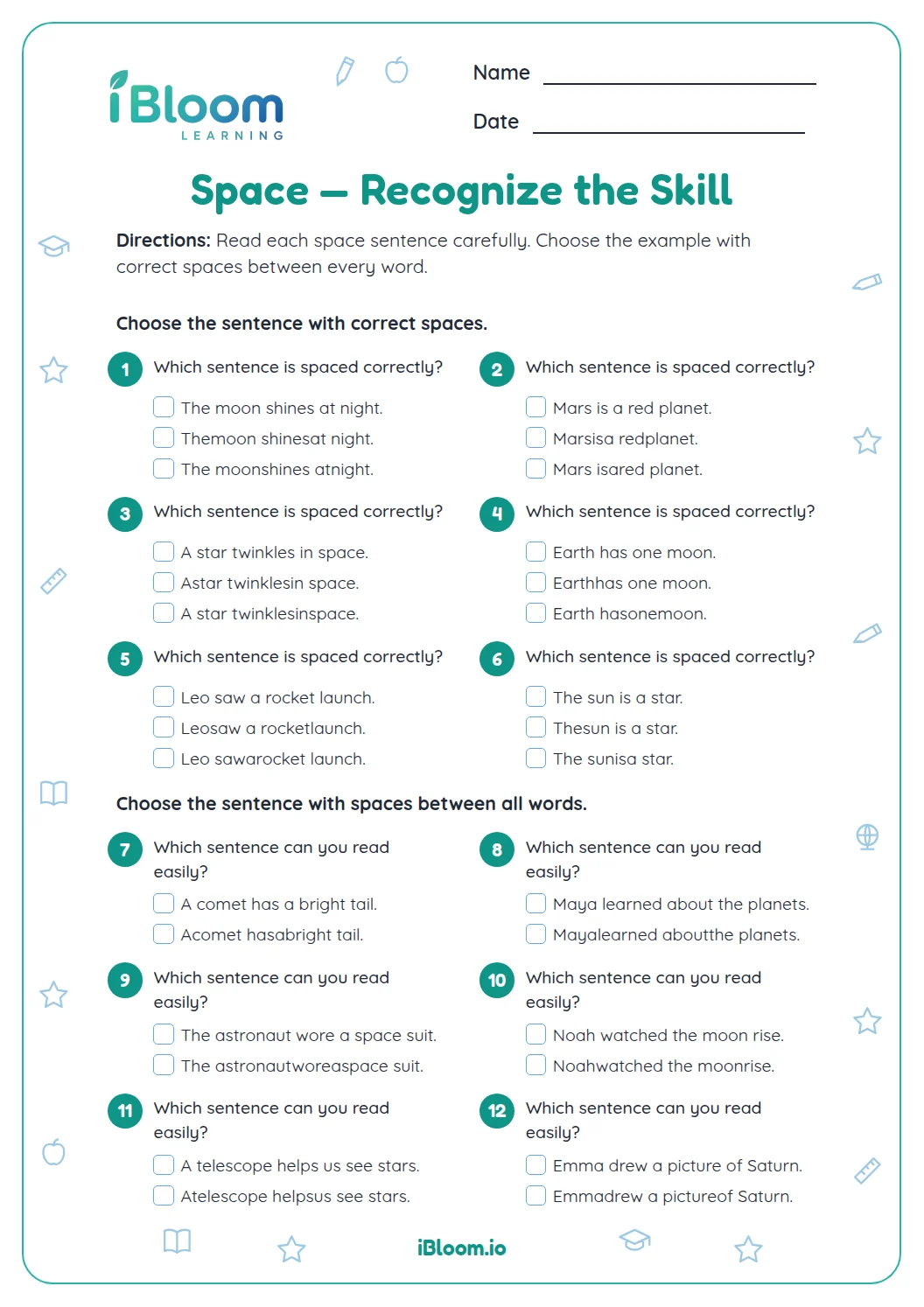
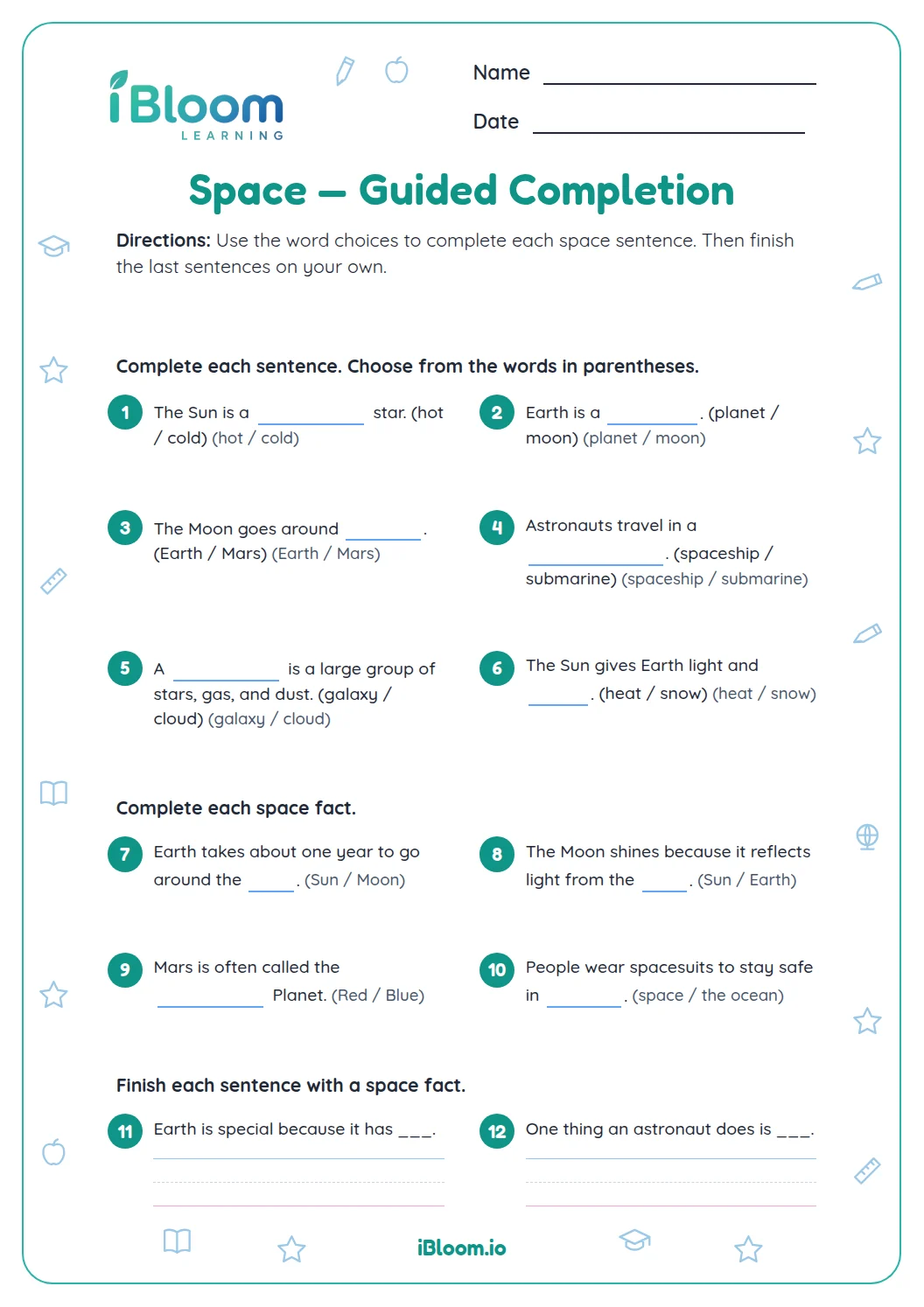
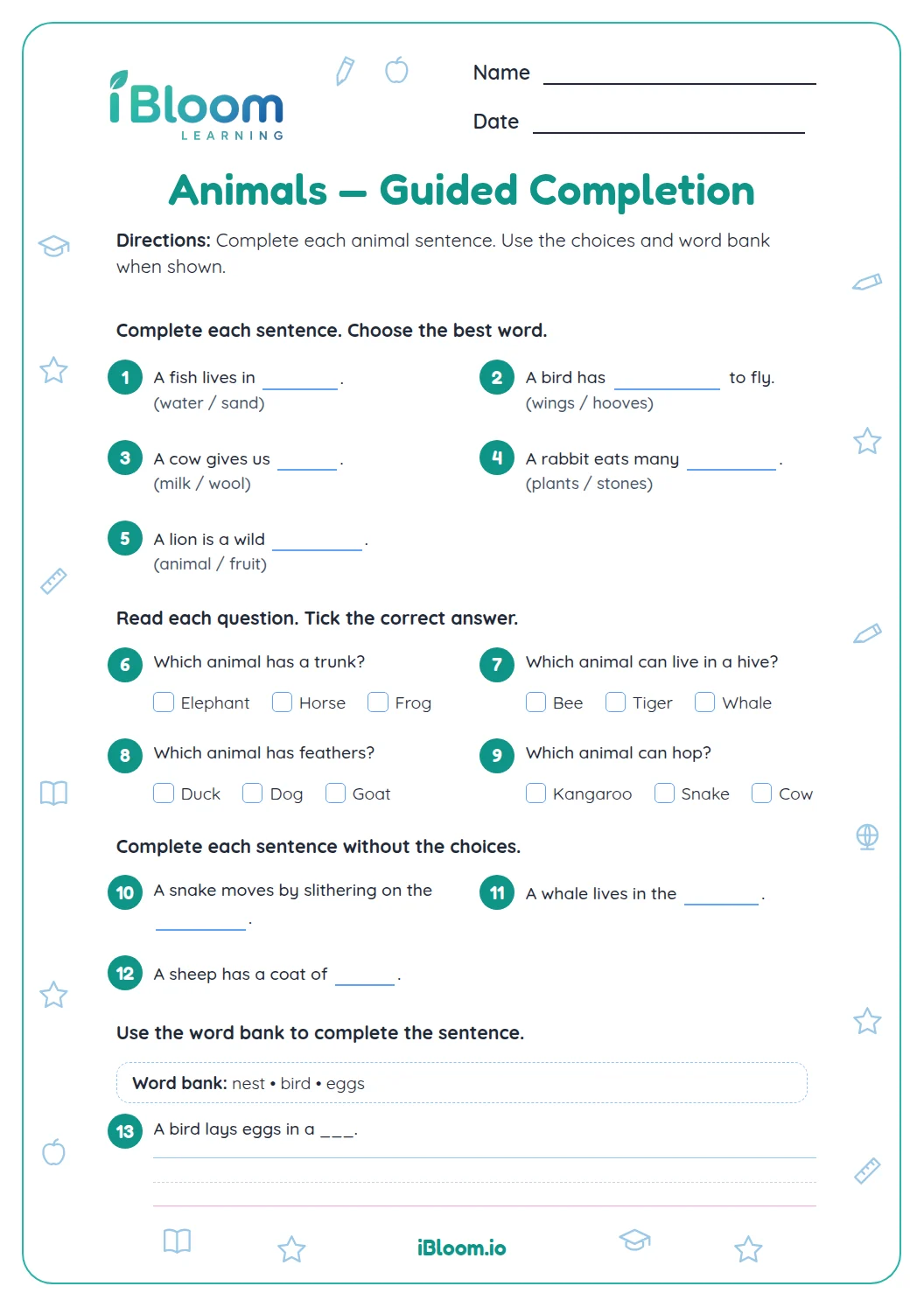
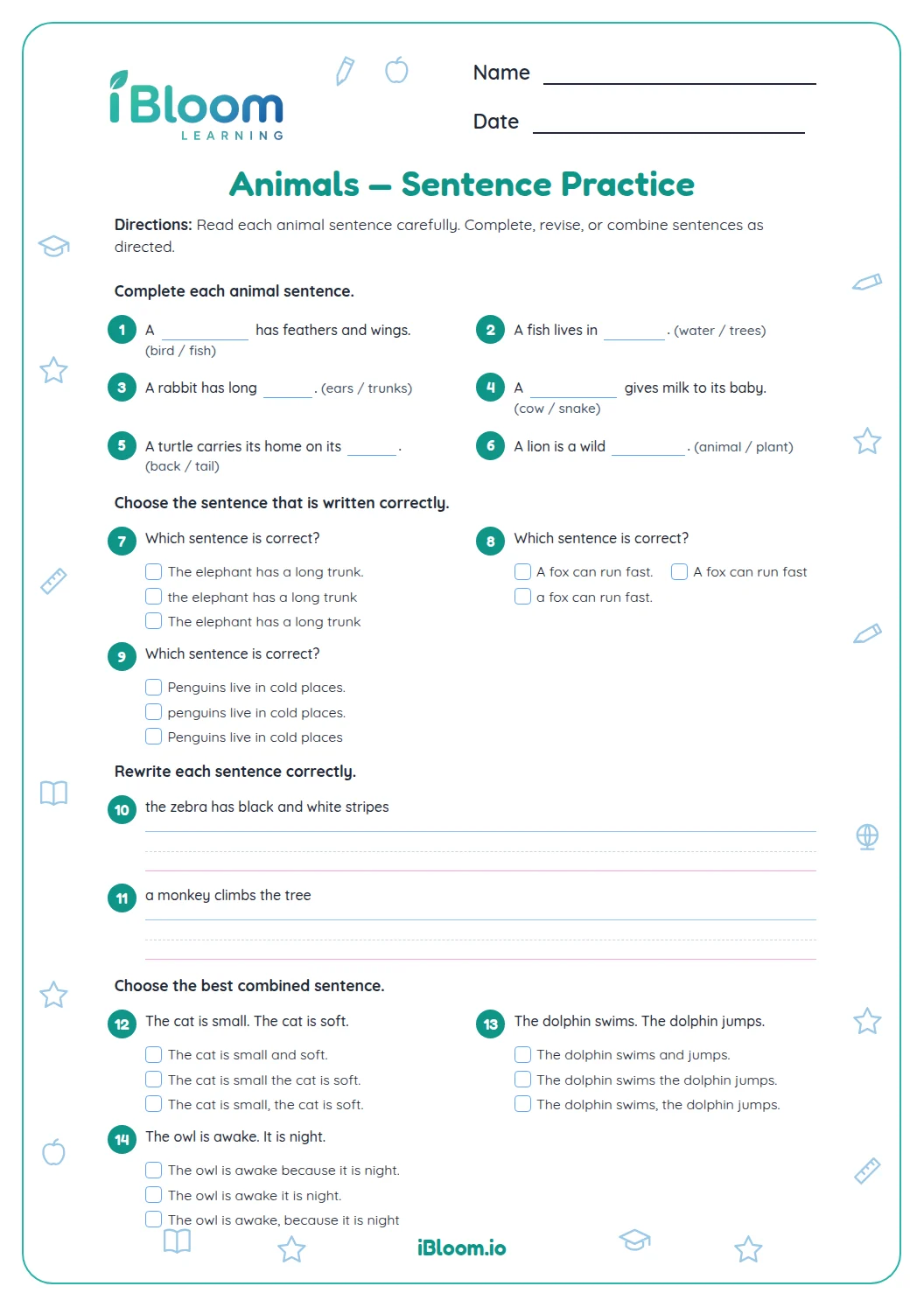
This Grade 2 printable gives 15 short space-editing questions in three parts. Learners add spaces, correct sentence endings, and edit capitals and punctuation. Most items use compact answer lines, with a separate key for checking.
Aligned to L.2.2
How do learners recognize space editing?
Part A starts with clear examples of space editing. Learners look for the feature that makes each response fit the task.
- 1Choose the sentence with a capitalized planet name.
- 2Answer: Mars is a red planet.
How does Part B build practice?
Part B asks learners to use the same clue in new examples. Encourage them to reread the whole prompt before answering.
- 1Fix the capital letter: my report is about Earth.
- 2Answer: My report is about Earth.
How can learners check their work?
Part C applies the skill with less support. Compare each response with the key, and discuss the clue that makes it work.
How to use the worksheet
- 1Read the one-line directions together.
- 2Complete Part A and name the clue in each item.
- 3Work through Part B without rushing.
- 4Try Part C independently where possible.
- 5Use the answer key to check and discuss any differences.
Common mistakes and quick fixes
The mistake
Answering before reading the whole prompt.
The fix
Reread the sentence or word and look for the specific clue.
The mistake
Choosing an answer because it sounds familiar.
The fix
Point to the part of the prompt that supports the choice.
The mistake
Treating a sample response as the only possible wording.
The fix
Accept another clear response that does the same job.
Common Core alignment
This practice connects to the listed Common Core skill.
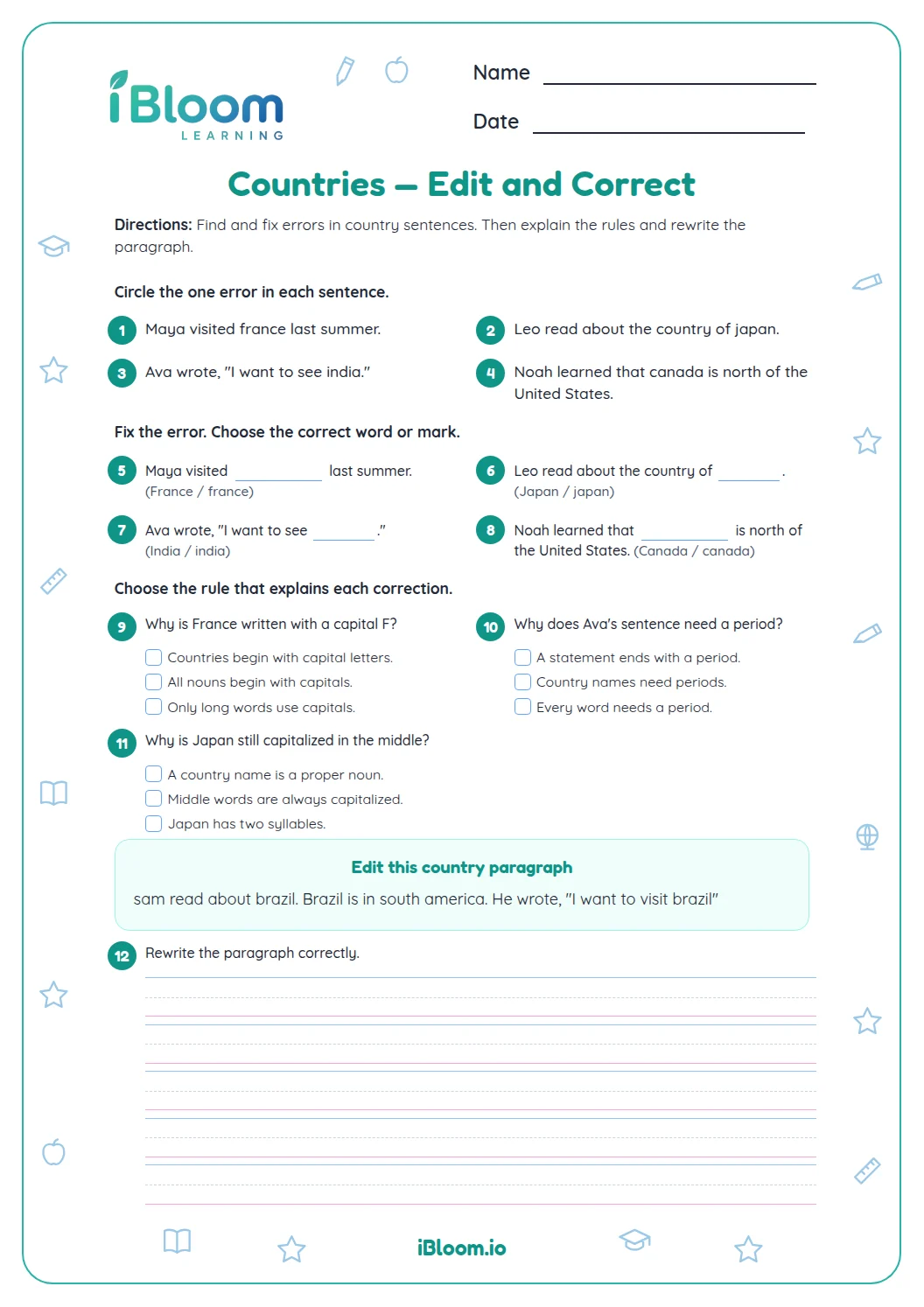
Edit capitals and end punctuation in space sentences.
On this sheet: The worksheet questions practice this skill directly.
Show the official wordingHide the official wording
Demonstrate command of the conventions of standard English capitalization, punctuation, and spelling when writing.
What to practice next
Make more practice
Further reading
Questions parents and teachers ask
What does this worksheet practice?
It gives children focused practice with space editing. The questions move from recognizing the skill to using it in short examples, with an answer key for checking. Invite the learner to explain the clue they noticed, then reread the prompt together and try a similar example aloud before moving on.
How many questions are included?
There are 15 questions in three parts. First, choose the correctly spaced version of each short space phrase. Next, add end marks to statements and questions. Finally, supply capitals and a period to edit short sentences. The separate answer key lists the correct answer for every item.
How should we use the answer key?
Have the learner try each item first, then compare the response with the key. For open responses, use the sample answer as one possible model and accept other clear answers. Invite the learner to explain the clue they noticed, then reread the prompt together and try a similar example aloud before moving on.
How long does the worksheet take?
Plan for about 15 minutes, with extra time for the written responses. A short pause between parts can help the learner explain how they chose an answer. Invite the learner to explain the clue they noticed, then reread the prompt together and try a similar example aloud before moving on.
What can I do if an answer is different from the key?
Ask the learner to point to the clue that supports the answer. For open responses, check whether the response does the requested job even if its exact wording differs. Invite the learner to explain the clue they noticed, then reread the prompt together and try a similar example aloud before moving on.