




About this worksheet
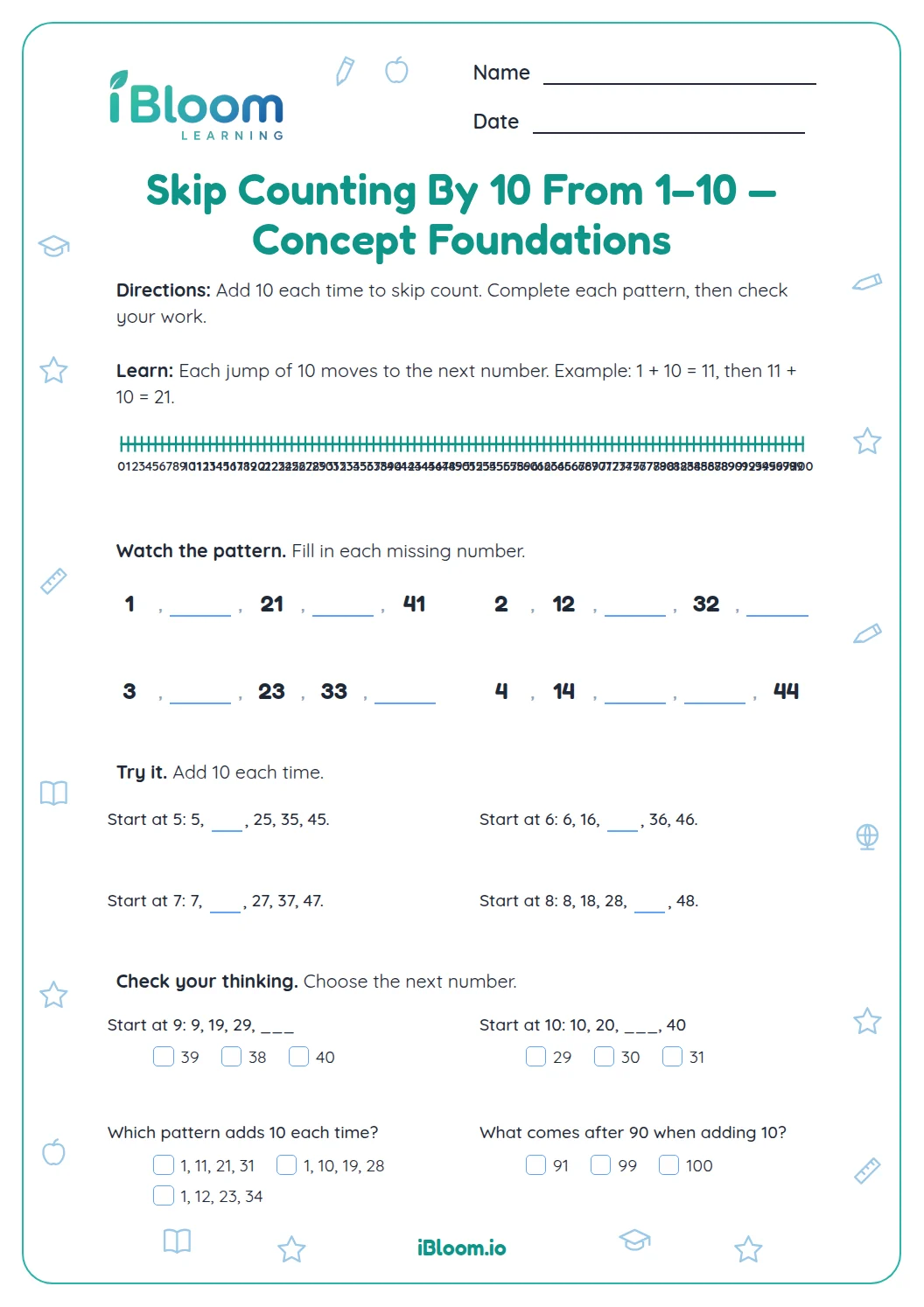
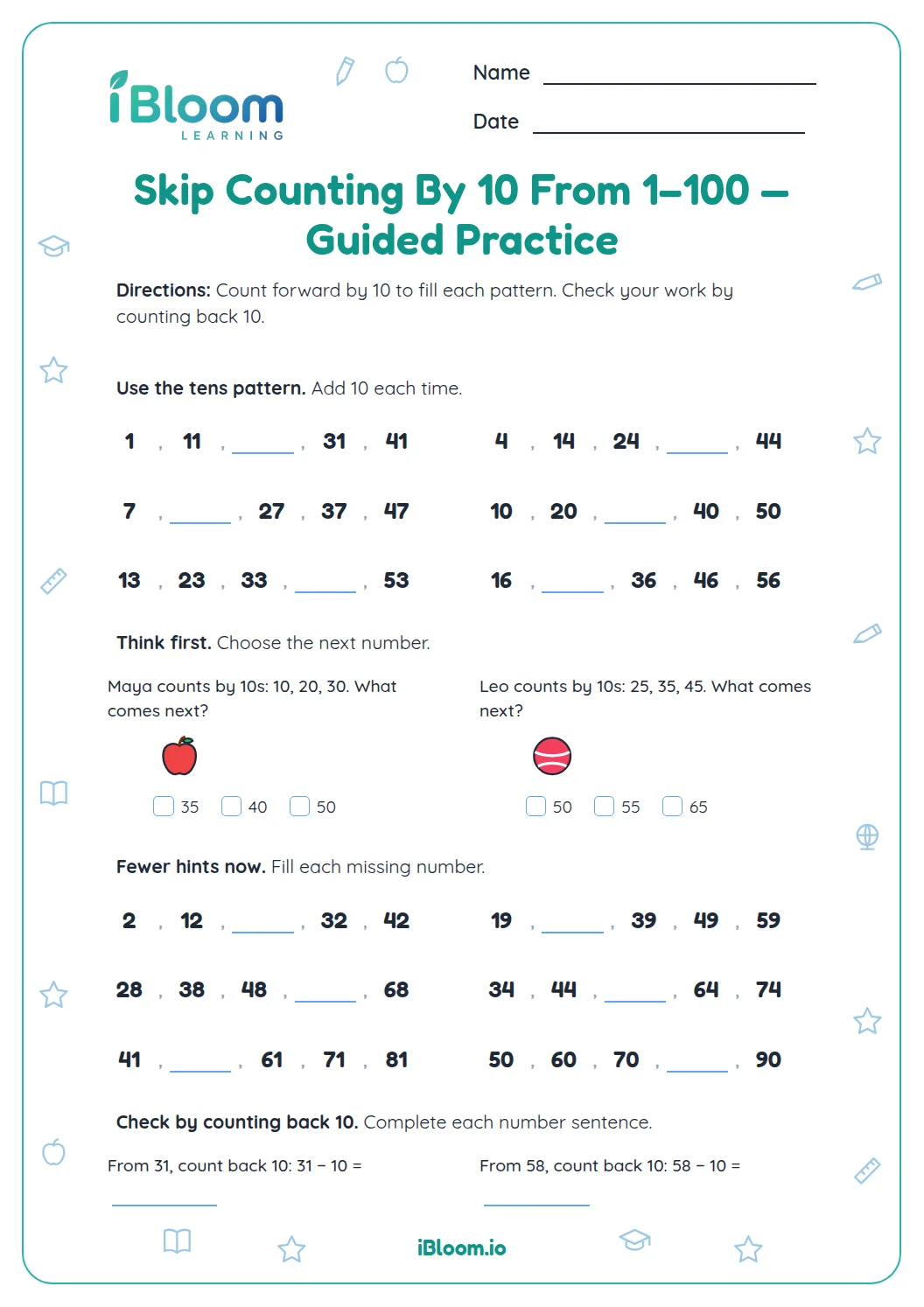
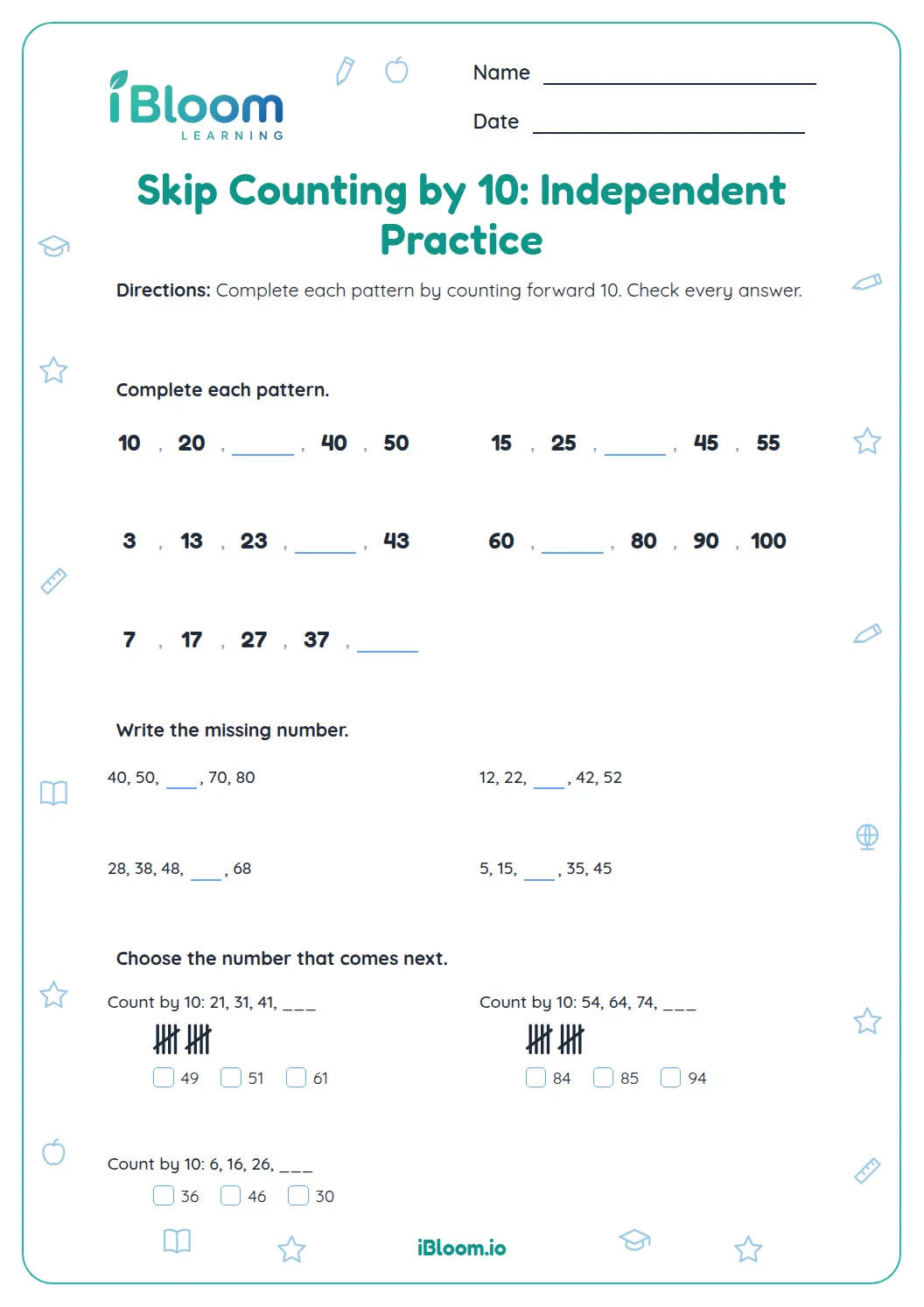
This Grade 2 printable worksheet practices skip-counting by 10 with a mix of number patterns and visual models. Learners fill sequences, connect groups of ten to totals, find 10 more or 10 less, and choose answers in short situations. One question begins at 1 and continues 11, 21, 31, making the starting point explicit. The worksheet includes 16 questions across three worksheet pages and a separate three-page answer key, and practices CCSS 2.NBT.A.2.
Aligned to 2.NBT.A.2
What changes when you count by ten?
Each number is 10 greater than the number before it. In a sequence, the tens digit increases by one when the count begins at a multiple of ten.
Question 1 shows 0, 10, ___, 30. Add 10 to 10 to find 20.
- 110, 20, ___, 40
- 2Add 10 to 20 to find 30.
- 3The missing number is 30.
How do equal groups show the total?
Ten objects make one group of ten. Four groups of ten make 40, and eight groups make 80. Count the groups first, then count by tens to find the total.
Base-ten blocks show the same idea: adding one ten changes the total by 10, while the ones stay at zero.
Can a ten-count start at 1?
Yes. A sequence can begin at a number that is not a multiple of ten. Starting at 1 and adding 10 each time gives 1, 11, 21, 31. Keep the starting number and add ten for each next term.
How to use this sheet
- 1Read the first two numbers in each sequence and find the change.
- 2Continue by adding 10 for every next number.
- 3Count the groups in each array, with ten objects in each row.
- 4For base-ten blocks, change the tens count by one when adding or removing ten.
- 5In the last part, check that each choice follows the stated starting point and action.
- 6Use the answer key to review the size of each jump.
Mistakes to watch for
The mistake
Adding 1 instead of 10.
The fix
Say the full count aloud and check that each number is ten more.
The mistake
Assuming every count by tens starts at 10.
The fix
Keep the first number shown; from 1, the next number is 11.
The mistake
Changing the ones digit when adding one ten.
The fix
Use a tens block: one more ten changes the tens, while the ones stay the same.
Math standards
Learners count forward by tens and connect each jump to groups of ten.
Skip-count by 10s while counting within 1,000.
On this sheet: Questions practice counting by tens, including a pattern that starts at 1 and equal groups of ten.
Show the official wordingHide the official wording
Count within 1000; skip-count by 5s, 10s, and 100s.
What to practice next
Make more practice
Further reading
Questions parents and teachers ask
What is the pattern when skip-counting by 10?
Add 10 at every step. The pattern questions and equal groups on this sheet show counts such as 10, 20, 30, 40. The page uses both printed sequences and visual groups to connect each count step with ten more. Compare the first number in each sequence before filling a blank to keep the count on track.
What does it mean to start counting by 10 at 1?
Keep 1 as the first number and add 10 each time: 1, 11, 21, 31. Question 14 asks children to recognize that sequence. Question 14 contrasts the sequence beginning at 1 with counts beginning at 10. Compare the first number in each sequence before filling a blank to keep the count on track.
How do arrays help with skip-counting?
Each array has ten objects in a row. Count the rows by tens; for example, four rows represent 40 objects. Each row contains ten objects, so the number of rows matches the number of tens. Compare the first number in each sequence before filling a blank to keep the count on track.
How can a child find 10 more or 10 less?
Add or remove one ten. The base-ten drawings show starting amounts of 30, 60, 90, and 50 for the four questions. The four model questions ask about changes of one ten from the amount pictured. Compare the first number in each sequence before filling a blank to keep the count on track.
What standard does this page practice?
The sheet practices CCSS 2.NBT.A.2 through skip-counting patterns by tens, including a sequence that starts at 1. The pattern work counts by tens within 100, and includes the offset pattern starting at 1. Compare the first number in each sequence before filling a blank to keep the count on track.
Is there a separate answer key?
Yes. The separate three-page key lists all 16 pattern, model, and application answers. The answer key follows the worksheet order, including models and short real-world applications. Compare the first number in each sequence before filling a blank to keep the count on track.