




About this worksheet
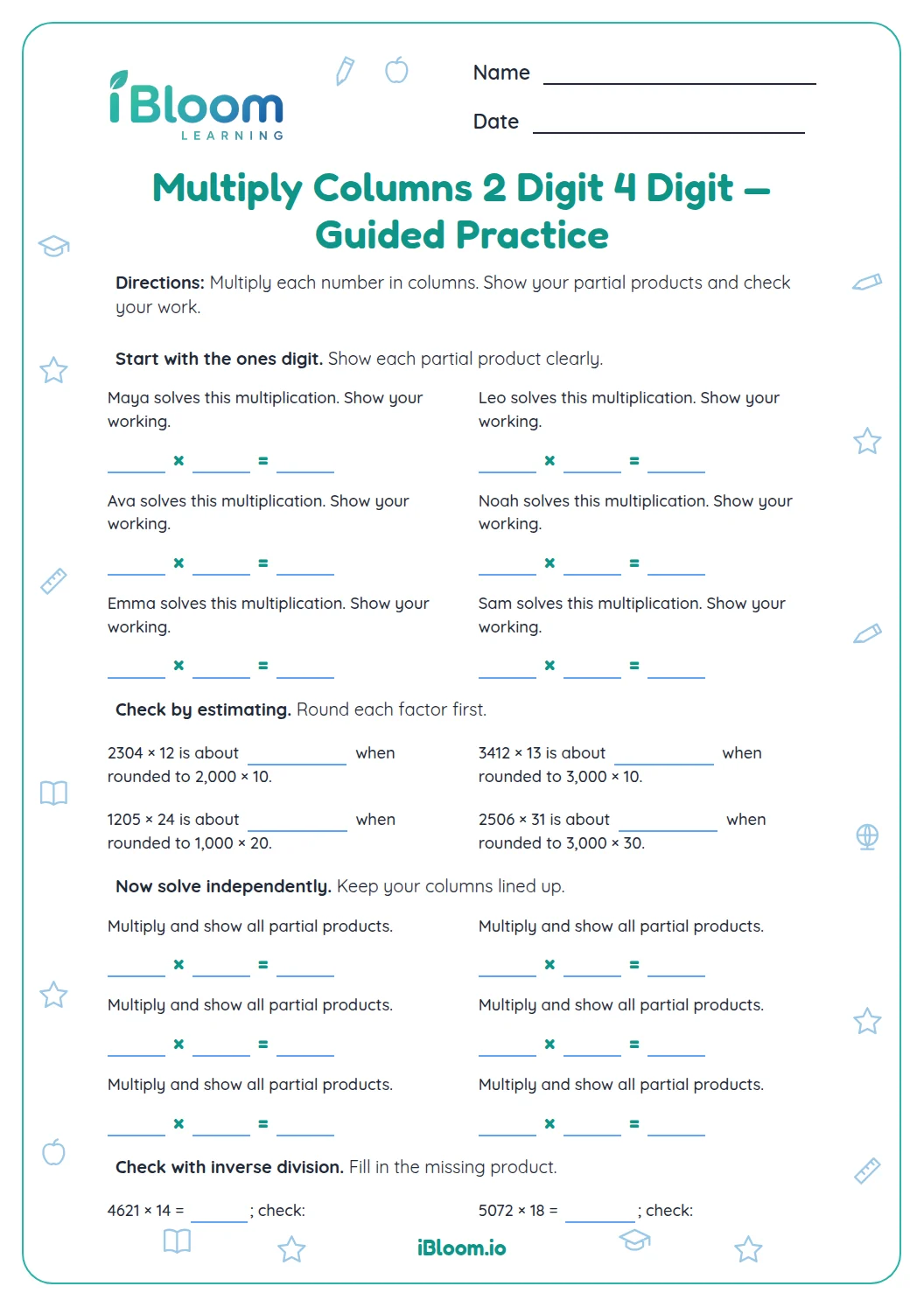
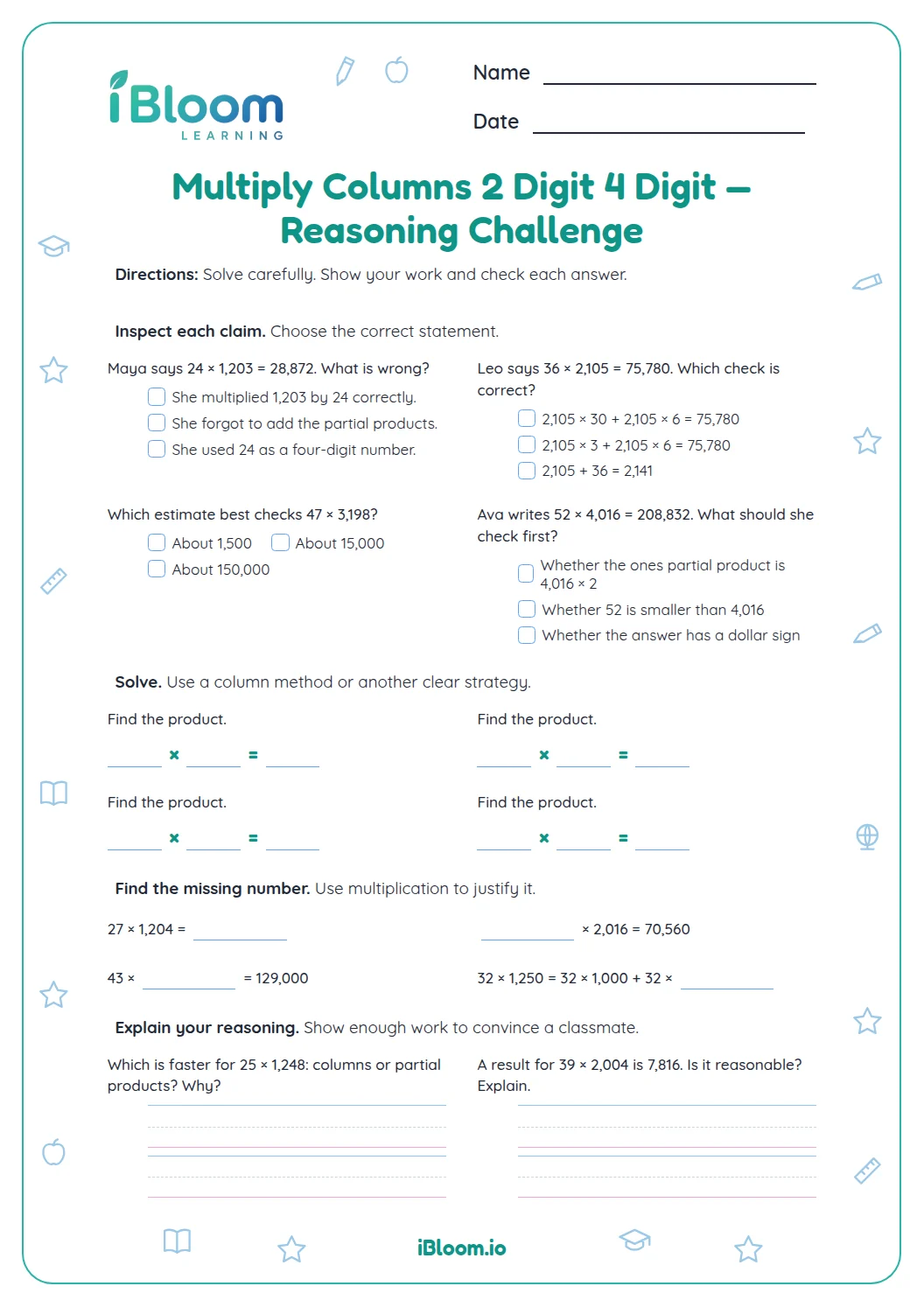
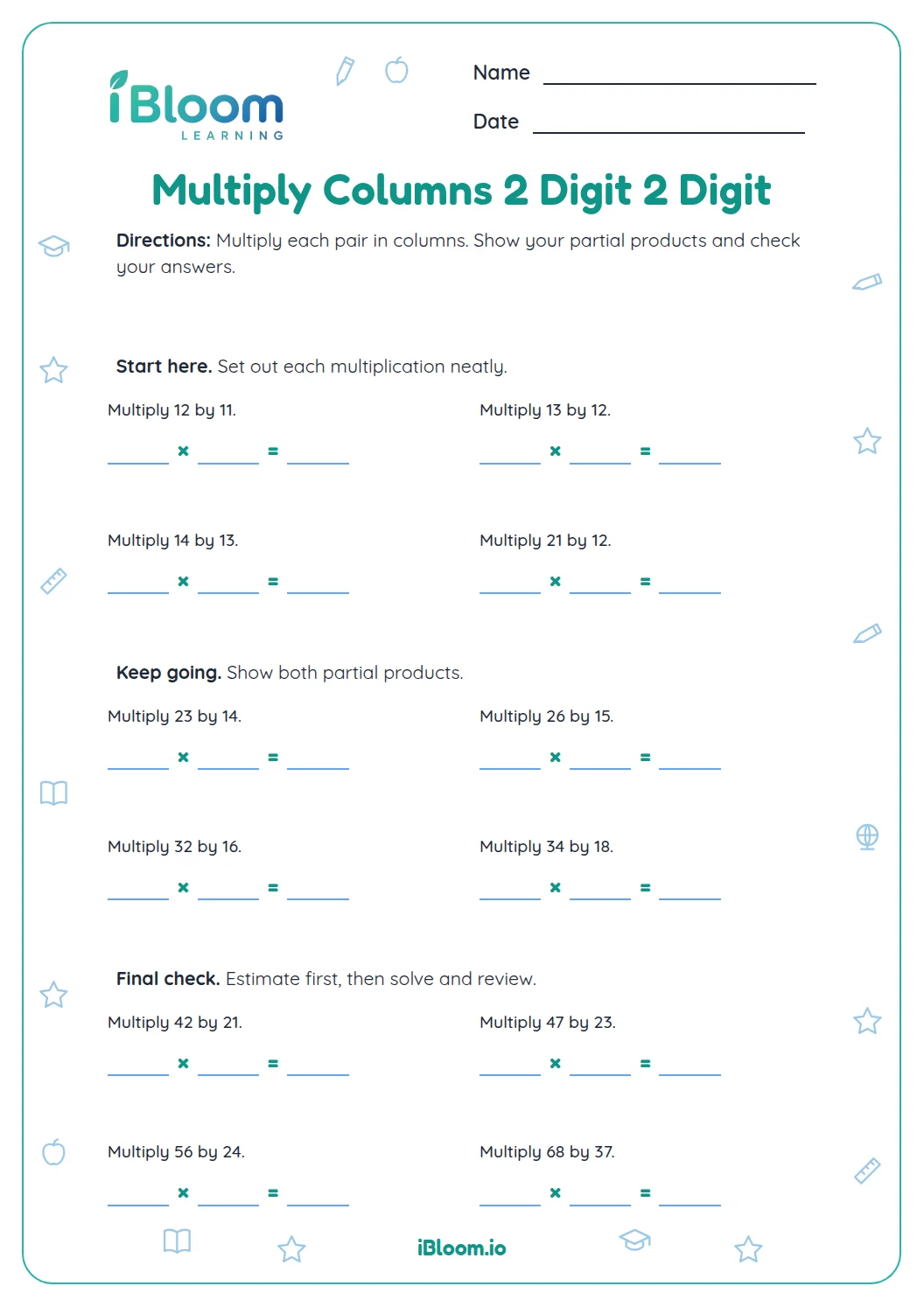
This free worksheet gives Grade 4 learners ten two-digit by four-digit multiplication problems to solve in columns. Each problem includes a grid for stacking factors, recording the ones and tens partial products, and adding. Two parts progress from five-digit products to six-digit products, with zeros inside several four-digit numbers. The practice uses the standard multiplication algorithm described in Common Core 5.NBT.B.5. Students work independently after learning the method; the separate answer key lists the ten final products.
Aligned to 5.NBT.B.5
How should students use the work grids?
Write the four-digit number above the two-digit number with ones under ones. Use the next rows for regrouping, the two partial products, and the final sum. The printed horizontal expression tells students which factors to copy into their grid.
Part A has six problems with five-digit products, including factors with internal zeros. Part B has four problems with six-digit products and more regrouping. Every item retains the same two-digit by four-digit structure.
Why does the tens row end in zero?
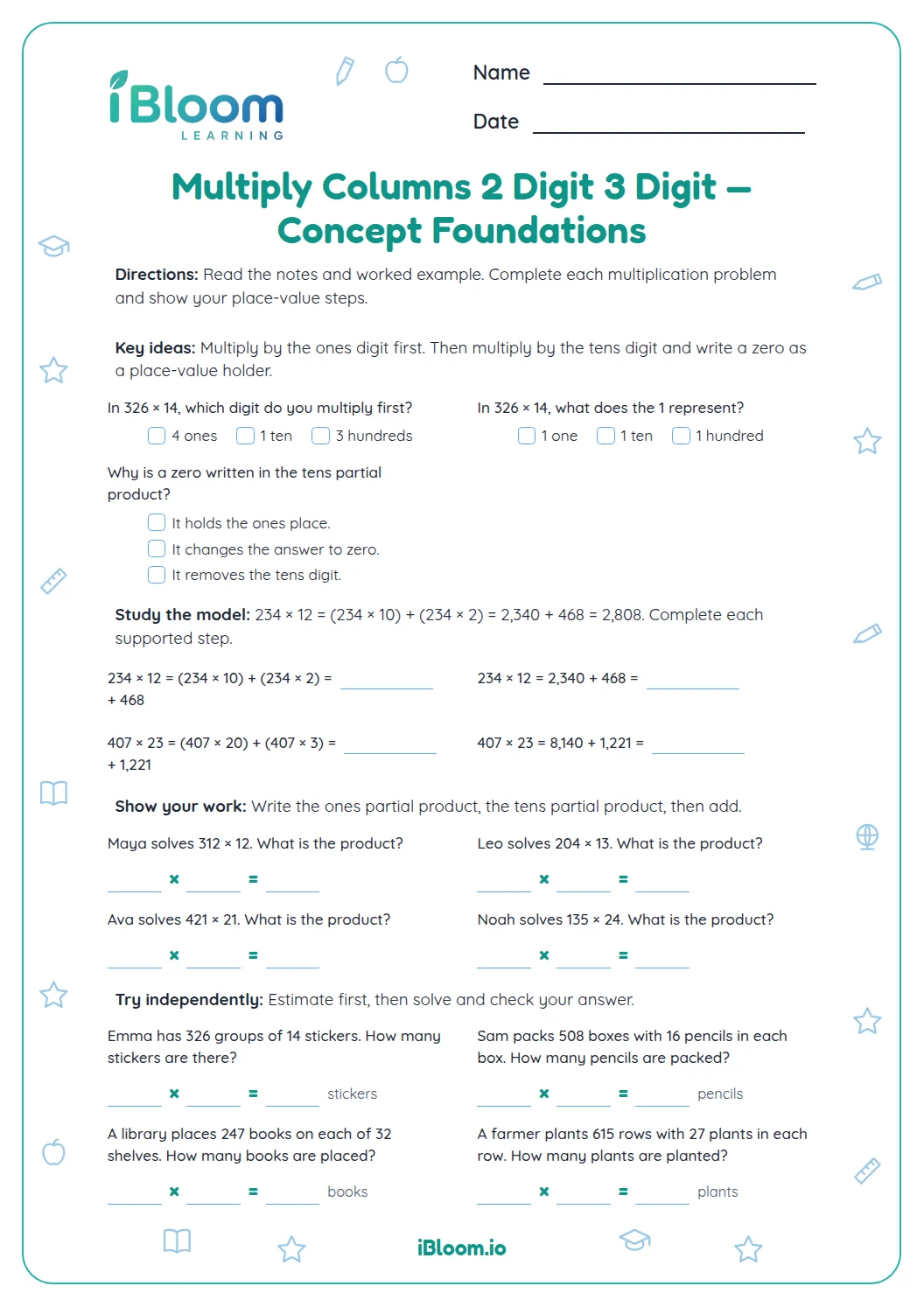
In 1,234 × 12, the digit 1 in 12 represents ten. Multiplying by ten gives 12,340, so the second row ends in zero. That zero preserves the place value when the partial products are added.
- 1Question 1: 1,234 × 12
- 2Ones: 1,234 × 2 = 2,468
- 3Tens: 1,234 × 10 = 12,340
- 4Add: 2,468 + 12,340 = 14,808
How can an estimate help check a product?
Round the factors to nearby values that are easy to multiply. For question 10, 6,789 × 86 is near 7,000 × 90, or 630,000. The exact product, 583,854, is in the same general range.
An estimate can reveal a missing place or an extra zero. To find a smaller error, check each single-digit multiplication and then add the two partial products again.
How to use this worksheet
- 1Copy the first pair into its grid with matching places aligned.
- 2Multiply by the ones digit, recording regrouped amounts carefully.
- 3Multiply by the tens value and place a zero in the ones column of that row.
- 4Add the partial products with all places aligned.
- 5Estimate the product, then use the key to check the exact answer.
Mistakes to discuss and fix
The mistake
Using 1,234 as the second partial product for 1,234 × 12.
The fix
The 1 represents ten; record 12,340 in the tens row.
The mistake
Skipping the zero inside 6,094 while multiplying.
The fix
Keep a place for every digit, including zero, and include any regrouped amount.
The mistake
Adding partial products with their leading digits aligned.
The fix
Align the rightmost ones digits, then add one column at a time.
Common Core alignment
Multiply multi-digit whole numbers with aligned partial products.
On this sheet: All ten problems use the standard algorithm for a four-digit factor multiplied by a two-digit factor.
Show the official wordingHide the official wording
Fluently multiply multi-digit whole numbers using the standard algorithm.
What to practice next
Make more practice
Further reading
Questions parents and teachers ask
Are the multiplication problems already stacked?
The factors are printed horizontally, and students stack them in the work grid below each problem. This makes setting up aligned columns part of the practice. Write the four-digit factor first and place the two-digit factor beneath it, matching the ones and tens columns before multiplying.
How much practice is on the sheet?
There are ten multiplication problems arranged in two parts: six in Part A and four in Part B. Each pairs a four-digit factor with a two-digit factor and provides a grid for working. The later part has six-digit products. The separate key supplies all ten final answers.
Why is a zero needed in the second row?
The second partial product uses the tens value of the multiplier. In 1,234 × 12, that value is ten, so the row is 12,340. Writing the final zero keeps the other digits in their correct places when students add this row to the ones partial product.
Does the answer key show every regrouping step?
The answer key lists the final products in the answer boxes. Use the worked example on this page to review the two partial products for question 1. If a result differs from the key, check the student’s ones row, tens row, and final addition separately to locate the error.
How should I help when an answer is far too small?
Start by checking the tens partial product. A missing placeholder zero can make a correct set of single-digit calculations produce a much smaller answer. Ask the student to estimate the factors, explain what the tens digit represents, and compare the size of each partial product before adding again.